Key takeaways
- Procedural animation creates movement from rules, calculations, physics, relationships, and changing inputs instead of requiring every action to be animated manually.
- The global 3D animation market grew from $28.76 billion in 2025 to an estimated $32.21 billion in 2026, alongside wider adoption of real time rendering, cloud workflows, and automated animation tools (BusinessResearch).
- Procedural motion is particularly useful for locomotion, mechanical systems, environmental reactions, secondary movement, crowds, simulations, and interactive experiences.
- Procedural systems usually complement keyframe animation rather than replace it, giving artists direct control over important performances while automating repetitive or responsive motion.
TL;DR
Procedural animation creates movement using rules and changing inputs rather than requiring an animator to define every motion individually. A character can adjust its feet to uneven terrain, hundreds of objects can react to the same controller, or a mechanical system can animate connected components automatically. These techniques are widely used across games, films, motion graphics, VFX, simulations, and interactive projects. Artists can build procedural systems with code, nodes, rigging, constraints, physics, simulations, and other tools, often combining them with traditional animation for greater control.
What is procedural animation?
Procedural animation is a method of creating or modifying movement through a system of rules. Instead of deciding exactly where an object should be at every important moment, the artist establishes relationships that tell the software how the object should behave.
If you are looking for the procedural animation meaning in simple terms, think of it as animation that can make some decisions for itself according to instructions created by the artist. Those instructions can range from a single mathematical rule to a complete character system. One object might move according to a wave function, a creature might position its legs according to the terrain, or hundreds of objects might react to the same controller while receiving slightly different values. This ability to generate controlled variation is one reason procedural workflows have become increasingly useful in modern 3D production. The global 3D animation market was valued at $28.76 billion in 2025 and is estimated at $32.21 billion in 2026, alongside wider use of real time, automated, and cloud based workflows (BusinessResearch).
How procedural animation creates motion
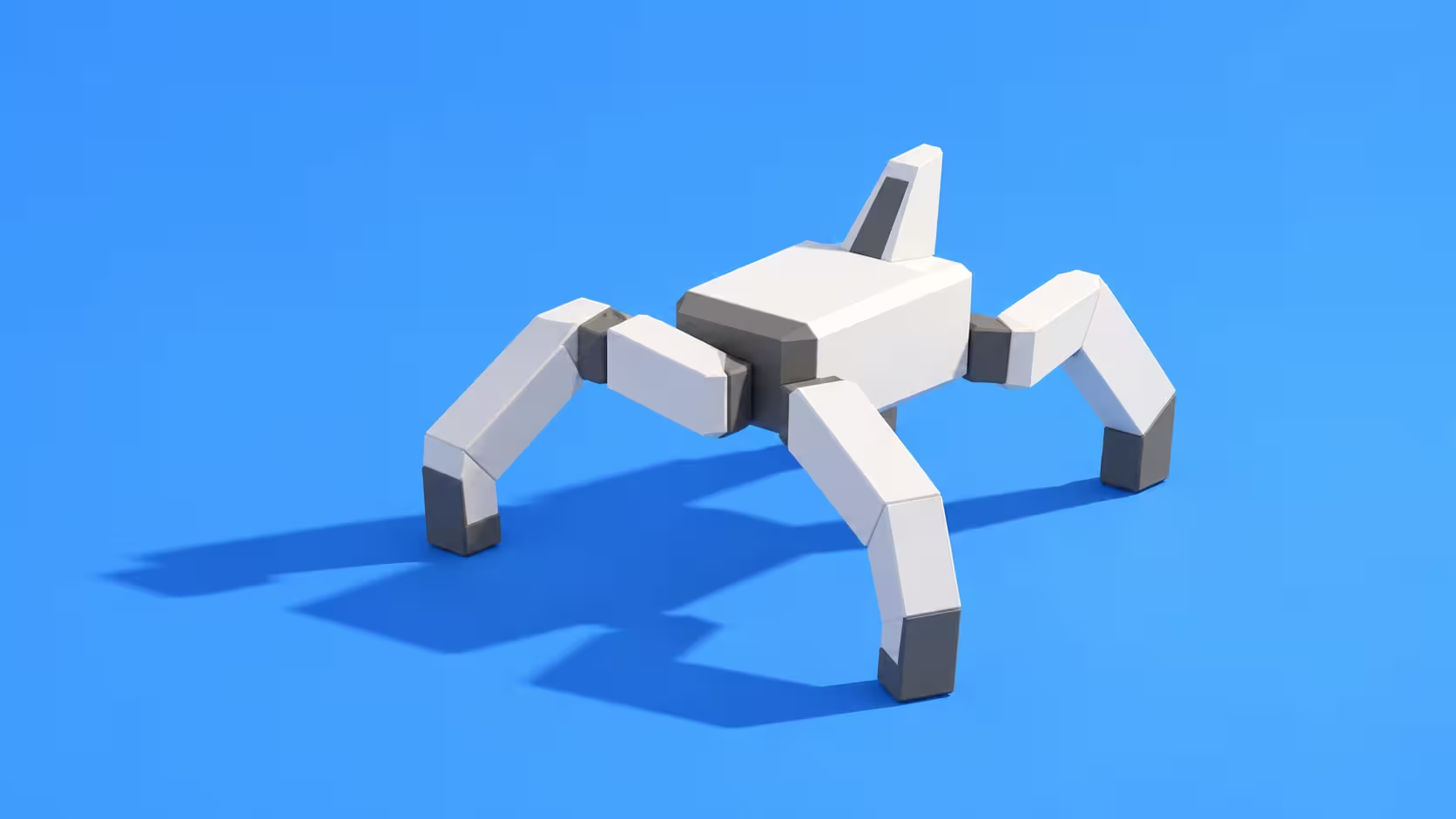
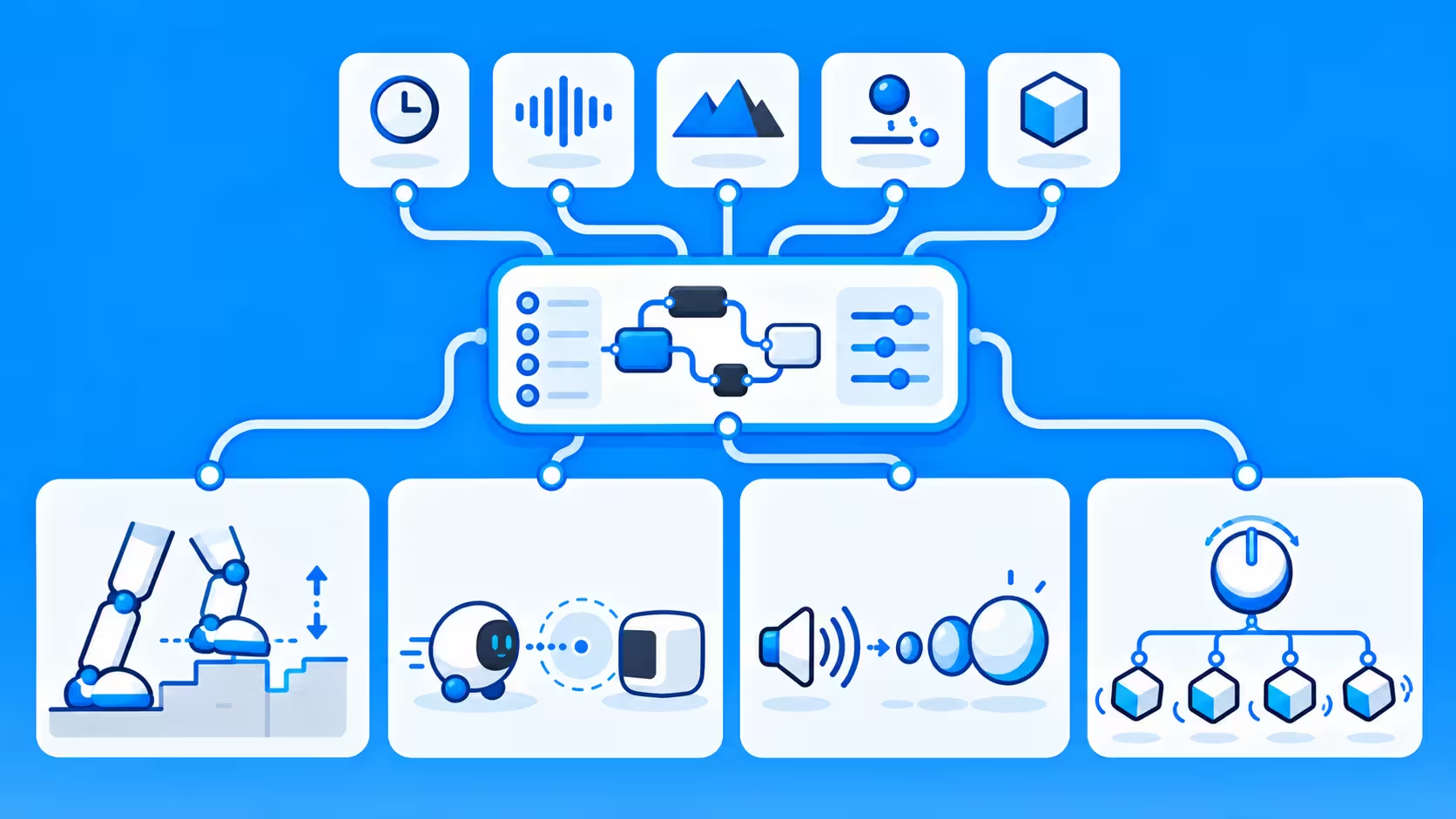
Most procedural systems can be understood as a combination of inputs and rules. The input could be terrain height, a controller target, sound, physics, another object's position, or a random value. The rules determine how the animation should respond when that input changes. A system can be extremely simple, such as using time to control rotation, or much more complex, such as using terrain information and inverse kinematics to adjust a character's entire stance.
A few common examples include:
- Terrain controls foot position. The feet move vertically according to the surface underneath them.
- Distance controls reaction. An object begins moving when another object gets close enough.
- Sound controls scale. An audio value determines how much a graphic expands and contracts.
- One object controls many objects. Changing one parameter affects an entire mechanical or motion graphics system.
This is often described as algorithmic animation because an algorithm determines at least part of the movement. That does not necessarily mean the animator has to spend the entire project writing code. Many procedural animation techniques can be created visually through nodes, constraints, modifiers, controllers, rigging tools, simulations, and other built in systems.
Procedural animation compared with keyframe animation
Traditional keyframe animation gives the animator precise control over selected moments, while procedural animation gives a system rules for generating or modifying those moments. Both approaches are useful, and many production workflows combine them.
A character animator might create the major performance by hand while a procedural character animation system adjusts the character based on other objects or environmental factors. The animator still determines the character's personality, pose, timing, and overall movement, while the procedural layer handles a repetitive technical problem. The same approach works for machinery, motion graphics, crowds, and environmental animation, where important actions can remain manually directed while secondary behavior is generated through rules.
Where procedural animation works particularly well
Procedural animation becomes increasingly useful when a scene contains many variations of the same problem. Instead of solving every variation independently, the artist can create a system that adapts.
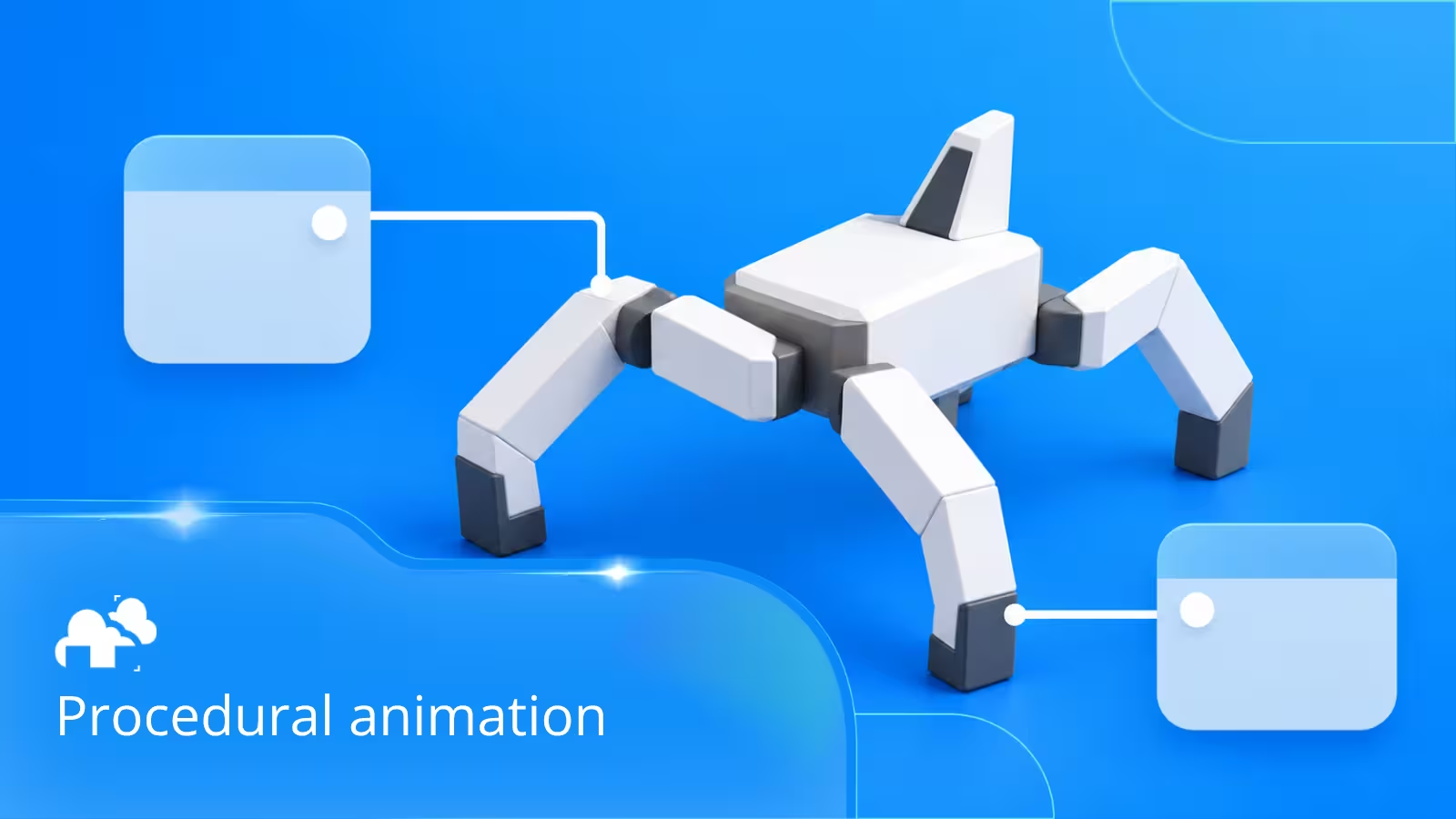
- Procedural locomotion. Characters can adjust their feet, hips, and body position according to stairs, slopes, rocks, speed, or obstacles. Techniques such as inverse kinematics help calculate joint positions so limbs can reach specific targets without manually adjusting every joint.
- Mechanical movement. Gears, pistons, wheels, hinges, conveyors, and robotic parts can be linked so moving one component drives others automatically.
- Secondary movement. Hair, tails, cables, accessories, clothing, and similar elements can react to the main animation without requiring every motion to be created by hand.
- Motion graphics. One control can influence the timing, scale, position, rotation, or appearance of large groups of objects.
- Crowds and repeated characters. Procedural rules can introduce differences in direction, speed, timing, and behavior across many characters.
- Environmental animation. Trees, signs, debris, cables, water, particles, and other elements can use noise, physics, or simulations to create continuous motion.
- Interactive animation. Games and real time experiences benefit from animation that can respond to player input and changing environments.
The more a project depends on changing conditions, repeated structures, or large numbers of moving elements, the more useful a reusable procedural system can become.
Procedural animation techniques artists can use
There is no single technique behind procedural animation. Different methods solve different problems, and several can be combined inside the same setup.
A procedural rig might use inverse kinematics for a leg, constraints for contact, mathematical functions for secondary motion, and custom controls for the animator. A relatively small number of connected rules can therefore generate movement that would otherwise require many individual adjustments.
From procedural rigging to node based animation
Procedural animation allows artists to create movement through connected rules, mathematical functions, and adjustable parameters rather than manually setting every keyframe. In node-based systems like Blender's Geometry Nodes, artists can connect time values, mathematical operations, and curves to control how objects move, rotate, or change shape. For example, a bouncing ball like in this video can be animated using a repeating time value and separate curves for its position and squash-and-stretch effect. Adjusting these curves changes the timing, speed, and character of the bounce without having to animate each movement individually.
One advantage of this approach is that the same animation system can be reused across multiple objects. A single node setup can control hundreds of objects while introducing variations in their timing, direction, or movement. Similar principles apply to procedural rigging, where constraints, drivers, and controllers define how different parts of a character or mechanical object interact.
What procedural animation looks like in real productions
Procedural animation can be found across different industries, including film, VFX, motion graphics, video games, and product visualization. Artists use procedural systems to create complex movements, generate simulations, and control large numbers of objects without manually animating every detail. These techniques can also be combined with traditional animation and other 3D tools as part of a larger 3D production pipeline, where modeling, animation, simulation, lighting, and rendering are connected stages of the same project.
One example comes from VFX artist Georgios Papaioannou, who uses Houdini for effects work, including fluid simulations. His projects demonstrate how procedural systems can handle technically demanding visual effects while remaining part of a larger production pipeline.
"I use Houdini. I really like its procedural architecture and flexibility." - Georgios Papaioannou
For a Lipton Ice Tea commercial, Georgios used Houdini to create fluid effects before transferring assets to Maya for lighting and rendering. This workflow shows how procedural simulation can work alongside traditional 3D production tools, allowing artists to generate complex effects through procedural systems while using other applications to refine the final visual output.
A simple procedural animation tutorial
The easiest way to understand procedural animation is to build a very small system rather than beginning with a complete character rig. Start with one object and choose a property to automate. Instead of manually creating repeated keyframes, make that position depend on a target. The basic structure should be simple: an input enters the system, a rule processes that input, and the result controls an animated property. The same logic can eventually scale into more complex rigs.
Limitations of procedural animation
Procedural animation can save time, especially when dealing with repeated movements or complex systems, but it is not always the most efficient approach. Building a procedural setup requires planning, and the time spent creating rules, controllers, and dependencies may outweigh the benefits for simple animations.
One challenge is the initial setup. A basic movement might only need a few keyframes, while a procedural version could require constraints, drivers, nodes, or scripting. As the system becomes more complicated, troubleshooting unexpected behavior can also become difficult, particularly when several rules affect the same object.
Artistic control is another consideration. Procedural systems are good at generating consistent or responsive movement, but they may not produce the precise timing, poses, or expressions needed for character performances. Animators often combine procedural tools with keyframes to retain control over important actions.
Performance can also become an issue. Complex simulations, large procedural rigs, and systems controlling thousands of objects can increase computational requirements. Some setups may need optimization or caching to maintain smooth playback and produce consistent results.
The best approach depends on the project. Procedural animation is most useful when the system can be reused, needs to respond to changing conditions, or would otherwise require substantial repetitive work. For simpler, one-off movements, traditional keyframe animation may be faster and easier to manage.
Procedural animation and rendering
Procedural animation can make creating complex movement more manageable, but automating motion does not necessarily make the final scene easier to render. Once the animation is ready, the software still needs to evaluate the scene and calculate the geometry, materials, lighting, and effects for each frame.
Some procedural systems are relatively lightweight, such as a rotating object controlled by a mathematical function. Others can be more demanding, particularly when they involve thousands of animated objects, complex deformations, particles, cloth, fluids, or other simulations. These systems can increase scene evaluation time, memory usage, and overall rendering requirements.
In Blender, for example, a Geometry Nodes setup can generate and animate large numbers of objects through a single node network. Although this can simplify the animation process, the resulting geometry still needs to be processed for rendering. Managing instance counts, geometry complexity, and unnecessary calculations can help keep these scenes efficient.
Simulation-based animation requires additional preparation. Fluid, cloth, and particle simulations often depend on calculations from previous frames, making caching or baking important before final rendering. Saving the simulation results allows the renderer to use consistent data rather than recalculating the simulation for individual frames. Our guide on how to prepare simulations for a render farm explains the steps involved.
For larger projects, rendering hundreds or thousands of frames can also become time-consuming, even when the animation itself was created efficiently. A render farm can distribute suitable rendering tasks across multiple machines, reducing the time needed to produce the final sequence. However, procedural setups, external dependencies, and simulation caches need to be prepared correctly to ensure consistent results across render nodes.
The important distinction is that procedural animation improves how movement is created and controlled, while rendering determines how that movement is converted into final images. Understanding both processes helps artists build animation systems that are not only flexible but also practical for production. For a closer look at the rendering stage, see our guide on how to render animation in Blender.
Commonly asked questions about procedural animation
- What is procedural animation in simple terms? Procedural animation is movement created or modified by rules instead of being completely animated by hand. The artist defines how something should respond, and the software calculates the resulting motion.
- What is the difference between procedural animation and keyframe animation? Keyframe animation involves manually defining important poses or values at specific points in time. Procedural animation calculates movement from rules, inputs, or relationships. Many projects combine both approaches.
- What is procedural motion? Procedural motion is movement generated or adjusted according to changing information. A character's foot responding to terrain, a cable reacting to physics, or an object moving according to a mathematical function are all examples.
- What is algorithmic animation? Algorithmic animation uses mathematical or logical instructions to determine movement. The term overlaps heavily with procedural animation and is often used when motion is generated through formulas, scripts, or computational rules.
- What is procedural locomotion? Procedural locomotion is a system that adjusts how a character walks, runs, climbs, or moves according to its environment. It can help characters adapt to uneven ground, stairs, changing speeds, and obstacles.
- Is procedural animation only used in games? No. Games use it extensively because movement needs to react in real time, but procedural animation is also used in VFX, film, motion graphics, simulations, architectural visualization, advertising, and technical animation.
- Does procedural animation require coding? Not always. Code can be useful for complex systems, but many procedural workflows can be created through visual nodes, drivers, constraints, rigging tools, physics systems, and simulations.
- What software is best for procedural animation? The best option depends on the project. Blender is versatile for general 3D work, Houdini is particularly strong for complex procedural systems and simulations, Unity and Unreal Engine work well for interactive animation, Maya is widely used for character production, and Cinema 4D is popular for procedural motion graphics.
- Is Unity procedural animation different from Unreal Engine procedural animation? Both engines can combine authored animation with real time procedural adjustments. Unity commonly uses scripting, animation systems, inverse kinematics, and physics, while Unreal Engine offers tools such as Control Rig and Animation Blueprints.
- Can procedural animation replace animators? Procedural animation can reduce repetitive manual work, but artists still define the rules, design the motion, adjust the results, and decide how the animation should feel. In many workflows, procedural systems handle technical or repeated movement while animators focus on performance and creative direction.
Why procedural animation matters as projects become larger
As animation projects grow, managing more objects, characters, effects, and revisions becomes harder. Procedural animation helps by turning repeated tasks into reusable systems, such as adjusting many objects from one controller or automatically adapting a character's movement to different terrain.
This makes 3D procedural animation useful for projects that change often or reuse the same logic across many scenes. Artists can adjust parameters instead of rebuilding motion from scratch, making iteration faster while still keeping creative control.
Register Now and Get $50 FREE Credits!