


Best Rhino render farm for V-Ray
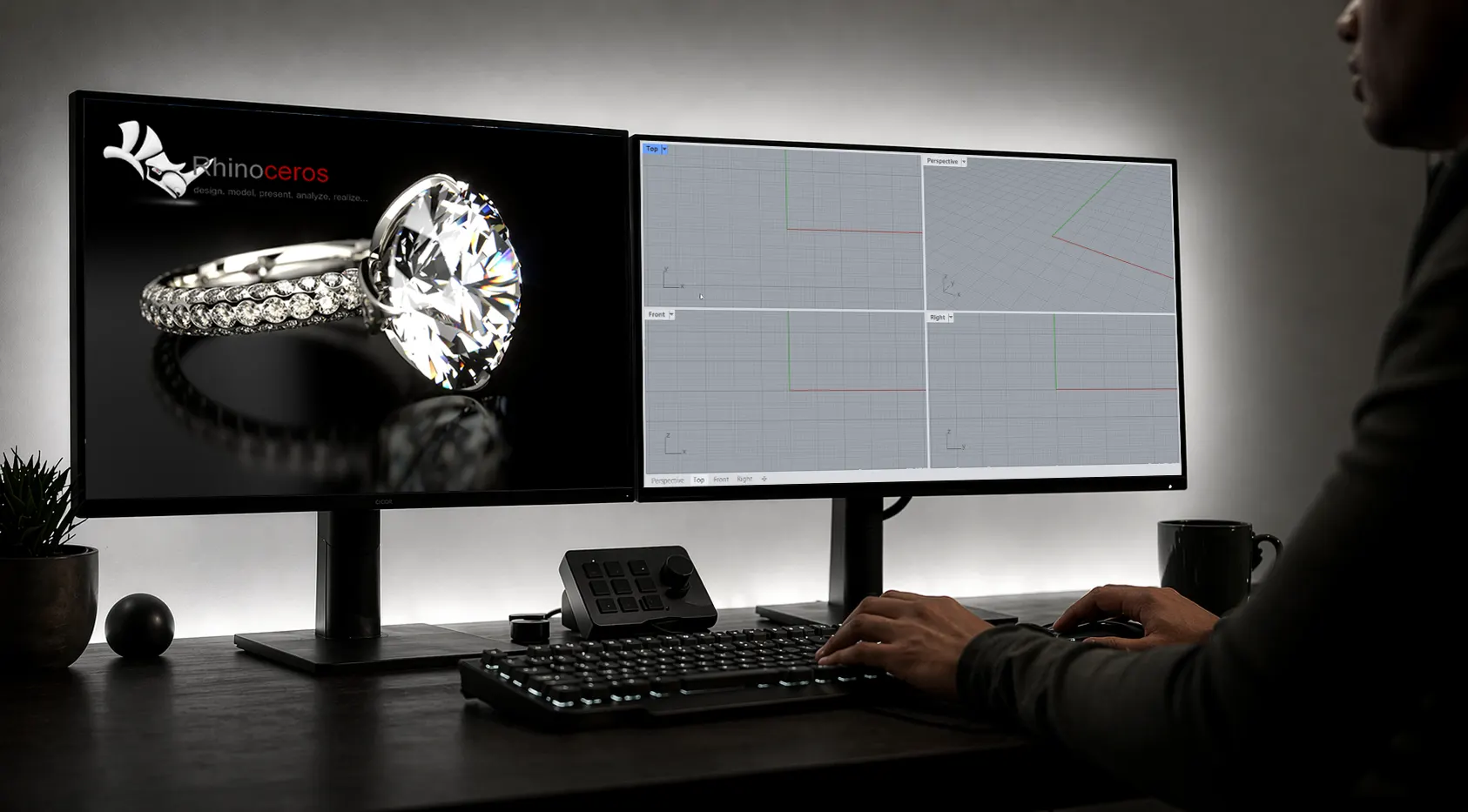

















Why choose our render farm for Rhino

Accelerate renders

Cut costs

24/7 support

Project support
Distribute your project and compare the best render farm software
Supported Rhino versions & 3D software

Rhino
render engines
supported OS
 Windows
 Mac
Mac
Boost your render times with CPU & GPU nodes
When you want to try our Rhino rendering services, you have the flexibility to choose the hardware that best fits your animation or still image requirements. We offer two distinct paths to accelerate your workflow.
Cloud server rental (Xesktop)


Tutorials and guides for Rhino artists

.avif)
.avif)
Render farm FAQ
When looking for the best farm for Rhino, many users want to compare GarageFarm with options like RebusFarm. Here are answers to the most common questions regarding our process, support, and infrastructure.
Simply register a new account on GarageFarm.NET and verify your email. The $25 credit is added automatically with no credit card required, allowing you to test our render farm software and see the results for yourself.
Yes, we fully support V-Ray for Rhino. While V-Ray is the most popular, we also support other engines like Redshift and Corona across various 3D software platforms.
Our renderBeamer application installs directly into your 3D software interface. With one click, it gathers all textures, assets, and settings, then safely uploads your project to our secure data center for rendering.
Many artists who compare our service to RebusFarm favor our highly responsive, 24/7 human support team, our easy to use interface, and our highly competitive pricing for both CPU and GPU render jobs.
Unfortunately, only still images are supported due to Rhino’s limited support for animations natively. Although there is an external plugin which extends the support for animations called Bongo, it does not work well with V-Ray Standalone exports.
Our farm utilizes top-tier hardware, including dense Intel Xeon/AMD Epic setups for CPU tasks, alongside powerful NVIDIA GPUs with massive amounts of VRAM to handle the most memory-intensive graphic scenes.
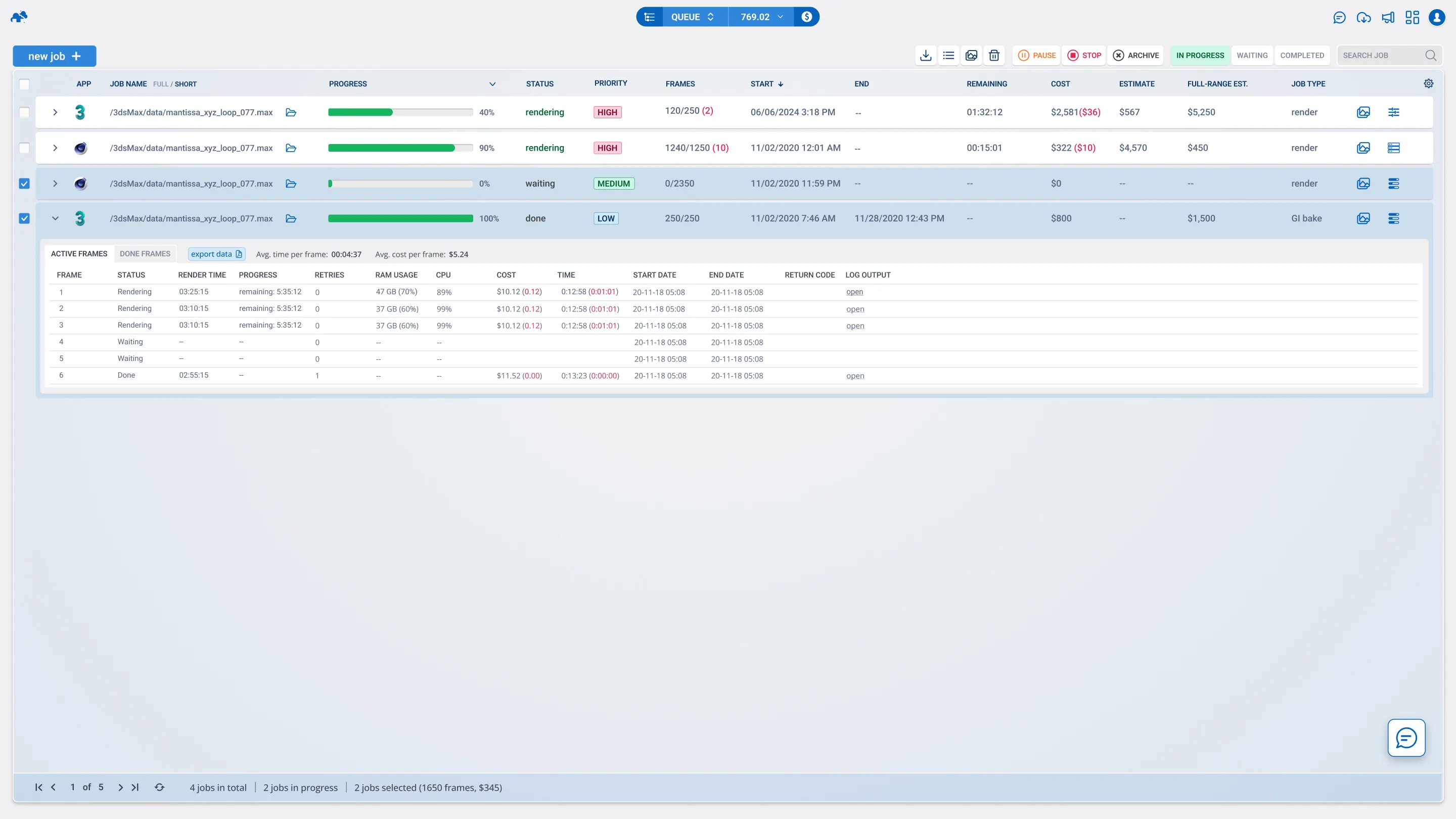
Yes, our web dashboard gives you real-time visibility and full control. You can pause, resume, or prioritize your jobs, monitor the progress of each frame, and download the finished image files instantly.
If a job fails due to an error on our servers or software, our support team will investigate immediately, refund the cost of the failed frames, and help you configure the setup to render successfully. To avoid this, it is important to do test jobs, which we already set by default.
Yes, through our Xesktop service, you can rent a dedicated remote machine. This gives you desktop access to powerful GPUs where you can install any custom plugin or software you need.
Join thousands of 3D artists already rendering in the cloud.



Need help with your Rhino render farm projects?

E-mail us

Call us

Chat with us
Reliable and secure


2M+ projects rendered successfully

Holding ISO 27001 certification

Additional security through NDA
Calculate your render times
How long will my project render on the farm?
How much will I pay to render my project?
What priority should I choose?