LightWave 3D
Supported

LightWave 3D render farm for fast 3D rendering
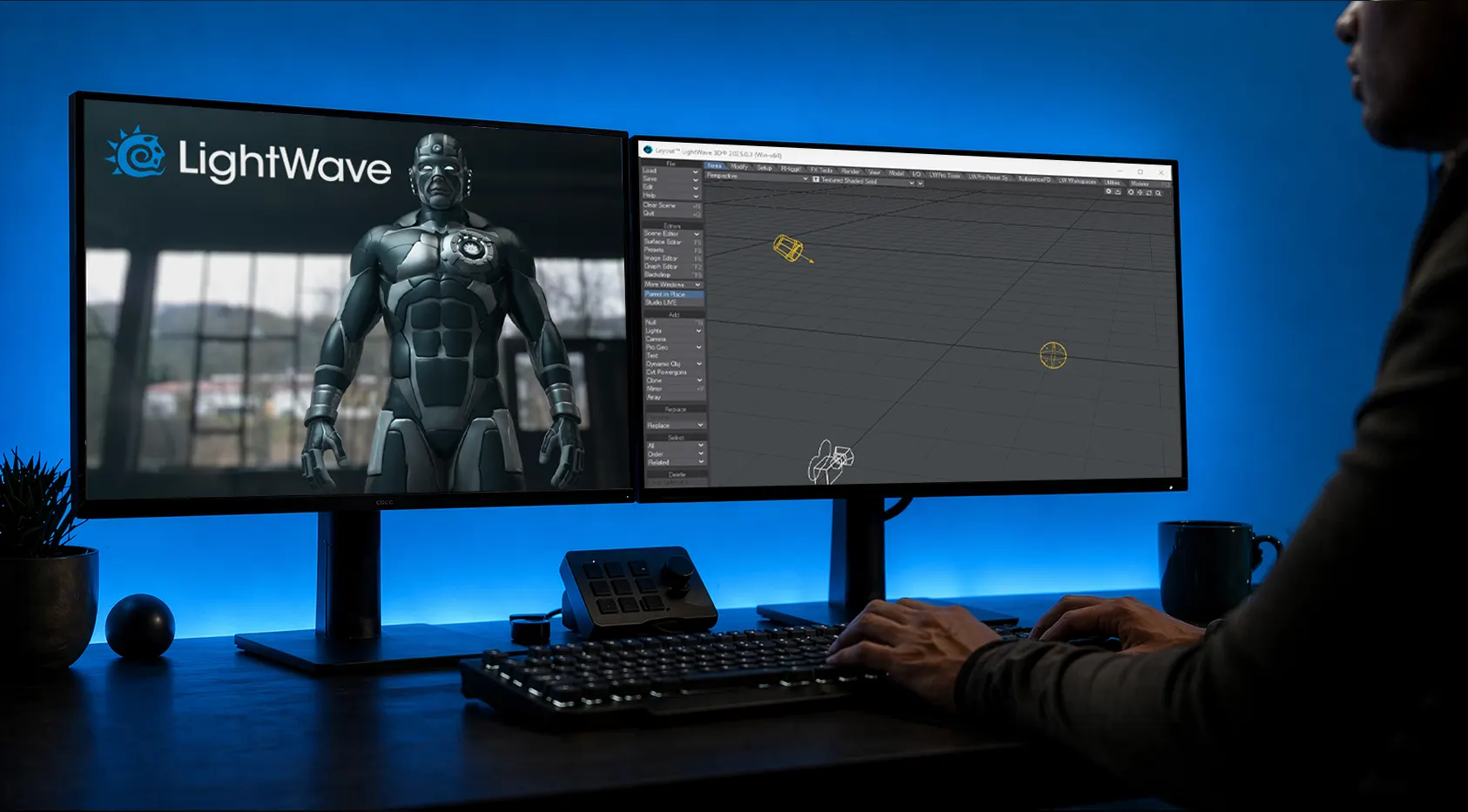
Accelerate your Lightwave 3D projects with our high-performance cloud rendering service. Experience automated integration and distribute your scene across thousands of render nodes effortlessly.
White grid pattern forming a stepped circular shape on transparent background.White grid lines forming a stepped circular shape on a transparent background.White grid pattern with evenly spaced horizontal and vertical lines forming squares over a transparent background, arranged in a curved lower edge.
Fully automated CPU & GPU

Why choose our render farm for LightWave 3D

Whether you need to render a complex animation sequence or a high-res still image, GarageFarm.NET provides the rendering services you need. Our automated integration process ensures an easy to use experience for every customer, backed by a 4.9 rating on Facebook Business Reviews.

Accelerate renders

Distribute your Lightwave scene across thousands of CPU nodes to drastically reduce rendering time.

Cut costs

Access high-end rendering power without investing in an expensive machine.

24/7 support

Our tech support team of experienced 3D artists is available around the clock to assist you.
Blue icon depicting a grid of four small squares arranged in a 2x2 layout.

Project support

We fully support radiosity caching, scene versioning, and complex output file setups for your VFX and CG projects.
Custom integration for LightWave 3D

Streamline your LightWave 3D rendering workflow
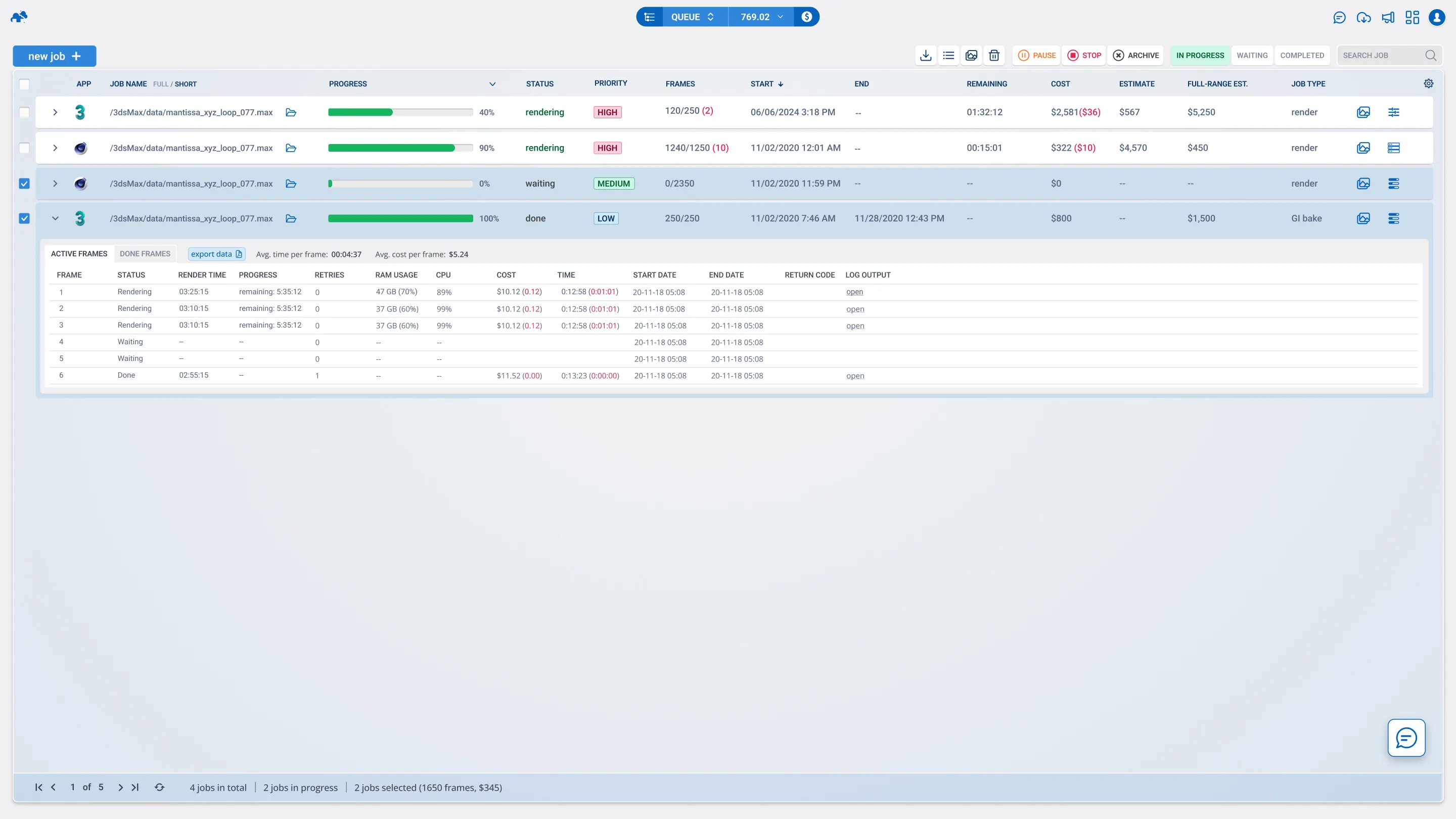
Rendering high-quality animation or VFX in Lightwave 3D often requires massive computational power that a single studio machine cannot provide. Calculating complex radiosity, rendering multiple buffers, and managing huge file outputs can easily bottleneck a project pipeline. GarageFarm solves this by offering a renderBeamer application that integrates automatically with your LightWave Digital software interface. It packs your project, uploads the sequence, and prepares the scene on our render farm, allowing you to focus on 3D modeling and creativity instead of technical configuration.

Supported LightWave 3D versions & 3D software

Our render farm software receives frequent update rollouts to guarantee full compatibility with your Lightwave 3D projects. We ensure that our infrastructure meets the demands of modern rendering services.

Lightwave

R18 - R26 S22 - S26 2023 - 2025+

render engines

Redshift
2+, 3+, 3.5+, 3.6+, 2025+
V-Ray
3.4 - 7+
Corona
0.6 - 12+
ProRender
upon request
Arnold
Cycles 4D
early support
Native Renderer

supported OS

Windows Windows
Mac Mac
results faster

Boost your render times with CPU & GPU nodes

When rendering in LightWave 3D, choosing the right hardware is essential to get your frame output quickly. We offer two powerful solutions to match your specific rendering time requirements and workflow preferences.

Cloud render farm

Choose between CPU & GPU render nodes
Fully streamlined and easy production pipeline integration
High-speed file transfer
Cost-effective: check our prices here

Cloud server rental (Xesktop)

Rent powerful NVIDIA rendering machines
Get flexibility and full control of the server
Servers with dedicated GPUs
Low cost, best GPU hourly price on market
Pricing table comparing Basic, Pro, and Enterprise plans with features and monthly prices starting at $19, $49, and custom pricing respectively.Pricing plans comparison with three options: Basic plan at $9/month, Pro plan at $29/month, and Enterprise plan at $99/month, each with different features listed.
Rendering LightWave 3D, VFX, and 3D animation projects at high speeds requires optimized GPU and CPU power. Our LightWave 3D cloud render farm delivers unmatched performance, eliminating bottlenecks and streamlining complex rendering workflows for architectural visualizations, photorealistic renders, and motion graphics.
Tutorials

Tutorials and guides for LightWave 3D artists

FAQ

Render farm FAQ

If you are new to cloud rendering, you might have questions about how our Lightwave 3D render farm operates. Here are the answers to the most common questions from our user community.

How do I claim my free trial?

Simply register a new user account on GarageFarm.NET and verify your email. We will automatically add $25 in free trial credits to your account with no credit card required so you can test our rendering services immediately.

Does the renderBeamer app install automatically?

Yes, our renderBeamer software includes an installer that adds the plugin directly to your Lightwave 3D interface. If you encounter any issues, our user guide explains how to install it manually.

Do you support Kray and native Lightwave engines?

Absolutely. Our render nodes are fully equipped to handle both the native Lightwave 3D render engine and Kray, including all custom buffers and various GI setups.

How are my Lightwave scene assets uploaded?

Our plugin automatically collects all assets, textures, and scene dependencies, ensuring a seamless upload process without missing files. Scene versioning is also handled automatically.

Can I use GPU rendering for my projects?

While Lightwave primarily utilizes CPU rendering for its native engine, GarageFarm offers extensive GPU support for other software like Blender and specific third-party engines.

What if my animation sequence requires a custom plugin?

If you need a specific feature that is not currently listed, please reach out to our tech support team. We can often configure our render nodes to support your custom application requirements.

How much does it cost to render a project?

Our pricing is highly competitive, you may check out the details here. The total cost depends on your scene complexity and the rendering time required per frame.

Is your tech support team available on weekends?

Yes, our customer support team operates 24/7, every day of the year. They are real 3D artists ready to help you distribute your render jobs or troubleshoot any issues.

Do you offer dedicated rendering servers?

Yes, through our Xesktop service, you can rent a powerful server machine with dedicated GPUs.

Get $25 starter credit
No credit card required

Join thousands of 3D artists already rendering in the cloud.

White grid pattern arranged in a semi-circular shape on a black background.
Blue frog perched on a log surrounded by green plants and sunlight.
Futuristic Pet Habitat
by David Aguero
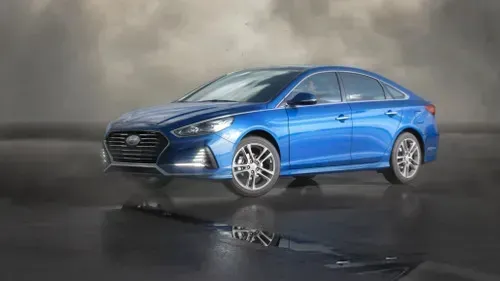
Blue Hyundai Sonata sedan parked on wet reflective surface under cloudy sky.
Hyundai Sonata
by Digital Tricker
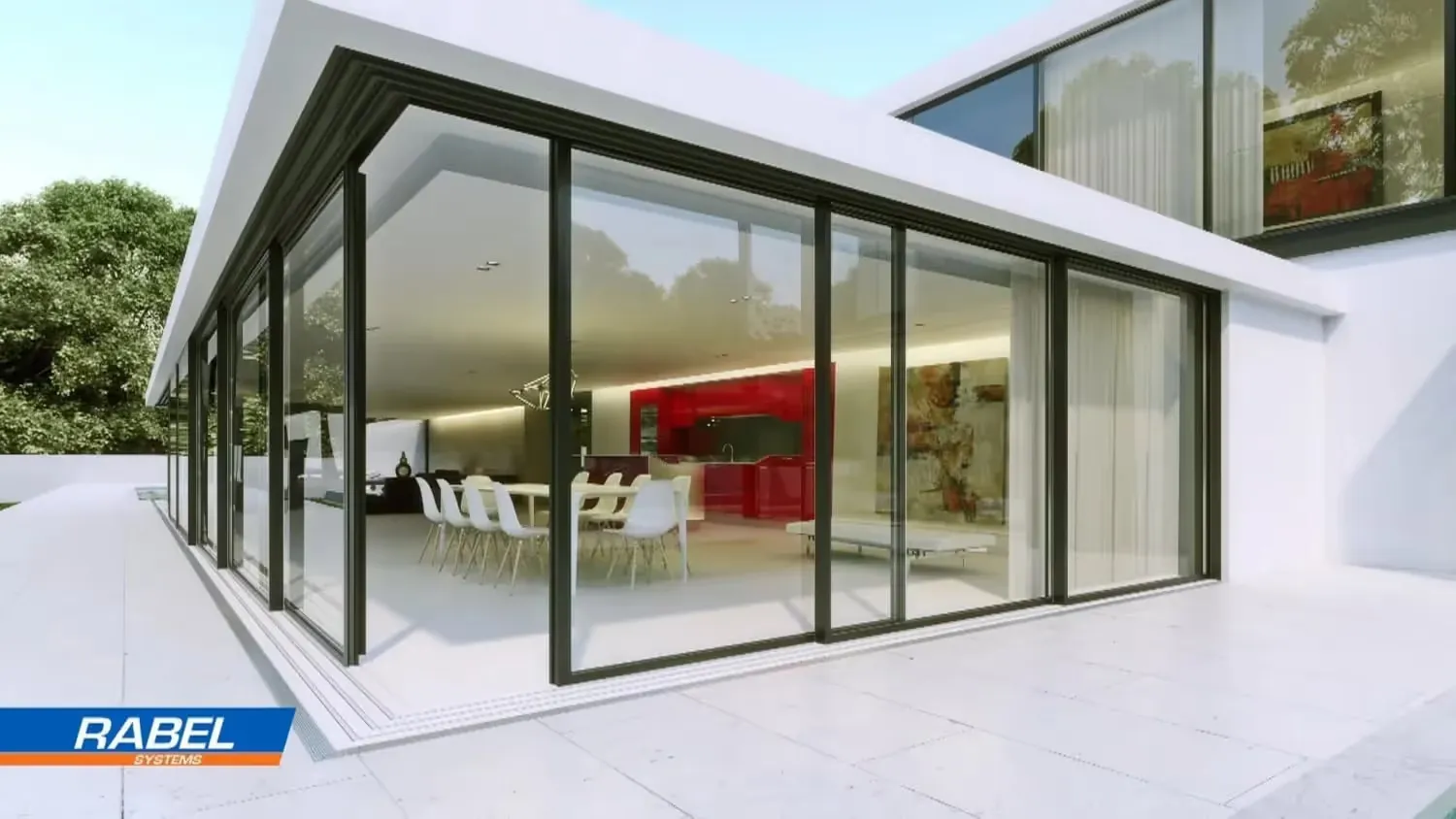
Modern house with floor-to-ceiling glass walls, showing a white dining table with chairs and a red kitchen inside.
Luxury Home
by TECHART
Animated pirate chef with a skull-and-crossbones hat pouring a dark liquid from a bottle labeled 'CAGO' into a pot inside a wooden cabin.
Cooking with Fire
by Joel Best
24/7 render farm technical support

Need help with your Lightwave 3D projects?

Security & Certifications

Reliable and secure

You can be confident that projects rendered at GarageFarm are secure
ISO 27001 CERTIFIED Render Farm

2M+ projects rendered successfully

We  processed over 2 million projects worldwide, delivering consistent quality and speed for every user.

Holding ISO 27001 certification

We comply with the highest security standards, ensuring your data is handled safely and reliably.

Additional security through NDA

Projects are protected with NDAs, giving you complete confidentiality and peace of mind.
Calculator

Calculate your render times

Want to render your next project but unsure of the budget? Run a quick estimate to see how much time and money you can save with our render farm for blender.

How long will my project render on the farm?

How much will I pay to render my project?

What priority should I choose?