

Key takeaways
- A 3D production pipeline connects people, assets, software, approvals, and rendering into a repeatable production process.
- Good 3D pipeline design is less about following one fixed sequence and more about making handoffs, dependencies, versions, and approvals predictable.
- A reliable 3D asset pipeline helps prevent broken links, outdated files, missing caches, and unnecessary rework as projects move between artists and software.
- Different projects need different pipelines. Animation, product visualization, architectural visualization, VFX, and high-volume commercial work may share tools, but their production paths are not identical.
- Testing scenes and dependencies before final rendering can prevent expensive problems from appearing at the end of production.
- Rendering works best as part of the production pipeline rather than as something considered only when a project is nearly finished.
TL;DR
A 3D production pipeline is the system that moves a project from brief to final delivery. It defines not only what gets created, but also how models, textures, simulations, scene files, approvals, revisions, and renders move between people and production stages.
For a solo artist, this may be a straightforward personal process. In a studio, the same idea becomes much more important because dozens of assets and dependencies may need to stay synchronized while several people work at the same time.
Good pipeline design reduces uncertainty. Artists know which assets are approved, which versions should be used, what depends on what, and when a scene is actually ready for the next stage.
What a 3D production pipeline means
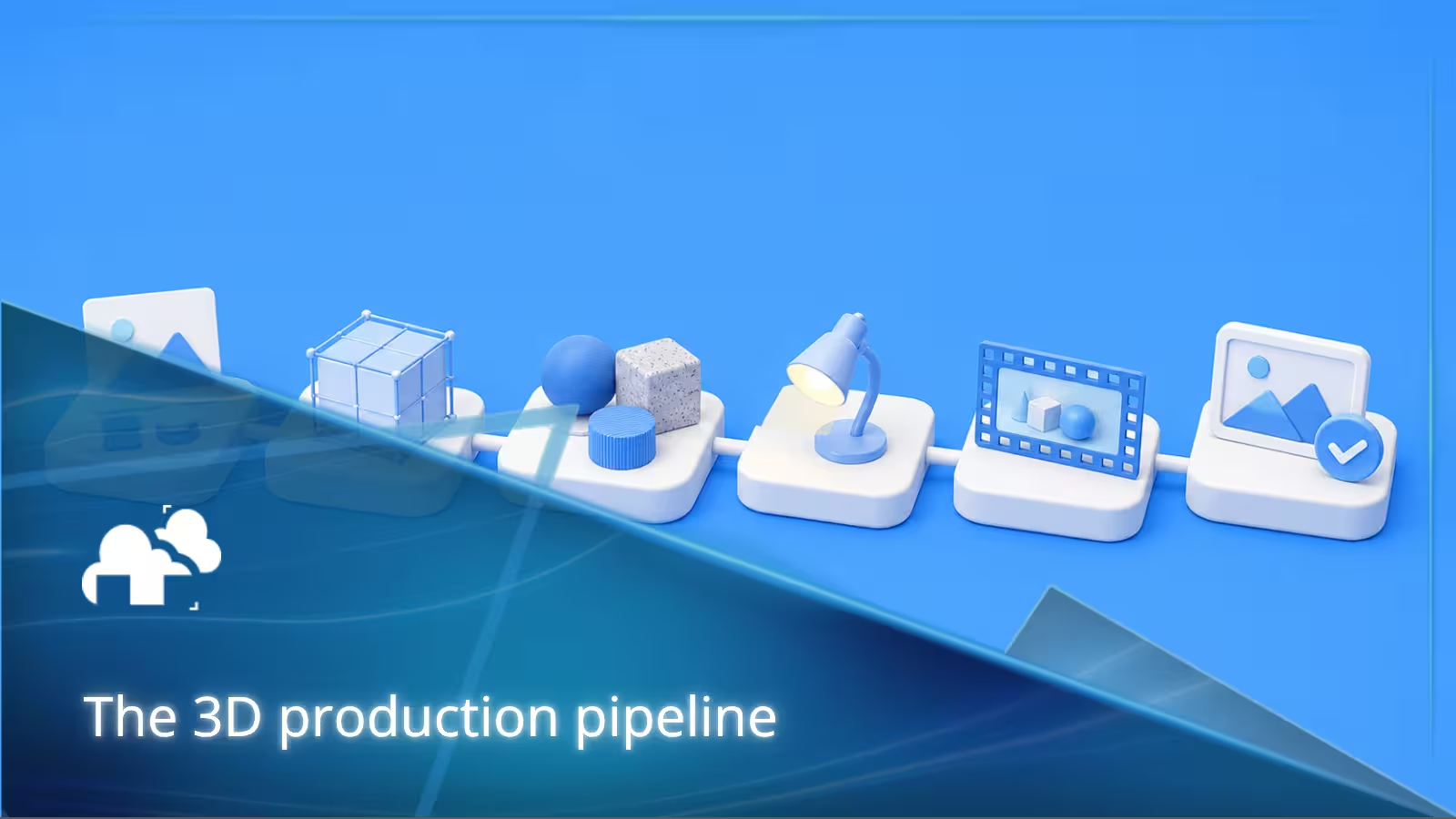
A 3D production pipeline is the sequence of tasks, tools, handoffs, reviews, and technical rules used to turn a brief or idea into finished 3D content.
The exact 3D production process changes according to the work being made.
A character animation might move through concept development, modeling, rigging, animation, simulation, lighting, rendering, and compositing.
A product visualization project might instead move through CAD or model intake, asset cleanup, material setup, master scene creation, product variations, batch rendering, quality control, and delivery.
An architectural visualization workflow might begin with CAD or BIM data before moving into scene preparation, materials, landscaping, lighting, cameras, client reviews, rendering, and post-production.
The stages matter, but a pipeline is more than a list of stages. What really makes it a pipeline is the way those stages connect.
3D production pipeline vs. 3D animation workflow
A 3D production pipeline covers the broader system used to manage a project. It includes assets, software, dependencies, handoffs, approvals, rendering, revisions, file management, and delivery.
A 3D animation workflow is more specific. It focuses on how animated content moves from an idea through animation production and final output.
For projects focused specifically on animation, see our 3D animation workflow guide.
The distinction matters because not every 3D project contains character animation, storyboards, rigs, or simulations.
A furniture visualization studio processing thousands of product variants still has a sophisticated 3D pipeline even if nothing in the scene is animated.
Why the pipeline matters
Problems in 3D production often spread.
A texture path changed during asset preparation can break a lighting scene. An updated model can invalidate a simulation cache. A late client revision can affect cameras, lighting, renders, and compositing. An artist using an outdated version of an asset can create work that needs to be done again.
Good 3D pipeline design makes these dependencies visible and gives teams rules for dealing with them.
A useful pipeline should answer questions such as:
- Which version of an asset is approved?
- Where should textures and caches be stored?
- Who can update the master scene?
- What happens when an upstream asset changes?
- Which tasks can happen in parallel?
- What needs approval before the next department begins?
- How is a scene checked before rendering?
- Where are final outputs stored?
- How are revisions traced back to the correct source files?
When these answers are clear, the pipeline becomes part of production rather than additional administration around it.
Pre-production
Pre-production is where the project takes shape before the main 3D work begins. It defines the creative direction, technical requirements, schedule, dependencies, and overall production plan.
For larger projects, this is also where the team decides how the CG production pipeline will work.
Creative direction
Pinterest and PureRef Mood Board Hack - by chippwalters
Creative direction may begin with a brief, references, mood boards, concept art, product specifications, character designs, architectural drawings, style frames, or an existing visual identity.
These references establish what the team is trying to make before expensive downstream work begins.
The exact input depends on the project. Animation may begin with a script and storyboard, while product visualization may begin with CAD data, SKU lists, material references, photography, and delivery specifications.
Storyboards and animatics
Inside Out Side by Side | "Abstract Thought" Scene | Storyboards vs. Film - by Pixar
For animation, VFX, cinematics, or projects built around camera movement, storyboards establish shot order, composition, and major action.
Animatics add timing and give teams a relatively inexpensive way to test an edit before polished 3D production begins.
These steps are less relevant to still-image pipelines, which is a useful reminder that there is no single 3D production process that fits every type of project.
Technical planning
Technical planning is one of the most important parts of 3D pipeline design.
Before production becomes complicated, teams should agree on practical questions such as:
- DCC applications and versions
- renderer and renderer version
- plugins
- resolution and frame rate
- color management
- asset locations
- directory structure
- file naming
- version naming
- cache locations
- review process
- delivery formats
- storage requirements
- render strategy
Interoperability should also be considered early when work will move between several applications.
Formats such as USD, Alembic, FBX, and EXR solve different problems. They should be selected because they support the production requirements, not simply because they are common formats.
For example, an Alembic pipeline can be useful when baked geometry or animation needs to move between applications without carrying the complete rig or procedural setup with it. That can simplify handoffs, but teams still need conventions for cache versions, frame ranges, naming, and replacement.
Production
Production is where the main 3D work takes place.
Depending on the project, this can include modeling, texturing, rigging, layout, animation, simulation, lighting, and rendering.
These stages are familiar. The more difficult problem is usually coordinating them.
A good pipeline lets work happen in parallel without making every artist wait for everything upstream to become final.
Modeling
Blender - ESPINAS Speed Sculpt (MH Sunbreak) - by David P - Digital Art
Modeling creates the geometry used by the project, including characters, products, vehicles, furniture, buildings, interiors, props, or environments.
From a pipeline perspective, the question is not only whether the model looks good.
It also needs to be usable downstream.
That may mean maintaining practical topology, sensible object names, correct scale, clean transforms, appropriate detail, predictable material assignments, and geometry that will not become unnecessarily expensive during rendering.
UVs and texturing
Texturing Game Changer for 3D Artists! - by N-hance School
UV preparation and texturing add surface information to an asset.
In a small personal project, keeping track of a few image files may be easy. At studio scale, textures quickly become a CGI asset management problem.
Files need predictable names and locations. Artists need to know which maps belong to which version of an asset. Scene paths need to remain valid when the project moves to another workstation or rendering environment.
One missing texture may affect a single object. Poor asset management can affect hundreds of scenes that depend on the same object.
Rigging
Create a Character Rig in Blender in 1 Minute! - by BlenderVitals
Rigging gives characters, vehicles, machines, products, or other objects controls for movement.
Rigging also demonstrates why dependency management matters.
If a model changes after rigging has begun, the update may affect skinning, controls, deformation, animation, caches, and anything else downstream.
Good pipelines therefore establish what changes are allowed after an asset reaches particular production states.
"Approved" does not always mean an asset can never change, but changes should be deliberate and traceable.
Layout
Layout combines assets, cameras, and the basic structure of a scene.
It is also where many asset dependencies become visible for the first time.
A clean layout scene should reference or import the right asset versions without becoming an uncontrolled collection of duplicate geometry, temporary files, and local overrides.
Animation
How to Animate 3D Characters in 1 Minute - by CG Geek
Animation adds movement and performance to characters, cameras, products, props, vehicles, and other elements.
For a detailed walkthrough of animation-specific stages, see 3D animation workflow.
From a broader production-pipeline perspective, the important question is what animation depends on and what depends on animation.
Approved rigs feed animation. Approved animation may then feed simulations, lighting, rendering, and compositing.
That dependency chain is what makes late upstream changes expensive.
Simulation and effects
Cinematic Building Collapse in Blender 4.3 | Stunning 3D Simulation - CroVFX
Simulations can produce large caches for cloth, hair, particles, fire, smoke, fluids, destruction, and other effects.
Once simulations enter a production, cache management becomes part of the 3D asset pipeline.
Teams need to know which cache belongs to which scene version, which frame range it covers, whether it has been approved, and whether another artist can reproduce or replace it.
A locally working simulation is not very useful if nobody else in the pipeline can reliably access it.
Lighting and look development
Lighting and look development bring models, materials, cameras, and the creative direction together.
This is also an important checkpoint because visual problems that were difficult to spot earlier become obvious once the scene is evaluated as an image.
Testing the look
Test renders can reveal problems with scale, materials, reflections, displacement, lighting, noise, textures, framing, and render cost.
They can also expose pipeline issues.
A missing asset, unsupported plugin, broken texture path, outdated cache, or incorrectly linked scene may appear only when the scene leaves the artist's workstation.
For that reason, look development should not happen completely independently from render testing.
Rendering
Rendering converts the prepared scene into final frames or images.
For the technical process of how scene data becomes an image, see our guide to the rendering pipeline.
Within a 3D production pipeline, rendering has a different role. It is a production checkpoint where everything upstream has to work together at once.
Geometry, textures, materials, cameras, lighting, simulations, plugins, software versions, output paths, and render settings all need to be correct.
That is why rendering often exposes problems that actually began several stages earlier.
Render passes and output checks
Productions may render beauty frames together with additional passes or AOVs for compositing.
Before a large job begins, teams should verify:
- resolution
- frame range
- output format
- color management
- active camera
- render engine
- sampling or quality settings
- texture paths
- caches
- linked assets
- required plugins
- expected render time
- expected output size
For animation, rendering a small selection of representative frames can be much safer than immediately sending an entire sequence.
A good example comes from our case study for DD3D Studio maritime visualization. Their team prepares scenes locally and renders prepasses before sending them to us. For animation sequences, they first render every tenth frame to check the image, scene, and camera movement. Only after those frames are approved do they render the entire sequence.
That approach also gives the client another opportunity to request changes before the full rendering workload is processed.
It is a simple example of good pipeline thinking. Validation happens before the expensive stage, where fixing a problem is usually much cheaper.
How a render farm fits into the pipeline

A render farm works best when it is planned as part of the pipeline rather than introduced only after local rendering becomes too slow.
The usual production path is closer to:
approved scene → dependency check → test render → submission → frame monitoring → output validation → final delivery
rather than simply:
finished scene → render farm
The difference is important.
More compute cannot repair missing assets, incorrect frame ranges, incompatible plugins, broken caches, or a scene that was never tested.
For a deeper discussion of distributing large rendering workloads, see how studios handle large rendering workloads in the cloud.
Faster iteration
Rendering faster is useful not only for final delivery.
It can shorten feedback loops during lighting, materials, camera development, and revisions.
Artists can evaluate more alternatives while there is still time to make meaningful changes.
More available workstations
Moving long renders away from artist workstations also prevents rendering from blocking other production work.
The artist can continue modeling, lighting, compositing, or revising another shot while rendering runs elsewhere.
That separation becomes increasingly important as projects grow.
Better deadline support
Render requirements are rarely distributed evenly across a production.
Workloads often increase sharply toward delivery or when clients request several variations at once.
An external farm can absorb those peaks without requiring a studio to maintain enough local hardware for its busiest possible week.
One useful example is Digital Esthetics Studio's high-volume 3D visualization workflow.
At peak, the studio has handled more than 200,000 rendered images in a single month, including projects with hundreds of models and thousands of material and color variations.
Their production pipeline is organized into six main stages:
- Brief and data intake
- Asset standardization
- Scene application
- Variation handling
- Render distribution
- Delivery
Rendering is only one stage of that process. The ability to produce at that scale depends just as much on what happens before the render is submitted.
Models and materials are cleaned to a consistent baseline, lighting and camera systems are applied according to product category, variations are generated systematically, and then the workload is distributed for rendering.
That is a useful example of what a scalable 3D production pipeline looks like outside traditional character animation.
Post-production
Post-production brings rendered work together and prepares it for final delivery.
Depending on the project, this may include compositing, editing, color work, motion graphics, retouching, cleanup, sound, or format conversion.
Compositing
Wild Tricks for Greenscreen in Blender - by IanHubert
Compositing combines rendered elements and gives artists additional control over the finished image.
Render passes can be adjusted without reopening the entire 3D scene, which is particularly useful when changes concern color, atmosphere, depth, glow, integration, or other image-level adjustments.
The pipeline should make it clear which renders belong to which scene versions so compositors do not spend time working on obsolete output.
Editing and final delivery
Animation and video projects may require editing, sound, transitions, titles, and final encoding.
Still-image pipelines may instead finish with retouching, cropping, color checks, or preparing several delivery sizes.
Final output should be traceable back to the approved source.
That sounds obvious, but poor versioning can result in teams discovering that the "final" file was produced from an older scene or outdated asset.
Asset management
3D asset management is one of the areas where a small personal workflow becomes a real 3D asset pipeline.
Models, textures, rigs, HDRIs, caches, simulations, scene files, reference files, renders, and review outputs need to remain understandable as the project grows.
A useful asset pipeline usually tracks more than where a file is stored.
It should also communicate its state.
For example:
work in progress → review → approved → published → in use → superseded
The terminology can vary, but the principle is useful. Artists should be able to tell whether an asset is experimental, ready for review, approved for production, or no longer current.
Naming and version control
File names should communicate enough information to reduce ambiguity without becoming impossible to read.
A studio might encode information such as:
- project
- asset or shot
- department
- version
- status
The exact naming system matters less than consistency.
Version control is equally important.
Overwriting the same file repeatedly may feel convenient until a scene breaks, a client asks to return to an earlier direction, or another artist has already built work on top of the previous version.
Good versioning makes the production history recoverable.
Shared formats
Shared formats reduce friction between software and departments.
USD may be useful for describing complex scenes and assets across a pipeline. Alembic can be practical for baked geometry and animation caches. FBX remains common for exchanging models, rigs, and animation. EXR is widely used for high-dynamic-range rendered output and multi-pass compositing.
The format itself does not create a good pipeline.
Teams still need rules covering units, axes, frame ranges, versions, naming, materials, color management, and what exactly should be transferred.
Dependencies matter as much as files
One of the easiest mistakes in CGI asset management is treating a scene file as if it were self-contained.
It often is not.
A scene may depend on:
- texture maps
- proxies
- referenced models
- HDRIs
- simulation caches
- fonts
- LUTs
- external libraries
- plugins
- procedural assets
- renderer-specific files
A pipeline therefore has to manage relationships between files, not simply files themselves.
This becomes especially important when scenes move between artists, offices, cloud workstations, or render nodes.
Reviews and feedback
Reviews are not interruptions to the pipeline. They are part of it.
The important question is where approvals happen.
A model can be reviewed before texturing. A rig can be tested before animation. Animation can be approved before expensive simulations or final lighting. A scene can be technically checked before a full render begins.
Moving approval earlier reduces the amount of downstream work exposed to major revisions.
Internal reviews
Internal reviews should check both creative quality and technical readiness.
A supervisor may approve how something looks while a technical artist checks whether it is actually ready to move downstream.
For example, a model may look complete but still contain naming problems, missing UVs, excessive geometry, or dependencies that make it unsuitable for publishing.
Client reviews
Client feedback should be tied to identifiable versions.
Instead of comments referring vaguely to "the latest one," the review process should make it obvious which image, shot, asset, or version a note refers to.
This becomes especially valuable when several revisions are moving through the pipeline at once.
The DD3D Studio workflow offers a practical example. By checking every tenth frame before a complete animation sequence is rendered, the studio creates a review point where camera movement and rendered output can be checked and client changes can still be incorporated before final rendering.
That is more efficient than finding the same problem after every frame has already been completed.
Common 3D pipeline problems
Most pipeline problems are not spectacular technical failures.
They are ordinary production problems that multiply when a project becomes larger.
Unclear scope
An unclear brief can cause artists to build the wrong level of detail, create unnecessary assets, or spend time polishing work that later changes completely.
The earlier scope is clarified, the less expensive those changes tend to be.
Missing files and broken dependencies
A scene may work perfectly on its creator's workstation while failing somewhere else because a required file exists only on that machine.
Missing textures, caches, proxies, fonts, plugins, or linked scenes are all examples of dependency problems.
This is why testing outside the original workstation is valuable.
Heavy scenes
Dense geometry, unnecessarily large textures, duplicated assets, expensive displacement, complex simulations, and poorly organized scenes can gradually slow production.
Optimization should therefore happen throughout the 3D production process, not only after rendering becomes too slow.
Late revisions
Late changes often have a larger impact than their apparent size suggests.
Changing the shape of a character's clothing might affect the model, rig, animation, cloth simulation, lighting, and rendered frames.
Changing a product material might require several thousand image variants to be regenerated.
Pipeline design cannot eliminate revisions, but it can make their impact easier to understand before someone approves the change.
Unclear ownership
Another common problem is not knowing who is responsible for an asset or decision.
If everyone can update a production asset without a publishing process, nobody can easily tell which version should be trusted.
Clear ownership prevents parallel work from becoming conflicting work.
How modern tools are changing the pipeline
Modern 3D pipelines connect more software and infrastructure than they once did.
Shared formats, cloud storage, review platforms, automation, remote workstations, real-time engines, asset-management systems, and render farms can all make production more flexible.
The challenge is making those tools work as one system.
Adding more software does not automatically improve a pipeline. Every new tool creates another integration point, another set of versions, and potentially another place where information can fall out of sync.
Real-time workflows
Real-time engines can support previs, layout, virtual production, interactive reviews, and look development.
Their value in a pipeline often comes from shortening the time between making a change and evaluating it.
That faster feedback can move decisions earlier in production.
Cloud-based production
Cloud tools make it easier for distributed teams to share work, review scenes, access machines remotely, and scale compute when required.
But moving a poorly organized project into the cloud does not make it organized.
Remote production increases the importance of asset paths, permissions, versioning, dependency management, and clear publishing rules.
For rendering specifically, our guide on how studios handle large rendering workloads in the cloud looks more closely at the infrastructure and workload side of the process.
Automation
Automation is most useful for predictable, repeatable tasks.
A production pipeline might automate:
- file collection
- dependency checks
- naming validation
- scene validation
- asset publishing
- cache creation
- render submission
- output organization
- notifications
- thumbnail or preview generation
High-volume production makes the value of this particularly clear.
In the Digital Esthetics Studio case study, the production process standardizes models and materials, applies repeatable lighting and camera systems, handles thousands of product variations systematically, and then distributes rendering at scale.
The important lesson is that scaling is not only about finding more rendering power.
If every scene requires manual repair before it can be submitted, more machines simply make one part of an inefficient pipeline faster.
Scalability starts earlier with repeatable assets, predictable scene structures, consistent inputs, and clear production rules.
AI-assisted production
AI tools can support concept exploration, cleanup, texture ideation, previews, search, repetitive production tasks, and other parts of a pipeline.
They still need to fit into the same production controls as any other tool.
Generated output has to be reviewed, versioned, stored, approved, and made compatible with whatever depends on it downstream.
The useful question is therefore not simply whether AI can perform a task, but whether it can perform that task reliably inside the production process.
Best practices for a smoother 3D production pipeline
There is no universal pipeline template, but good pipelines tend to share a few characteristics.
Design around the actual project
Do not copy a feature-film pipeline for a ten-image product project.
Do not organize a large batch visualization workflow as if every image were an independent scene.
The pipeline should reflect the number of artists, type of deliverables, volume of assets, amount of reuse, software involved, review process, and rendering requirements.
Define handoffs
A handoff should have a clear input and output.
For example:
modeling → approved asset → texturing
is more useful than simply saying modeling happens before texturing.
The approved asset is the contract between those stages.
For more complex projects, that contract may also define naming, topology, UVs, scale, transforms, materials, file format, and publishing location.
Keep files organized
Use predictable project folders and naming rules.
Centralize production assets when possible and avoid critical dependencies living only on one person's desktop.
A tidy folder structure will not solve every production problem, but an inconsistent one creates problems surprisingly quickly.
Separate working files from published files
Artists need freedom to experiment.
Downstream departments need stability.
Separating work-in-progress files from approved or published assets helps provide both.
An artist can create many versions without forcing the rest of the production to follow every intermediate change.
Test early
Do not wait for final rendering to discover whether the scene works outside the artist's workstation.
Test:
- asset imports
- references
- caches
- plugins
- materials
- render settings
- frame ranges
- representative frames
- farm submissions
The earlier a problem is discovered, the fewer downstream stages usually need to be repeated.
DD3D Studio's practice of rendering prepasses and checking every tenth frame before the full sequence is a straightforward example of this principle in an actual production workflow.
Review often, but at useful checkpoints
Constant feedback can be just as disruptive as no feedback.
Reviews are most useful when they happen at defined milestones where a decision unlocks the next stage.
That may mean approving models before texturing, animation before simulation, or a lighting setup before rendering hundreds of frames.
Validate before expensive stages
The more expensive the next stage is, the more valuable validation becomes.
Before simulation, rendering, or large batch generation, check the inputs.
A five-minute validation step can be much cheaper than discovering the same issue after thousands of frames have already been processed.
Build for change
A good pipeline does not assume nothing will change.
Clients revise briefs. Models get updated. Shots change. Materials are replaced. Deadlines move.
Pipeline design should make change controlled rather than impossible.
That means keeping dependencies understandable, versions recoverable, and downstream work replaceable where possible.
What a scalable 3D pipeline looks like in practice
One useful way to understand pipeline design is to compare different production types.
Animation
Concept → assets → rigging → layout → animation → simulation → lighting → rendering → compositing → delivery
Architectural visualization
CAD/BIM/model intake → scene cleanup → materials → environment → cameras → lighting → client review → rendering → post-production → delivery
Product visualization
Model or CAD intake → asset standardization → master scene → materials → product variations → batch rendering → quality control → delivery
VFX
Plate intake → tracking → asset creation → layout → animation/simulation → lighting → rendering → compositing → delivery
These pipelines share several disciplines, but they do not solve exactly the same production problem.
That is why good 3D pipeline design begins with the work being produced rather than a universal list of software stages.
The Digital Esthetics Studio workflow provides a particularly useful example.
Their work spans high-volume product rendering, architectural visualization, and technical visualization. Instead of treating every image as a completely separate production, their workflow standardizes assets and scenes before handling variations and distributing the rendering workload.
At peak, the studio has produced more than 200,000 rendered images in a single month.
The six-stage pipeline is:
brief and data intake → asset standardization → scene application → variation handling → render distribution → delivery
That is very different from a character-animation pipeline, but it follows the same basic production principle: control the inputs, make handoffs predictable, standardize repeatable work, validate before expensive stages, and scale the parts of the pipeline that become bottlenecks.
Final thoughts
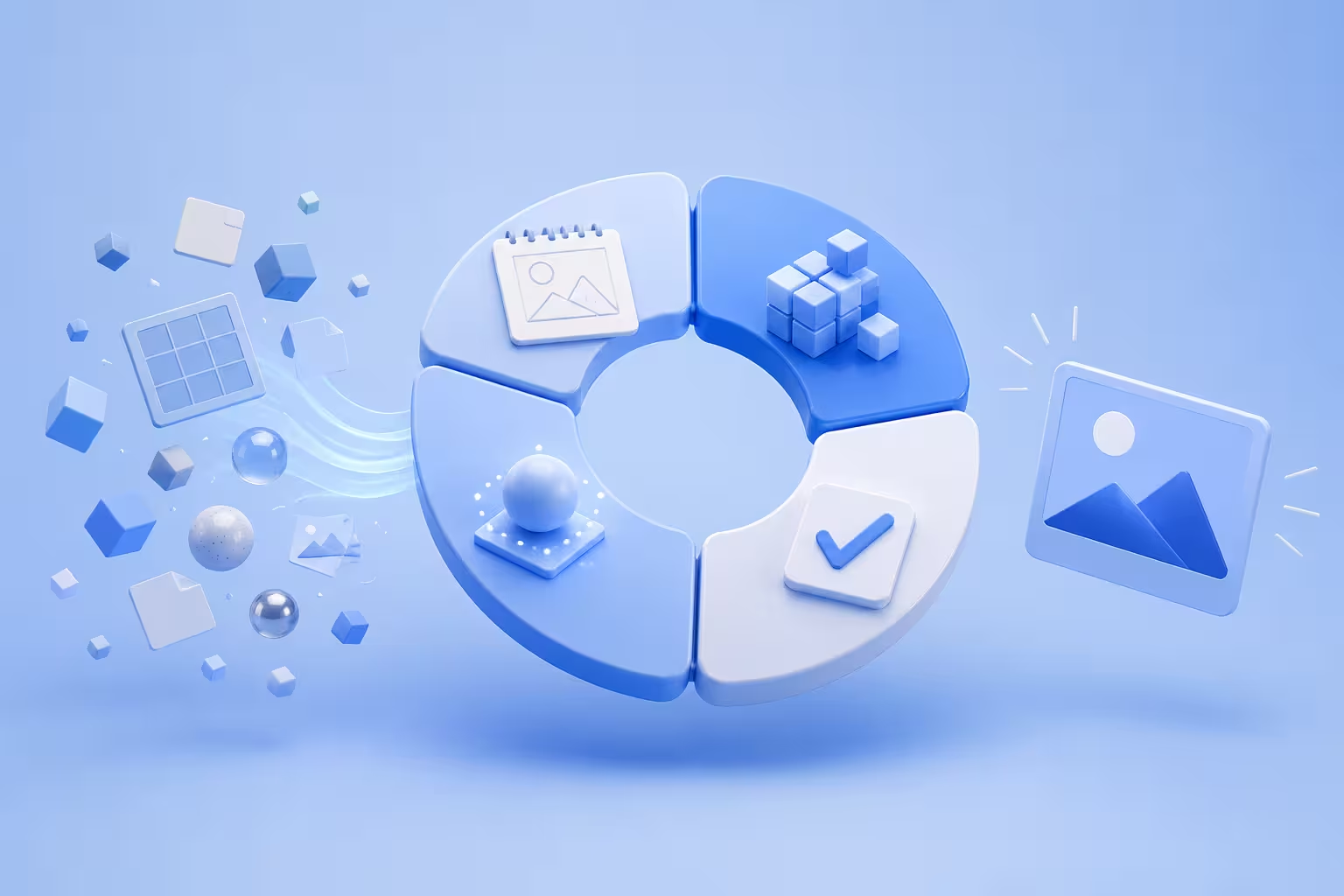
A 3D production pipeline is not just the path from modeling to rendering.
It is the system that controls how work moves.
The strongest pipelines make assets easy to find, versions easy to understand, dependencies easier to manage, handoffs predictable, reviews useful, and rendering easier to scale.
For a solo artist, that may mean little more than consistent folders, versioned scene files, and a reliable pre-render checklist.
For a studio producing thousands of assets or images, the same principles can develop into a full CG production pipeline with asset publishing, validation, automation, render distribution, and production tracking.
The goal is not to create the most complicated pipeline possible.
It is to remove uncertainty from repeatable work so artists and technical teams can spend more time creating and less time untangling preventable production problems.
Register Now and Get $50 FREE Credits!