Trusted by 10k+ brands

Using a render farm has never been easier and cheaper

Be a freelancer, but look like a 1M studio. Be a small studio, but play in the big leagues with on-demand high-performance cloud rendering.
Get $25 starter credit
No credit card required
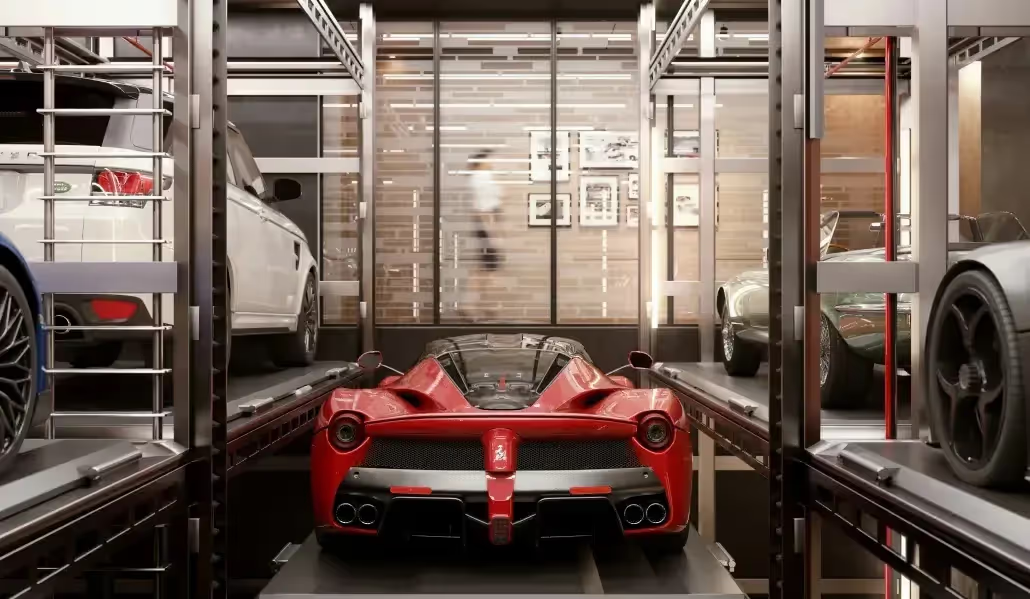
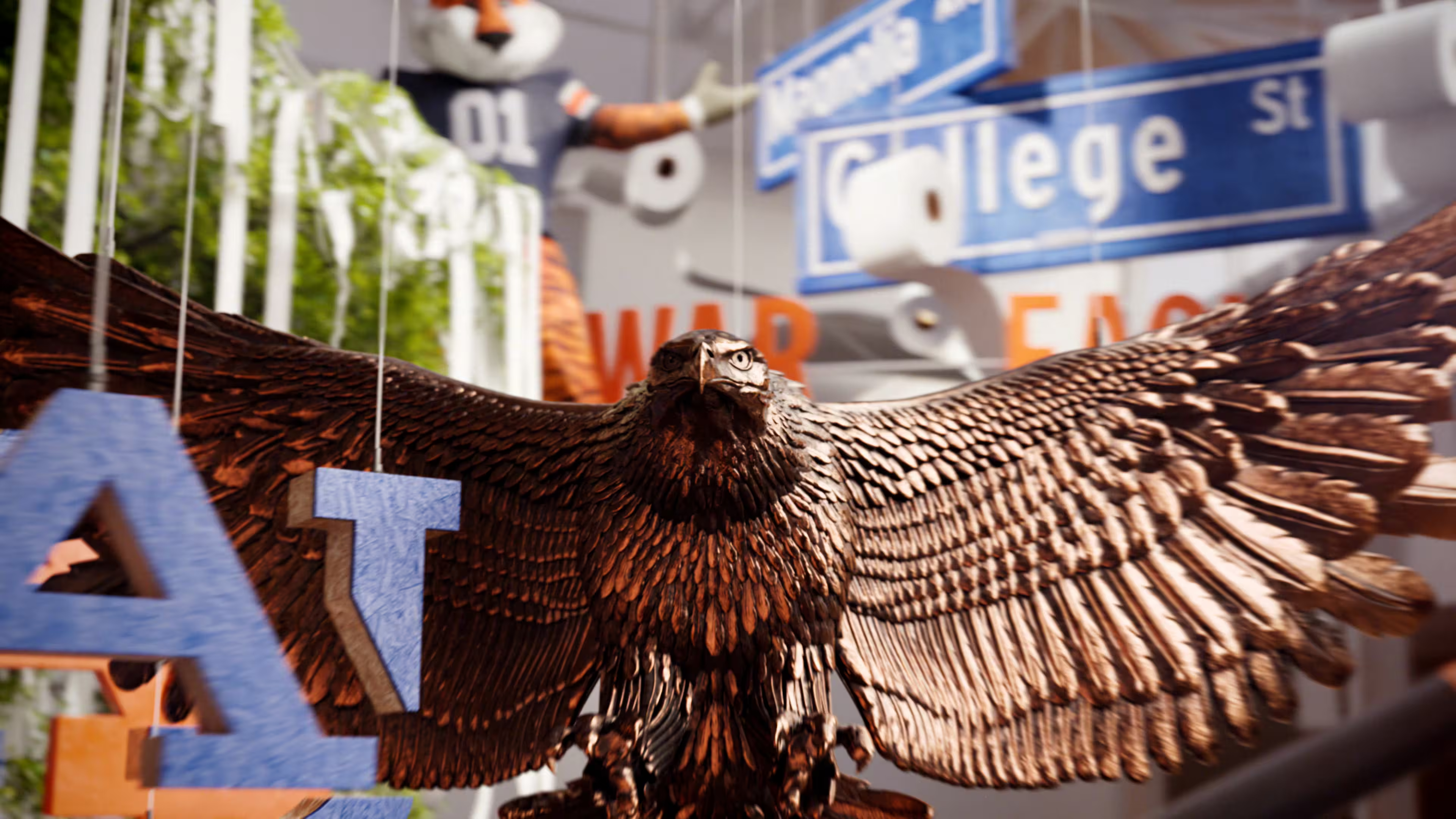
The Clifton Vault Project
by THINKLAB
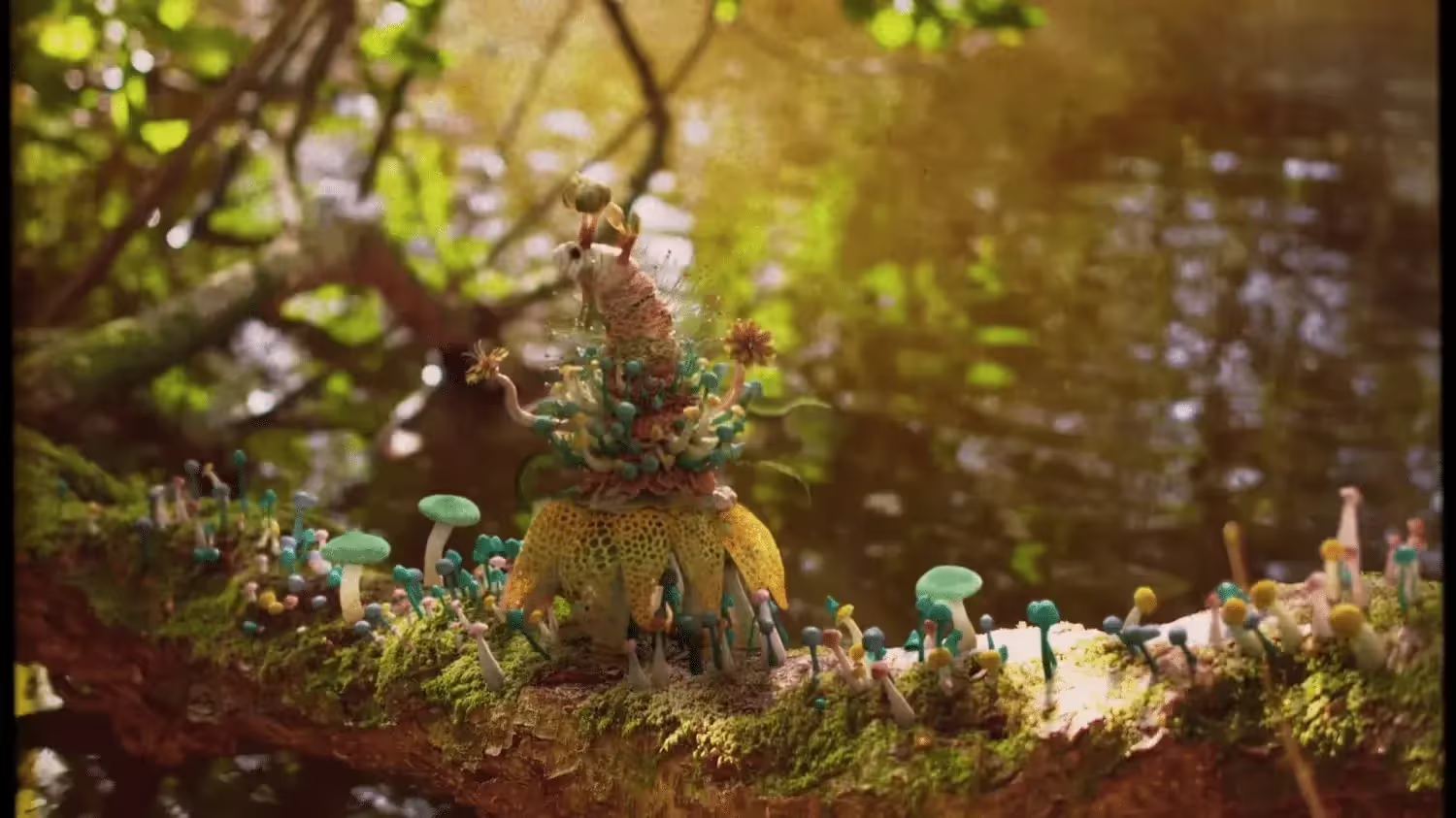
RUSH
by Karni and Saul
Gonzaga University
by Damian Wiech
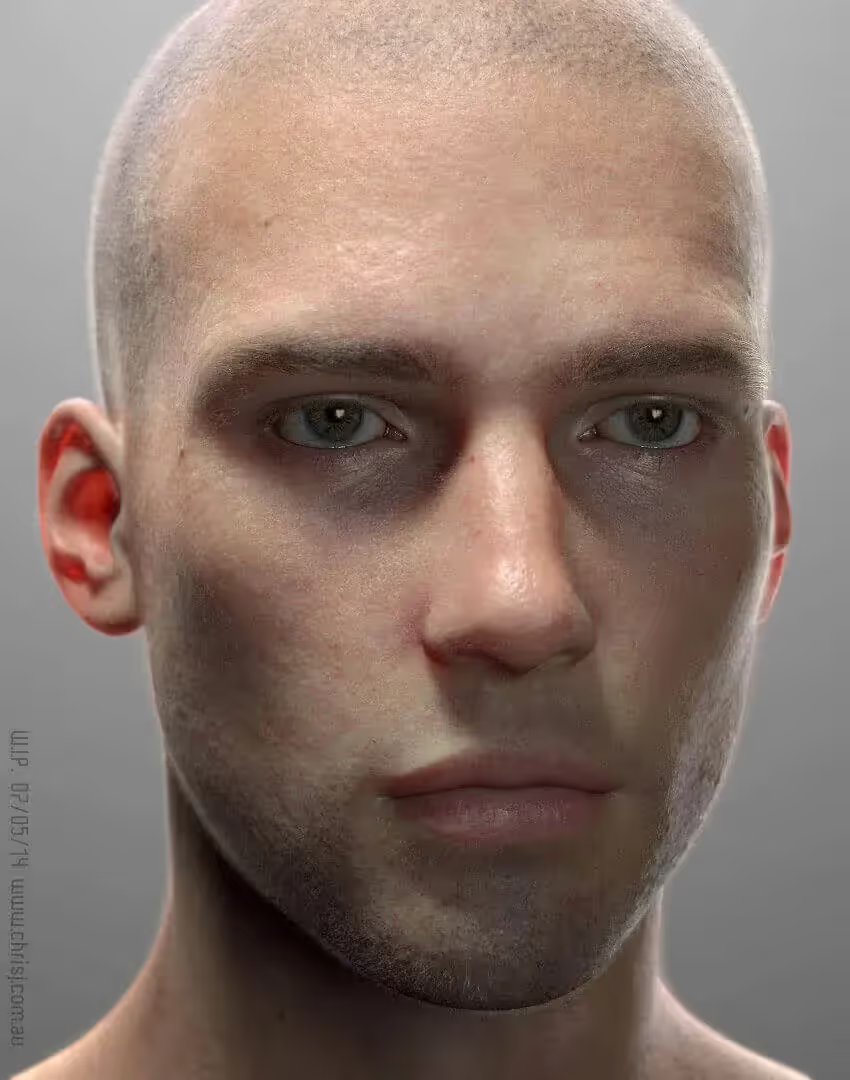
ED
by Chris Jones
Partial grid of white lines forming squares on a transparent background with a scalloped right edge.
Our mission

Simple & affordable render farm service

GarageFarm.NET Cloud rendering services gives studios easy access to large computational power via thousands of render nodes and a “plug and play” integration into existing 3D tools.

3D artists both freelancers and creative teams can leverage cloud rendering technology to boost their on-demand rendering needs at a low cost.

Our render farm software installation is easy, and it doesn’t require any IT knowledge. Ultimately, artists are in control and can choose what’s best for their needs.

Person working on dual monitors displaying 3D CAD models of mechanical parts with version control panels on the screen.
10
k+
Artists and studios GarageFarm
1.2
M+
Projects rendered last year
20
k+
CPU & GPU nodes available
24/7
Real human tech support
supported apps

Render directly from supported 3D tools

GarageFarm.NET integrates with all major DCC tools and render engines supported on our render farm through dedicated plugins and automation tools — so you can send your scene to the cloud without leaving your workflow.

Native plugins for Blender, 3ds Max, Maya, Cinema 4D, and more
Cross-platform compatibility on Windows, macOS, and Linux
Full support for major render engines: V-Ray, Redshift, and more.
How It Works

Render smarter
in three simple steps

Whether you’re an artist or a studio, GarageFarm makes rendering easy. Just upload your scene, let our cloud handle the heavy lifting, and download your frames in minutes.
1

Send your project

Install our plugin or upload via renderBeamer. Your scene is automatically prepared and optimized for the cloud.
2

We scale automatically

Your job runs across hundreds of CPU or GPU nodes — instantly and efficiently. Minimal setup, no more waiting for renders, just pure performance on demand.
3

Get Results Fast

Download finished frames in minutes. Our team monitors every job 24/7 to make sure nothing slows you down.
Get $25 starter credit
No credit card required
Diagram illustrating three sideways blue bars labeled as steps, with arrows showing progression from Step 1 to Step 3 from left to right.Abstract blue gradient shape with a soft glowing edge on a white background.
How It Works

Optimized rendering for every field

Animation

Render complex animation sequences at scale, meeting tight deadlines without compromising on quality or detail.

ArchViz

Deliver high-quality architectural visualizations faster, keeping your clients happy and projects on schedule.

VFX

Power through demanding VFX workloads with fast, reliable rendering that keeps your pipeline moving.

Product Design

Produce photorealistic product renders quickly, so you can iterate faster and present with confidence.
Illustration of a hand holding a glowing light bulb with symbols of mobile apps and communication inside the bulb, representing innovation and technology.
Fully automated CPU & GPU

Cloud render farm

Our cloud render farm delivers a seamless, hands-off rendering experience. Ideal for quick turnaround and massive scale projects.
Choose between CPU & GPU render nodes
Fully streamlined and easy production pipeline integration
High-speed file transfer
20,000 CPU cores
4,000,000 CUDA cores
CPU nodes: 4x CPU's, 176 cores, 256 GB RAM
GPU nodes: 1-2x A5000, L405, or RTX 6000 Pro Blackwell (24-96 GB VRAM)
Monitored 24/7, support 24/7
Cost-efficient
Remote Desktop Access

Cloud server rental

Our cloud server rental service give you access to powerful GPU servers via Remote Desktop for your projects.
Rent powerful NVIDIA rendering machines
Get flexibility and full control of the server
Servers with dedicated GPUs
1x RTX PRO Blackwell per server
8x Tesla V100 per server
Low cost, best GPU hourly price on market
No configuration, server setup in minutes
Monitored 24/7, support 24/7
Pricing table comparing Basic, Pro, and Enterprise plans with features and monthly prices starting at $19, $49, and custom pricing respectively.Pricing plans comparison with three options: Basic plan at $9/month, Pro plan at $29/month, and Enterprise plan at $99/month, each with different features listed.
96%
on Facebook

What our clients say

1
/
5
1/6
Fully automated CPU & GPU

Why choose GarageFarm

Deep integration

Smoothly connects with your favorite 3D software and pipelines, making rendering faster.

24/7 human support

Real experts available anytime to help you solve issues or optimize your projects.

CPU + GPU at scale

Access large-scale CPU and GPU power to render even the most demanding projects.

Multilingual onboarding

Easy onboarding with guides and support in multiple languages, making the start smooth

Free starter credits

Get free credits to try out the service and explore its features without any risk.

Docs & academy

Comprehensive documentation and tutorials to help you master the platform quickly.
Get $25 starter credit
No credit card required

Join thousands of 3D artists already rendering in the cloud.

White grid pattern arranged in a semi-circular shape on a black background.
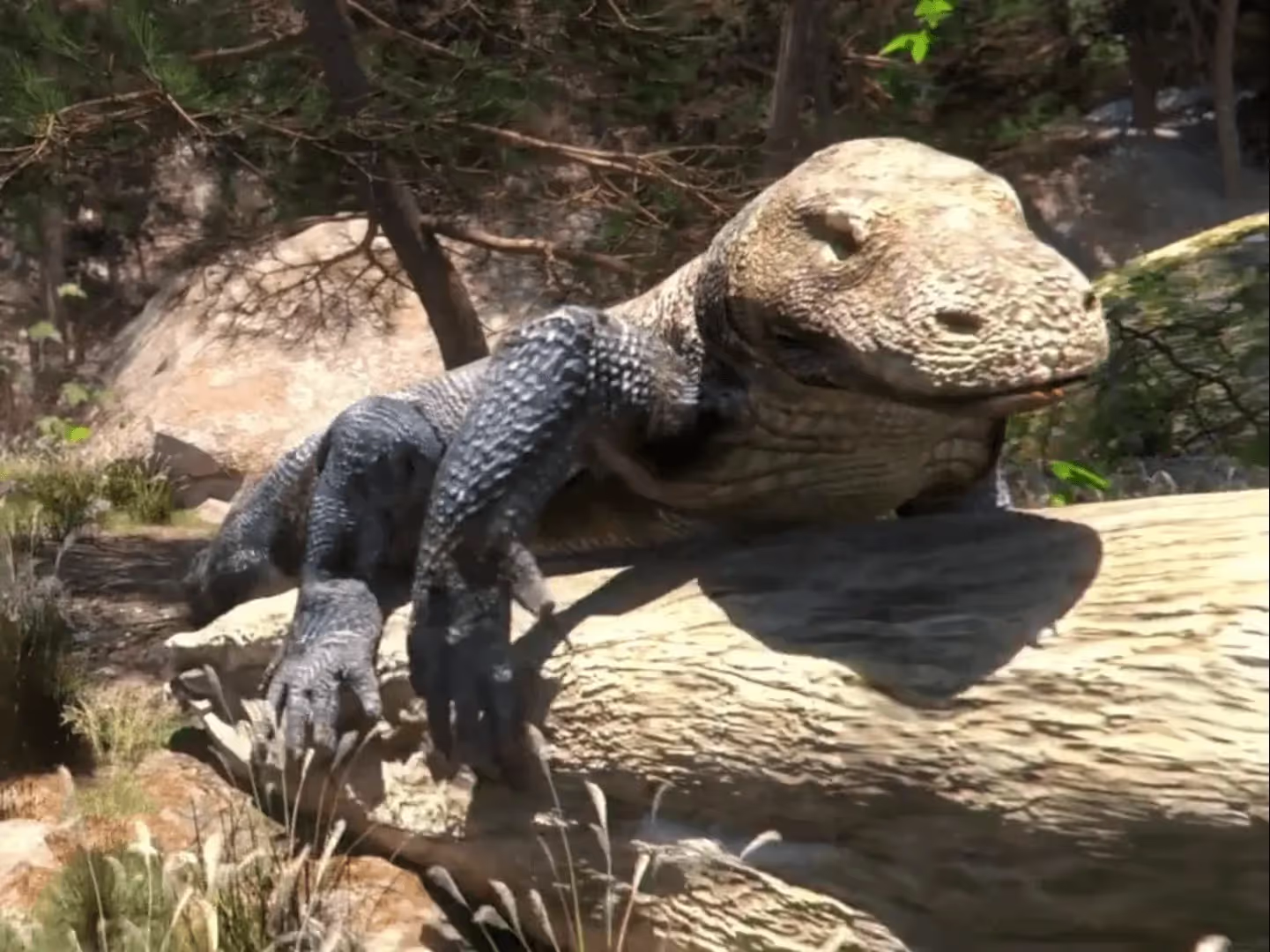
Blue frog perched on a log surrounded by green plants and sunlight.
Futuristic Pet Habitat
by David Aguero
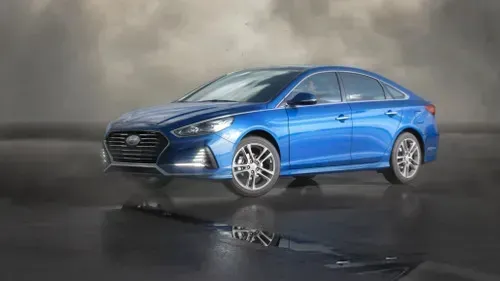
Blue Hyundai Sonata sedan parked on wet reflective surface under cloudy sky.
Hyundai Sonata
by Digital Tricker
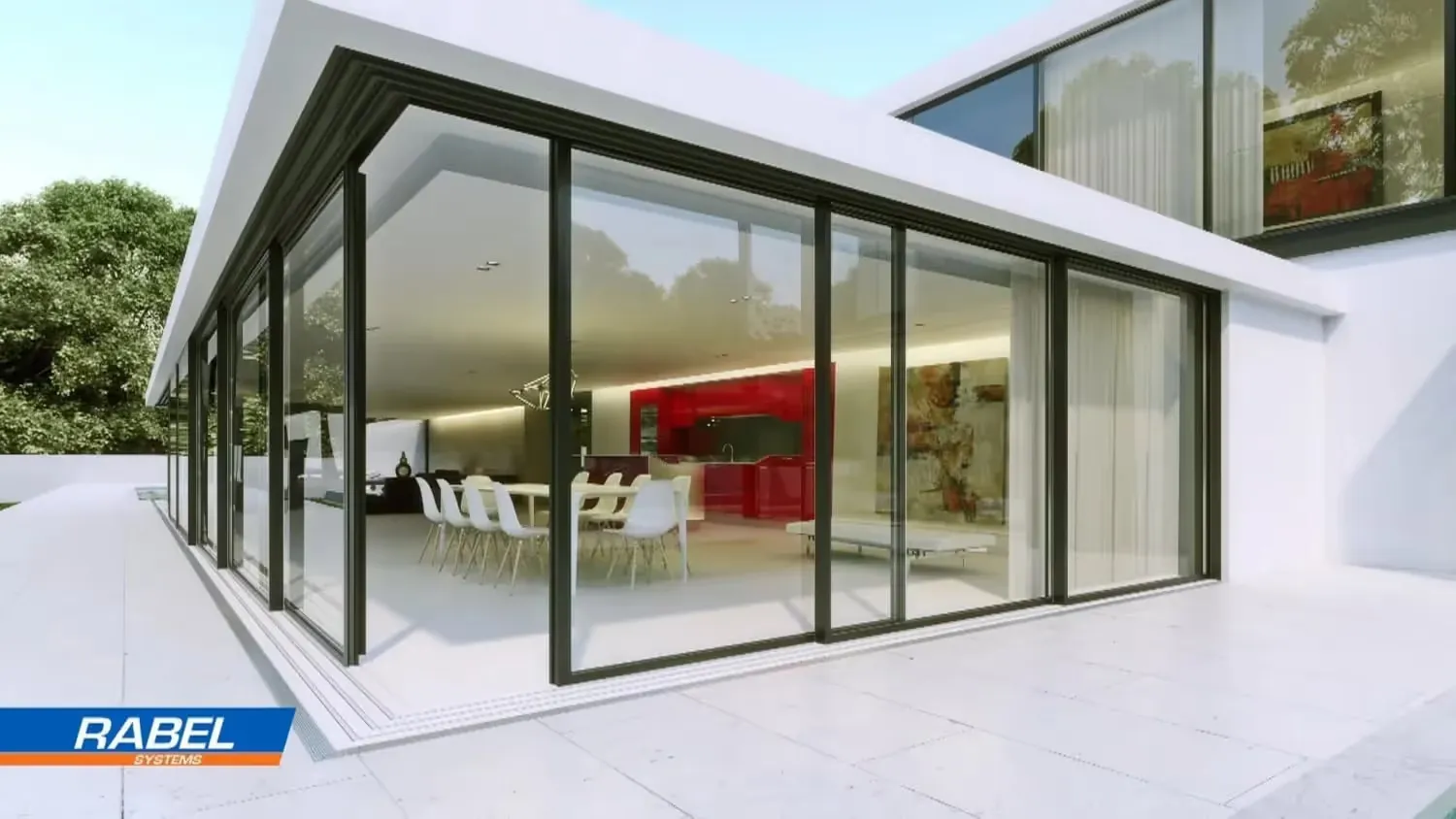
Modern house with floor-to-ceiling glass walls, showing a white dining table with chairs and a red kitchen inside.
Luxury Home
by TECHART
Animated pirate chef with a skull-and-crossbones hat pouring a dark liquid from a bottle labeled 'CAGO' into a pot inside a wooden cabin.
Cooking with Fire
by Joel Best
Resources

Explore tutorials, and case studies to master your workflow.

Blog

Stay up to date with the latest news, expert insights, and practical tips for optimizing your 3D rendering workflow. Learn from real projects, discover best practices, and get inspiration to improve efficiency and creativity in your work.

Video Tutorials

Follow our detailed video tutorials to master the GarageFarm platform and learn how to integrate it seamlessly with your favorite 3D tools. These guides help you get the most out of your projects.

Documentation

Access comprehensive written resources that cover every aspect of GarageFarm. Whether you need step-by-step setup instructions, integration with pipelines, or solutions to technical issues, our documentation ensures you have everything you need at your fingertips.

Supported Apps

Check the full list of compatible 3D applications and render engines. Know exactly how GarageFarm fits into your workflow, which tools are supported, and how to maximize efficiency across all your projects.
Blue circular signpost icon with three directional arrows pointing left, right, and up.
FAQ

Frequently asked questions

Everything you need to know before starting your first render.
General
Uploading & Downloading
Question text goes here

Lorem ipsum dolor sit amet, consectetur adipiscing elit, sed do eiusmod tempor incididunt ut labore et dolore magna aliqua. Ut enim ad minim veniam, quis nostrud exercitation ullamco laboris nisi ut aliquip ex ea commodo consequat. Duis aute irure dolor in reprehenderit in voluptate velit esse cillum dolore eu fugiat nulla pariatur.

Question text goes here

Lorem ipsum dolor sit amet, consectetur adipiscing elit, sed do eiusmod tempor incididunt ut labore et dolore magna aliqua. Ut enim ad minim veniam, quis nostrud exercitation ullamco laboris nisi ut aliquip ex ea commodo consequat. Duis aute irure dolor in reprehenderit in voluptate velit esse cillum dolore eu fugiat nulla pariatur.

Question text goes here

Lorem ipsum dolor sit amet, consectetur adipiscing elit, sed do eiusmod tempor incididunt ut labore et dolore magna aliqua. Ut enim ad minim veniam, quis nostrud exercitation ullamco laboris nisi ut aliquip ex ea commodo consequat. Duis aute irure dolor in reprehenderit in voluptate velit esse cillum dolore eu fugiat nulla pariatur.

Do I need to get a subscription?

On GarageFarm, you pay as you go. Pay only for the time you are rendering. It’s up to you how much you spend. It can be anything between $10 and $10,000 or much more. You’re not required to purchase a subscription and you won’t incur monthly charges for using the service.

Pricing & billing
Do I need to register an account?

To use GarageFarm cloud render farm you need to register an account and then activate it. Registration is straightforward and requires you to provide your name, email, and country. You will get a verification link in the email. When you open the link, your account will get activated and will be ready to use. 

We don’t require a credit card to start using the service. As soon as you register and activate an account, you can use a trial that comes with starter credits.

Getting started
Do I need to upload my project again after rendering a test job?

You can submit a job that has been previously tested by right-clicking on it in the web dashboard and selecting ‘Render full range’ without uploading the project again. Please note that the “Render full range” is available for jobs that have been previously rendered with a step (i.e. 1to400s20). Certain renderers and GI modes won’t allow using this feature and you will need to upload the scene again to render the full range.

Uploading & downloading
Do you accept American Express card payments?

Yes, we accept American Express card payments. AmEx card payments are possible when you process a transaction through PayPal or Revolut.

Pricing & billing
Do you have ISO certification? Is GarageFarm ISO certified?

We understand that your projects are valuable and confidential, and we take security very seriously.

GarageFarm's sister company, and our infastructure provider, Copernicus Computing is certified as ISO 27001 compliant which means that the organization has been audited by an accredited certification body and have demonstrated that it has implemented an information security management system that meets the international quality standards.

This certification ensures GarageFarm customers that the rendering services comply with strict security and privacy standards, providing an additional level of trust in how their data and projects are managed on the GarageFarm platform.

To learn more about the ISO certification and its implementation process by our sister company, you can read this blog article. You can also view the ISO 27001 certificate here.

General
Do you offer discounts for students?

Sorry but we don’t. You should try our Low priority, though. It’s great for students and artists who are just starting out. In addition, each account comes with $25 trial credits. You can obtain additional credits through coupons giveaways. Make sure to follow us on Twitter or sign up for our newsletter to stay in the loop.

Pricing & billing
Do you offer to sign an NDA?

We can either offer to sign our NDA or sign the NDA provided by you after our legal department reviews the document and approves it.

General
Do you support 3rd party plugins? What if I use a plugin that you don’t have on your farm?

We have a broad range of supported plugins that we constantly maintain and update. If you happen to use a plugin that we don’t have or have a different version currently installed, it‘s not a problem. Talk to us via live chat and tell us the app/plugin you’re using. We’ll explore purchase options. If the software is free, we’ll try to get it installed on the farm within a few hours.

Please note that the custom plugin installations apply only to users rendering on Medium and High priorities. Take a look at the list of apps and plugins supported on GarageFarm https://garagefarm.net/supported-apps.

General
Do you support CPU and GPU rendering? What software can render on CPU and what on GPU?

On GarageFarm, you can render on nodes that either use CPU or GPU. The computing device you choose to render on largely depends on your 3D software, the technology it supports, and compatibility with our hardware. 

For example, if you're using Redshift, you can mainly render on GPU because that's how Redshift is built (with an exception of newer Redshift that has a CPU rendering capability). If you're using Cycles in Blender, you can choose either CPU or GPU because Cycles supports both technologies and both modes are supported on GarageFarm. V-Ray also supports both CPU and GPU, and both modes are supported on GarageFarm.

Rendering modes supported on GarageFarm:

V-Ray - CPU and GPU

Corona - CPU

Redshift - GPU

FStorm - GPU

ProRender - GPU

Cycles - CPU and GPU

Cycles 4D - CPU and GPU

Arnold - CPU

Cinema 4D native engine - CPU

Modo native engine - CPU

General
Does your price include tax/VAT?

Our prices do not include the tax/VAT.

We are a United Kingdom-based company, which means that for everyone from the UK we need to add 20% of the VAT to the payment. Generally, HRMC will refund the VAT amount to British companies after filing the VAT Return form.

If you are from a country within the European Union, and you have a valid VAT number, the tax/VAT won’t be added to the payment.

If you are from a country within the European Union, but you don’t have the VAT number, we will add the standard VAT rate for your country to your payments.

If you are from a country outside of the European Union, you don’t need to pay the tax/VAT.

Pricing & billing
How can I check rendered frames?

Each completed frame is downloaded automatically to your local drive to a directory you selected in the renderBeamer application. Please make sure you keep renderBeamer running and the auto-download on whenever you have jobs rendering to get the frames downloaded right away. 

As an alternative, when you’re logged in to your account on the website https://app.garagefarm.net/, you can preview all rendered frames in the web dashboard. In the file browser on the left, you can see all your project files. Navigate to the folder inside your project with Renders in the name at the end. You can double click on the frame to preview it online.

Uploading & downloading
How can I download frames?

To download frames you will need to open renderBeamer - our desktop client app. If you have auto-download turned on in preferences, the frames will automatically download to your local drive as soon as they finish rendering. If the auto-download is turned off, you can download the frames manually by going to the downloads tab, selecting the job from the list, and right-clicking or hitting the download button. Each frame will download to a directory you selected in your renderBeamer preferences. If you’re not seeing the job or some frames are missing, try the refresh button - it will sync the app with the cloud. Check out our video tutorial showing how to download frames https://youtu.be/z0F0p5TSHRw?t=304.

Uploading & downloading
How can I get a render time and cost estimate?

You can get a quick estimate using our cost calculator. Remember, it’s only an approximation and only works for animations.

To get a more accurate estimate for animations, we recommend testing a few frames on the farm using a step. For example, if you have 400 frames in your sequence and set the frame range to 1to400s20, you will get 20 frames rendered in total. Our system will then calculate the cost estimate for the full range based on those frames rendered. An important thing to note is that test rendering using a step allows you to test the frames across the entire animation. This results in a more accurate estimation than rendering, for example, 5 successive frames from one part of the animation, i.e. 1to5.

Remember that the more frames you render in a test job, the more accurate the estimation is. Also, you won't need to render those frames again when you choose to render a full range after testing a job with a step. 

The calculator works with animations only. To get an estimate for a still, render the image on the farm in a lower resolution. 

Please render the image in 1/5 resolution or any other smaller resolution. In the case of a 1/5 resolution test, the cost of a full-resolution render will be 25 times higher than the cost of a test. For example, if you want to render an image in resolution 5000x6000, run a test in 1000x1200 res first, which is 1/5 of the full resolution. If your test costs $1, the estimated cost for the full-res image should be around $25 (5 x 5 = 25). For a 1/4 test, it would be $16 (4 x 4 = 16). You can apply the same logic to any other resolution. 

Dive deeper into the why and how of running tests on a render farm https://garagefarm.net/blog/how-to-use-online-render-farms-part-2.

Testing & estimating
How can I know what the current farm load is?

Upon submitting a job on the web dashboard, you’ll be able to see the number of jobs that are currently rendering and waiting in the queue. You can use this info to decide which priority you need to use given the farm load.

General
How can I pay for the service?

We offer a variety of payment options that include debit/credit card, wire transfers, PayPal and some other e-wallets. We encourage you to check out this document detailing how to buy credits on GarageFarm https://app.garagefarm.net/payments.pdf.

Pricing & billing
How can I test the service?

Every new user gets trial credits when registering an account on GarageFarm. You can use the trial to test the service without making a commitment. The trial is sufficient to get familiar with the workflow and to test all features thoroughly. 

You won’t be required to use a credit card or to pay when using a trial account on GarageFarm.

Testing & estimating
How can I upload my project to the farm?

Once you have an account on GarageFarm, you’ll need to download and install our software that includes a desktop client app and a plugin for the DCC(3D app) of your choice. After installing the software and a quick setup, you will be able to upload your project to our farm right from your DCC’s interface.

Uploading & downloading
How to get started?

Once you have an account on GarageFarm, you will need to download the desktop client app called rendreBeamer. It bridges your computer with the cloud. In renderBeamer, you can select a DCC (3D app) you want to integrate with. The integration is quick and simple and requires installing a plugin for your DCC. 

The next step is to send a project to the farm from the interface of your DCC using the renderBeamer plugin. The full workflow is described step by step in our starter guide https://garagefarm.net/software-guides/general-guide.

Getting started
I got charged for frames that were broken or rendered too long. Can I get a refund?

Don’t worry. Please contact us and we will investigate the issue and will help you find the cause.

If the cause of the incorrect frames was our system failure, we will offer you a refund or some other form of compensation.

Please note that we can’t guarantee a full refund in cases where no tests were performed or the instructions provided in the system or documentation weren’t followed or were neglected. You can read about the Return Policy in our Terms of Service.

Pricing & billing
I have a new scene that uses assets from the same project already uploaded to the farm. Will I have to upload the entire project with all the assets again?

No! Our software will checksum the files that are already present on your GarageFarm account and upload only the new scene, new assets, or the assets that have been modified.

Uploading & downloading
If the calculator says my project would take 10h to render, is it the actual render time?

The calculator shows the farm render time in a best-case scenario where your job gets a maximum number of available nodes, however, in practice that number may vary. In addition, the calculator only shows the time of the nodes when they are rendering. It doesn't include the waiting time in the queue or the time a scene would need to open/load on the render node.

Testing & estimating
Is the farm secure? Can I render a confidential project on GarageFarm?

When uploading scenes to GarageFarm, all transfers are encrypted. Projects stored on GarageFarm are secured on internal servers safe from any external access. We will always ask for your permission in case we want to use your project files to provide better customer support and a better user experience. We will never share your files with anyone outside of GarageFarm without your written consent.

Following controls are in place to prevent unauthorized physical access, damage and/or interference to the data center building and office: Security guards, secure gate and doors to the servers area and server room. Secure gates and doors, barbed wire fence, security officers, security agency monitoring, security cameras, individually issued security cards for accessing separate areas of the building. To ensure physical security and restrict access and protect equipment we have security guards, access cards, reception, ID cards.

By system design, GarageFarm users are not allowed to access any other data than their own. No client is allowed to access data directly. Each client is allowed to access only his data. Data access is highly secured against unauthorized access.

Our data centre operator provides secure internet connectivity. They do not have access to our local network and data contained there and the data transfer is securely encrypted.

We conduct penetration testing and vulnerability scanning at least once a year. We outsource the testing to our data centre operator's IT department. We evaluate our network and infrastructure security by routine checks. We also perform critical vulnerability software security updates - infrastructure systems and networking gear. 

We perform regular sandbox tests of our own and acquired software against a set of rules. Additionally, we perform antivirus and malware checks. Security on developers' workstations is monitored with special care. We continuously and actively monitor network, firewall, and system device logs and employ all the newest security patches and updates company-wide. Our development team is regularly trained in the scope of software cybersecurity.

General
Is there a trial available?

Every account comes with $25 trial credits to allow you to test the service without commitment. You can use all the farm features just like on a full account with two limitations - 10 render nodes (machines) and 30 jobs. It means that you can render a project that costs no more than the amount of the trial credits and the number of jobs doesn’t exceed 30. While on trial you won’t be able to utilize the full rendering speed. However, as soon as you make your first credit purchase the node and job limitation will be lifted.

Getting started
What does GarageFarm do?

GarageFarm has been helping 3D artists meet deadlines and scale their businesses since 2010. It seamlessly connects with your 3D software and fully automates the process of rendering. You can send your scene right from the interface of your application without any complex and time-consuming setups. GarageFarm combines the best of both worlds - advanced technology and the human factor. When rendering with us you're never in the dark, left with no help and a looming deadline. 

Don't take our word for it. See how our customers use GarageFarm and what they say about us https://garagefarm.net/case-studies.

General
What files should I upload?

To ensure correct results we’ll need all the files used in the scene: textures, proxies, xrefs, lights, cache etc. However, you don’t need to worry about it because our plugin will analyze the project and will collect all the files connected with the scene and upload them to the farm automatically.

Uploading & downloading
What should I do when a scene fails to render?

We have a team of experts that are online and at your disposal at any time of the day 7 days a week. All you need to do is reach out through our live chat and ask about the job that failed. We will troubleshoot it for you and assist you through the process.

General
What will happen when my render job is more expensive than the credits available in my account?

As soon as your account goes below 0, the render job will get paused (not killed!) and the currently rendering frame(s) will continue rendering until finished. This means your account will go to a negative balance. To prevent this from happening it is crucial to run test jobs before deciding to render full range or full-resolution renders in order to estimate job cost and plan accordingly.

The negative balance in the account is the responsibility of the user and must be paid to enable back full system functionality.

Additionally, if you are a new user and haven't made any payment yet, when your balance reaches -$50, the ongoing jobs will be killed to avoid accruing further costs.

Pricing & billing
What’s included in the rendering time and in the price? How am I charged? How is my render job billed?

We only charge for rendering time, in other words, the time nodes (farm computers) are working and actively processing a job. To break it down further, rendering time includes scene/asset loading, pre-processing, rendering, and output saving. All these processes influence the total time it takes to render a project and effectively that’s what is included in the final cost.

We don’t charge for jobs while they’re waiting in the queue, when they’re acquiring nodes, or when software is being installed on the node prior to starting a 3D app. The billing starts as soon as a job is assigned a node and the node starts rendering. We charge by the second and the pricing is all-inclusive - it encompasses electricity cost, license cost, and service cost. 

See our Pricing page to learn more.

Pricing & billing
What’s your storage policy? How long will you keep my files?

We allow our users to store project data (project files and any files saved in an account) on our servers for a total of 28 days after a completed render job or project. We guarantee to safely store project data as they are within the initial 7 days. After that, we will relocate the data to archive storage for the remaining period. The archive storage isn’t guaranteed against data loss. We will completely and securely delete the project files stored in your account 28 days after the last completed render job in the given project.

General
When should I pay?

Initially, you receive $25 credits that you can use to run some test jobs and get familiar with our service. Once you use them up, you’ll need to buy credits to continue rendering. You should give our discounts offer a closer look.

Pricing & billing
Where are you based?

We are a UK based business, our data centre is in Poland, and the employees are working remotely from various locations in Europe, Asia, and Australia.

General
Why is running test jobs important?

Network rendering across multiple machines is very different from rendering locally on a single machine, especially when system environments aren’t the same as is often the case with cloud rendering. Tests help you determine whether your scene renders fine and produces the same results as on your local machine. On top of that, you avoid the situation where you pay for results that aren’t what you had in mind.

We always urge users to run tests first no matter how optimized a scene might be or how confident you are that the scene will render without any issues. Better be safe than sorry. In addition, tests cost very little and if the results are correct, the frames rendered in a test won’t be re-rendered and you won’t be charged for them when rendering full range.

Testing & estimating
Thank you! Your submission has been received!
Oops! Something went wrong while submitting the form.
Blue grid lines forming a partial semicircle pattern on a transparent background.Blue circle with a white question mark in the center, symbolizing FAQs.
Calculator

Calculate your render times

Use our automated calculator to estimate your rendering costs and computer hardware resource requirements before you begin your project.

How long will my project render on the farm?

How much will I pay to render my project?

What priority should I choose?

Security & Certifications

Reliable and secure

You can be confident that projects rendered at GarageFarm are secure
CERTIFIED ISO 27001

2M+ projects rendered successfully

We  processed over 2 million projects worldwide, delivering consistent quality and speed for every user.

Holding ISO 27001 certification

We comply with the highest security standards, ensuring your data is handled safely and reliably.

Additional security through NDA

Projects are protected with NDAs, giving you complete confidentiality and peace of mind.