

Key takeaways
- A render farm is most useful when rendering starts limiting deadlines, iteration, or access to your workstation.
- The global 3D rendering market was valued at $4.5 billion in 2025 and is estimated at $5.7 billion in 2026 (GrandViewResearch).
- Real time rendering and AI can reduce some traditional render workloads, but offline rendering still matters for many animation, VFX, visualization, and cinematic projects.
- Local rendering remains practical when a project already fits comfortably within the available hardware and schedule.
- Cloud rendering becomes easier to justify when a project needs temporary access to more compute without requiring permanent local infrastructure.
TL;DR
Render farms still have a place in 2026, even with faster local GPUs, real time engines, and AI assisted tools changing how 3D work gets produced. Real time rendering can remove long waits from some visualization and interactive projects, while AI can help with denoising, upscaling, generation, and image reconstruction. Offline rendering still matters when projects demand high image quality, long frame sequences, complex effects, or more compute than one workstation can comfortably provide. A render farm becomes useful when it saves meaningful production time, keeps local machines available, or gives a project enough capacity to meet a deadline.
Why render farms still matter in 2026
Rendering has become more flexible. Artists can work locally, preview scenes in real time, use AI to speed up parts of the process, and move heavier work to cloud infrastructure when needed. That gives studios and independent creators more choices about how each stage of production gets processed.
Demand for rendering technology is also still growing alongside those options. The global 3D rendering market was valued at $4.5 billion in 2025 and is estimated at $5.7 billion in 2026 (GrandViewResearch), and that growth includes traditional rendering, real time visualization, cloud workflows, and other tools that support modern 3D production.
Real time rendering has changed what needs a render farm
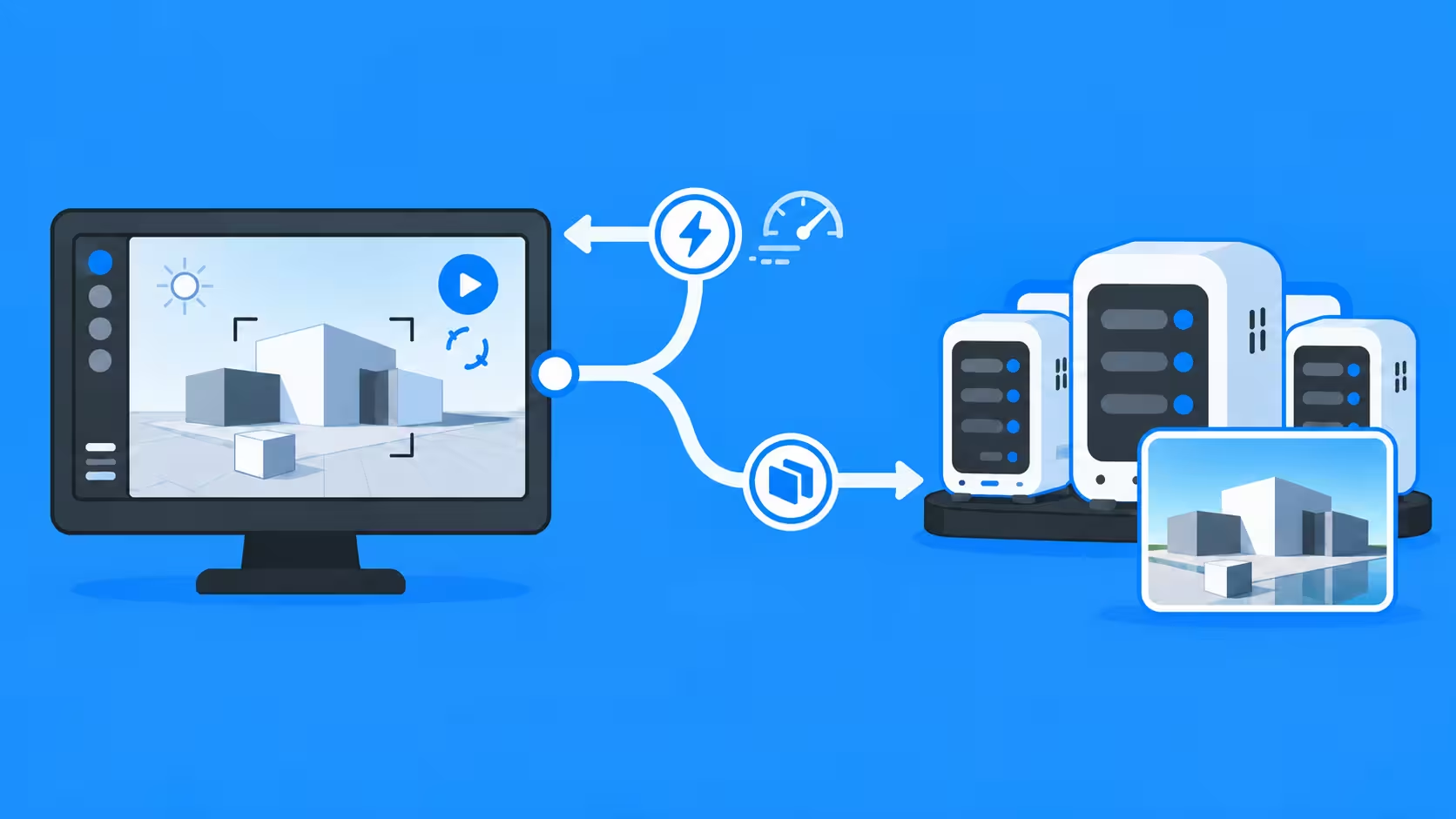
Real time rendering has become a serious production option for work that once depended much more heavily on long offline renders. Real time engines such as Unreal Engine have made high quality interactive rendering far more practical, such as providing artists with dynamic lighting, reflections, detailed geometry, and interactive feedback while an artist is still moving through a scene.
That can be especially useful for architectural walkthroughs, virtual production, automotive visualization, product visualization, previs, interactive experiences, and some cinematic work. Instead of waiting for every preview, teams can evaluate composition, movement, lighting, and environments as they work.
Real time and offline rendering can work together
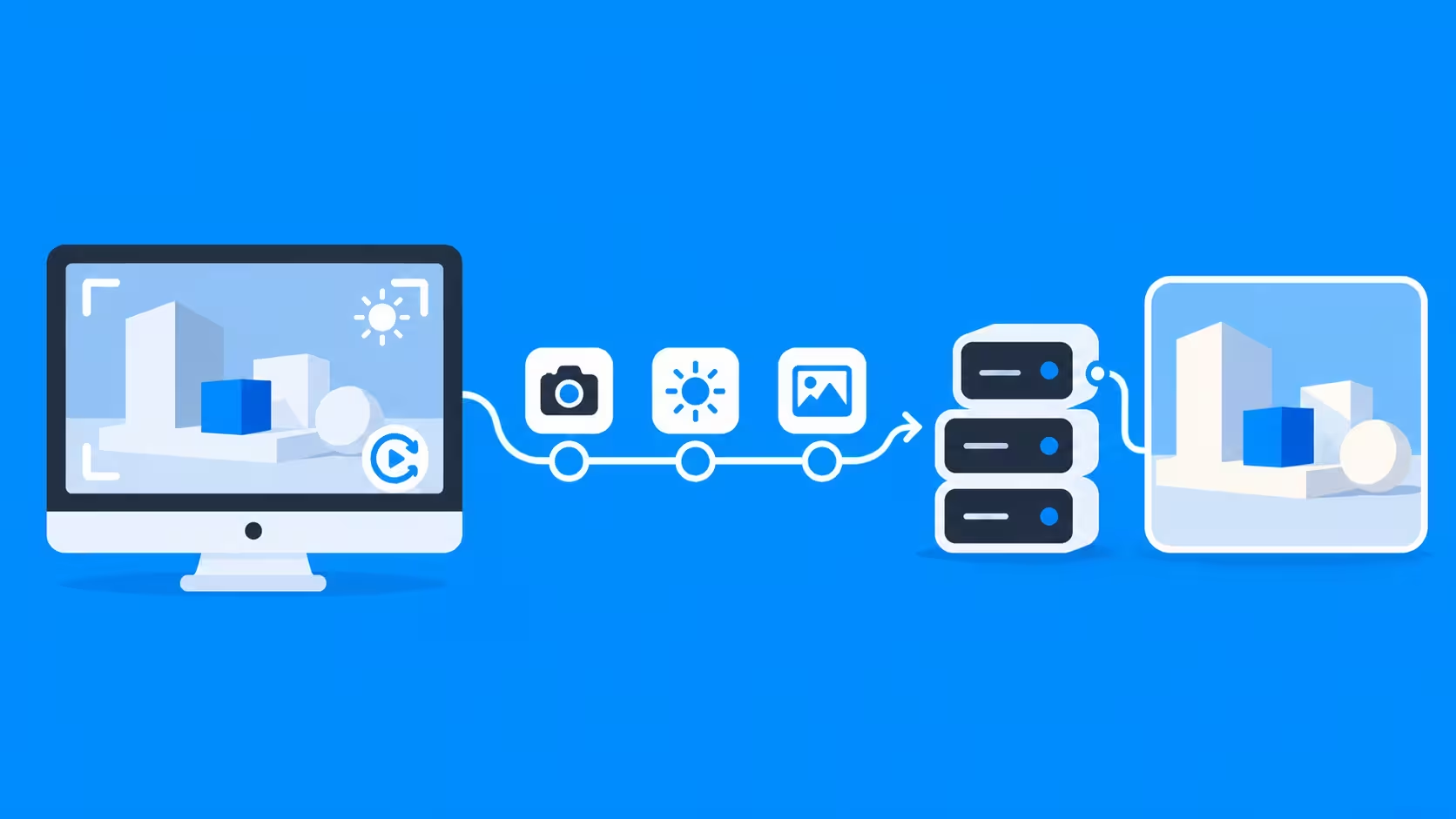
Real time rendering is built around performance limits such as target frame rates and available GPU time, so scene complexity, lighting, reflections, resolution, and effects have to stay within a defined budget. For many projects, that tradeoff works well, but others still need the image quality, heavier simulation, or complex effects that offline rendering can handle without having to run interactively.
However, studios like DIVO Production are also researching real-time content production workflows using Unreal Engine for faster iteration and new production methods (Case study). A project can use real time rendering for creative development and offline rendering for selected final shots. Artists may block cameras and lighting in Unreal Engine, render previews locally, then send heavier final frames to a render farm. This kind of mixed workflow keeps iteration fast while reserving more intensive rendering for the shots where it provides the most benefit.
AI is changing how rendering workloads are distributed
AI is becoming part of more stages of the graphics pipeline, which can reduce the amount of traditional rendering some projects require. This can include denoising, upscaling, and generative tools that can support concepting, background creation, style exploration, and some post production tasks. Neural rendering techniques such as neural shaders, neural materials, texture compression, and AI based reconstruction are also beginning to reshape how visual data is processed (NVIDIA).
In some cases, AI can even replace production steps that would previously have required modeling, texturing, lighting, and rendering. This is especially useful for concepts, quick style studies, background elements, and certain kinds of short form content.
At the same time, structured 3D production remains important when a project depends on exact geometry, controlled animation, repeatable cameras, consistent products, simulation, or reliable frame to frame continuity. In these workflows, AI is more likely to supplement the rendering pipeline than replace it entirely.
The main shift is that the demand does not necessarily disappear and instead moves elsewhere in the workflow:
- Denoising can reduce the number of render samples needed.
- Upscaling can allow artists to render at a lower resolution before producing the final output.
- Generative AI can replace some assets or production steps that would otherwise need to be rendered.
- AI inference and video generation introduce their own GPU workloads.
- Shared hardware can become a bottleneck when the same workstation is needed for rendering, inference, generation, denoising, and upscaling.
Because of this, external compute can still be useful even when traditional rendering makes up a smaller part of the workload. The need for additional hardware may remain, but the jobs being sent to it can become more varied.
When a render farm becomes worth it
A render farm starts making sense when rendering begins to slow down the rest of production. That can happen because there are too many frames, each frame takes too long, several projects overlap, or revisions arrive close to delivery. Even if a personal workstation can technically complete the renders, keeping it occupied can make it harder to manage everything else happening at the same time.
For example, student Ji Dae han faced this while developing his roadster project at Hongik University (Case study) alongside other semester work.
“Although this could have been done on my personal desktop, I was working on it concurrently with other projects during the semester. Thus using an external render farm was very efficient in terms of saving time.”- Ji Dae han
In short, this extra capacity that render farms can provide gives a team more room for reviews, revisions, and final delivery without permanently building its hardware around occasional production peaks.
Keeping the workstation available also has value

For freelancers and independent artists like Min Jeong Shin (Case study), the reason to use a render farm can be much simpler. A long local render can occupy the same computer needed for modeling, animation, compositing, editing, and revisions.
“It was very helpful to be able to work on other unfinished tasks or take a break while rendering was being handled.” - Min Jeong Shin
Freeing the main workstation can make a large difference on a small production where one person is handling several parts of the project. The render finishes elsewhere while creative work continues locally.
Choosing between local, real time, and cloud rendering
Most modern 3D workflows do not rely on a single rendering approach from start to finish. Local rendering, real time engines, and render farms each solve different problems, so the best option often changes depending on the stage of production.
- Local rendering works well for test frames, look development, smaller stills, short animations, and other jobs that the workstation can finish without disrupting the schedule. It also gives artists immediate control over files, settings, and output.
- Real time rendering is useful when fast feedback or interactivity matters most, such as previs, walkthroughs, virtual production, interactive visualization, and projects designed for real time delivery.
- Render farms become more useful when final offline rendering exceeds the available local hardware, particularly for long animations, large frame batches, high resolution output, complex path traced scenes, or revision heavy deadlines.
These options increasingly work together rather than compete with one another. A project might begin with AI assisted concept development, move into traditional modeling and animation, use a real time engine for previews, rely on offline rendering for selected final shots, and use AI again for denoising, upscaling, or enhancement.
Cloud rendering fits naturally into this kind of hybrid workflow when heavier production stages would otherwise tie up the local workstation. Instead of forcing every task onto the same hardware, artists can place each workload where it can be handled more efficiently.
The real cost of rendering locally
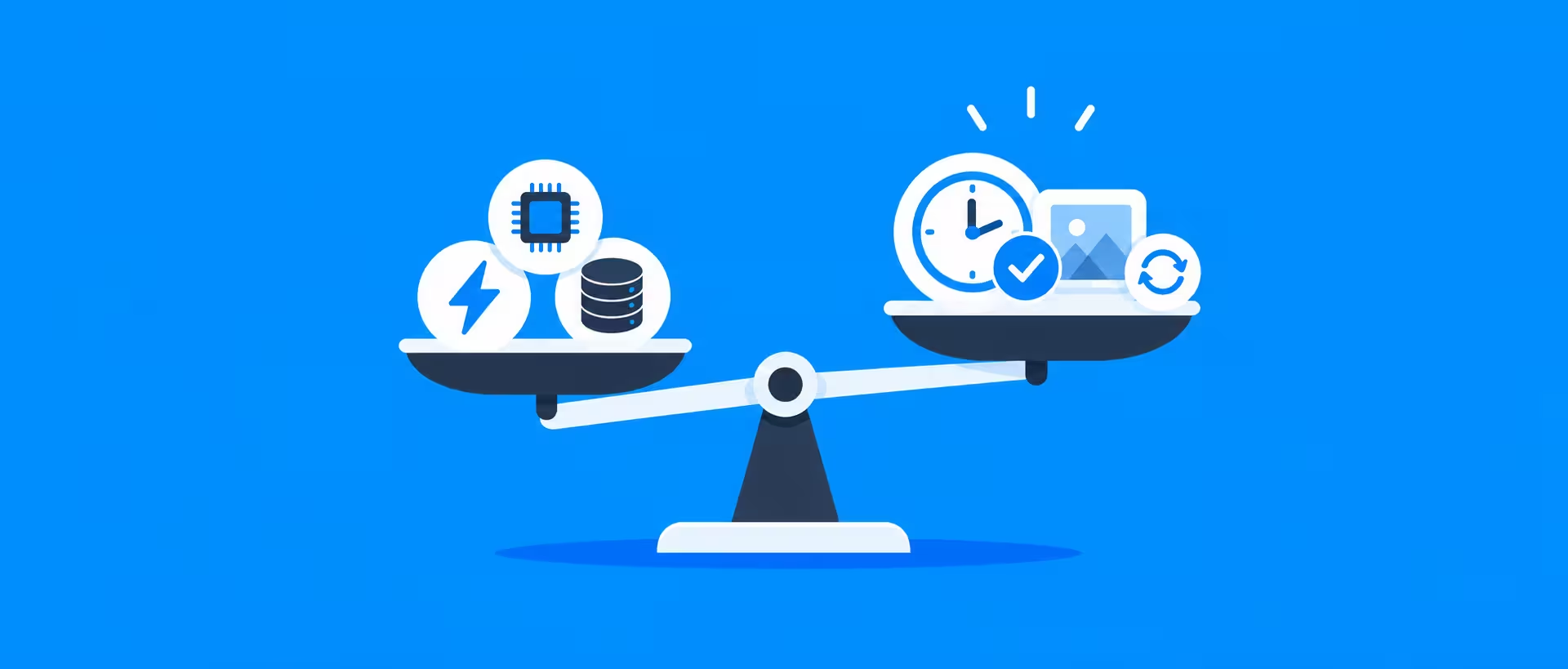
Rendering on hardware you already own can feel free, but local production still carries costs. Electricity, cooling, hardware upgrades, maintenance, storage, machine availability, and the time spent managing rendering all contribute to the overall workload.
Artist time matters as well. If a workstation is busy for hours or days, that can reduce the time available for revisions, new client work, compositing, or other production tasks.
Useful costs to compare include:
- Hardware purchases and future upgrades
- Electricity and cooling
- Maintenance and failed components
- Workstation downtime
- Time spent managing local rendering
- External render charges
- Upload and download time
- The value of finishing or revising the project sooner
A render farm can be worth paying for when the time and capacity it gives back to the production have greater value than the cost of the render.
Buying stronger hardware or using a render farm
Buying a stronger workstation can make sense when the same hardware limitation affects everyday work. A faster GPU, more memory, or stronger CPU performance may improve modeling, simulation, viewport performance, AI workloads, and rendering at the same time.
External rendering becomes easier to justify when heavy demand appears only at certain stages. A studio may work comfortably on local machines for most of a project, then need much more compute during final animation delivery or a large revision round. Paying for extra capacity during those peaks can be more practical than owning enough hardware for the busiest possible week of the year.
High volume work changes the calculation

The economics shift again when a studio produces a very large number of images. Rendering has to be reliable, predictable, and easy to integrate with the rest of production.
For example, Digital Esthetics Studio uses external rendering as part of a high volume visualization workflow, where capacity and consistency matter alongside raw speed. Large production pipelines often benefit from rendering infrastructure that can expand without forcing the studio to constantly rebuild its own hardware environment.
When a render farm may not be worth it
A render farm provides less value when the rendering problem is already small. If the scene finishes quickly on local hardware and the computer is available for the duration, sending the job elsewhere can add unnecessary cost and setup.
Staying local may make more sense when:
- The project is a simple still or short sequence.
- Overnight rendering fits comfortably within the deadline.
- The workstation can remain occupied without slowing other work.
- The required software, scripts, or plugins are unsupported.
- A real time engine already produces the final quality the project needs.
- AI assisted tools have reduced the workload enough for local hardware to handle it comfortably.
Support matters when the deadline is close
Render performance gets most of the attention, but production support can matter just as much when something goes wrong. Missing assets, incompatible plugins, unusual scene settings, or failed frames can quickly erase any time saved by faster hardware.
“GarageFarm feels like a team member. I’ve never felt like I couldn’t call on them for help.” - Dave Greene, IAMSTATIC
For studios working on client deadlines, access to someone who can help diagnose a problem can make the service easier to depend on during the final stages of production.
Common questions about using a render farm
- How do I know if a render farm is worth using? - Start with a representative test frame or small batch rendered locally. Record how long it takes, then use that result to estimate the full workload. This gives you a practical baseline before comparing local and external rendering.
- What should I compare before sending a job to a farm? - Look at the full render time, your deadline, and whether your workstation still needs to be available for other production work. It also helps to compare the cost of a small farm test with the amount of time or local capacity it could give back.
- Could I reduce the workload without using a render farm? - Sometimes. A real time engine may be suitable if it can deliver the required quality, while AI denoising or upscaling may reduce sampling or resolution requirements. These options can lower the amount of traditional rendering needed.
- Why can the answer differ so much between projects? - Render time depends on factors such as animation length, renderer, resolution, scene complexity, plugins, and available hardware. A workflow that is easy to handle locally for one project may become impractical on another.
So, is a render farm worth it in 2026?

A render farm is worth considering when rendering starts taking time away from production, limits iteration, occupies hardware that is still needed, or puts pressure on delivery. Real time engines, AI tools, and more capable workstations can reduce some rendering demands, but heavy offline rendering is still common across animation, VFX, product visualization, architectural visualization, and cinematic production.
In practice, the most flexible setup often combines several approaches. Local hardware can handle everyday creative work, real time tools can provide fast feedback, AI can accelerate suitable parts of the pipeline, and cloud rendering can provide extra capacity when a project grows beyond what the workstation can comfortably finish.
Register Now and Get $50 FREE Credits!