

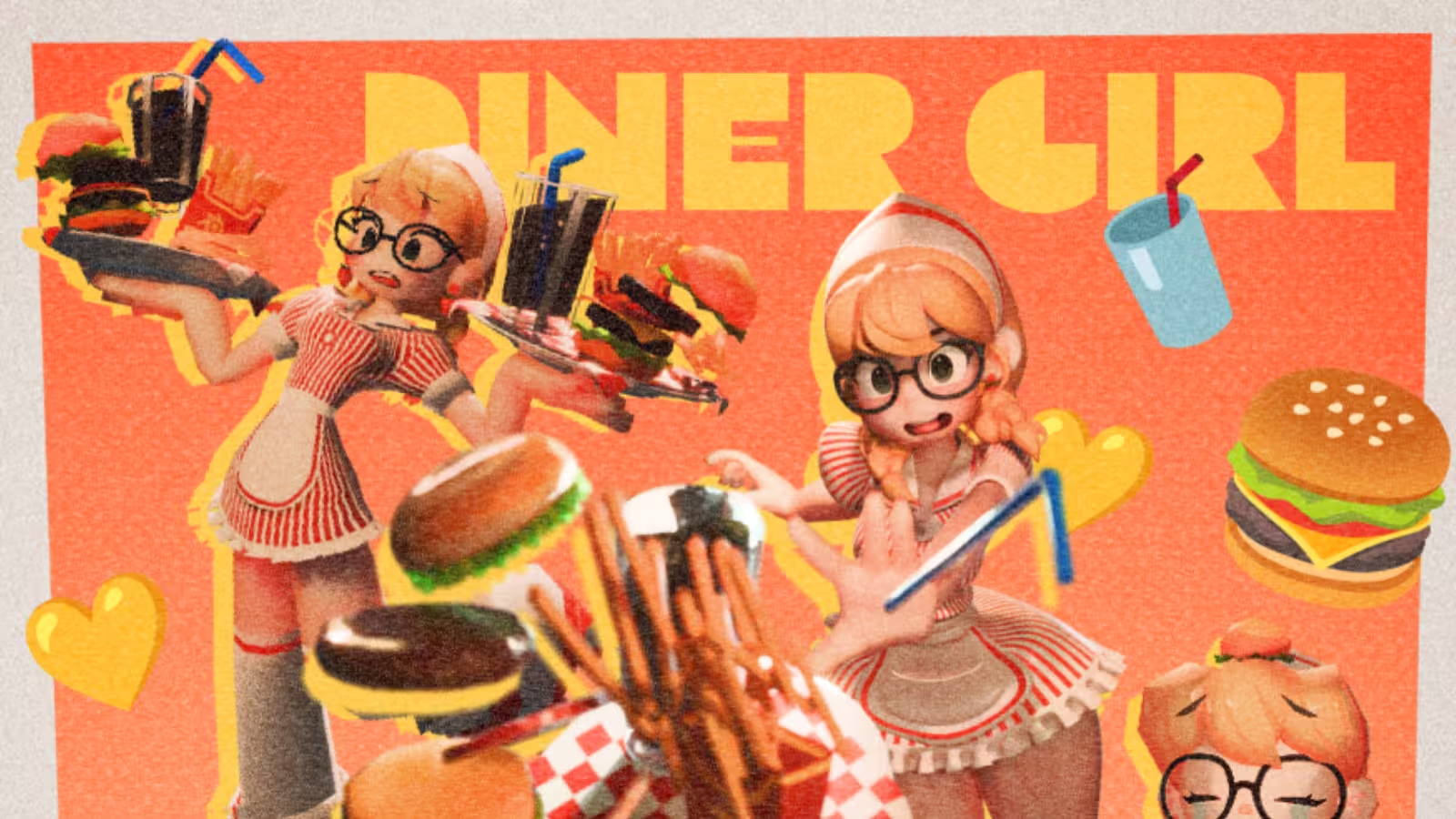
For 3D character artist Min-Jeong Shin, character design is not only about creating a beautiful model. It is about giving that model a sense of presence, personality, and movement.
In her latest personal project, a short animation featuring a twin-tailed maid character dancing to music, began as a study in animation. But it also became a step forward in how she approaches 3D characters as living, expressive designs. Rendered with GarageFarm.NET, the project allowed Shin to focus on the details that mattered most, from rigging and physics simulation to timing, polish, and final delivery.
Discovering 3D through design

Shin began studying Visual Design in 2017 and graduated from university in 2021. Since then, she has continued working in character design and 3D character-focused content, building a practice that connects illustration, modeling, and animation. At first, her goal was to become a character designer through 2D illustration. That path changed when she discovered Blender.

For Shin, the move from 2D to 3D was not a replacement of one medium with another. It became a way to expand what character design could do. Her work now combines character design, 3D modeling, and animation production, allowing her to explore not only how a character looks, but how that character moves and feels on screen.
“If you have been hesitant about studying 3D, I encourage you not to overthink it and just start,” she says. “I hope you can create amazing designs that transcend the boundaries of space by blending both 2D and 3D.” - Min-Jeong Shin
Shin believes the learning process of 3D has become much more approachable as well, especially with the number of tutorials and resources now available.
Why Blender became part of her creative path
Blender plays a central role in Shin’s workflow. She highlights its accessibility as one of its biggest strengths, especially for artists who are just beginning to explore 3D. Most importantly, Blender gives artists a full production environment without the cost barrier that often comes with other tools.
“Blender offers outstanding accessibility. It provides powerful features and consistently impressive updates, all while being completely free software.” - Min-Jeong Shin
She also finds Blender’s interface simple and intuitive compared with other 3D software, which is one reason she recommends it to beginners. As Blender continues to improve, especially in areas like sculpting and Geometry Nodes, Shin expects it to remain an important tool for both new and experienced artists.
Creating a character that feels alive
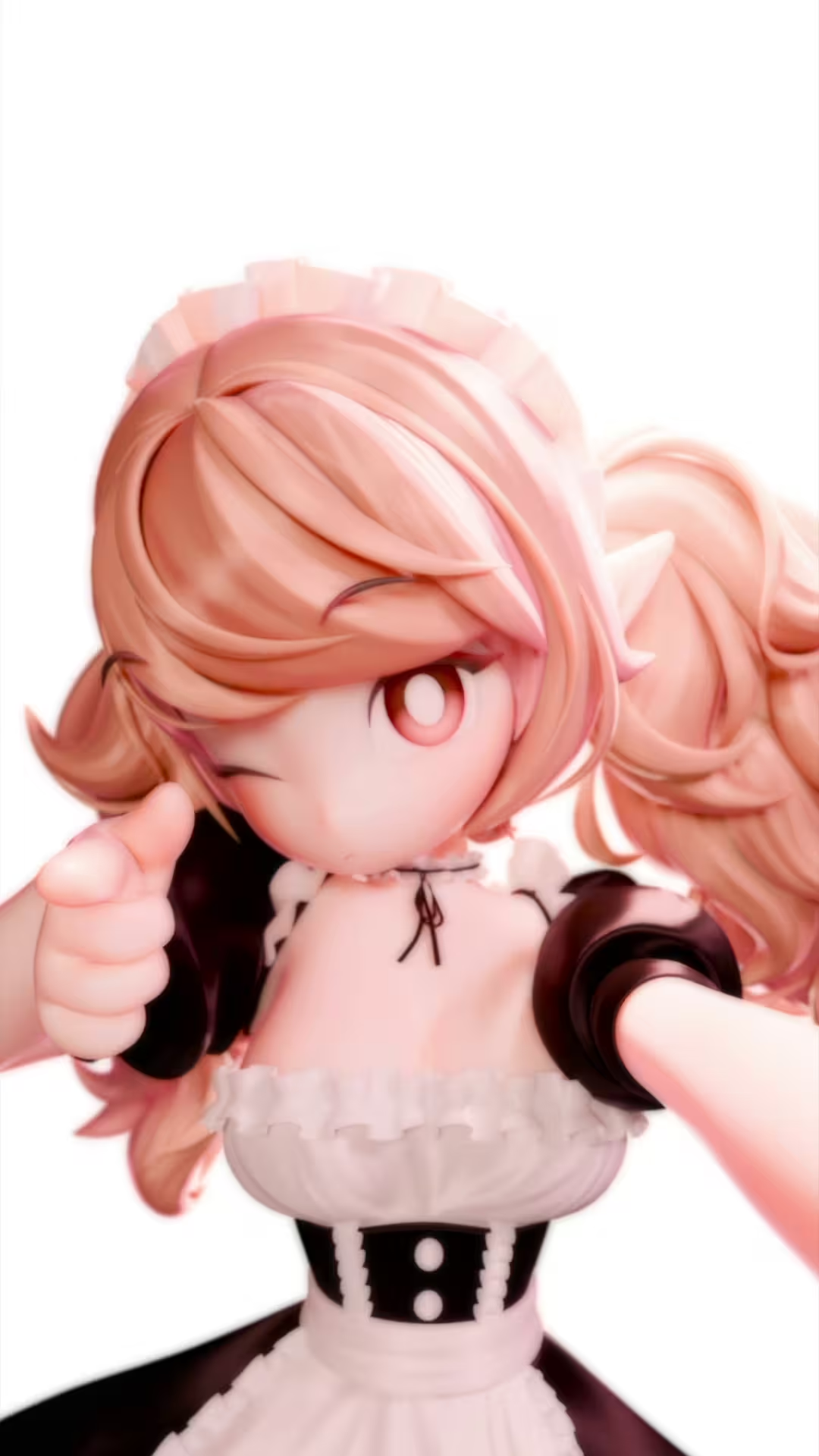
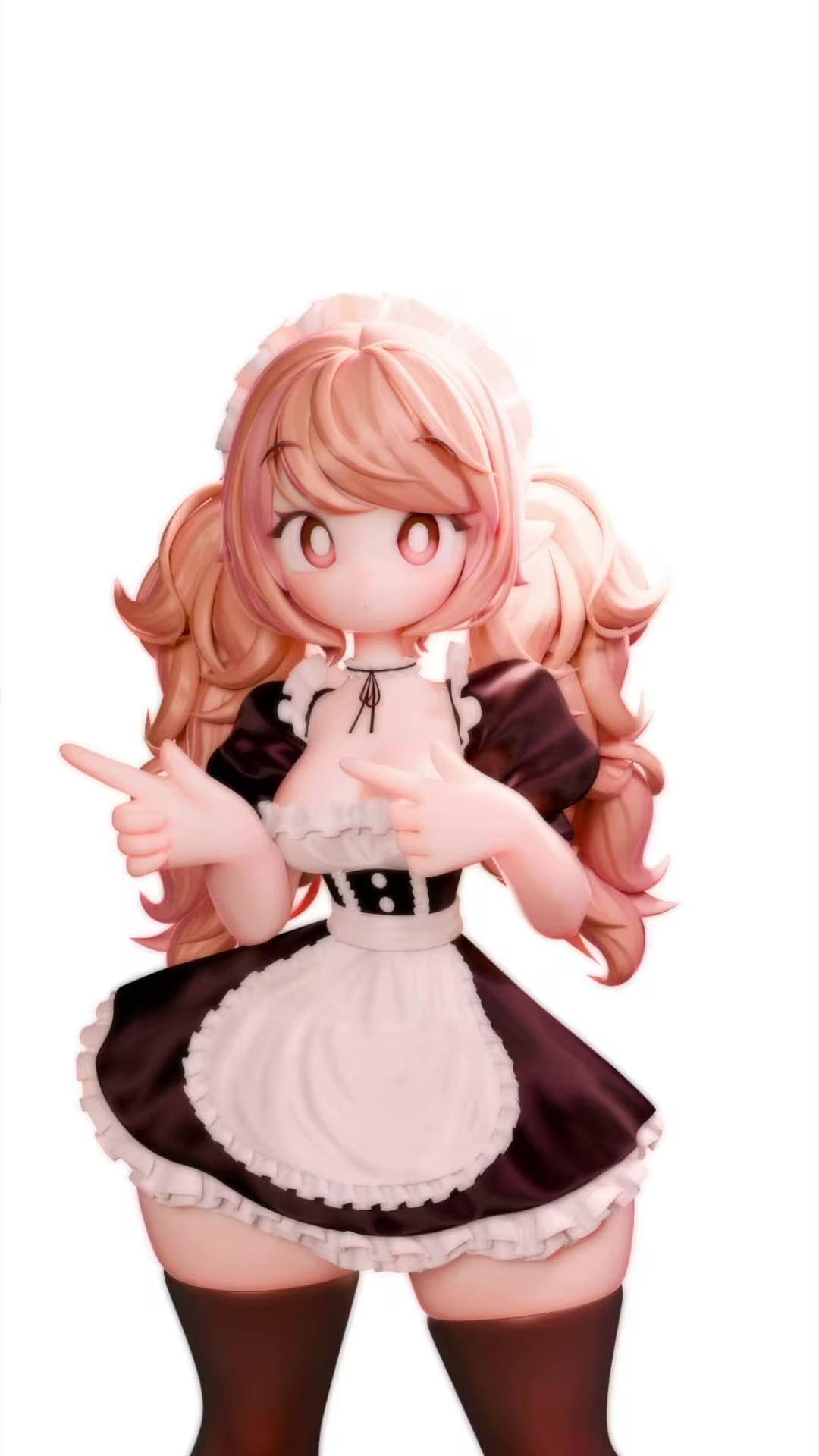
For the twin-tailed maid animation project, Shin wanted to make a short, addictive video that felt fun, memorable, and easy to watch repeatedly. While she had made short clips before, this was Shin’s first complete music-synchronized animation project. That made it both exciting and challenging.

Although the final video is short, the production required many connected parts to work together: the character had to move naturally with the rhythm of the music, the hair and clothing needed to respond believably to the dance animation, and the animation also had to feel polished enough to stand on its own as a complete piece.
The challenge of rigging, hair, and clothing
One of the most difficult parts of the project was rigging the character and making sure the secondary motion worked properly. For a dancing character, details can strongly affect the final impression.
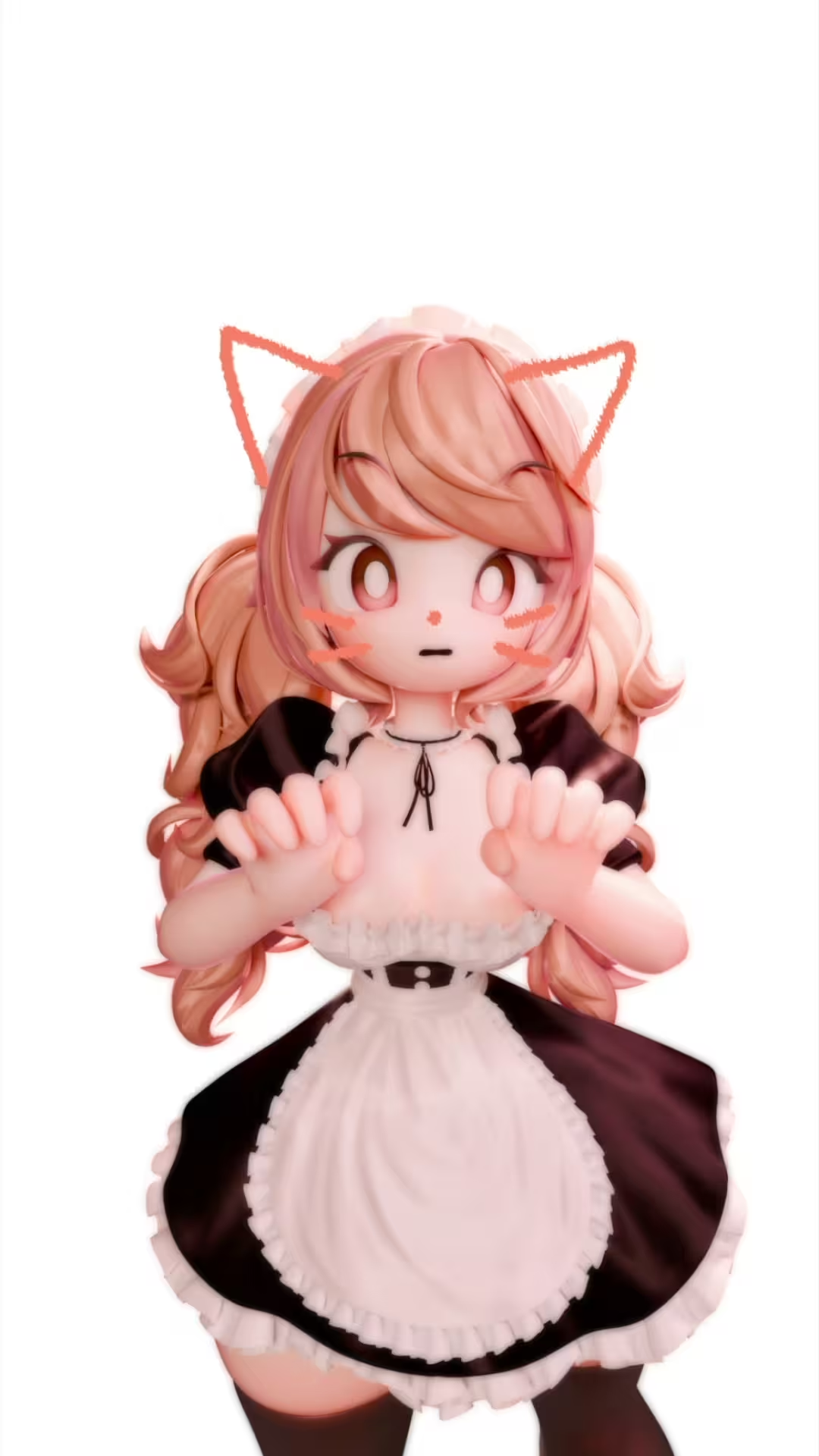
If the physics feel too stiff, the character loses energy. If the movement feels too loose or unstable, the animation can become distracting. Shin had to find a balance where the character’s twin tails, outfit, and overall motion supported the performance rather than fighting against it.
“The most difficult part was the rigging process, ensuring the character’s hair and clothing moved naturally with physics simulations during the dance animation.” - Min-Jeong Shin
This is where the project moved beyond character modeling and into full animation production. Shin was not only presenting a finished design but she was also studying how to make that design perform.
Rendering the animation with GarageFarm

The final animation was rendered in Blender using the Cycles render engine. In total, Shin rendered approximately 800 frames. Rendering 1 to 50 frames on GarageFarm.NET took roughly 5 to 10 minutes. Without an external render farm, she estimates the same range would have taken more than 30 minutes on her own machine, especially because the project used Cycles. That difference made a practical impact on her workflow.
“It was very helpful to be able to work on other unfinished tasks or take a break while rendering was being handled. It was also great to be able to quickly check the results when I was on a tight deadline.” - Min-Jeong Shin
A render farm that felt easier than expected
Before using GarageFarm.NET, Shin knew render farms existed, but she had avoided them because she assumed they would be difficult to use. Her first experience came through a sponsorship opportunity, but she continued using GarageFarm after finding that it fit naturally into her workflow.
For Shin, one of GarageFarm.NET’s strongest advantages is its intuitive process. The workflow felt approachable: install the plugin, upload the files to the cloud, adjust a few render settings, and let the farm handle the rendering. She sees that simplicity as especially useful for beginners who may be trying a render farm for the first time.
Support that makes the process smoother
Shin did not experience technical problems while using GarageFarm.NET, but she still appreciated the support team:
“They are very kind. I am always sincerely grateful! - Min-Jeong Shin
That kind of support matters because many artists are not only rendering final frames. They are testing, revising, and learning as they go. When the process feels clear and help is available, the render farm becomes less intimidating and more like a natural extension of the production workflow.
Looking beyond the screen
While Shin continues to create digital character work, she is also becoming more interested in bringing 3D creations into the physical world. One of the trends she finds most exciting is the growing accessibility of 3D printing.
In the past, 3D printers were often associated with specialists and technical users. Now, more artists and hobbyists are able to use them. For Shin, this feels especially meaningful in a time when AI is becoming more present in creative industries.
“As we live in the AI era, more people are focusing on materializing their work rather than keeping it purely digital,” - Min-Jeong Shin
And although many artists are experimenting with AI tools, Shin does not use AI in her character work. Her interest is moving in the opposite direction: manual work that only humans can do.
Future plans: figures, art toys, and global audiences
Shin’s next goal is to create figures and art toys based on her own character designs and visual style. It is a dream shared by many 3D character artists: to see a digital character become something physical, collectible, and real.
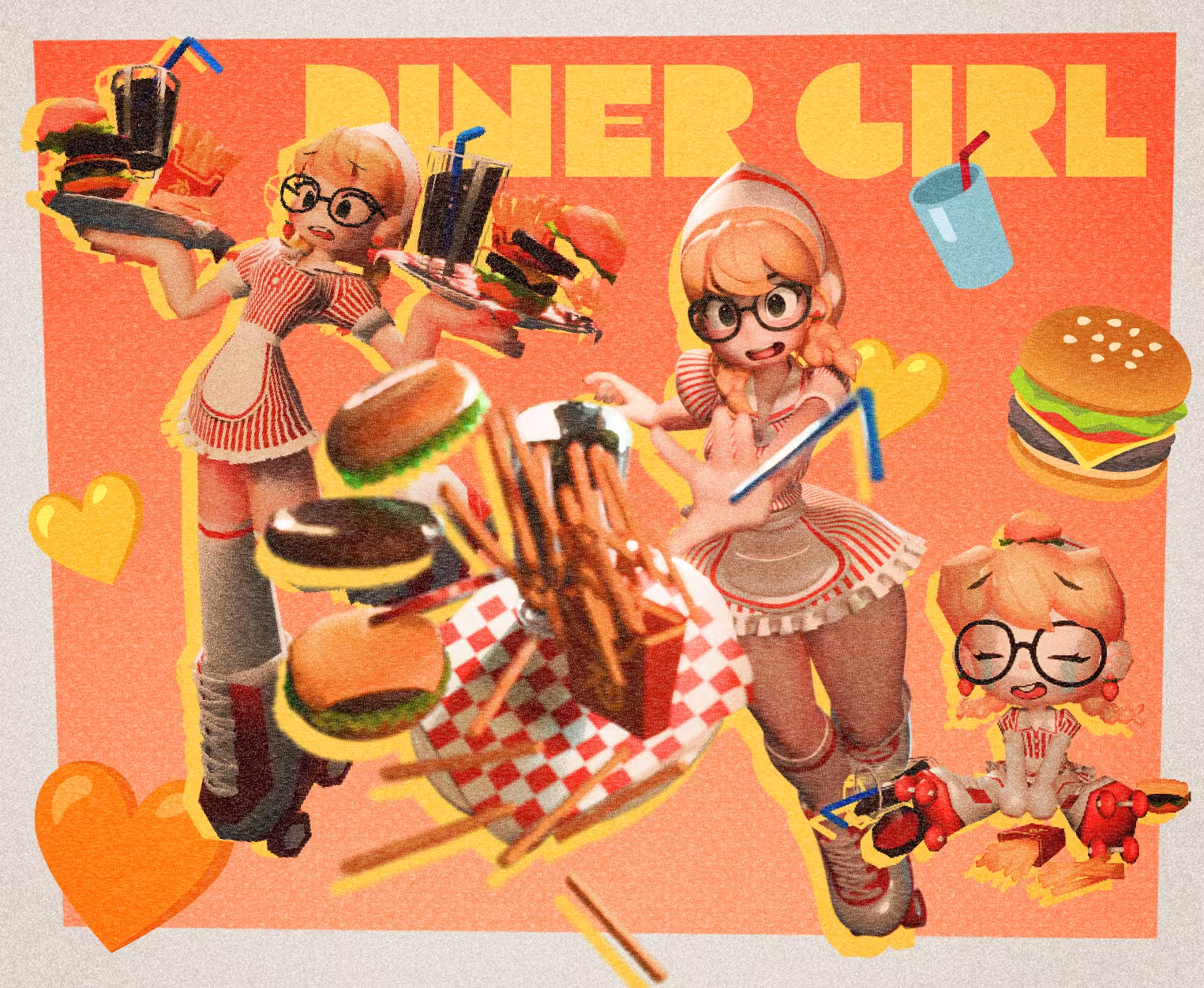
She also plans to upload more related videos to YouTube to her international audience. Through YouTube, Instagram, ArtStation, X, and her courses on Coloso, which are available in languages such as Japanese and English, Shin has reached students and followers around the world, and most of her international audience discovered her work naturally through social media.
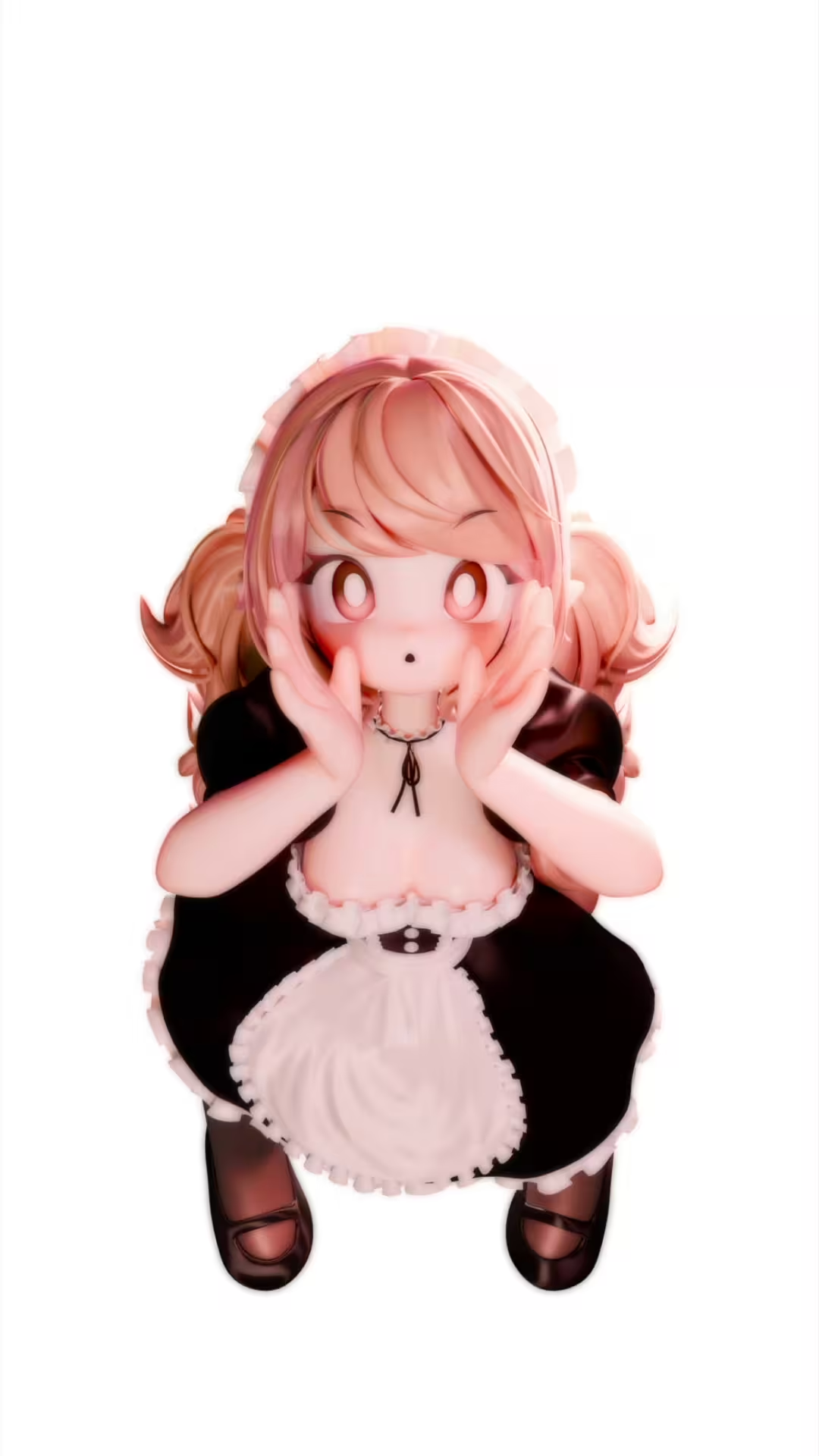
For Shin, this global response confirms the strength of character design as a visual language. A character can cross borders through style, movement, and personality, even without explanation. As she continues exploring animation, Blender, 3D printing, and art toys, her work reflects a larger creative direction: character design that does not stay fixed on the screen, but moves, performs, and eventually takes physical form.
See more of Min-Jeong Shin’s work
You can find more of Min-Jeong Shin’s work on Instagram, ArtStation, X, and YouTube.
Instagram: instagram.com/tlsalswjdd
ArtStation: https://www.artstation.com/tlsalswjddd
X: https://x.com/tlsalswjdd
YouTube: https://www.youtube.com/@tlsalswjdd