

Key takeaways
- Render farms give small studios access to more computing power without requiring a large internal cluster.
- Offloading final renders keeps local workstations available for ongoing production.
- Faster rendering can leave more time for client reviews, revisions, and creative improvements.
- On-demand resources help studios handle busy periods without maintaining extra hardware throughout the year.
- Representative test frames help studios estimate rendering costs before committing to a client quote or full sequence.
A render farm allows a small studio to process demanding rendering jobs across many computers instead of relying on a few local workstations. This can shorten production schedules, keep artists productive, create more room for revisions, and help studios accept larger projects. Studios can also access additional computing power when required without purchasing and maintaining a permanent internal cluster. The best results come from combining external rendering resources with organized files, optimized scenes, careful testing, and regular job monitoring.
Why rendering becomes difficult for small studios
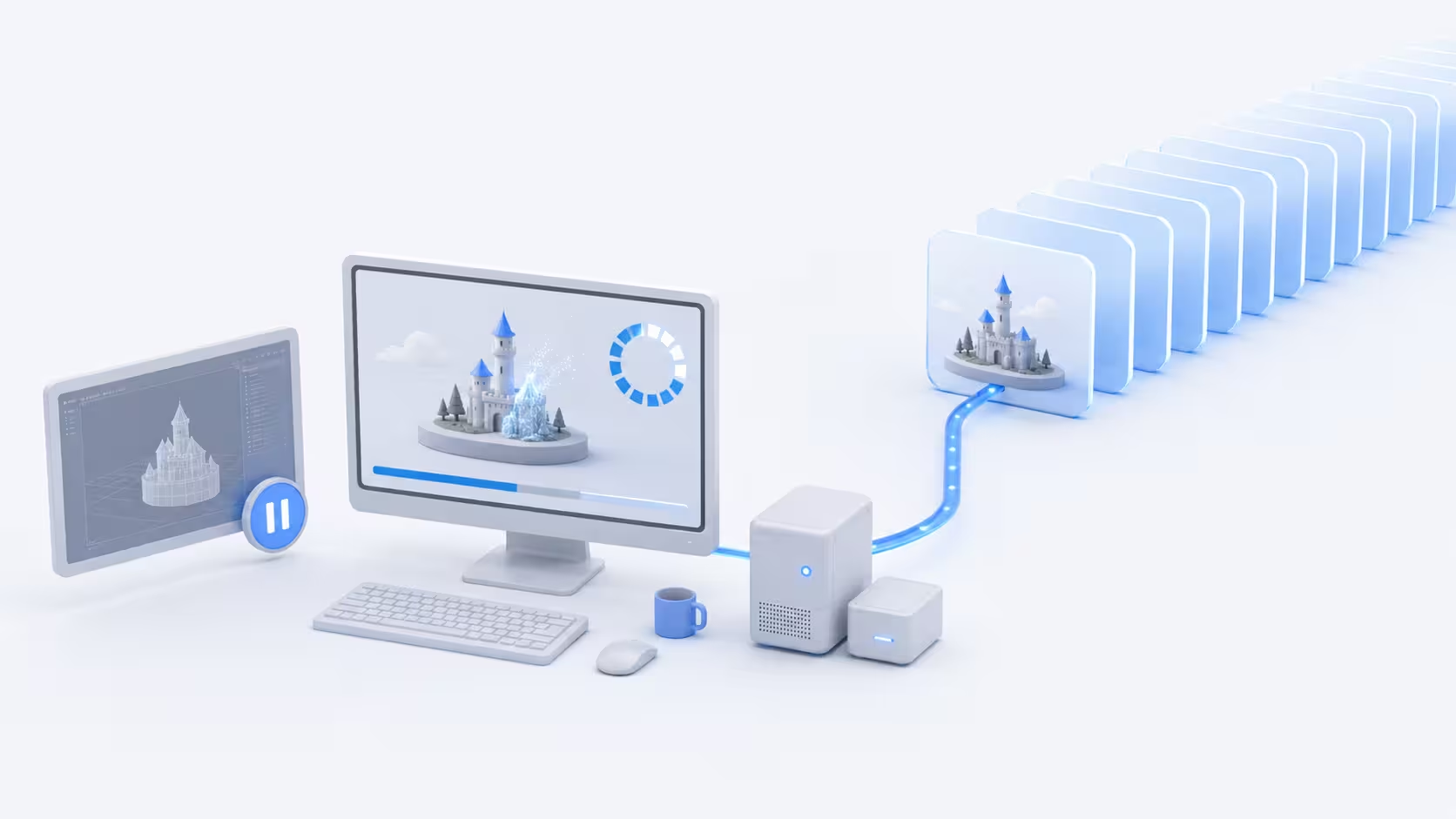
Small studios can create work that is just as detailed and ambitious as larger teams, but they often rely on only a few workstations for modeling, animation, simulation, lighting, rendering, editing, and daily production.
Scenes are becoming more demanding
As scenes become more demanding through detailed geometry, large textures, complex materials, realistic lighting, particle effects, and simulations, even a responsive workstation may take hours to calculate a final frame.
Animation multiplies the workload
Rendering one detailed image can already take a long time, and an animation may contain hundreds or thousands of frames that each require lighting, shading, geometry, and effects calculations. Even manageable frame times can create a large total workload across a full sequence, leaving less time for changes before delivery.
Local rendering can interrupt production
Artists often use the same workstations for creative work and final rendering. When a machine is using most of its processing power, modeling, animation, texturing, and scene revisions may become slow or impractical. For a small team, tying up one workstation can also delay work on another client's project.
How a render farm works
A render farm is a group of computers that processes rendering tasks together. Instead of asking one workstation to calculate every frame in sequence, the job is distributed across several machines known as render nodes.
In a typical animation job, different render nodes process separate frames simultaneously, allowing one machine to render frame one while others handle the following frames. The time saved depends on the scene, renderer, hardware, and number of available nodes, but the main benefit is that more frames can be completed within the same period.
Studios can use local or online resources
A studio can build its own render farm using computers in the office, but this requires hardware, networking, cooling, electricity, maintenance, and technical management. Online render farms provide access to remote computing resources, allowing the studio to upload or synchronize a project, choose its settings, submit the job, and download the completed output. This can be more practical for small teams that only need extra capacity during certain projects.
Faster production and delivery
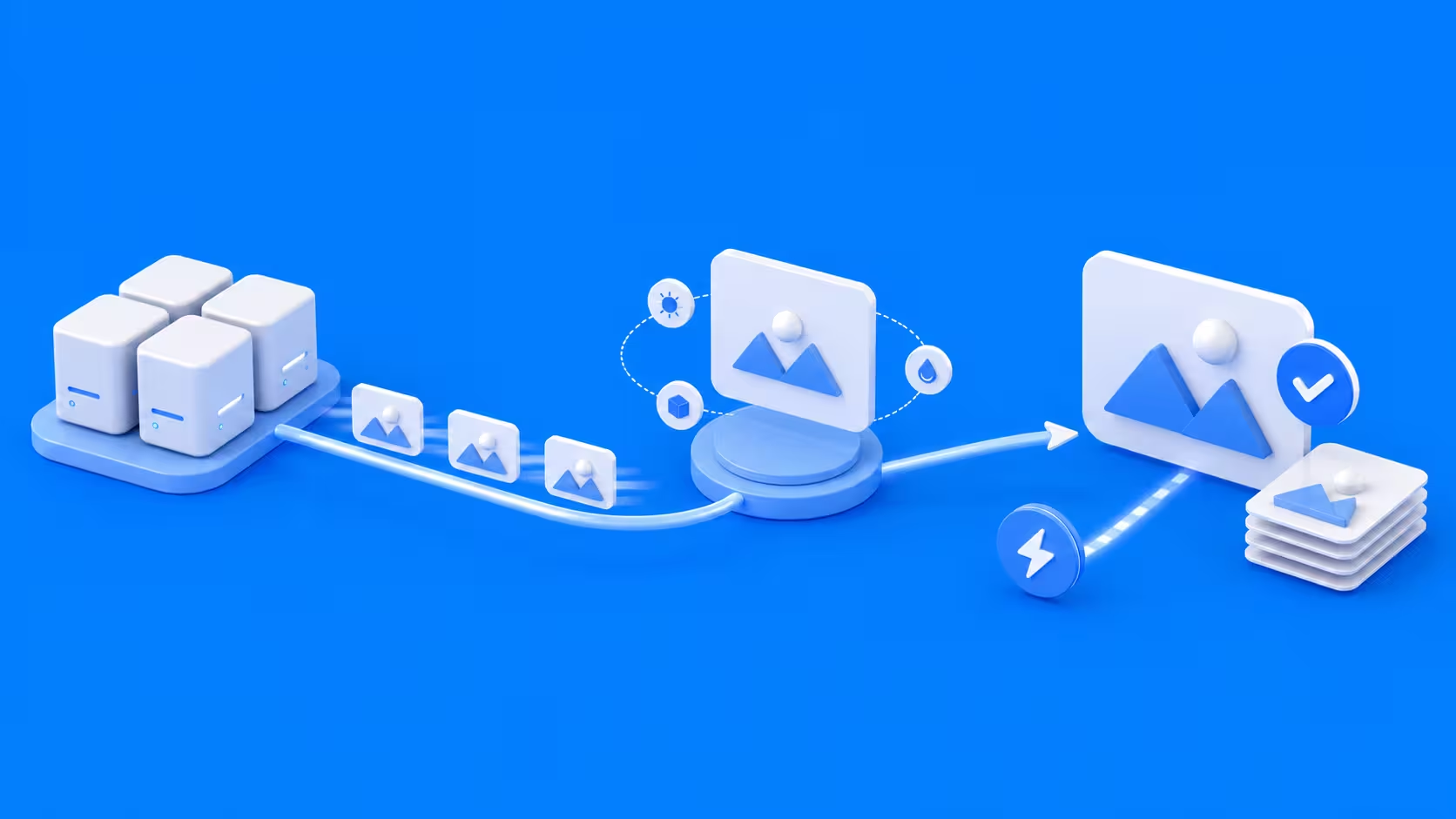
A render farm helps studios complete rendering sooner, giving the team more time to review work, respond to feedback, and manage urgent deadlines.
More time for revisions
Faster renders allow artists to review results earlier and correct problems with lighting, materials, animation, simulations, or cameras before delivery.
Earlier client reviews
Studios can share updated previews sooner, helping clients approve the visual direction before too much work has been finalized.
Better control over urgent jobs
Additional render nodes help teams handle sudden revisions or short deadlines without placing every local workstation under heavy load. Preparation, upload time, and queue availability still need to be included in the delivery schedule.
More computing power without a large hardware purchase
Building an internal render cluster involves hardware, electricity, cooling, storage, networking, software, repairs, and physical space. An online render farm provides extra computing power when needed, reducing the need to maintain machines that may sit unused between projects.
For the Frontier title sequence, Iamstatic worked with a core team of three. In their interview with us, the team explained that maintaining a large internal farm would take time away from making the work. Access to additional capacity and technical support helped them keep the production team small without taking on that maintenance burden.
Render expenses can also be included in project estimates, while local workstations remain available for creative tasks.
More productive artists and workstations
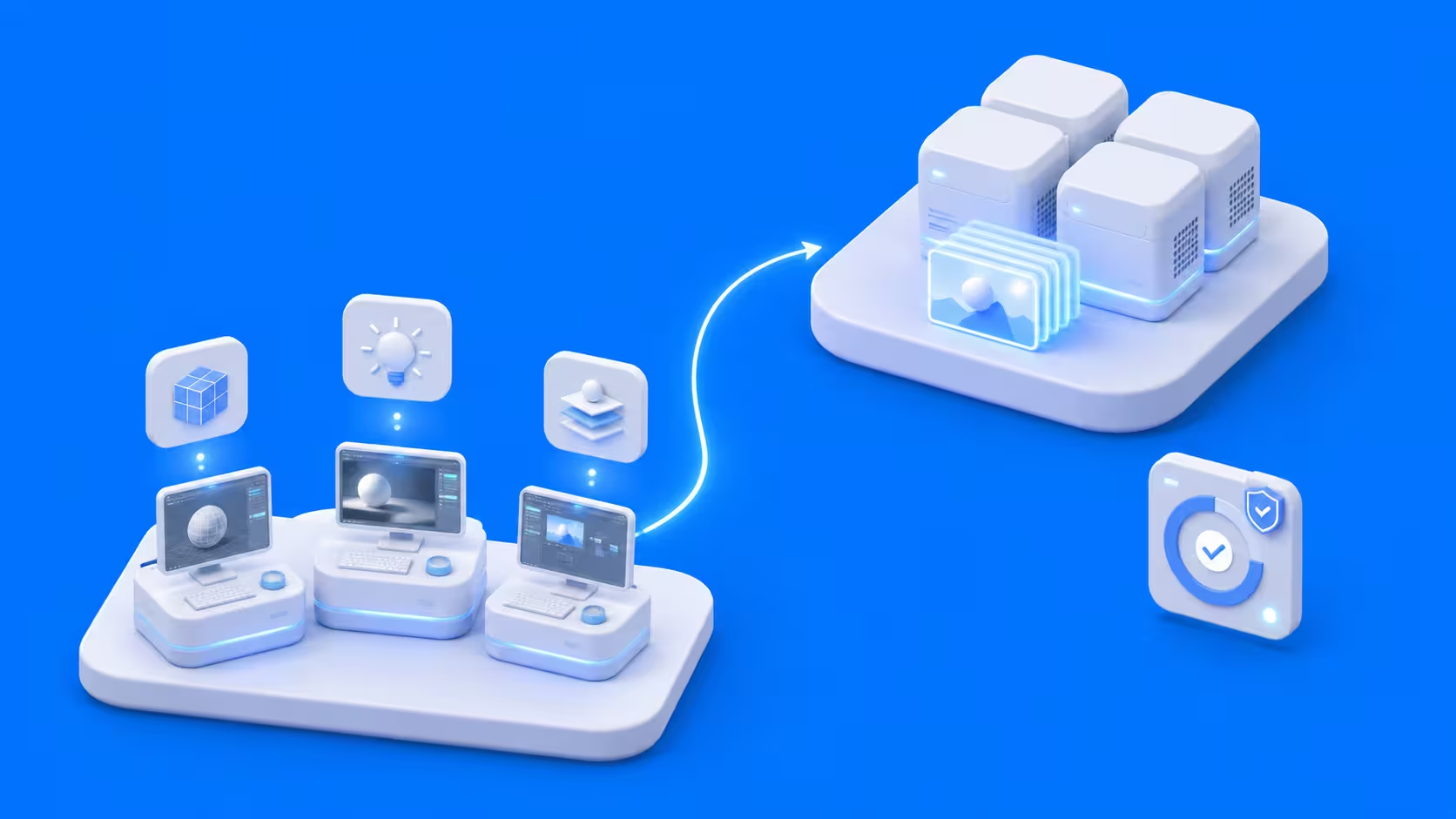
Rendering can consume most of a computer's processing, graphics, memory, and storage resources. Offloading it keeps local workstations available for other production tasks.
Artists can continue creating
While a sequence renders remotely, artists can continue modeling, animating, lighting, compositing, or preparing another scene. This is especially useful for small teams, where each workstation supports several stages of production.
Less overnight monitoring
Online render farms often provide progress tracking, warnings, and support tools that reduce manual monitoring. Missing textures, incorrect paths, unsupported plugins, and simulation issues still need to be checked before submission; moving a job off-site does not automatically resolve scene problems.
A more responsive production environment
With local machines available, artists can quickly open projects, make revisions, and create tests without waiting for a long render to finish.
Flexible capacity for changing projects
Small studios rarely have the same workload throughout the year. Rendering requirements can change depending on project size, scene complexity, resolution, and deadlines.
Larger projects become more manageable
A studio may have the skills to produce a large animation but lack the local capacity to render it on time. External resources help close that gap without requiring a permanent expansion of its infrastructure.
Several jobs can move forward together
One long local render can delay every project behind it. A render farm can give teams more room to process several jobs or schedule previews, final frames, alternative versions, and marketing materials separately, depending on available capacity and service options.
Capacity can return to normal after delivery
Once a demanding project is complete, the studio can reduce its external rendering use instead of maintaining additional hardware purchased for a temporary peak in demand.
More creative freedom
Limited computing power can affect creative decisions. Artists may avoid complex lighting, detailed effects, or additional versions because they take too long to render.
More room for experimentation
Faster rendering makes it easier to compare different lighting setups, cameras, and materials using rendered results rather than rough viewport previews.
Better quality previews
Higher-quality previews can reveal noise, reflections, texture problems, and lighting issues that may not appear in low-resolution tests.
Ambitious ideas become easier to plan
A render farm gives teams more flexibility to consider richer environments, longer sequences, higher resolutions, and more detailed effects. Testing the most demanding shots early helps establish whether those choices fit the project's budget and deadline.
More predictable production planning
Render times can vary greatly across a sequence. Simple frames may finish quickly, while frames with detailed geometry or heavy effects may take much longer.
Test frames improve estimates
Rendering a selection of simple and demanding frames helps the studio estimate the likely processing time and cost before submitting the full sequence. Include frames where visibility, effects, or scene complexity changes, rather than basing the estimate on the opening frame alone. Our guide to controlling rendering costs covers testing and other ways to avoid unnecessary spending.
Central monitoring improves visibility
Render farm dashboards can show completed frames, active tasks, errors, and progress estimates in one place.
Problems can be found earlier
Scene checks and small test submissions can identify missing files, unsupported plugins, incorrect paths, and unavailable caches before the full render begins. Check the returned images as well as the job status: a completed frame is not necessarily a correct frame.
Opportunities to accept larger projects

Studios may hesitate to accept projects with heavy rendering requirements, even when they have the creative skills and experience to complete them. Scalable computing makes these opportunities easier to assess.
Production capacity can grow without a larger team
Render nodes handle processing while artists remain responsible for creative and technical decisions. This allows the studio to increase its computing capacity without immediately purchasing extensive hardware, although additional production work may still require more people.
Dots Core's CES projects show how this can work for a small business. Founder DooHyeok Kim brought in freelancers for two videos produced within a 45-day schedule and reported rendering 2,400 frames. Using our render farm helped him meet the deadline while continuing other work. He also described keeping selected heavy, potentially troublesome scenes local when the schedule allowed, rather than outsourcing every scene by default.
Quotes can be based on real tests
Sample renders can provide more reliable estimates of cost and completion time than assumptions alone. Render expenses can then be included in the client quote, helping protect the studio's margins. Allow for agreed revision rounds as well as the first complete render, since a lighting or material change may require another pass through the sequence.
Professional delivery becomes easier
High-resolution output, multiple aspect ratios, product variations, and revised sequences can add significant processing time. Flexible rendering resources help studios meet these requirements without placing every delivery in the same local queue.
When local rendering may be enough
A render farm may not be necessary for every job. A small still image, a lightweight scene, or a project with a flexible deadline may be completed comfortably on local hardware.
The studio should consider whether the time required to prepare and transfer the project is justified by the amount of rendering work. External processing becomes more valuable as sequences become longer, deadlines become tighter, or local rendering begins to interfere with other paid work.
Final thoughts

A render farm gives small studios additional computing capacity without requiring a permanent internal cluster. The practical benefit is having more room for client reviews, revisions, and ongoing production while final frames are being processed. Organized assets, representative tests, and a clear allowance for rendering in the project budget help turn that extra capacity into a useful part of the studio's workflow.
Register Now and Get $50 FREE Credits!