


Powerful Blender render farm for fast rendering




















Why choose our render farm for Blender

Accelerate renders

Cut costs

24/7 support

Project support
Seamless cloud rendering for Blender projects
Supported Blender versions & 3D software

Blender
render engines
supported OS
 Windows
 Mac
Mac
Supported plugins for rendering with Blender
Farm features & benefits
Our lightweight plugin makes it effortless to connect your Blender projects to our render farm. With direct integration, you can submit .blend files without leaving your workspace. This allows the plugin to automatically verify assets and ensure a seamless render. If you prefer a more manual approach, we also support direct file uploads so you can manage your submissions exactly how you like.
Asset & scene compatibility


Outputs & post-processing
Tutorials and guides for Blender artists




Render farm FAQ
Got questions before you start? Here’s everything you need to know about our rendering solution.
We offer two seamless workflows: use our dedicated add-on directly inside Blender to automatically pack textures, check settings, and prepare your upload, or simply use our direct upload feature to send your Blender scenes straight to our backend for processing.
Unlike crowdsourced, free options like Sheepit, we provide dedicated commercial servers ensuring fast rendering, absolute privacy, and 24/7 support. We also offer a highly competitive and automated experience compared to alternatives like RebusFarm.
Yes! We fully support Eevee for both still images and animation. This allows for incredibly fast, near real-time output on our GPU nodes.
The overall cost depends on your scene's complexity, resolution, and the total number of frames rendered. To help you get an accurate cost estimate before launching the full 3D render, you can use our automated test job feature, which automatically sets up a step-frame test for your animations. We also provide a 33% discount for Blender projects.
Yes, we support rendering complex physics simulations in Blender. Just make sure to bake your simulation (like fluid, cloth, or smoke) locally on your workstation and ensure they are linked properly before uploading your Blender projects.
It depends entirely on your scene and render engine settings. Cycles OptiX and CUDA perform incredibly well on our GPU nodes, drastically cutting down render times, while heavy CPU-based scenes can be distributed across our massive CPU network.
Our renderfarm supports the most popular Blender add-ons out of the box, including, FLIP Fluids. If you need a specific plugin for your 3d software that isn't on our list, our 24/7 support team can help install it for you.
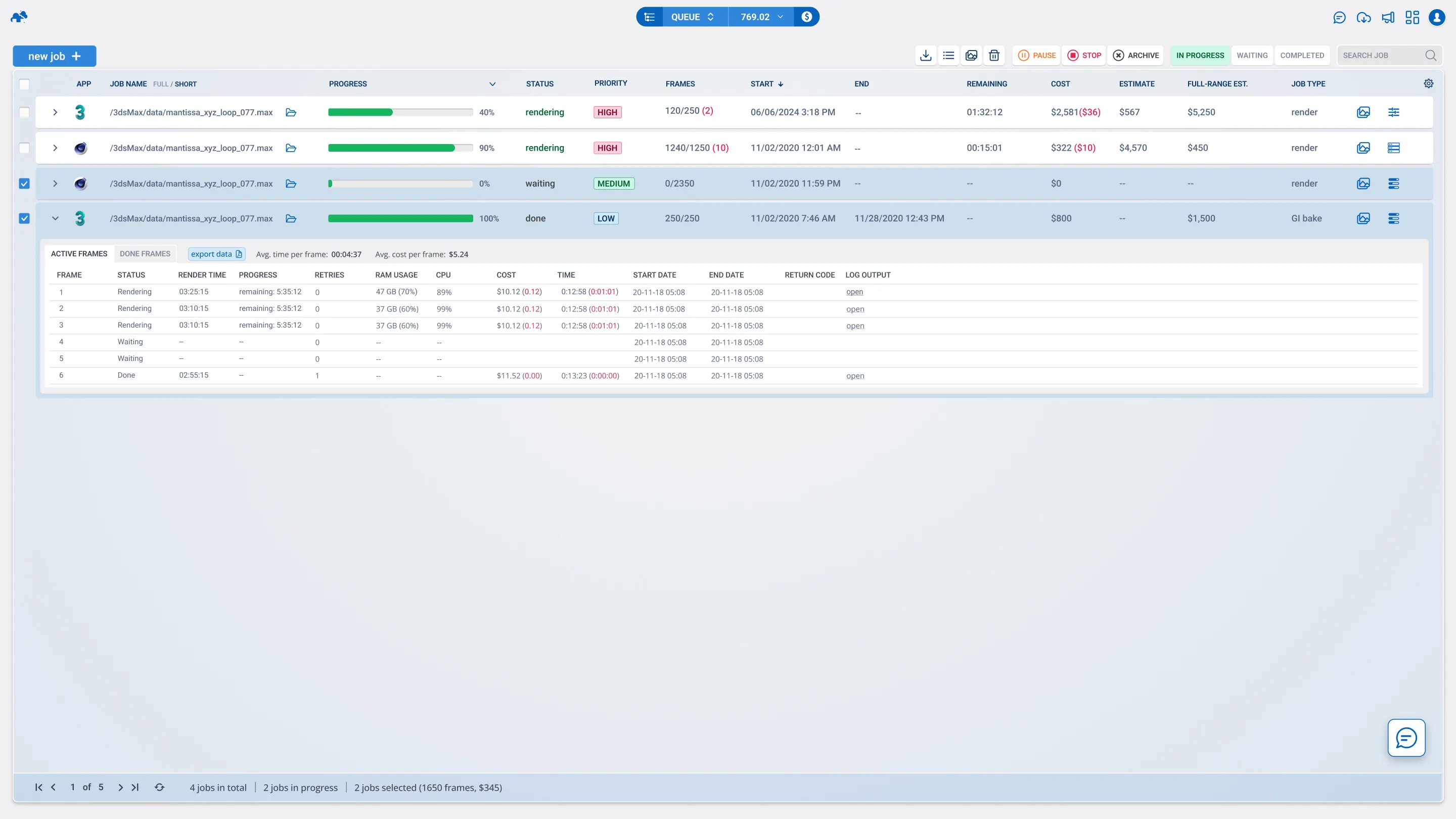
Once a frame is completed on the farm, it is automatically downloaded to your local drive via our renderBeamer app. You can also monitor the progress live and download your files directly from your web dashboard.
Our system automatically detects basic errors, and our 24/7 tech support team of actual Blender artists is always monitoring the render farm. If a failure happens due to a system error on our end, you will be fully refunded for that task. To avoid this, running test jobs is important and we automatically set a test job before rendering.
Absolutely. We offer strict NDAs for all our clients. Your files are encrypted during transfer and treated with complete confidentiality, making it a safe rendering solution for commercial studios.
Join thousands of 3D artists already rendering in the cloud.




Need help with your Blender projects?

E-mail us

Chat with us

Chat with us
Reliable and secure


2M+ projects rendered successfully

Holding ISO 27001 certification

Additional security through NDA
Calculate your render times
How long will my project render on the farm?
How much will I pay to render my project?
What priority should I choose?