


Key takeaways
- Large rendering workloads can quickly exceed the capacity of local workstations, especially when studios are processing thousands of frames, complex simulations, or high-resolution output.
- Cloud render infrastructure gives studios access to additional compute resources without requiring permanent investment in local hardware.
- Render queues help teams organize, prioritize, and monitor jobs when multiple scenes, shots, or revisions need to be processed at the same time.
- Batch rendering and parallel rendering allow large groups of frames and jobs to be processed more efficiently across available render nodes.
- Many animation and VFX studios use hybrid rendering, keeping everyday iterations local while moving heavier production rendering to cloud resources when additional capacity is needed.
TL;DR
Large rendering workloads can overwhelm even powerful workstations and in-house render infrastructure. For animation studios and VFX teams, the challenge is not simply getting access to faster hardware. It is managing thousands of frames, multiple jobs, changing priorities, and tight delivery schedules without slowing down production.
A render farm can address this by providing scalable compute resources that can be added when workloads exceed local capacity. Render queues, batch rendering, parallel processing, and automated job management help studios distribute work efficiently while keeping urgent jobs moving. This makes cloud rendering particularly useful during production peaks, when maintaining enough permanent local hardware for maximum demand would be expensive and inefficient.
Why render workloads are becoming more demanding
Modern animation and visual effects projects continue to grow in complexity. Higher resolutions, detailed 3D models, physically based materials, complex lighting, simulations, and larger frame counts all increase the amount of compute required to produce final images.
A single frame may already take considerable time to render. Multiply that by hundreds or thousands of frames, several shots, and multiple revisions, and the workload can grow quickly.
This creates a capacity problem for studios. Hardware that is perfectly adequate for everyday look development and test renders may struggle once a project reaches final production rendering.
The challenge of traditional rendering
Many studios begin with local workstations or a small in-house render setup. This works well when workloads are predictable, but problems start to appear when several projects overlap or a deadline requires significantly more rendering capacity than usual.
Common challenges include:
- Limited local hardware capacity
- Long render queues during production peaks
- Longer turnaround times as frame counts increase
- Difficulty adding compute resources quickly
- Hardware maintenance and electricity costs
- Expensive hardware sitting underused between large projects
- Aging infrastructure that eventually needs to be replaced
The issue is not always that local rendering is too slow. Often, it is that a studio's available render infrastructure cannot scale quickly enough when demand suddenly increases.
This is where cloud resources and render farms become useful.
How cloud render technology works
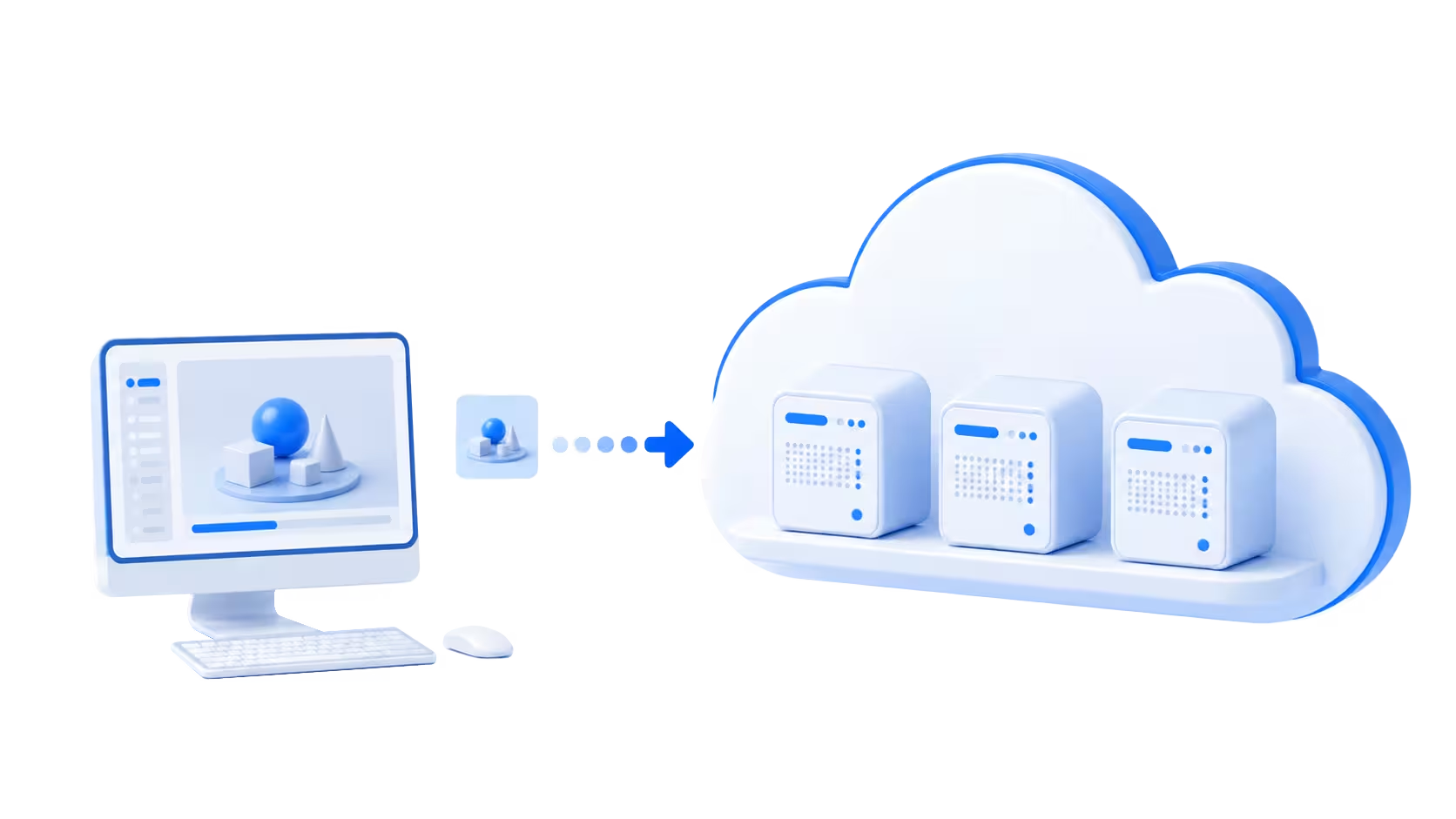
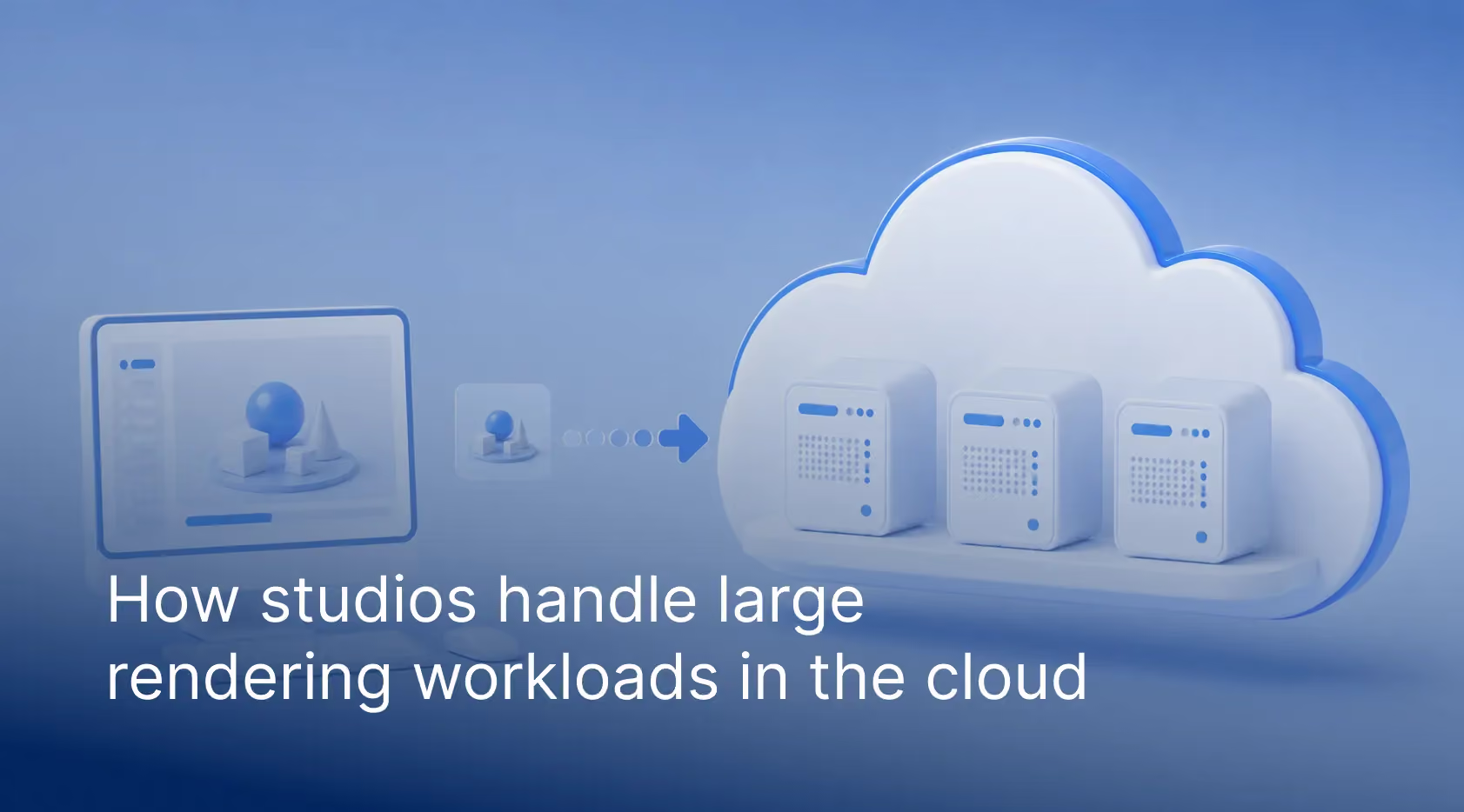
A cloud render environment processes rendering tasks on remote servers instead of relying entirely on hardware inside the studio.
Rather than sending every job to an artist's workstation, scenes can be distributed across remote CPU or GPU nodes. Studios can then access additional render compute when needed and reduce that capacity again once the production peak has passed.
For large scale rendering, this ability to scale is particularly important because studios rarely experience the same workload every day.
The role of cloud computing
Cloud computing allows studios to access compute resources on demand.
Instead of purchasing enough hardware to accommodate the busiest week of the year, a studio can maintain the local capacity needed for normal production and use cloud resources when a project exceeds it.
This changes render infrastructure from a largely fixed resource into something that can respond to production demand.
Common cloud render infrastructure
Most cloud rendering setups use one of two approaches.
Cloud rendering service providers / cloud render farms
A cloud render farm manages the infrastructure required to process rendering workloads. Services such as GarageFarm.NET distribute render jobs across multiple machines and provide tools for submitting, monitoring, and managing those jobs.
This removes much of the infrastructure management from the studio. Artists and technical teams can focus on scenes and output instead of provisioning machines, maintaining render nodes, or building their own cloud environment.
Public cloud platforms
Some studios build their own render infrastructure using public cloud platforms such as Amazon Web Services, Google Cloud, or Microsoft Azure.
This gives technical teams considerable control over compute resources and configuration, but it also requires more infrastructure management. Studios may need to handle provisioning, storage, networking, security, render management software, and automation themselves.
How a render farm handles large scale rendering workloads
A render farm divides rendering work into smaller tasks that can be processed across multiple machines.
One project shows how quickly a rendering workload can grow. Reatic Industry had 458 motion graphics frames to render, with each frame taking around 30 minutes on a local machine. Rendering the sequence locally would have taken approximately 229 hours, or more than nine days.
Faced with a tight deadline and other projects that still needed attention, the artist moved the workload to GarageFarm.NET. Instead of keeping a local workstation occupied for more than a week, the project could be distributed across additional render resources.
This is where parallel rendering becomes particularly valuable. Animation frames that can be processed independently do not necessarily have to wait for the previous frame to finish. By distributing those tasks across multiple render nodes, a render farm can process many parts of the workload at the same time.
Because animation frames can often be rendered independently, a render farm can distribute them across many available nodes. Instead of one machine working through the entire sequence sequentially, different frames can be processed at the same time through parallel rendering.
The exact performance gain depends on the scene, renderer, hardware, available nodes, and other technical factors, but distributing independent tasks is what allows render farms to handle workloads that would take far longer on a single workstation.
What this means in practice: Large jobs rarely contain frames that all take exactly the same amount of time to render. A frame with heavier geometry, additional effects, complex lighting, or a simulation may take considerably longer than the frames around it. This is why estimating a large job from a single frame can be misleading. Testing representative frames from different parts of an animation gives a studio a more useful picture of the workload before committing the full sequence.
Managing rendering workloads efficiently
Once several jobs are being processed at the same time, simply adding more hardware is not enough. Studios also need a way to decide what should render first.
This is where the render queue becomes important.
A render queue organizes jobs waiting to be processed. Depending on the render management system, teams can monitor job status, change priorities, pause work, retry failed tasks, and move urgent jobs ahead of less time-sensitive renders.
Effective render queue management becomes particularly important when a studio has several shots, client revisions, test renders, and final sequences competing for the same resources.
For example, a final client revision due that afternoon may need to move ahead of a lower-priority sequence scheduled for later in the week. Adjusting priorities allows the studio to respond without stopping the rest of production.
Consider a studio with three jobs in progress: a 1,500-frame final animation, a 200-frame client revision, and several test renders for another sequence. The longest job does not necessarily need to receive all available resources. The urgent revision can move higher in the render queue while the longer animation continues processing with the remaining capacity.
This is where render queue management becomes a production decision rather than simply a technical feature. Teams are deciding which work needs capacity first based on delivery schedules, revisions, dependencies, and the current state of production.
Batch rendering and parallel rendering
Batch rendering is useful when multiple frames, scenes, cameras, or render jobs need to be processed without manually starting each one.
Instead of rendering tasks individually, artists can prepare a batch of work and submit it for processing. Those jobs can then enter the render queue and run according to their assigned settings and priorities.
Batch rendering and parallel rendering are related, but they describe different parts of the process.
Batch rendering organizes multiple rendering tasks so they can be processed automatically.
Parallel rendering allows independent tasks, such as different animation frames, to run simultaneously across multiple compute resources.
Together, they help studios handle large frame counts without requiring artists to manually manage every render.
The distinction becomes more important as projects grow. Batch rendering helps organize the work that needs to be completed, while parallel rendering determines how much of that work can be processed at the same time. A studio may have hundreds of frames waiting in a batch, but the available render capacity ultimately determines how many can be processed concurrently.
That means adding more jobs to a render queue does not automatically make a project finish faster. The real improvement comes when the workload can be distributed efficiently across enough suitable render nodes.
High-volume rendering in practice
Digital Esthetics Studio shows what batch rendering looks like when the workload moves well beyond a typical animation sequence. At peak production, the studio has rendered around 200,000 images in a single month while handling hundreds of models and thousands of material and color variations for individual projects.
At that scale, rendering is not simply a matter of making individual frames finish faster. The studio uses a structured workflow covering asset preparation, scene setup, variation handling, render distribution, and delivery. Rendering jobs are distributed through GarageFarm.NET so large batches can be processed without turning render capacity into a production bottleneck.
The workflow also shows why scheduling and prioritization matter at scale. Urgent jobs can be prioritized without disrupting the studio's regular production schedule, while additional render resources can be scaled according to demand.
Meeting a render deadline without sacrificing quality
Render demand is rarely constant throughout production.
A studio may spend weeks developing assets and lighting scenes using relatively modest resources, then suddenly need to process thousands of final frames before delivery.
Reducing quality simply to meet a render deadline is not always acceptable. Adding temporary cloud capacity provides another option.
Instead of permanently purchasing enough hardware for occasional production peaks, studios can scale their available render compute during the period when it is actually needed.
When rendering becomes part of the production schedule
For DIVO Production, render capacity became particularly important on commercial CG and VFX projects where complex scenes, client revisions, and fixed delivery dates all competed for production time. The studio found that relying entirely on its in-house equipment could stretch rendering from days into weeks.
DIVO needed additional capacity for projects involving thousands of frames, including commercial work for LG Uplus Data Center and LG CNS. Moving large rendering workloads to GarageFarm.NET allowed the team to scale beyond its internal resources while leaving more time for revisions and final image refinement.
This highlights an important part of managing a render deadline: faster rendering does not only shorten the final export. It gives the production team more room to respond to feedback, make revisions, and improve the work before delivery.
How animation studios manage cloud based rendering workflows
Cloud rendering is not just about adding more machines. The effectiveness of those resources depends on how well rendering jobs are prepared and managed.
Studios that regularly handle large workloads usually develop a consistent rendering workflow that minimizes failed jobs, unnecessary rerenders, and delays.
Building a reliable pipeline
Preparation begins before a large job enters the render queue. Assets, dependencies, render settings, and output requirements need to be checked so the scene can run correctly outside the artist's local workstation.
Key areas include:
Asset preparation

Before sending a project to a cloud render farm, studios need to make sure models, textures, materials, lighting, caches, plugins, and render settings are available in the rendering environment.
Missing textures, broken paths, incompatible plugin versions, or absent simulation caches can cause jobs to fail after rendering has already started.
For large projects, these errors become more expensive because a small problem can affect hundreds or thousands of frames.
Running representative test frames before submitting a large batch can help identify problems early.
What to check before submitting thousands of frames
A problem that seems minor during testing can become expensive when it affects hundreds or thousands of frames. Before committing a large job, it is worth checking more than the first frame of the sequence.
Test frames should ideally come from different points in the animation, particularly frames where geometry, simulations, lighting, textures, or other scene conditions change. Studios should also verify external assets, caches, plugins, render-engine versions, output settings, and frame ranges before sending the full workload.
The goal is simple: find problems while they affect a handful of test frames rather than after they have been repeated across a large production render.
Scene optimization

Scene optimization can reduce render time and resource usage without unnecessarily lowering image quality.
This may involve removing unused objects, simplifying heavy geometry, optimizing texture sizes, baking simulations, using proxies or instances where appropriate, and reviewing render settings before final submission.
A well-prepared scene is easier to distribute and less likely to create bottlenecks during large batch rendering.
Render management
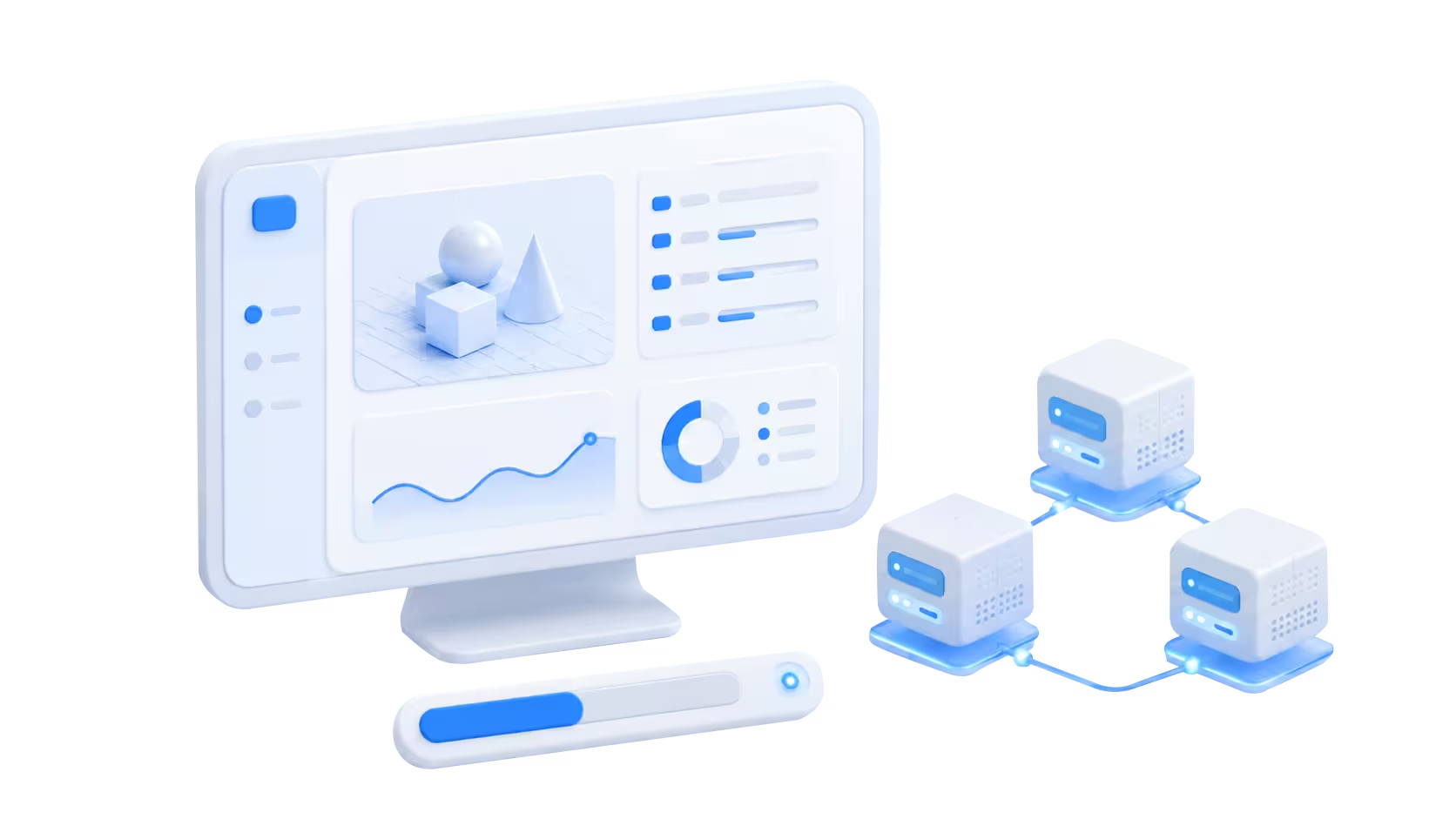
Render management gives studios visibility into what is happening after jobs have been submitted.
Teams need to know which frames are rendering, which are waiting in the render queue, which have completed, and which have failed. They may also need to change priorities as deadlines shift or revisions arrive.
For larger productions, this is where render queue management becomes part of everyday production rather than simply a technical feature.
Instead of treating every render as an isolated task, the studio manages rendering as a shared workload.
Failed frames do not always mean rerendering everything
One advantage of managing animation as individual rendering tasks is that a problem with part of a sequence does not necessarily require restarting the entire job. Failed or incorrect frames can be identified, investigated, and resubmitted separately.
This matters much more on large productions. If 12 frames fail in a 2,000-frame sequence, the useful question is not simply why “the render failed.” It is which frames failed, what those frames have in common, and whether the issue is isolated or likely to affect the rest of the sequence.
Looking at failures this way helps teams troubleshoot selectively instead of automatically rerendering work that has already completed correctly.
Using automation to improve efficiency
Automation becomes increasingly valuable as the number of jobs grows.
Tasks such as scene submission, asset validation, file synchronization, job scheduling, output handling, and status monitoring can often be partially or fully automated.
Automation reduces repetitive work and also helps make the rendering workflow more consistent. Artists spend less time checking individual jobs manually and more time working on creative and technical tasks that require human judgment.
The advantages of cloud rendering for animation studios and VFX studios
The advantages of cloud rendering extend beyond raw rendering speed.
Greater scalability
Cloud resources allow studios to increase capacity when workloads grow and reduce it when demand falls.
This is useful for projects with large frame counts, complex scenes, overlapping deliveries, or unusually tight schedules. Instead of designing permanent infrastructure around peak demand, studios can scale when the additional resources are actually needed.
Improved rendering capabilities
Cloud render infrastructure can provide access to CPU and GPU resources suited to different rendering requirements.
The appropriate hardware depends on the renderer and workload. Some production renderers and scenes are CPU-oriented, while others can take advantage of GPU acceleration.
The important benefit is flexibility. Studios can match available compute resources more closely to the needs of a particular job.
Lower infrastructure barriers
Building an in-house render farm requires more than buying machines. Studios also need space, power, cooling, networking, maintenance, software management, and staff time.
Cloud rendering reduces the need to maintain enough local hardware for every possible production scenario, which can be especially useful for smaller studios with highly variable workloads.
Better support for rendering at scale
Large productions rarely consist of one render job.
A studio may have multiple sequences, shots, revisions, and test renders moving through production simultaneously. Cloud resources, combined with an organized render queue, make it easier to allocate capacity where it is needed most.
This is the practical difference between simply having fast hardware and having render infrastructure that can support production at scale.
Choosing between local rendering and cloud based rendering
The decision between local and cloud rendering depends on workload patterns, deadlines, budget, security requirements, and the studio's existing infrastructure.
When local rendering makes sense
Local rendering can work well for:
- Daily artist iterations
- Look development
- Small projects
- Frequent test renders
- Predictable workloads
- Work that benefits from immediate access to local assets
If a studio already owns enough hardware to comfortably handle its normal workload, there may be little reason to send every render to the cloud.
When cloud render is the better choice
Cloud rendering becomes more useful when studios need:
- Additional rendering capacity
- Faster turnaround during production peaks
- Support for workloads that exceed local infrastructure
- Large batch rendering
- Parallel processing across many frames
- More flexibility as deadlines change
- Temporary capacity without purchasing permanent hardware
The distinction is largely about scale. Local resources can remain useful throughout production while cloud resources absorb workloads that would otherwise create a bottleneck.
Hybrid rendering solutions
For many studios, the choice is not strictly local or cloud.
Hybrid rendering combines both approaches.
Artists might use local workstations for scene development, previews, and test renders while sending large final sequences to a cloud render farm. A studio with its own small render farm might also use that infrastructure for normal production and add cloud capacity when its local render queue becomes too long.
This approach allows studios to make use of hardware they already own without allowing local capacity to become a hard limit on production.
A practical way to decide where a job should render
The decision does not have to be permanent. A studio can move between local and cloud resources throughout the same project depending on the stage of production and the amount of render capacity required.
Why GPU cloud rendering is becoming more important
Many modern render engines can use GPUs to process rendering workloads, making GPU resources an important part of contemporary render infrastructure.
GPUs are designed for highly parallel workloads, which can make them effective for compatible rendering engines and scenes. However, GPU rendering is not automatically faster or better for every production.
Renderer support, GPU memory, scene complexity, plugins, and workflow requirements all affect whether CPU or GPU resources are the better choice.
Cloud rendering gives studios more flexibility because they can access different types of compute resources without having to own every hardware configuration themselves.
The future of cloud render workflows
As 3D projects become larger and production schedules remain demanding, the challenge for studios will increasingly be about managing capacity rather than simply owning faster machines.
Render queues, batch rendering, parallel rendering, automation, and scalable render infrastructure give studios more control over how large workloads move through production.
Local hardware will continue to play an important role, particularly for everyday creative work and testing. Cloud rendering adds another layer of capacity when final production exceeds those resources.
For animation and VFX studios, that makes the cloud less of a replacement for the traditional workstation and more of a way to prevent rendering capacity from becoming a production bottleneck.
A studio can keep the infrastructure it needs every day while gaining access to additional render compute when the workload, project, or deadline demands it.
Register Now and Get $50 FREE Credits!