
Key takeaways
- OpenUSD helps studios describe, assemble, and exchange complex 3D scenes across different tools and departments.
- The global 3D digital asset market was valued at $32.47 billion in 2025 and is projected to reach $36.72 billion in 2026 (FortuneBusinessInisights).
- Formats such as Alembic, FBX, glTF, MaterialX, OpenEXR, and OpenVDB remain important because each handles a different type of production data.
- The best file format depends on what data needs to survive, how editable it must remain, and where the asset is going next.
TL;DR
Professional 3D pipelines use several file formats because different stages of production require different types of data. OpenUSD is especially useful for scene description and composition, while Alembic handles baked geometry, FBX supports broad 3D interchange, glTF focuses on runtime delivery, MaterialX handles materials, OpenVDB carries volume data, and OpenEXR stores professional rendered images. Native project files also remain important during active creation, so most professional workflows combine several formats.
Why file formats matter in professional 3D workflows
A 3D production can pass through modeling, rigging, animation, simulation, lighting, rendering, compositing, and final delivery. Different departments may use different software, so production data often needs to move between tools without losing the information that matters.
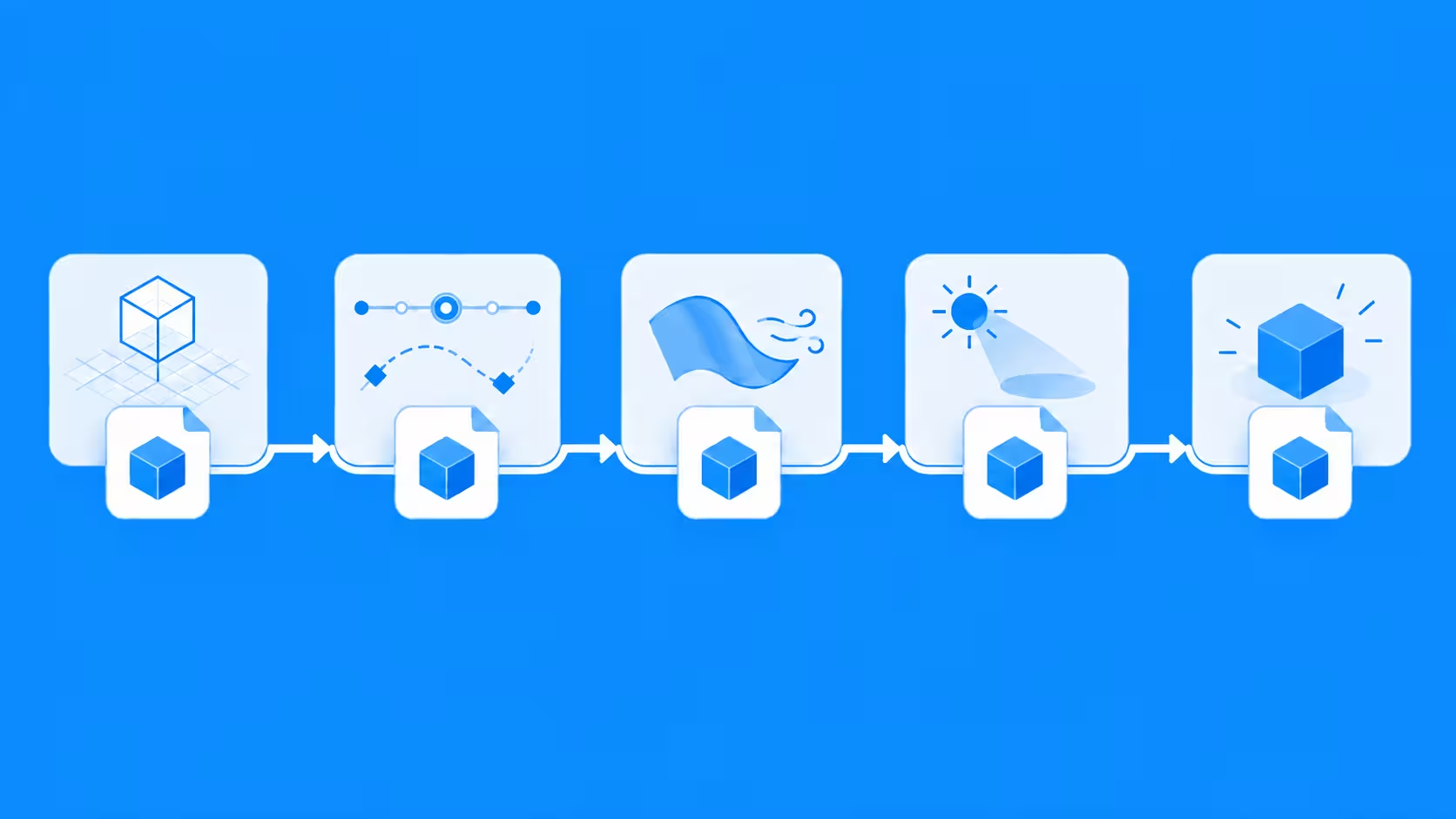
This need is growing alongside the wider 3D industry. The global 3D digital asset market was valued at $32.47 billion in 2025 and is projected to reach $36.72 billion in 2026 (FortuneBusinessInisights), so as more 3D content is created for film, animation, games, visualization, simulation, and interactive experiences, reliable ways to exchange assets become increasingly important.
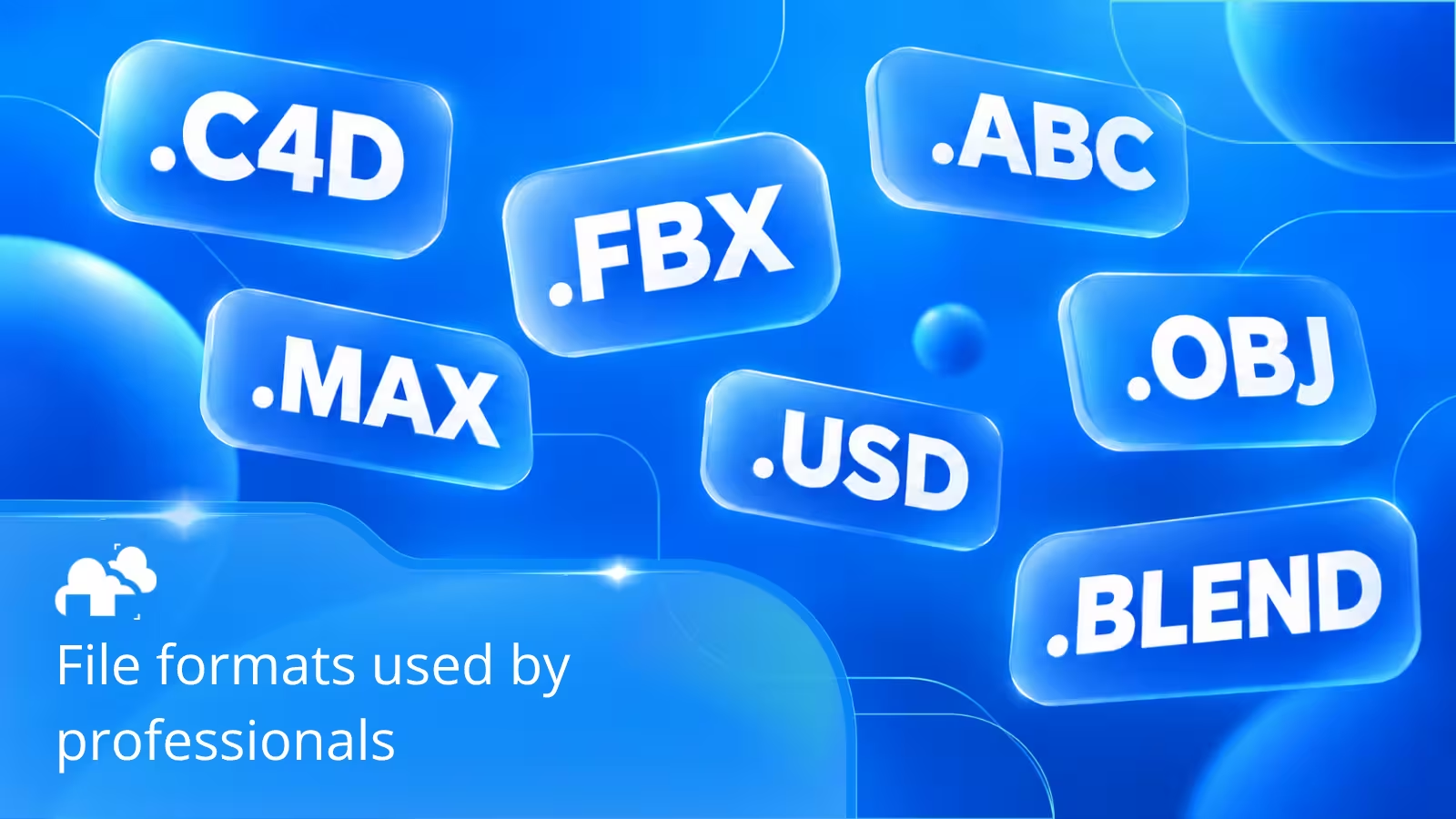
Native files such as .blend, .ma, .mb, .max, and .c4d can preserve application specific tools and settings. Interchange formats focus instead on moving selected types of data between programs.
What is OpenUSD?
OpenUSD is an open framework for describing, composing, and exchanging complex 3D scenes. USD stands for Universal Scene Description, a technology originally developed by Pixar for handling production environments where many artists and departments may contribute to the same scene.
OpenUSD allows a production to bring together geometry, animation, transforms, materials, references, variants, and other scene information without forcing everything into one large file. Assets can remain separate while appearing together as one composed scene.
OpenUSD versus USD
Universal Scene Description refers to the underlying scene description system and data model. OpenUSD is generally used to describe the open source project and broader ecosystem built around that technology.
In December 2025, the Alliance for OpenUSD ratified OpenUSD Core Specification 1.0 (AOUSD). This specification formally defines important parts of USD behavior, including its data model, composition system, value resolution, and core file formats.
The main USD file types include:
- .usd as the general USD file extension
- .usda as a human readable text representation
- .usdc as a binary representation designed for efficient scene access
- .usdz as a package that can contain USD content and related resources in a single file
Why OpenUSD is useful in larger pipelines
One of the main strengths of OpenUSD is scene composition. Instead of copying every model, animation, and material into a single project, teams can reference assets from other files and combine them into a larger scene.
“We couldn’t have thrown as many elements in if it wasn’t for us adopting a USD (Universal Scene Description) workflow.” - Glenn Melenhorst, VFX Supervisor on Jumanji: Welcome to the Jungle (Art of VFX)
For example, on Jumanji: Welcome to the Jungle, Melenhorst’s team built a fully digital canyon containing millions of elements, including rock and trees. Because the complete environment was heavy to load at once, the team worked with simplified terrain and passed interactive elements through the pipeline into the USD scene (Art of VFX).
Layers can also be used to separate different types of work. One artist might update an asset while another adjusts lighting or layout without permanently changing the original data. Variants can store different versions of an asset, such as alternate materials, shapes, or configurations.
This makes OpenUSD especially useful for:
- Large environments and complex shots
- Productions involving several departments
- Reusable assets and scene libraries
- Product configurations
- Simulation and visualization pipelines
- Projects where many scene elements need to remain organized
Alembic for baked animation and geometry
Alembic, commonly stored as .abc, is designed for geometry caching. Instead of preserving the full procedural system behind an animation or simulation, it stores the evaluated geometric result.
“Thanks to industry standard formats like Fbx and Alembic, it has become much easier for facilities around the world to exchange everything from camera tracking data to simulation caches.“ - François Dumoulin, VFX Supervisor on FANTASTIC FOUR (Art of VFX)
For example, a cloth simulation can be created in one application and exported as Alembic before being sent to another program for lighting and rendering. The receiving artist gets the animated geometry without needing the original simulation setup.
Alembic is commonly useful for:
- Cloth and hair simulations
- Deforming meshes
- Animated geometry
- Heavy procedural scenes
- Cached assets prepared for rendering
FBX and OBJ for general asset exchange
FBX is widely used for transferring 3D data between digital content creation applications. Depending on the software and export settings, it can carry meshes, animation, skeletal information, cameras, lights, materials, and other scene data.
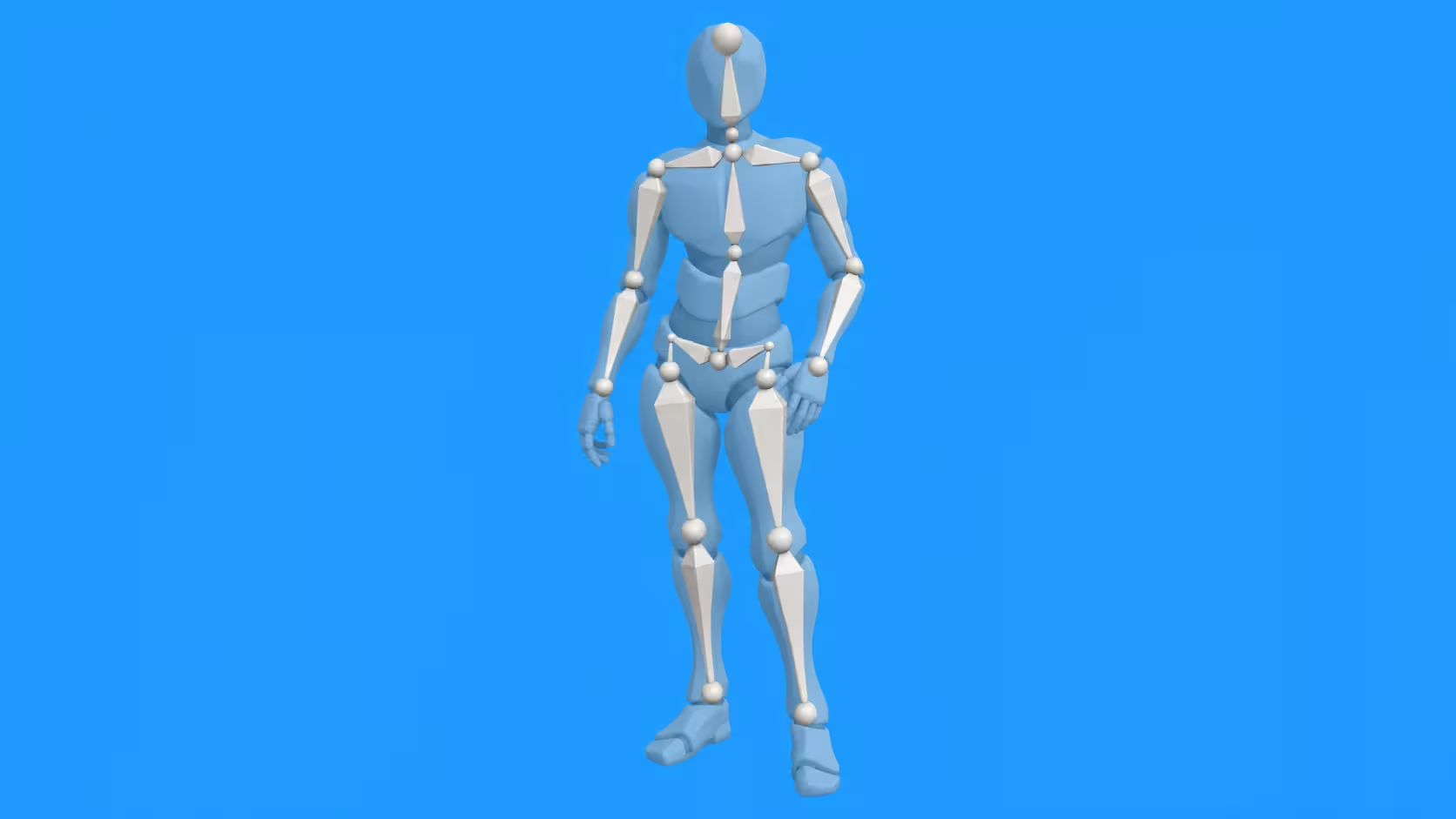
This makes FBX common in character animation, motion capture, game development, and workflows where assets need to move between applications such as Maya, 3ds Max, Blender, and game engines. Complex procedural systems and renderer specific materials may not transfer perfectly, so production teams usually test exports before relying on them.
One example from a studio that has rendered with us shows why this kind of interchange matters in practice. Classic Color was working with extremely dense CAD models that had become difficult to handle in Modo. Their team exported the assets through FBX and brought them into Blender, where they were able to navigate and edit the geometry more comfortably. Blender eventually became part of the studio's regular production pipeline.
It is a useful reminder that an interchange format is not only about compatibility. Sometimes it is what allows an asset to move into the application better suited to the next stage of production.
OBJ is much simpler; it is mainly used for static polygon geometry and can carry information such as texture coordinates, surface normals, and basic material references. It remains useful when the goal is simply to move a mesh without animation, rigs, or complex scene relationships.
glTF and GLB for runtime delivery
glTF is designed for efficient transmission and loading of 3D assets. It is commonly used in web viewers, interactive experiences, product visualization, mobile applications, and other runtime environments.
A .gltf file describes the scene while related resources can be stored separately or embedded. A .glb file packages the asset into a single binary file, which can make distribution more convenient.
Unlike OpenUSD, which can play a major role during production and scene assembly, glTF is often used closer to delivery when an asset needs to load efficiently inside an interactive application or viewer.
MaterialX for materials and look development

Moving geometry between applications does not guarantee that materials will transfer correctly. A shader created for one renderer may contain nodes or features that another renderer does not understand.
MaterialX provides an open standard for describing materials, shading networks, textures, and look development information. Compatible applications can use that shared description to make materials more portable across different tools and rendering systems.
MaterialX can be especially useful when:
- Assets need to move between multiple renderers
- Teams want reusable material libraries
- A pipeline needs more consistent material definitions
- Material data is being used alongside OpenUSD
OpenEXR for rendered image data
OpenEXR, commonly saved as .exr, is widely used for professional rendering and compositing. It supports high dynamic range image data, multiple channels, multiple parts, metadata, and other information that is useful later in post production.
A renderer can store the main image together with additional AOVs and utility passes. Lighting information, depth, masks, surface data, and other channels can then be adjusted during compositing instead of being permanently baked into one flattened image.
OpenVDB for volumetric effects

OpenVDB is designed for sparse volumetric data stored within three dimensional grids. It is commonly used for smoke, fire, clouds, fog, explosions, and similar effects.
A VDB file allows volumetric simulation results to move between compatible applications. An effects artist might create smoke in one program, save it as OpenVDB, and send it to another application for lighting and rendering.
Like Alembic, OpenVDB often carries the evaluated result rather than the complete system that generated it.
Native application formats still matter
Interchange formats are important, but artists still rely heavily on native project files while creating assets. Blender uses .blend, Maya commonly uses .ma and .mb, 3ds Max uses .max, and Cinema 4D uses .c4d.
These native files can retain the full authoring setup, including modifiers, rigs, procedural systems, application settings, and editable construction history. When the asset is ready to move further through production, selected information can then be published using USD, Alembic, FBX, MaterialX, OpenVDB, or another appropriate format.
How these formats work together in production
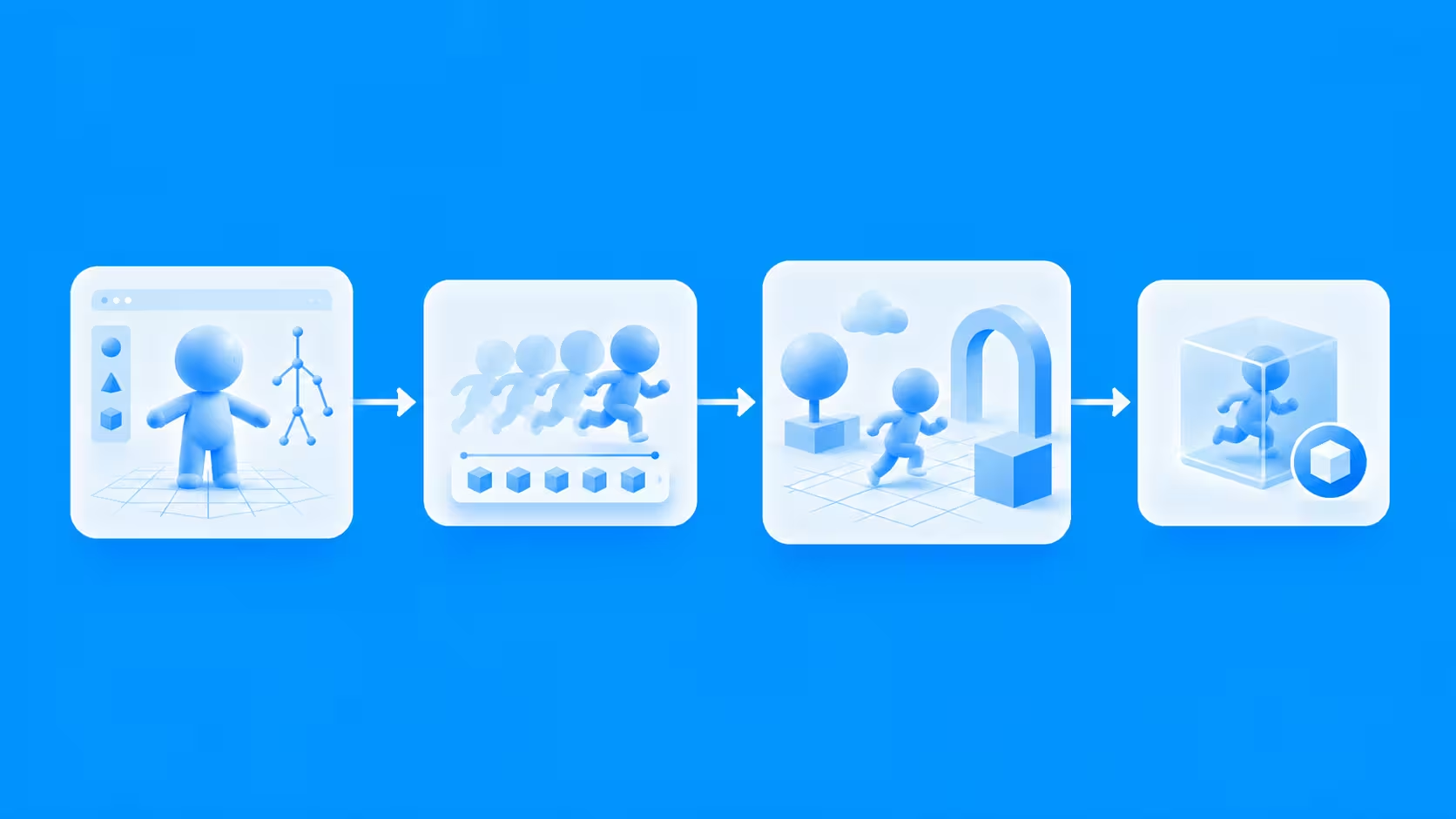
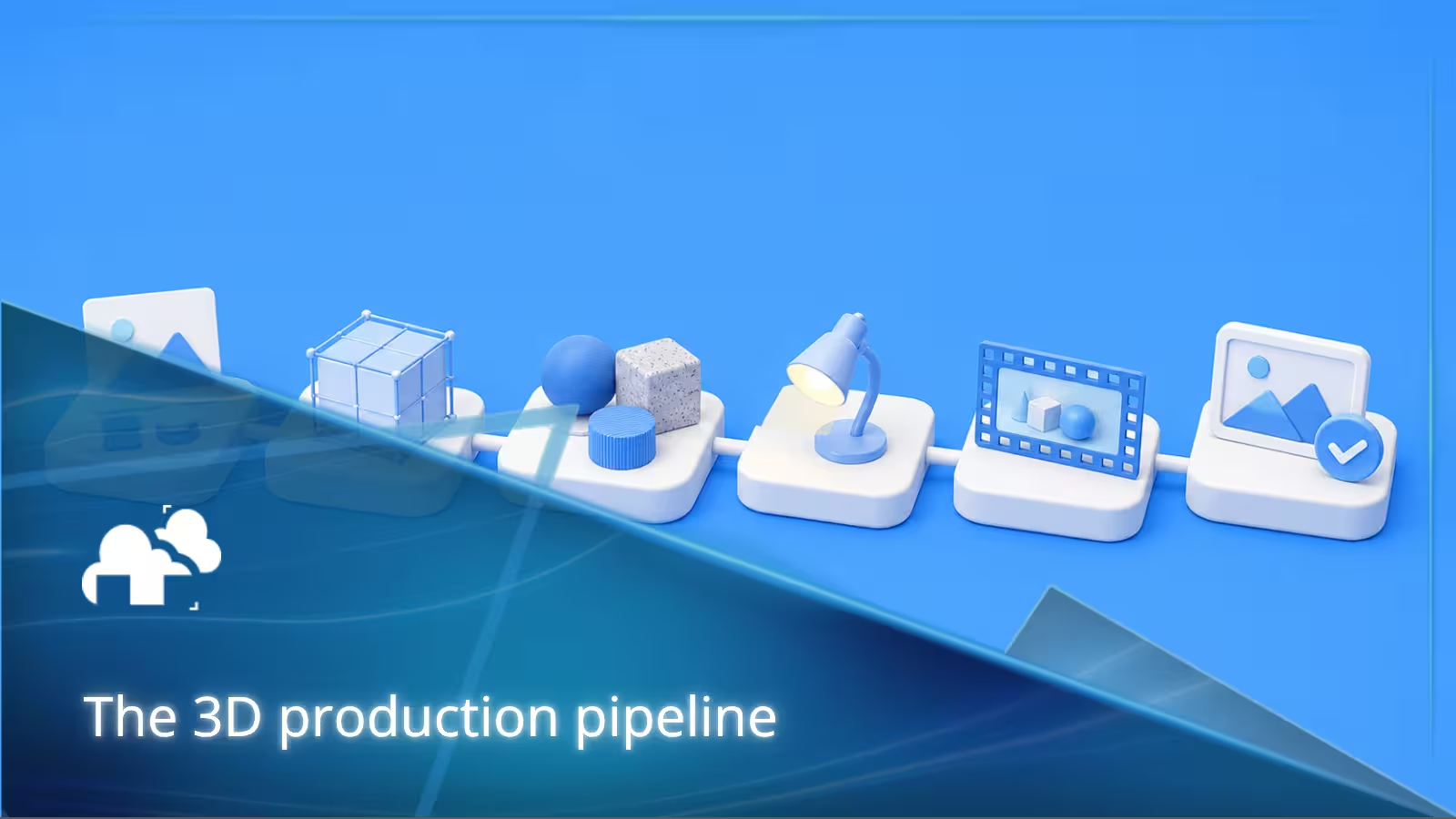
Professional pipelines rarely choose one format and use it for everything. Formats are usually combined according to what each department needs.
As part of a broader 3D production pipeline, teams rarely choose one format and use it for everything. Formats are usually combined according to what each department needs.
In practice, a production handoff is rarely a single-file decision. From projects we handle for rendering, a scene may arrive with its native project file while also depending on texture sequences, VDB volumes, simulation caches, referenced scenes, and other external assets.
That is why the more useful question is often not simply, “What is the best 3D file format?” but “What is the best format for this part of the project?” A pipeline may use one format for the editable scene, another for cached geometry, another for volumes, and OpenEXR for the final rendered data.
For example, a character could begin in a native Maya file, while animation is eventually cached through Alembic. That animated character could be referenced inside a larger OpenUSD scene along with environments and props. A finished version intended for an interactive website viewer could later be prepared as glTF or GLB. Each format handles a different stage of the same production.
Common questions and problems with 3D file formats
Even when two applications support the same format, files do not always transfer perfectly. Some of the most common issues include:
- Why do my materials look different after export? Materials can depend heavily on application-specific or renderer-specific nodes. Geometry may transfer correctly while shaders, textures, or material behavior change.
- Why did my modifiers, procedural setup, or rig disappear? Many interchange formats preserve the resulting asset rather than the complete setup used to create it. Alembic, for example, can carry baked animated geometry without preserving the original simulation, modifiers, or procedural controls.
- Why does animation break when moving between applications? Different programs may handle rigs, constraints, deformation, and animation systems differently. FBX is commonly used for skeletal animation, while Alembic can be useful when the final animated geometry can be baked before export.
- Why is the scale, rotation, or orientation wrong after importing? Applications can use different units, coordinate systems, and axis conventions. Export and import settings may need to be adjusted when assets move between different tools.
- Can I convert between file formats without losing anything? Not always. A conversion can only preserve information supported by both formats. Procedural controls, complex materials, application-specific features, or editable construction history may be lost.
- Should I keep the original project file after exporting? Usually, yes. Native files such as .blend, .ma, .max, or .c4d preserve the full editable setup, while exported formats are often better suited for specific handoffs or stages of production.
What we see when production files reach the render farm
Working with production scenes also makes one limitation of file-format comparisons clear: the main scene file is only part of the handoff.
A .blend, .max, .ma, or .c4d project may open correctly on the artist's workstation while still depending on external textures, simulation caches, VDB sequences, linked scenes, plugins, or other assets. When that project moves to another machine or a render farm, those dependencies have to move with it or remain accessible.
For example, our Blender workflow requires scene assets to be properly linked and recommends checking for missing assets before submission. Simulation or physics data may also need to be cached and properly linked before rendering.
This is why choosing the right file format is only one part of a reliable handoff. In production, it is equally important to know what the file references outside itself.
Final thoughts
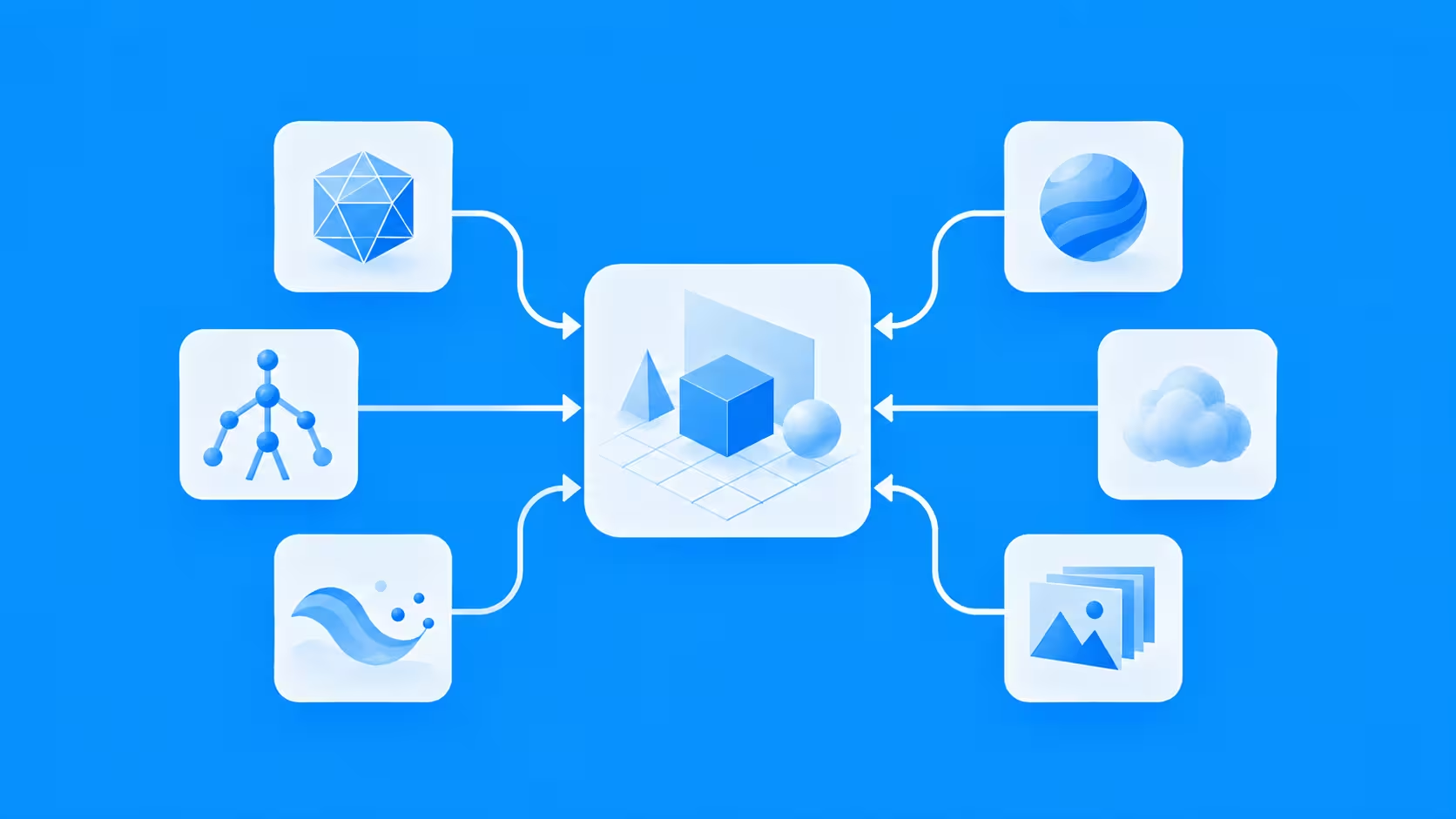
Professional 3D pipelines work best when file formats are chosen according to the job they need to perform. OpenUSD provides a strong framework for describing and assembling complex scenes, while formats such as Alembic, FBX, glTF, MaterialX, OpenEXR, and OpenVDB handle more specialized production needs.
Understanding what each format preserves makes it easier to move assets between modeling, animation, simulation, rendering, compositing, and final delivery without losing important data. For studios working across multiple tools, that flexibility is one of the most important parts of building a reliable 3D pipeline.
Register Now and Get $50 FREE Credits!