Key Takeaways
- CGI does not inherently look blurry. Softness in a paused frame can come from motion blur, depth of field, anti-aliasing, denoising, upscaling, or video compression.
- Motion blur and depth of field are often intentional choices used to make CGI match the behavior of a real camera.
- Temporal anti-aliasing can create softness, smearing, or ghosting in real-time graphics because it uses information from previous frames.
- A frame captured from a compressed video or streaming platform may look less detailed than the original CGI render.
- Higher sample counts, appropriate camera settings, detailed assets, and sufficient render resolution can produce sharper CGI still frames.
TL;DR
Why does CGI look blurry when a movie, animation, or video game is paused? The softness is not necessarily a problem with the CGI itself. It may come from intentional motion blur or depth of field, temporal anti-aliasing, upscaling, denoising, video compression, or low-quality render settings. These effects often look natural during playback but become easier to notice when a single frame is viewed in isolation.
Understanding CGI and Motion
Computer-generated imagery, commonly known as CGI, is used to create characters, environments, visual effects, product images, architectural visualizations, and entire animated scenes. It can be produced for both moving sequences and standalone still images.
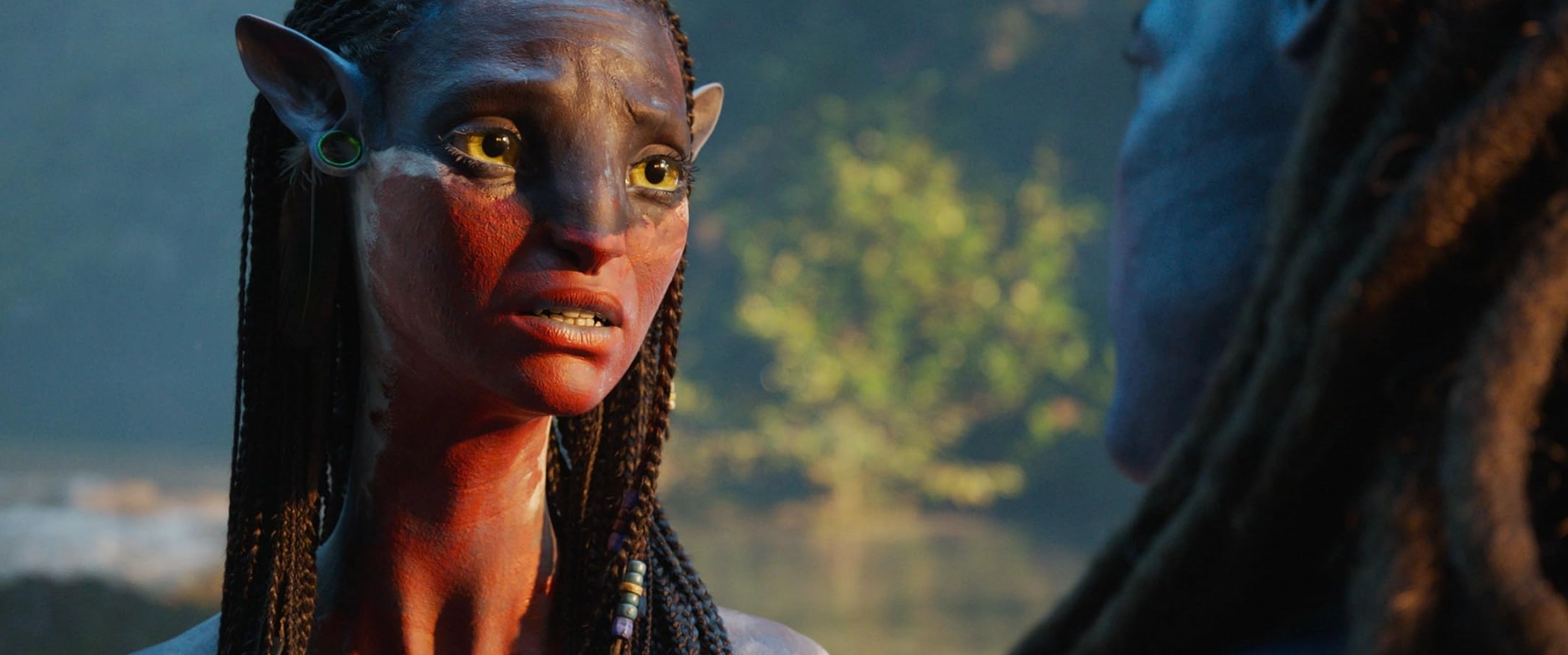
CGI is not naturally blurry. In fact, an unprocessed computer-generated image can look unnaturally sharp because every visible edge, texture, and object may be rendered with the same level of clarity. Artists often introduce camera effects and image processing to make CGI feel more photographic or to help it blend with live-action footage.
The reasons CGI can look blurry in still frames depend heavily on where the image came from. A frame from a visual effects shot, a screenshot from a video game, and a dedicated architectural render are created through different pipelines and should not be evaluated in exactly the same way.
How CGI is Rendered for Motion
Animation and visual effects are displayed as a sequence of individual frames. Common frame rates include 24, 25, 30, and 60 frames per second, although the final rate depends on the medium, platform, and creative direction.
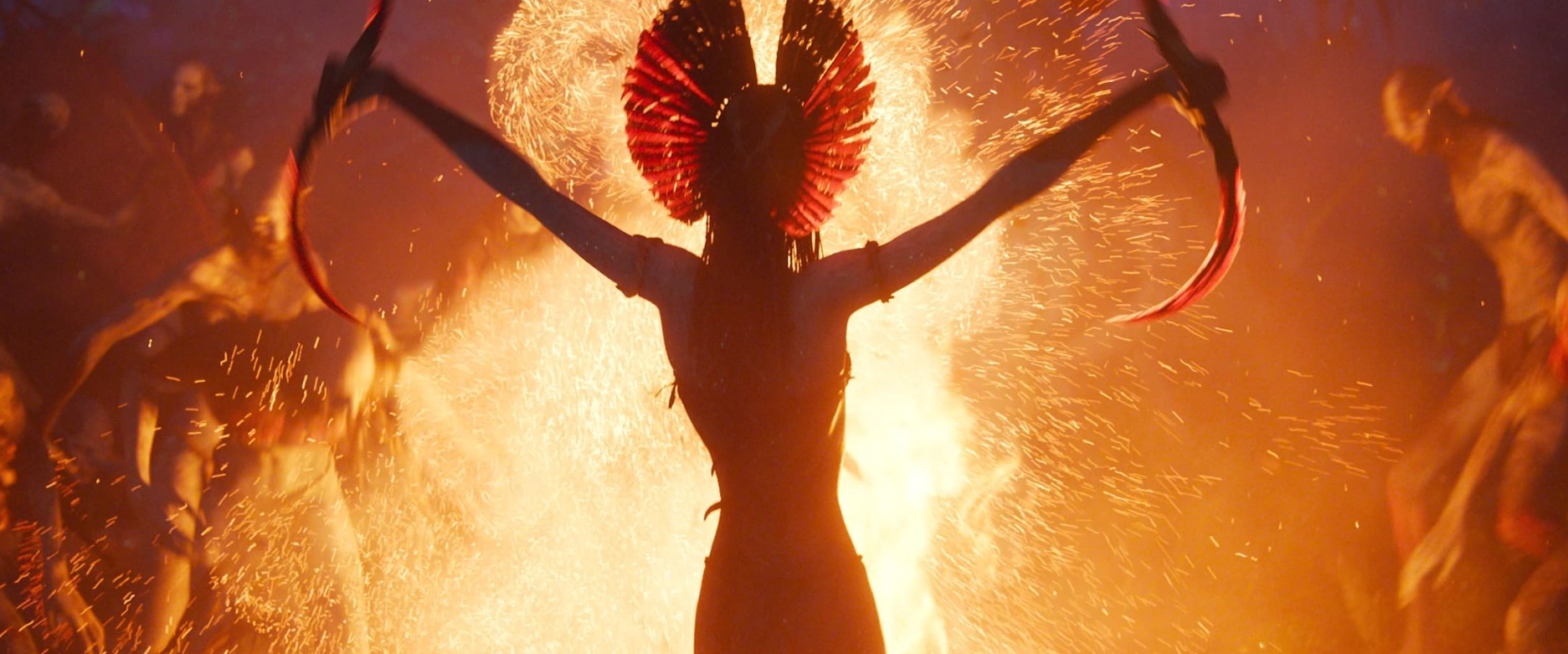
Each frame is still an individual image, but it is designed to work as part of a moving sequence. Camera movement, character animation, lighting, motion blur, depth of field, and compositing are judged based on how the complete shot looks during playback.
This does not mean that detail or image quality is ignored. Film and animation studios still examine individual frames closely during production. However, the final goal is usually to make the entire shot look consistent and convincing in motion rather than to make every moving object perfectly sharp when paused.
Perception in Motion vs Still
Viewers process moving images differently from isolated frames. During playback, attention follows movement, faces, action, and important areas of the composition. A small amount of softness may go unnoticed or may even help the motion feel more natural.
Once the video is paused, the viewer has more time to inspect details. Motion blur, out-of-focus areas, compression artifacts, and temporal rendering issues become easier to see. As a result, a shot that looks convincing in motion may produce a strange or blurry CGI still frame.
The same effect can be seen in live-action photography. A paused frame showing a fast-moving hand, vehicle, or camera movement can look smeared even though the motion appears completely natural when the scene is playing.
Why Still Frames Look Blurry
Several different effects can cause CGI to look blurry in still frames. The most common are motion blur, depth of field, temporal anti-aliasing, upscaling, denoising, video compression, and insufficient render quality.
Identifying the actual cause is important because each problem requires a different solution.
Motion Blur in CGI
Motion blur in CGI simulates the way a real camera records movement during an exposure. Instead of capturing a moving object at one perfectly frozen point in time, the renderer samples its movement across part of the frame interval.
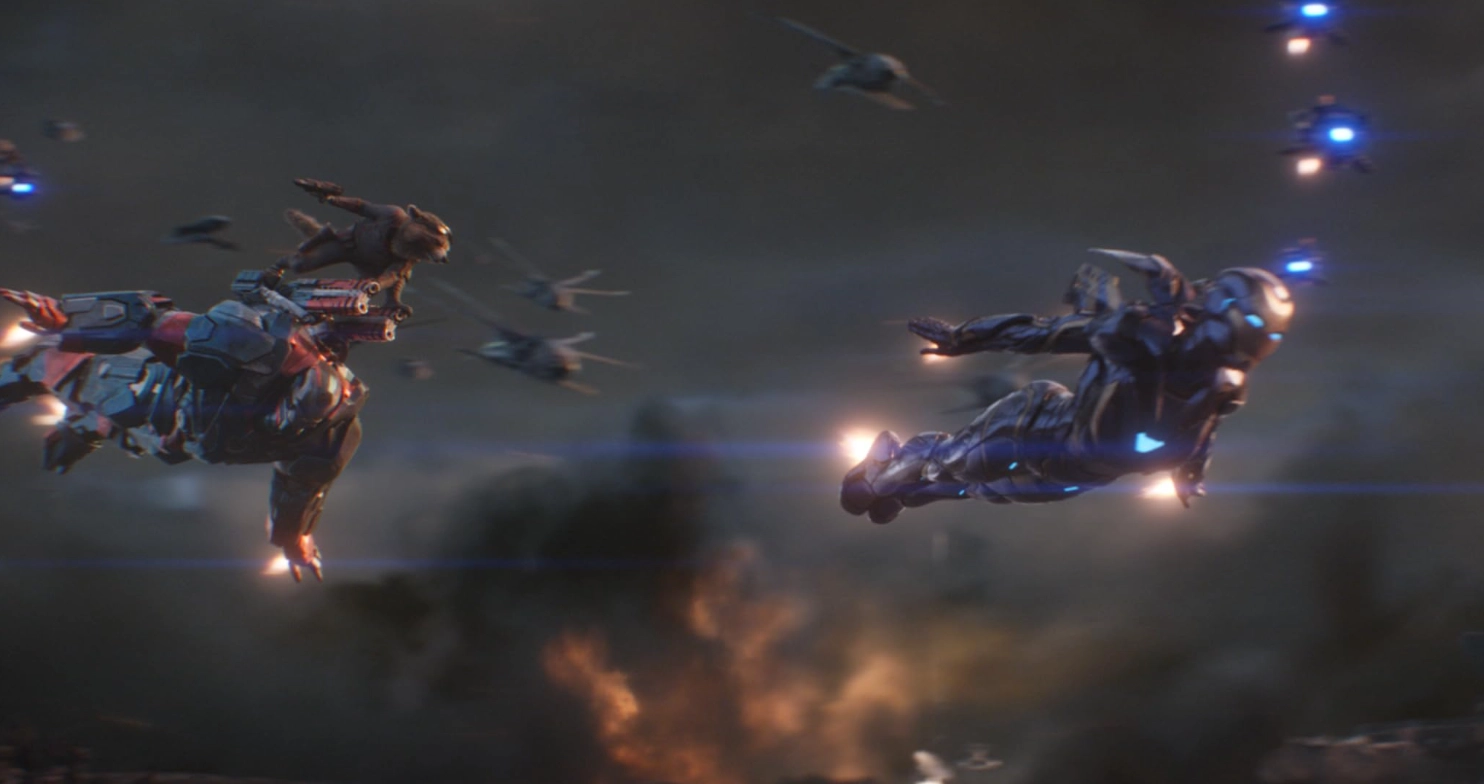
This produces a controlled blur that helps communicate speed and direction. It can also prevent fast movement from appearing choppy or stroboscopic.
The amount of motion blur is often influenced by shutter duration or shutter angle. A longer simulated exposure creates more blur, while a shorter exposure produces a sharper but potentially more staccato appearance. Renderers such as Blender Cycles and Octane provide controls for adjusting when and for how long the virtual shutter remains open.
When a sequence is playing, motion blur usually feels natural. When the same sequence is paused, moving objects may appear stretched or smeared. This is one of the most common reasons people ask why CGI looks blurry in a still frame.
Depth of Field and Camera Focus
Depth of field determines how much of a scene appears acceptably sharp in front of and behind the camera's focal point. Objects outside that range become progressively softer.
In CGI rendering, depth of field is commonly used to reproduce the behavior of a physical camera. It can direct attention toward a subject, create separation between foreground and background elements, and help a computer-generated shot match live-action footage.
A shallow depth of field can make large parts of a frame appear blurry, but this is usually an intentional camera choice rather than a rendering defect. If the main subject is also soft, the focal distance, aperture, or focus tracking may need adjustment.
Anti-Aliasing and Temporal Sampling
Aliasing appears as jagged edges, flickering lines, or unstable fine details. Anti-aliasing reduces these artifacts by sampling and blending information around pixel edges.
Spatial anti-aliasing generally improves still-image quality. It smooths jagged edges within the current frame and can produce a cleaner result when enough samples are used.
Temporal anti-aliasing works differently. It combines information from the current frame with data from previous frames. This approach is widely used in real-time rendering because it reduces flickering and improves image stability without the performance cost of rendering every frame at a much higher resolution.
However, temporal anti-aliasing can also produce softness, smearing, or ghosting, particularly around moving objects, transparent materials, particles, fine textures, and areas revealed by camera movement. These artifacts are more noticeable when looking closely at individual CGI still frames.
Temporal upscaling technologies use similar frame-history information to reconstruct a higher-resolution image from a lower-resolution render. The results can look impressive during gameplay, but a paused screenshot may reveal lost detail or reconstruction artifacts.
Denoising and Low Sample Counts
Offline renderers calculate lighting by taking multiple samples for each pixel. If the sample count is too low, the image may contain visible noise, especially in shadows, reflections, indirect lighting, and depth-of-field effects.
Denoising tools reduce this noise by estimating what the clean image should look like. Although modern denoisers can produce excellent results, aggressive denoising may remove subtle textures or soften small details.
This can create blurry CGI even when the output resolution is high. Increasing the sample count gives the denoiser better information to work with and can help preserve fine details.
Compression and Playback Quality
Sometimes the CGI render is not the source of the blur at all. The problem may have been introduced when the animation was encoded, uploaded, streamed, resized, or captured as a screenshot.
Video compression reduces file size by discarding or simplifying visual information. Fine textures, particles, smoke, hair, film grain, and fast movement can be particularly difficult to compress cleanly. Low bitrates may create blocking, smearing, color banding, or a general loss of detail.
Streaming platforms also generate multiple versions of a video for different devices and connection speeds. If playback has not reached its highest available resolution, a paused frame may look significantly softer than the original render.
For an accurate comparison, use the original image sequence or a high-quality video export rather than a screenshot from a compressed trailer or online stream.
Real-Time Rendering Priorities
Video games and other interactive experiences must render each frame within a very limited amount of time. To maintain a stable frame rate, they may use dynamic resolution, temporal upscaling, simplified effects, lower-resolution textures, or reduced lighting quality.
These compromises are usually designed to be less noticeable during movement. When the game is paused, individual frames may reveal softness or artifacts that were difficult to see during normal gameplay.
Film-quality CGI and offline animation have much larger rendering budgets per frame. Even so, motion blur, depth of field, compositing, film grain, and final video compression can still make a paused frame appear less sharp than a purpose-built still image.
When CGI Does Look Sharp in Stills
CGI can look extremely sharp when it is created specifically for a still image. Product visualization, architectural rendering, advertising, concept imagery, and promotional artwork can use high resolutions, detailed assets, precise focus, and longer render times without having to account for continuous movement.
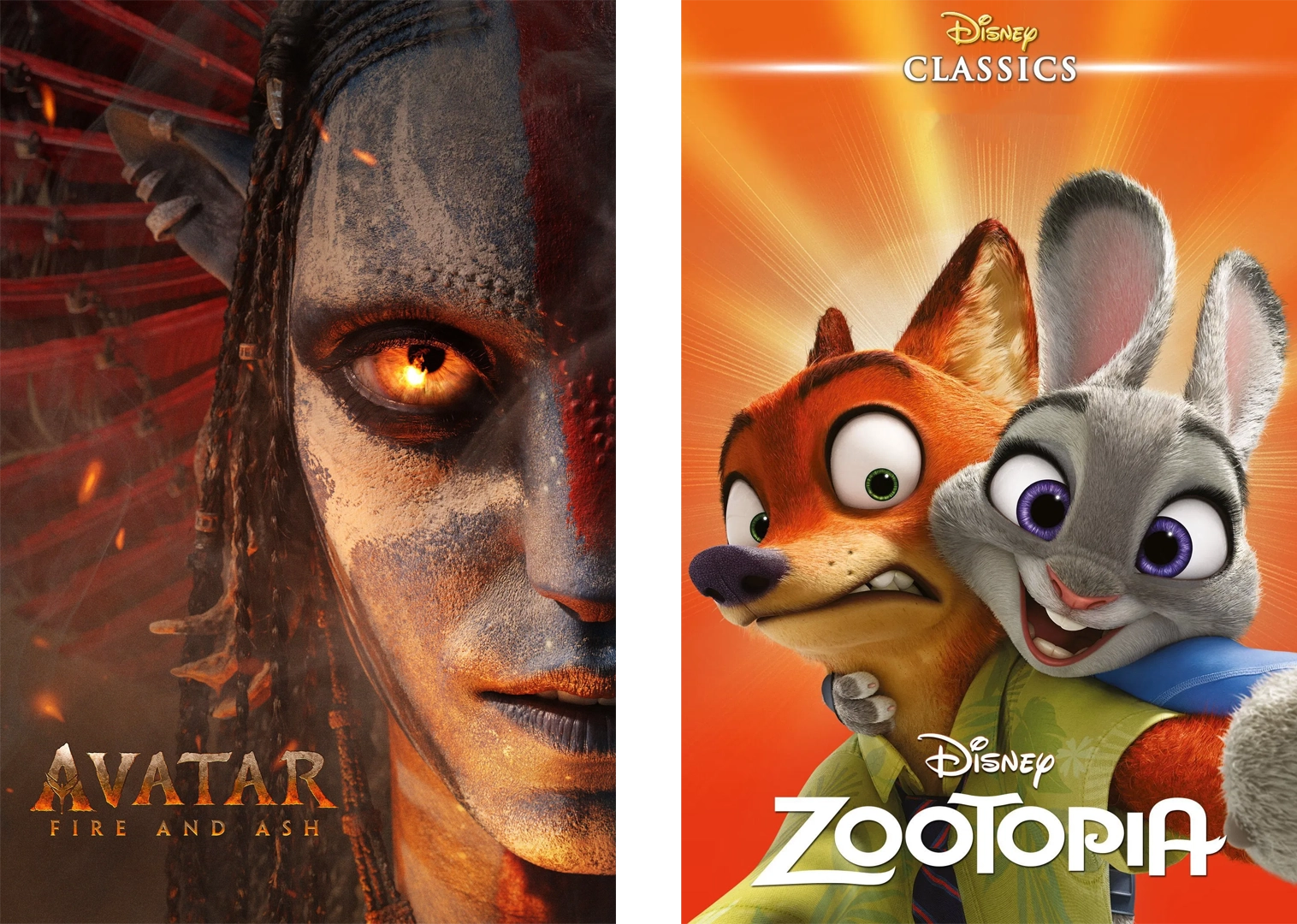
A still render can also be adjusted and reviewed as a single image. Artists can refine the lighting, materials, textures, composition, and focus for one camera position rather than maintaining visual consistency across hundreds or thousands of frames.
Render engines such as Arnold, V-Ray, Corona, Redshift, Cycles, and Octane can all produce detailed CGI still frames. The final quality depends more on the scene, render settings, assets, lighting, camera setup, and post-production than on the renderer alone.
Higher-quality settings can significantly increase render times. A complex scene with detailed geometry, large textures, indirect lighting, reflections, depth of field, and high sample counts may take hours to render on a local workstation.
A render farm gives artists access to additional computing resources, allowing demanding frames or complete sequences to be processed without occupying a local machine for long periods. It does not automatically make an image sharper, but it makes it more practical to use the settings and resolutions required for a high-quality final render.
How to Create Sharp-Looking CGI Stills
Creating sharp CGI stills involves more than increasing the output resolution. Sampling, textures, camera focus, denoising, lighting, filtering, and post-production all affect how much useful detail appears in the final image.
Use Appropriate Sample Rates
Increase the render sample count until noise is controlled and important details remain stable. More samples provide better information for calculating lighting, shadows, reflections, depth of field, and motion blur.
Avoid increasing samples blindly. Test representative areas of the image and identify which effects are producing the most noise. Adaptive sampling and noise thresholds can help direct more processing power toward difficult parts of the frame.
If denoising is enabled, compare the denoised result with the original render. Excessive smoothing may indicate that the renderer needs more samples before denoising is applied.
Adjust or Remove Motion Blur
Motion blur is useful in animation, but it may not suit a promotional still or portfolio image. If a frame needs to stand on its own, reduce the shutter duration or disable motion blur for that version of the render.
For animation, avoid removing motion blur from the entire sequence without testing the result in motion. Very short shutter settings can make movement appear sharp but choppy.
It may be better to produce a separate still render using a more suitable character pose, camera position, and shutter setting.
Some productions deliberately depart from conventional cinematic blur. While discussing the highly graphic visual style of Tron, cinematographer Bruce Logan explained that the production eliminated motion blur and used extensive depth of field to preserve fine details.
Check Depth of Field and Focus
Confirm that the focal distance is placed on the intended subject. For portraits and character shots, the eyes are usually the most important focus point.
If too much of the image is out of focus, use a smaller aperture opening, represented by a higher f-stop, or increase the depth of field. Also check whether the focus target moves correctly throughout an animated shot.
Depth of field should support the composition. It should not be used to hide unfinished assets or compensate for weak lighting.
Use High-Resolution Assets and Textures
Low-resolution textures can look acceptable at a distance but become soft or pixelated in close-up CGI still frames. Use texture maps that match the expected camera distance and final output size.
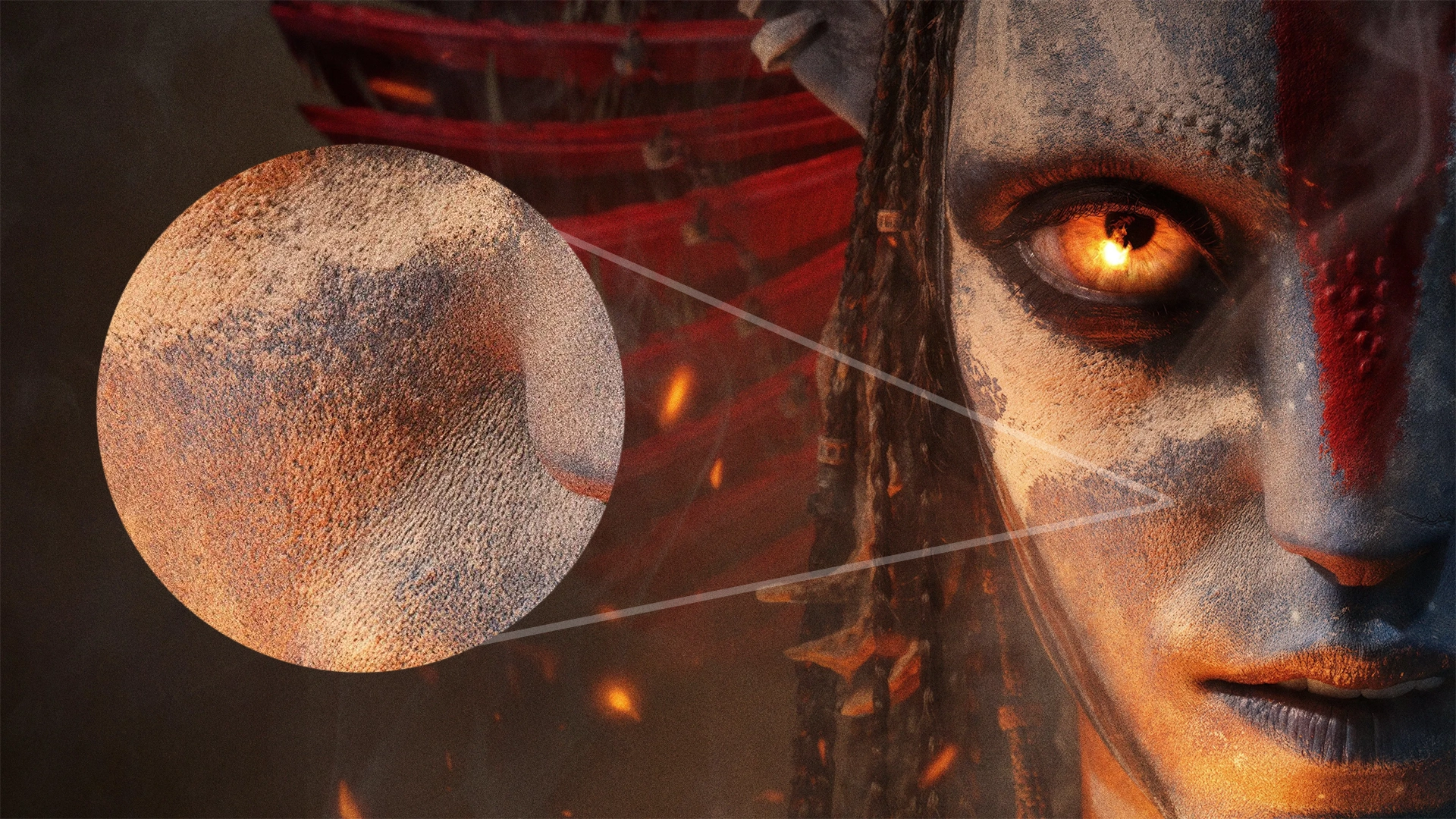
Check color, roughness, normal, bump, and displacement maps individually. Incorrect texture filtering, insufficient displacement subdivision, or compressed source images can remove fine surface detail even when the main color texture is large.
Models should also contain enough geometric detail for their position in the shot. Increasing output resolution cannot restore detail that is missing from the original assets.
Review Anti-Aliasing and Filtering
Use an anti-aliasing method appropriate for the renderer and final output. Too little anti-aliasing creates jagged edges, while overly aggressive filtering can make the entire image appear soft.
For real-time renders, compare temporal anti-aliasing with other available methods and review the image both in motion and while paused. If temporal ghosting is visible, inspect motion vectors, transparency, particle effects, and upscaling settings.
For offline renders, increase spatial samples when necessary and choose a pixel filter that balances edge smoothness with detail retention.
Use Ray Tracing Where It Improves the Image
Ray tracing does not directly make a CGI still sharper, but it can improve reflections, refractions, shadows, and indirect lighting. These effects can give objects more convincing form and separation, which may make the overall image feel clearer and more realistic. In video games, ray tracing can improve reflections, shadows, and indirect lighting, although its effect on image quality depends on the scene and implementation. The comparison below demonstrates how ray-traced lighting can change the appearance of Black Myth: Wukong.
Use enough reflection and light bounces for the scene, but avoid enabling expensive features without evaluating their visible contribution. More ray-tracing calculations can increase render time without solving problems caused by incorrect focus, low-resolution textures, or excessive denoising.
Improve Post-Production and Compositing
Compositing is an important part of CGI production. Artists can adjust contrast, color, atmospheric effects, depth of field, grain, and local sharpness after rendering.
Sharpening should be applied carefully. Too much can create halos, emphasize noise, and make the image look artificial. It is usually better to correct the underlying render settings before relying on heavy sharpening.
When CGI is combined with live-action footage, its sharpness, grain, motion blur, color, and depth of field should match the original plate. A perfectly sharp CGI object can look unrealistic if the surrounding footage is naturally softer.
Render at a Larger Resolution, Then Downscale
Rendering above the final delivery resolution and then downscaling can reduce jagged edges and improve the appearance of small details. This method is a form of supersampling and can be useful for product images, architectural renders, and other high-quality CGI stills.
However, downscaling is not a substitute for proper sampling, focus, or texture resolution. An overly soft resize filter may also reduce apparent sharpness, so compare different filters before producing the final image.
Optimize Lighting and Camera Settings for Stills
Good lighting helps define shapes, materials, textures, and depth. If a CGI still looks flat or unclear, the problem may be insufficient contrast rather than a lack of resolution.
Review the direction, size, intensity, and color of each light. Rim lighting, practical lights, HDR environments, and controlled reflections can help separate the subject from the background.
Camera settings should also match the intended result. Check the focal length, aperture, focus distance, shutter settings, exposure, and output framing. A technically detailed render can still look soft if the camera is focused on the wrong area or the depth of field is unnecessarily shallow.
Conclusion
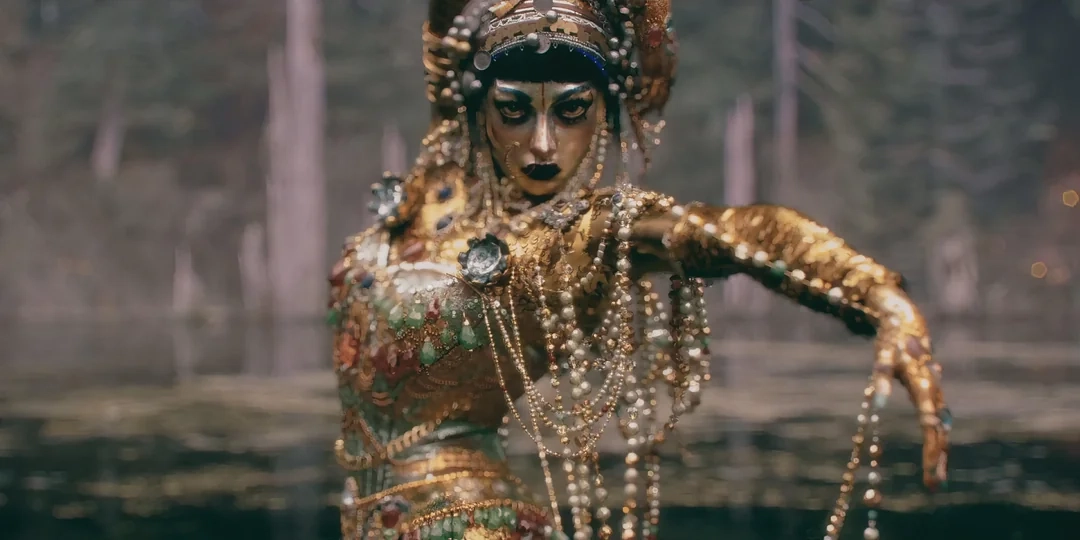
CGI does not automatically become blurry when viewed as a still frame. The softness may come from intentional motion blur, depth of field, temporal anti-aliasing, upscaling, denoising, video compression, or insufficient rendering quality.
These factors are often difficult to notice during normal playback but become obvious when the image is paused and inspected closely. It is also important to distinguish between a frame taken from an animation, a real-time game screenshot, and CGI created specifically as a still image.
By adjusting sampling, focus, motion blur, anti-aliasing, texture quality, output resolution, and post-production, artists can produce sharper CGI still frames without sacrificing the natural appearance of the complete animation. When those quality settings make local rendering impractical, a render farm can provide the computing resources needed to complete demanding stills and animation sequences more efficiently.
Register Now and Get $50 FREE Credits!