.webp)
Key takeaways
- Beginner Blender projects work best with simple shapes and manageable scenes.
- Small projects can help you practice several Blender fundamentals at once.
- Familiar objects are useful because their shapes are easier to understand.
- Repeating projects can help reinforce modeling and artistic skills.
- Adding one new challenge at a time keeps learning manageable.
TL;DR
Beginners do not need complicated characters, huge environments, or photorealistic scenes to improve in Blender. Projects such as a donut, mug, sword, simple character, candy, fence, or basic animation can introduce modeling, materials, lighting, modifiers, Geometry Nodes, and animation without requiring an enormous scene. The goal is to choose something small enough to finish while giving yourself a clear skill to practice. As your scenes and animations become more demanding, a Blender render farm can also help you process final renders without relying entirely on your own computer.
What makes a good Blender project for beginners?
A good beginner project gives you something specific to learn without requiring you to understand every part of Blender first. The best ideas usually have recognizable shapes, a limited number of objects, and enough room to experiment without becoming overwhelming.
Start with recognizable shapes
Look for objects that can be broken into cubes, cylinders, spheres, planes, and other simple forms. A mug, sword, table, piece of candy, or simple character may look completely different, but each can begin with basic geometry that you gradually reshape. This also helps develop an important modeling habit: learning to see complicated objects as combinations of simpler forms.
Keep the scope small
Finishing a small project gives you a chance to experience the whole process from modeling to the final render. You can practice materials, lighting, cameras, and presentation without spending weeks building the scene first. A finished mug or small desk scene can teach you more about your workflow than an enormous environment that you lose motivation to complete.
Add one new challenge at a time
Your first project might focus almost entirely on modeling. The next could introduce materials. After that, you might experiment with lighting, modifiers, animation, or Geometry Nodes. You don’t need to master everything at once. Giving each project one main learning goal makes it much easier to notice what you are improving.
Cool Blender projects for beginners
If you are staring at Blender's default cube and wondering what to make, these projects give you somewhere practical to start. They range from classic beginner exercises to small experiments with animation, materials, modifiers, and procedural tools:
The classic donut from Blender Guru
There is a reason the Blender Guru donut has become such a recognizable part of learning Blender. The tutorial introduces beginners to many of the core parts of Blender while keeping everything centered around one relatively simple object.
You can practice navigating Blender, modeling, sculpting, materials, lighting, rendering, and other fundamentals while slowly building something recognizable. Blender Guru also released an updated Beginner Blender Tutorial in 2026, so new users have a current version of the famous project to follow.
A cup or mug
A mug looks simple, which makes it a useful modeling exercise. The body can begin with basic cylindrical geometry, while the handle introduces a slightly more interesting topology problem.
Connecting the handle cleanly to the body can be surprisingly tricky for a beginner. It gives you a reason to think about edge flow, smooth surfaces, proportions, and how different parts of a mesh connect. Once you finish a basic mug, you can repeat the project with different shapes, handles, materials, or stylized proportions.
A sword
A sword is a good introduction to creating a model from reference or concept art. You can place reference images in Blender and build the model while comparing your proportions and silhouette against the original design.
It is also a useful project for experimenting with modifiers such as Mirror, Solidify, and Bevel. Start with a simple sword before attempting highly detailed fantasy weapons. Focus on getting the blade, guard, grip, and overall proportions right first.
Meccha Chameleon's 3D character
If you want to try character modeling without immediately tackling detailed human anatomy, a simple stylized character can be much more approachable.
The character model of the Meccha Chameleon video-game is perfect for beginners because the character can be constructed using relatively simple forms. It gives beginners a chance to see how spheres and other basic shapes can be combined and adjusted into a complete character. Once you are comfortable with the model, you can also use a simple character like this as a starting point for exploring basic rigging and animation.
Sugar coated candy
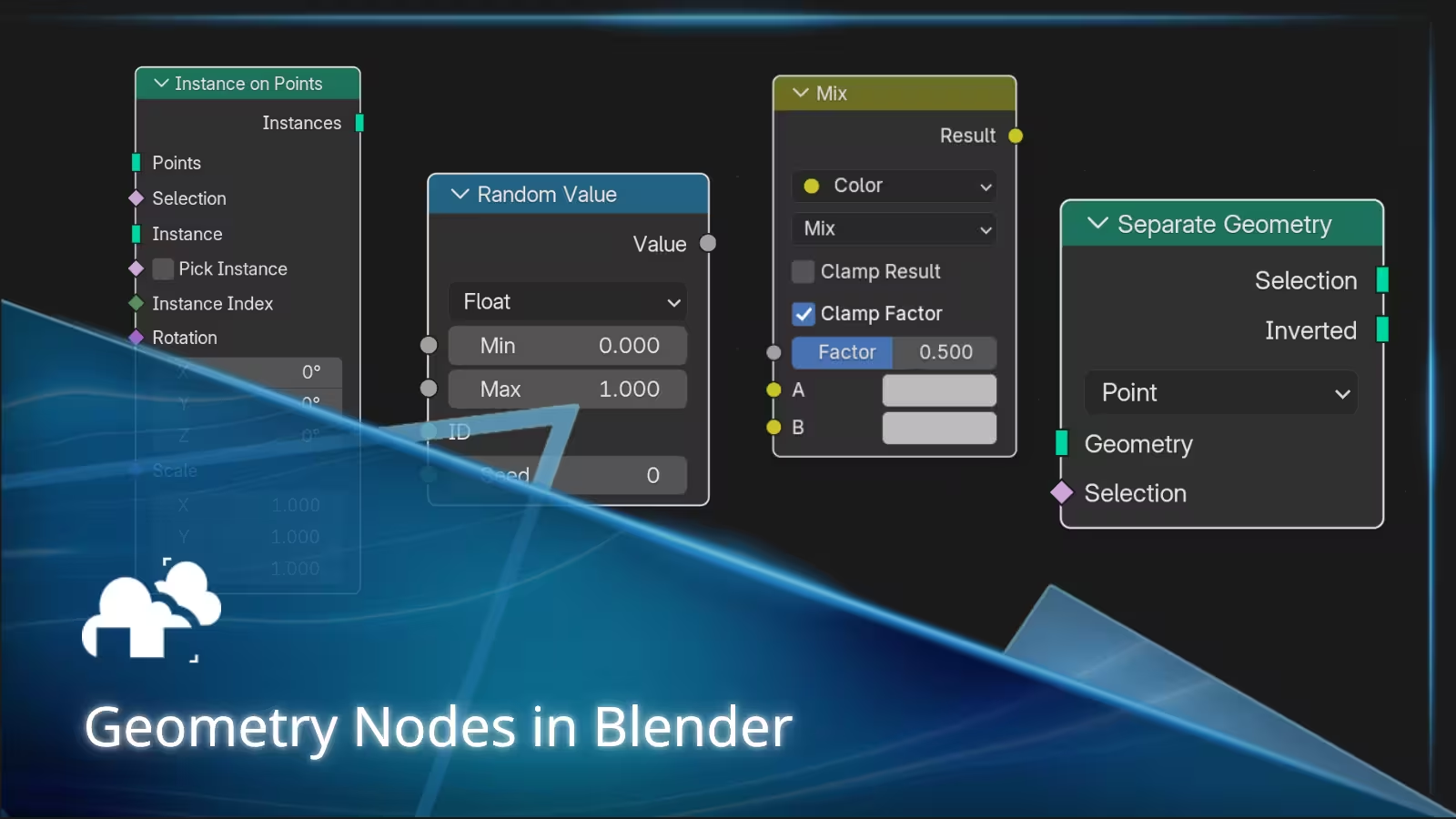
Geometry Nodes can look intimidating when you first see a large node setup, so it helps to learn it through a tiny project.
Blender Guru's sugar coated candy tutorial uses Geometry Nodes to distribute the sugar coating across a piece of candy. It introduces ideas such as distributing points, creating instances, joining geometry, and randomizing values through a project that is easy to understand visually. You can then experiment with different candy shapes, coating sizes, colors, and distributions to see how changing values affects the result.
A twirling hairy ball
A ball covered in hair might sound strange, but it combines two useful beginner experiments into one project.
Start with a sphere and learn how Blender handles hair or fur. You can experiment with length, density, grooming, and the overall appearance without worrying about a complicated model underneath. Then make the ball twirl or bounce! The simple motion lets you focus on keyframes, timing, spacing, and how changing the movement affects the physics (and particle system) of the object.
Moving cubes
Animation does not require a detailed character. A few cubes are enough to start learning how movement works.
Try making a cube hop across the floor, squash slightly when it lands, rotate through the air, or move between platforms. This gives you room to experiment with keyframes and timing while keeping the scene extremely simple. Once the basic movement feels comfortable, add another cube or turn the exercise into a short obstacle course.
A repeating fence with the Array modifier
Model one fence section, then use the Array modifier to repeat it. This is a simple way to see how modifiers can save time when your scene contains repeating geometry.
Change the spacing, number of copies, or design of the original fence section and watch the entire fence update. Afterward, you can try the same idea with railings, stairs, tiles, shelves, pillars, or other repeating objects.
A stylized wood material
Not every beginner project needs to focus on modeling. Creating a simple material is another useful way to learn Blender.
Try making a stylized wood material using shader nodes, then apply it to a cube, table, plank, barrel, or another simple object. Experiment with the grain, scale, roughness, and colors to understand how changes in the nodes affect the surface. Because the model itself can stay simple, you can concentrate on learning how materials work.
Light a scene like a movie shot
Download or use a simple model you already have and focus entirely on lighting it. You could use a room, character, vehicle, product, or even your old Blender projects.
Try creating a bright daytime scene, a dramatic interior, a colorful night scene, or a mysterious silhouette. It’s also helpful to use actual movie shots for a lighting study. Move the lights around and observe how their position, size, strength, and direction change the mood. This is especially useful if your models look good in the viewport but feel less interesting when rendered. Presentation can make a major difference to the final image.
How to choose your next Blender project
You do not have to follow a specific list of projects in order. Your next project can simply target whichever part of Blender you want to understand better.
Pick a skill you want to improve
Choose modeling projects if you want to work on shape, proportions, topology, or modifiers. Make a simple animation if you want to understand movement and timing. Create materials if shader nodes still feel confusing. Focusing on one area gives you more time to understand it before adding another layer of complexity.
Choose something you can realistically finish
One common beginner mistake is choosing an enormous project immediately. A complete city, realistic character, detailed spaceship, and cinematic animation might sound exciting, but every additional element creates another problem to solve.
Shrink the idea until it feels achievable. Instead of a city, make one building. Instead of an entire kitchen, make a countertop with a few objects. You can always expand the project later.
Remake an older project
One of the easiest ways to see your progress is to make something twice. Open an old project or look at your original render and recreate it using what you know now. You may notice better proportions, cleaner topology, stronger materials, improved lighting, or a faster workflow. You can also make the second version slightly more challenging by adding details or techniques that felt too difficult the first time.
Using a render farm for Blender projects
Most beginner projects can be rendered comfortably on a personal computer, especially when scenes are small and settings are kept reasonable. As you start experimenting with longer animations, higher resolutions, more samples, complex lighting, or heavier scenes, render times can increase quickly.
A render farm lets you send the rendering work to remote machines instead of processing every frame locally. This can be useful when you want to finish a larger Blender project faster or keep using your computer while the final render is being processed.
Final thoughts
Learning Blender becomes much easier when every project has a manageable goal. You do not need an elaborate scene to practice useful skills. A mug can teach topology, a fence can teach modifiers, a piece of candy can introduce Geometry Nodes, and a bouncing cube can teach the basics of animation.
Start small, finish what you can, and gradually make each project more challenging. Those small projects give you the foundation you need to eventually create more complicated models, environments, characters, and animations with much more confidence.
Register Now and Get $50 FREE Credits!