Key takeaways
• Cloud render farm services reached USD 2.74 billion in 2026 (ResearchandMarkets).
• The global 3D rendering market was estimated at USD 4.85 billion in 2025 (GrandviewResearch).
• The best service depends on your software, renderer, project size, and support needs.
• A small test render helps catch file, plugin, and cost issues early.
• The cheapest listed price is not always the best value for production work.
TL;DR
The best cloud render farm service depends on the way you work, the software you use, and how much support or control you need. Some services are better for simple job submission, some are stronger for GPU heavy workflows, and others are built for studios that need managed infrastructure. A good render farm should make rendering faster without making the production process harder.
Here's an overview of the Render Farm services we'll be covering:
Introduction
Rendering is one of the biggest bottlenecks in 3D production. A project can look ready in the viewport, but once the final settings are applied, the render time can quickly grow beyond what one workstation can handle comfortably.
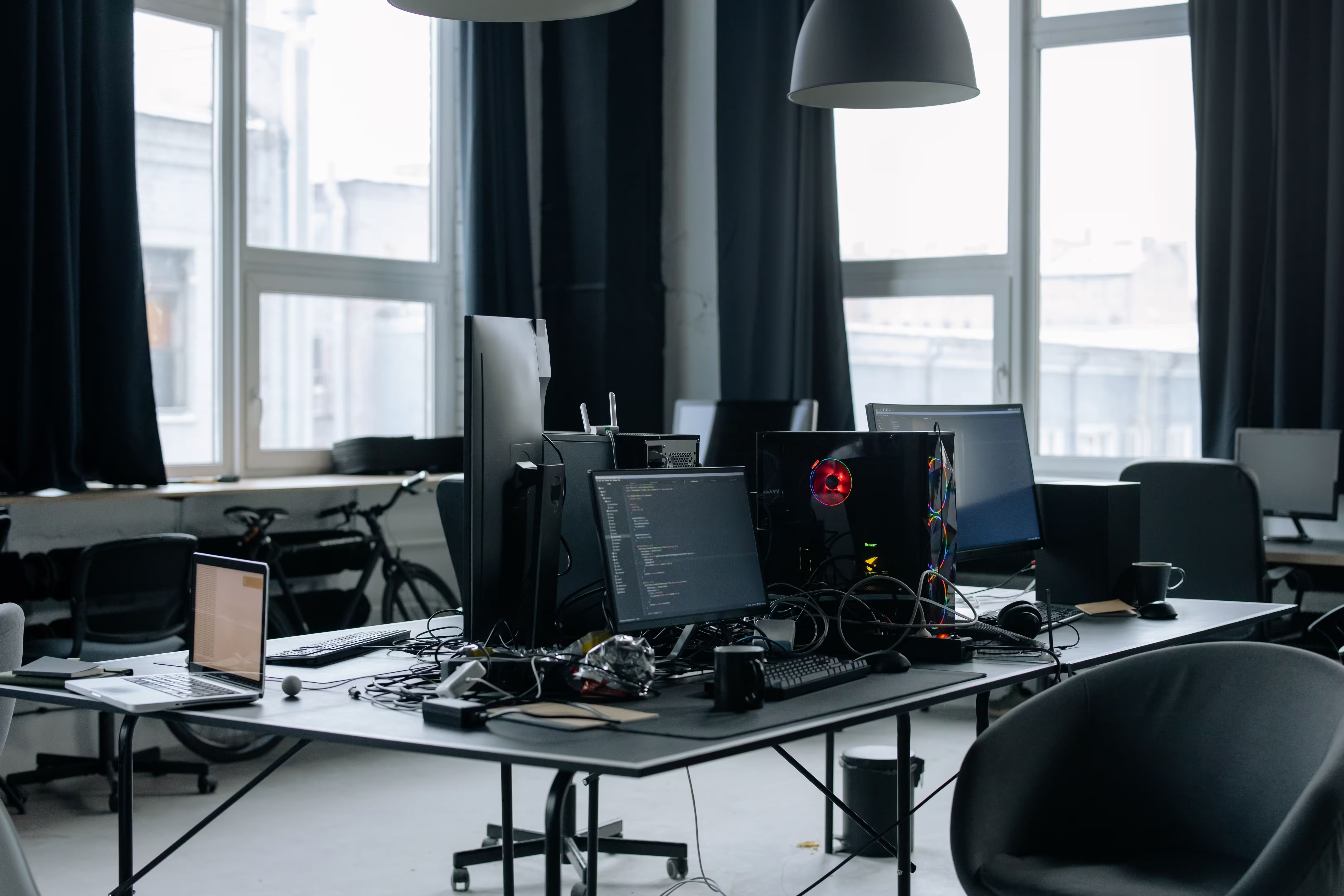
This is especially true for animation, visual effects, archviz, product visualization, and commercial projects with tight deadlines. Higher quality expectations, larger scenes, more detailed assets, and more frequent client revisions all increase the pressure on local hardware.
How cloud render farms help
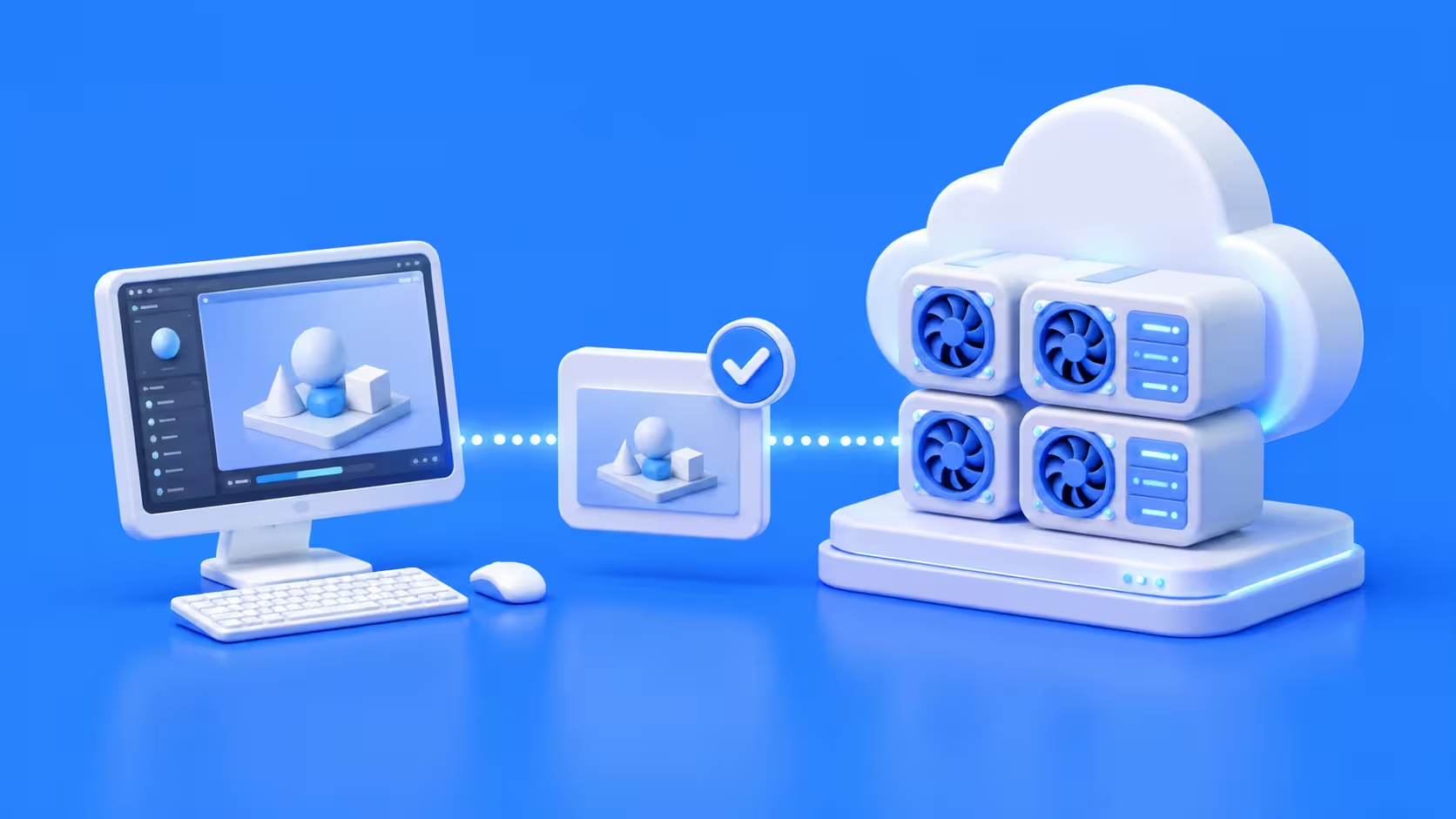
Cloud render farms help by moving the render workload to remote machines. Instead of waiting for one computer to finish every frame, artists can send jobs to a service that uses more computing power to process the work faster.
The demand for this kind of service is growing. Cloud render farm services reached USD 2.74 billion in 2026 (ResearchandMarkets), while the wider 3D rendering market was estimated at USD 4.85 billion in 2025 (GrandviewResearch). Those numbers show how important scalable rendering has become for artists, studios, and visualization teams.
What is a cloud render farm?
A cloud render farm is an online rendering service that processes 3D scenes using remote computers. Artists prepare their files locally, submit the job to the service, and receive the rendered frames once the work is complete. For still images, this can help reduce waiting time on heavy scenes. For animations, it can be even more useful because many frames can be rendered across multiple machines at the same time.
How the process works
The usual process starts with scene preparation. The artist checks textures, caches, plugins, frame range, render settings, and output settings before submitting the project.
After submission, the render farm analyzes the files and sends the job to available machines. The artist can then monitor progress, check previews, and download the final images when the job is done.
Best cloud render farm services to consider
There is no single best render farm for every artist. A Blender freelancer, an archviz studio, a VFX team, and a studio with a custom pipeline may all need different things. The best service is the one that fits the actual production workflow. That means software support, pricing, hardware, support quality, and ease of use all matter.
GarageFarm.NET
GarageFarm.NET is a strong option for artists and studios that want a guided cloud render farm workflow. It supports many common 3D applications and render engines, which makes it useful for teams that move between different tools.
The service is a good fit for freelancers, archviz artists, animation teams, and studios that want help with submission, scene checking, and troubleshooting. This kind of support can be important when a project has a tight deadline or when a scene contains many assets, plugins, or render settings. GarageFarm.NET is especially useful for users who want cloud rendering without managing the technical side of cloud infrastructure themselves.
RebusFarm
RebusFarm is one of the more established names in online rendering. It is often considered by artists who want a traditional cloud render farm workflow with support for common 3D software and render engines.
Its plugin based workflow can be convenient for users who want to submit jobs from inside their main 3D application. This makes it a practical option for artists who want to keep the process close to their normal local workflow. RebusFarm can be a good choice for users who want a familiar render farm experience and do not need to build a custom cloud setup.
Fox Renderfarm
Fox Renderfarm is often used by animation, VFX, and commercial production teams. It supports a wide range of 3D tools and renderers, which makes it suitable for studios working across different production environments.
It is also a strong option for teams that care about secure file handling and studio oriented workflows. When projects involve unreleased campaigns, client sensitive files, or larger production pipelines, security and reliability become major parts of the decision. Fox Renderfarm is worth considering for teams that need broad compatibility and a more studio focused service.
iRender
iRender is different from a standard automated render farm because it focuses more on cloud GPU servers. Users can access powerful remote machines and work in an environment that feels closer to a cloud workstation.
This is useful for GPU heavy workflows such as Redshift, Octane, Blender GPU rendering, Unreal Engine, V Ray GPU, and similar production setups. It can also help when a user needs to install specific software, use custom plugins, or control the environment more directly. iRender is a good fit for artists who want more flexibility and are comfortable managing parts of the setup themselves.
Chaos Cloud
Chaos Cloud is a natural option for users already working with Chaos tools. It is designed to make cloud rendering easier for V Ray workflows.
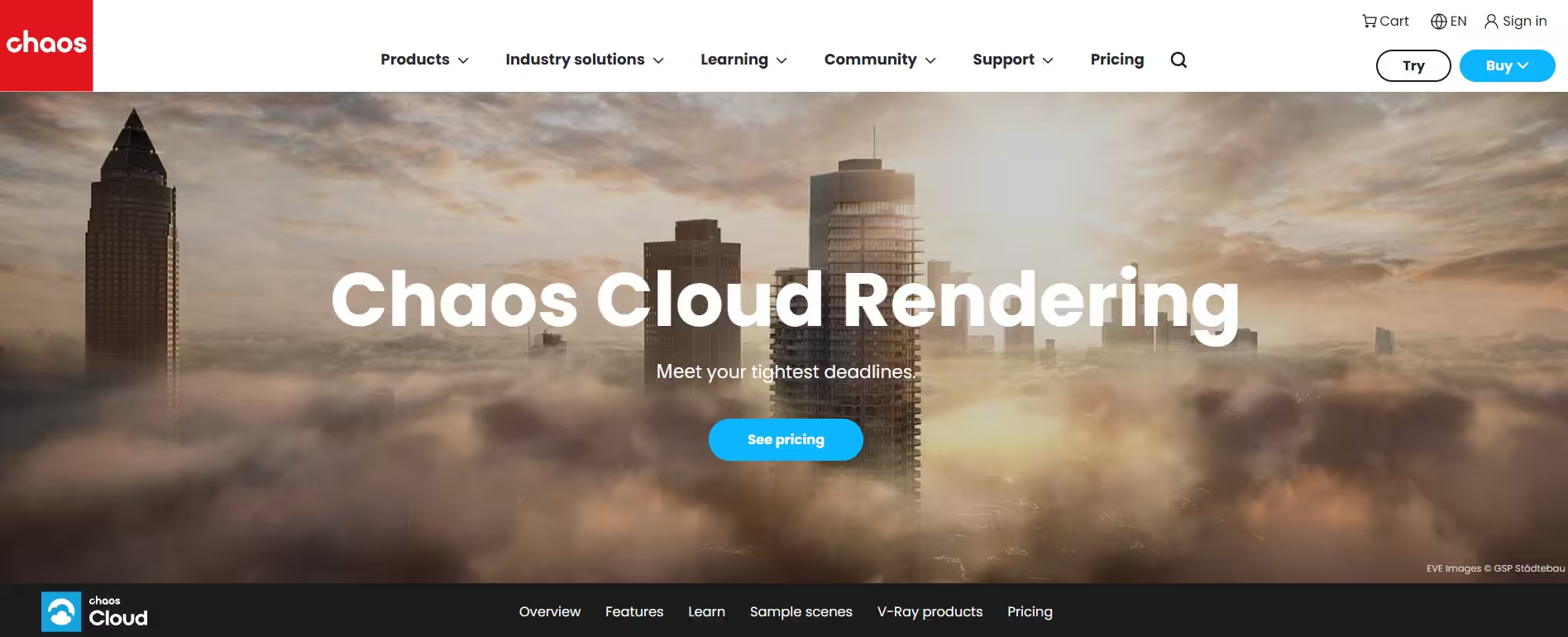
This can be helpful for archviz, product visualization, and design teams that use Chaos tools every day. A more direct submission workflow can save time when artists need to produce client images, test changes, or render final frames without adding a separate system to the pipeline. Chaos Cloud is best for users who want a simple cloud rendering path inside an existing Chaos workflow.
Pixel Plow
Pixel Plow is another online render farm option for artists, studios, and visualization teams. It can be worth considering when comparing pricing, supported applications, and workflow style.
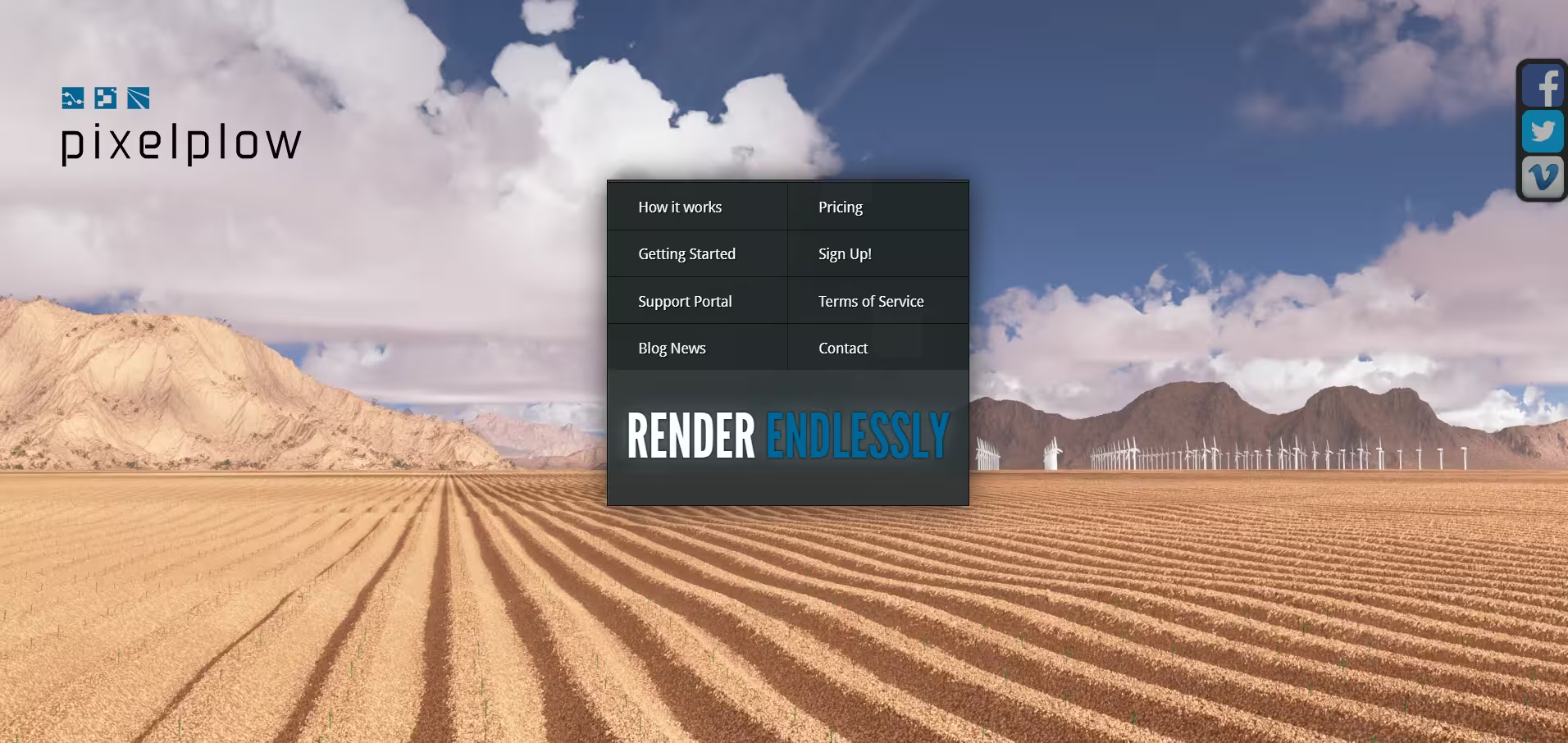
For many artists, the deciding factor is not only the provider name. The real test is whether the service handles the actual project correctly, keeps the cost predictable, and returns frames that match the local render.
What to look for in a cloud render farm service
A good cloud render farm should support your exact 3D software, renderer, plugins, and version, while offering the right balance of CPU, GPU, or hybrid rendering for your scenes. It should also have clear pricing, an easy submission workflow, reliable support, secure file handling, and enough scalability to handle both small tests and full production renders without causing delays or failed jobs.
How to choose the right cloud render farm from the list
For freelancers
Freelancers usually need a render farm that is easy to test, simple to use, and clear about pricing. Good support also matters because one person may be handling the scene, assets, settings, client feedback, and delivery.
For animation teams
Animation teams need speed, but they also need stable output across many frames. The right service should make it easy to test frame ranges, track progress, preview results, and fix issues before launching the full render.
For archviz studios
Archviz studios often work with large scenes, detailed materials, high resolution images, and frequent client revisions. A good render farm should support common archviz tools and help the studio keep working locally while heavier views, lighting changes, and final renders process in the cloud.
For GPU rendering
GPU rendering needs strong hardware and support for tools such as Redshift, Octane, Blender GPU rendering, Unreal Engine, and V-Ray GPU. A remote GPU server may suit artists who need direct control, while a standard render farm works better when the scene is clean, supported, and ready for a queue.
For larger studios
Larger studios may need shared storage, access controls, asset management, custom tools, and production pipeline integration. Managed cloud rendering can offer flexibility, but it usually requires more planning and technical setup than a standard artist-facing render farm.
Final thoughts
The best cloud render farm service is the one that fits your actual production needs. Some artists need a simple guided service with broad software support. Others need strong GPU hardware, remote workstation access, or managed cloud infrastructure for a larger pipeline.
Cloud rendering works best when it is planned early. Choose a provider that supports your tools, run a small test, compare the output, and check the real cost before sending the full job. When the workflow is set up properly, a cloud render farm can give artists and studios more room to create, revise, and deliver without being limited by local hardware.
Register Now and Get $50 FREE Credits!