


Key takeaways
- U.S. digital video ad spend is projected to pass USD 80 billion in 2026 (IAB).
- 69 percent of video marketers created social media videos in 2026 (Wyzowl).
- 68 percent of video marketers created explainer videos in 2026(Wyzowl).
- AI animation tools are reshaping content creation in 2026 by making animation more accessible, faster to test, and easier to adapt across formats.
TL;DR
AI animation tools in 2026 are becoming practical creative assistants for content creators, marketers, educators, brands, and studios. They can help write video scripts, animate still images, generate avatar videos, create captions, localize content, and draft animated content faster. The strongest use cases are not about replacing animators or filmmakers. They are about helping teams move from an idea to a visual draft with less friction, then refining that output with human creative control, editing, storytelling, and design judgment.
What are AI animation tools in 2026?
AI animation tools are software platforms that use artificial intelligence, machine learning, and generative models to create or assist with animation. Some tools generate animated videos from text. Others animate an AI image, build avatar videos, create AI narration, translate spoken language, add subtitles, or help edit video content from existing videos.
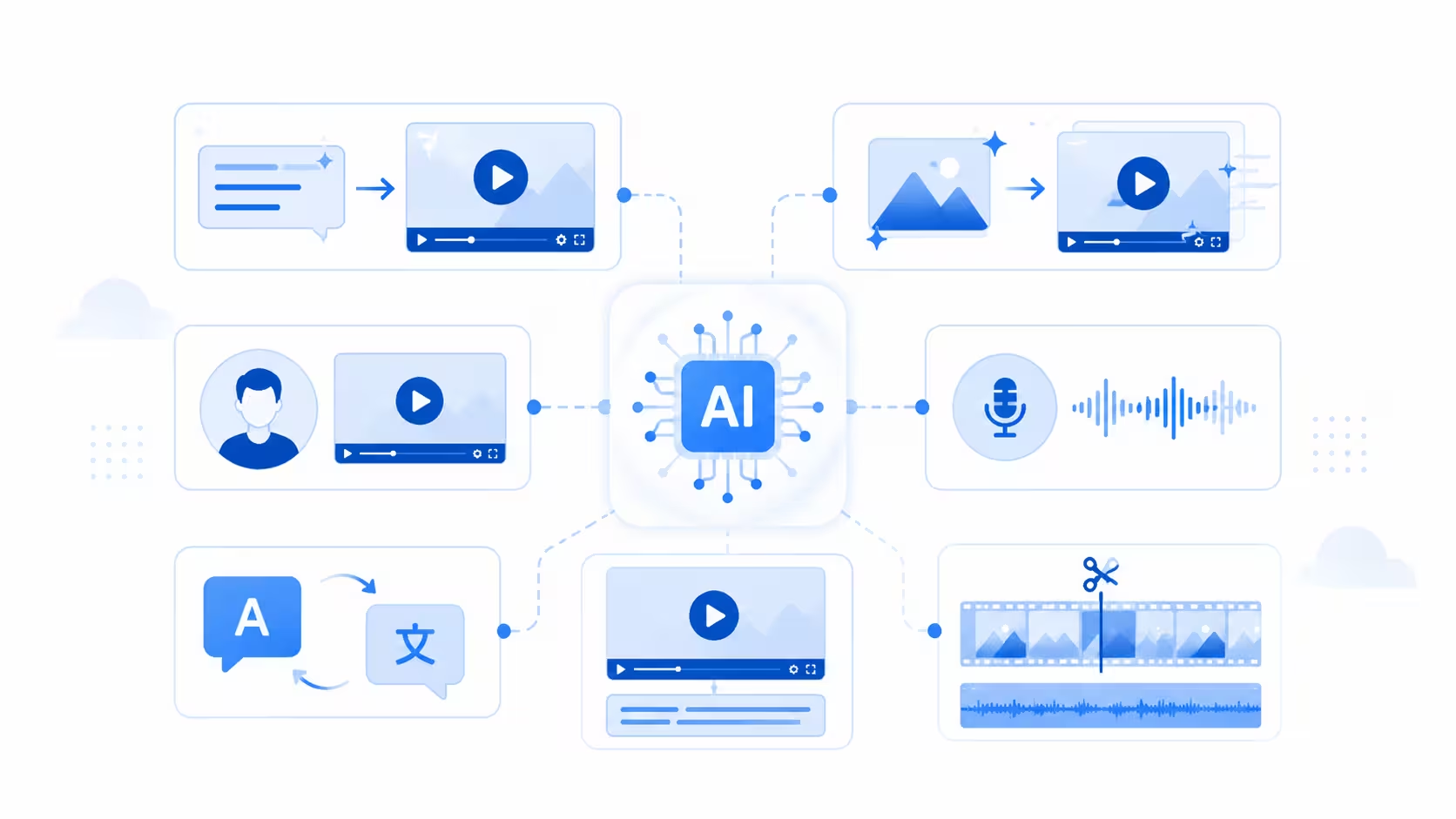
In content creation in 2026, these tools are no longer limited to strange experimental clips. They are being used in real workflows for marketing, advertising, training content, social media content, explainer videos, storyboards, pitch visuals, and early animation project drafts.
Why AI animation tools are transforming content creation in 2026
The biggest reason AI tools are transforming content creation is demand. Brands need more video content than before, and audiences expect it across websites, ads, social platforms, emails, product pages, tutorials, and training portals.
Video has become central to content marketing because it can explain ideas quickly. It can show motion, context, emotion, language, music, and product behavior in a way static content often cannot. For a brand, that means a stronger visual connection with the audience. For a creator, it means more ways to tell a story.
Video demand keeps rising
In 2026, most businesses already use video as part of their marketing strategy. Social media videos and explainer videos are especially common, which makes sense because both formats reward speed, clarity, and visual consistency across campaigns.
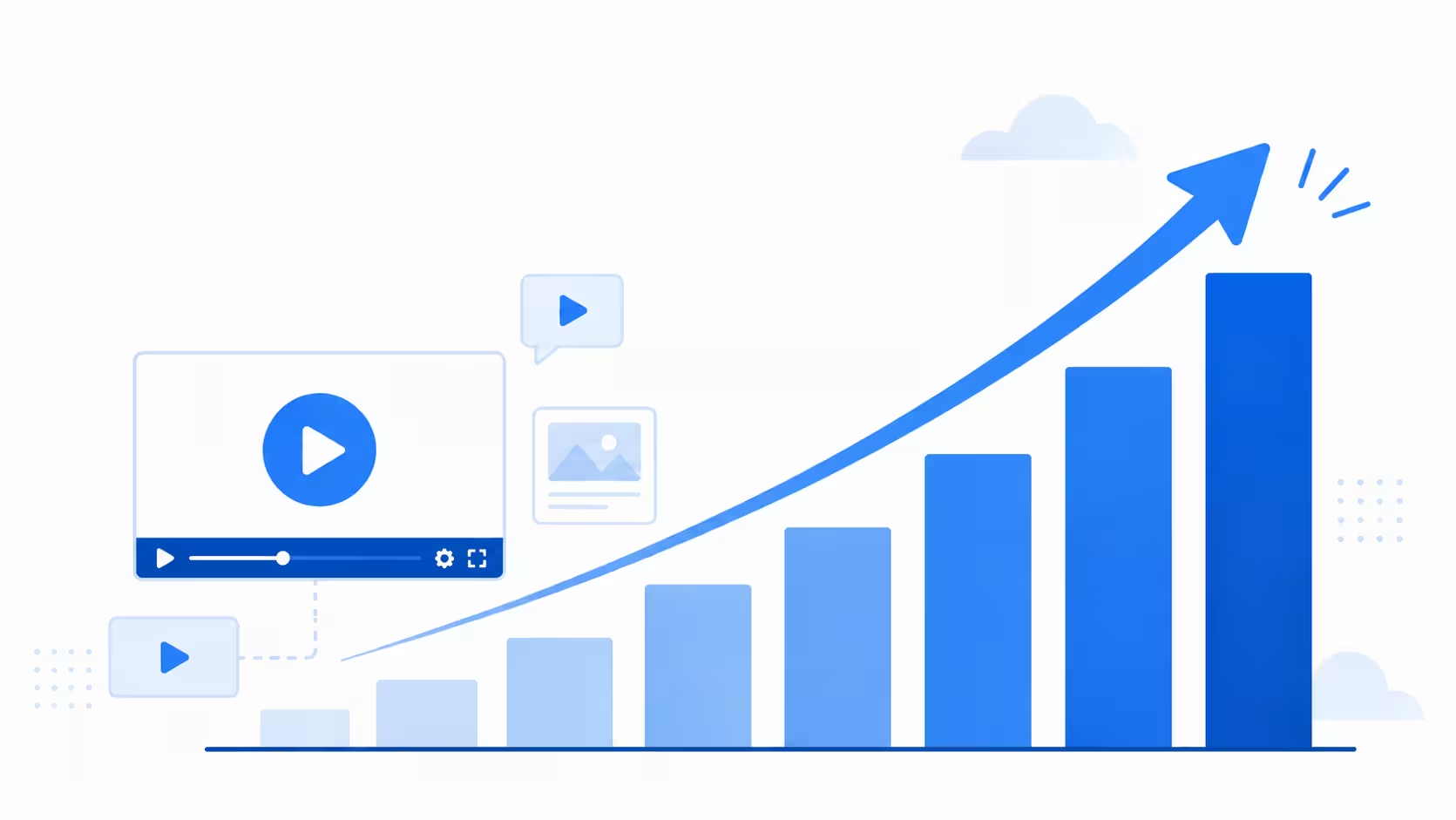
AI video tools fit that pressure well. They help teams draft ideas faster, generate variations for different channels, and test concepts before committing to full video production. A marketer can create a rough animated video from text. A designer can animate a still image. An educator can generate an avatar video from a script. A brand team can produce different versions of a campaign for different audiences.
AI lowers the first barrier to animation
For many creators, the hardest step in animation is simply getting started. A blank timeline can feel intimidating. A blank storyboard can slow down a campaign. A product team might know the message but not know how to turn it into a visual sequence.
AI powered animation makes that first version easier. A prompt can become a rough scene. A product shot can become a moving visual. A script can become a narrated explainer. A still character can become a talking avatar. These outputs may not be final, but they give teams something to react to. When a client can see a rough visual direction, feedback becomes clearer. When a marketer can test several hooks, the content strategy becomes easier to refine. When an animator can generate a mood draft, the final animation production can start with stronger context.
Human creative control still matters
The most useful AI video tools give creators more options without taking away decision making. AI generated content still needs taste, pacing, restraint, story logic, brand alignment, editing, privacy checks, and ethical review. A generator can make a visual, but the creator decides whether that visual serves the story.
Professional animation still depends on intention and an AI can help automate production tasks, but storytelling still comes from people.
What AI animation tools can create in 2026
AI animation is now a broad field. Different tools focus on different parts of the workflow, so choosing an AI animation tool starts with knowing the kind of output you need.
Text to video clips
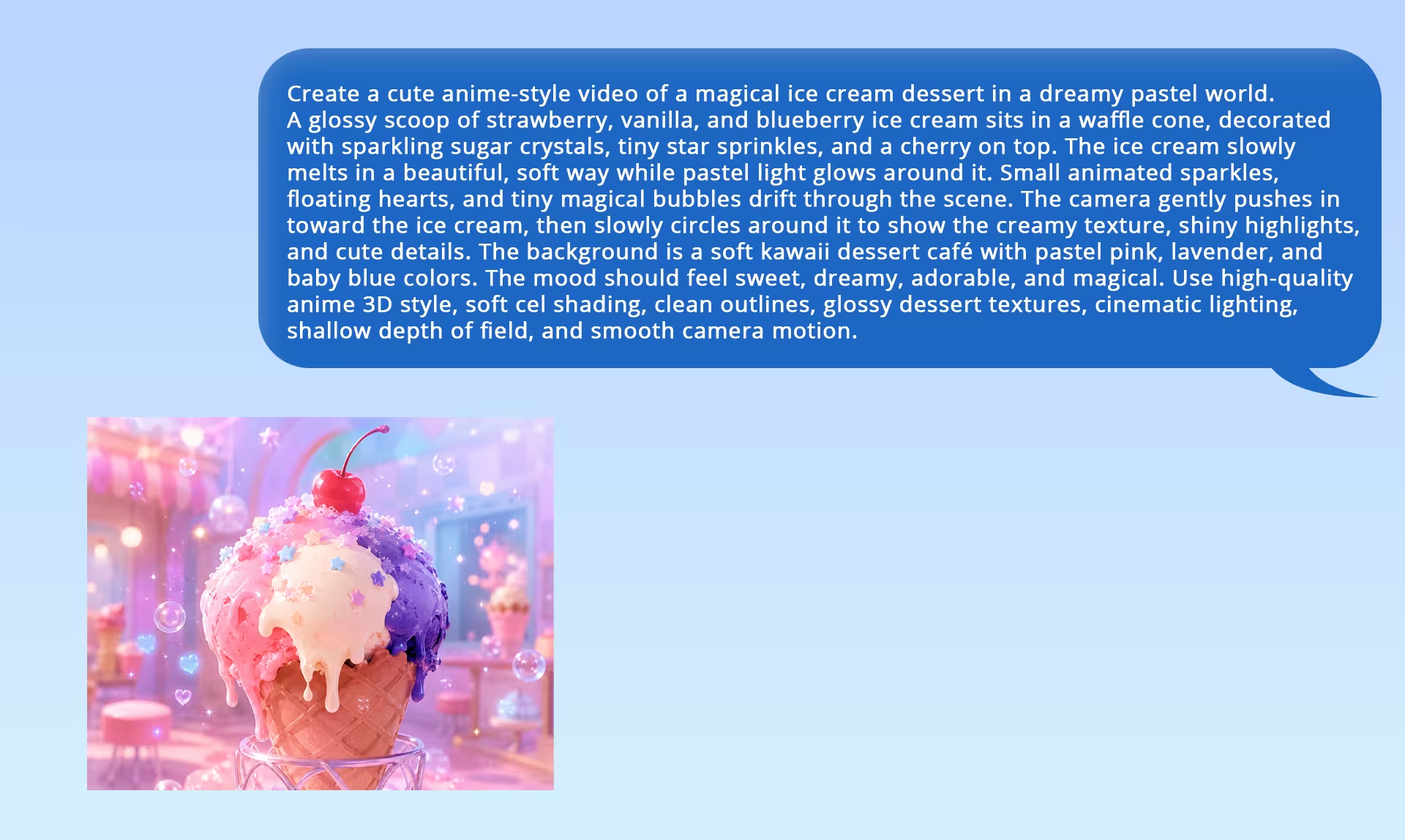
Text to video models let users generate animated videos from text. A prompt can describe a character, scene, lighting style, camera angle, and motion direction, then the video generator turns that description into a short visual draft.
The Best Text-to-Video AI Generator is Here! - By Aurelius Tjin
This is useful for concept shots, mood pieces, social media content, music visuals, and early storytelling tests. The main limitation is creative control, since a prompt may guide the output but not always deliver exact blocking, movement, or continuity.
Image to video animation
Image to video tools animate a still image, such as an AI image, product render, character design, storyboard frame, brand asset, or photo. The tool can add camera movement, atmosphere, motion, and sometimes sound.
How To Turn ONE IMAGE Into A LONG AI Animation Video - by Mira AI
This workflow gives creators more control because the starting frame is already approved or designed. It is especially useful for product teasers, animated ads, short form content, and campaign visuals that need stronger visual consistency across formats.
Avatar videos and AI narration
Avatar videos are one of the most practical uses of AI video in business. A team can write a script, choose an avatar, add AI narration, generate subtitles, and export a video for training, onboarding, product updates, or internal communication.
HeyGen AI Tutorial: How to Use AI Avatars & Video Generator - By Kevin Stratvert
Tools like HeyGen are useful here because they focus on presenters, voice cloning, translation, and language localization. Still, avatar videos need careful review because consent, tone, privacy, and brand fit matter just as much as production time.
Character animation and motion tests
Character animation remains one of the hardest parts of animation production because believable motion depends on timing, weight, emotion, posture, and facial expression. AI assisted character animation can help with rough motion, gesture tests, facial expressions, motion reference, and early blocking.
This AI Makes Your Animated Characters Move Like YOU! - by Emmanuel Crown
Advanced AI tools may help streamline tasks like character rigging, cleanup, skeletal animation, and draft poses. Still, memorable performance needs an animator’s judgment, which is why Pete Docter’s warning about AI as “the least impressive blah average of things” fits this topic so well.
Audio, captions, translation, and localization
AI video generation is becoming more multimodal, connecting visual output with speech, sound, captions, music, and language. This matters because video content often needs subtitles, AI narration, translation, platform formatting, and audio polish before it feels complete.
How To Translate & Lip Sync Videos with AI | Dubbing Tutorial - By MDMZ
AI can automate captions, translate a script, adapt voice timing, and create localized versions for different markets. Demis Hassabis described this shift as AI video “emerging from the silent era of video generation,” which captures how much sound can change the pace, emotion, and storytelling of a scene.
How creators and studios use AI video tools in 2026
The strongest AI animation workflows are practical. They focus on repeatable production problems, not just flashy demo clips.
Social media content at scale
Social media content rewards speed and variation. A creator may need multiple hooks, aspect ratios, captions, visual styles, and edits for different platforms. Since 69 percent of video marketers created social media videos in 2026 (Wyzowl), this is one of the strongest use cases for AI video tools.
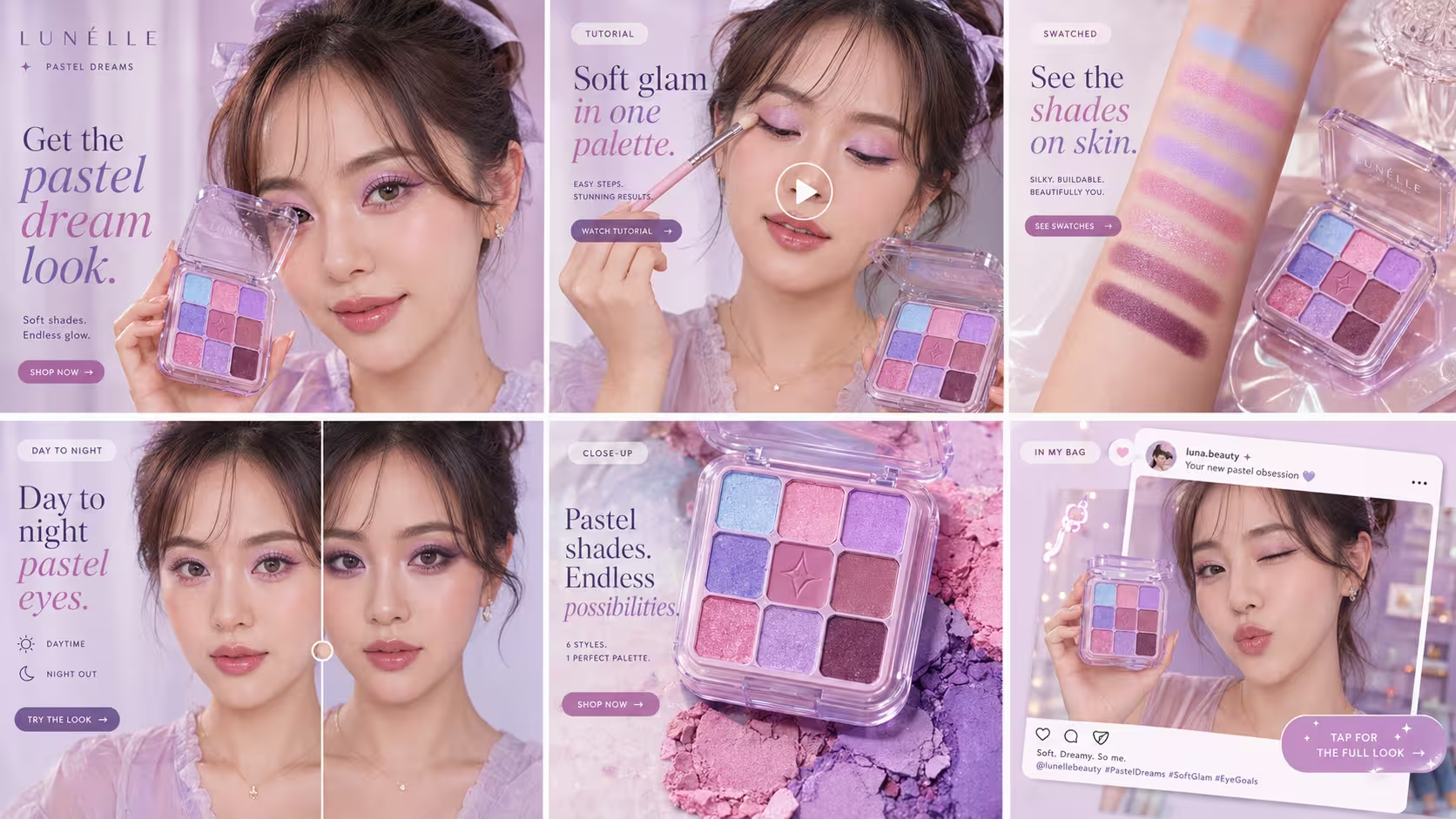
For content creators, this makes animation accessible without requiring a full studio pipeline. A single creator can use AI tools to draft a visual, edit video, add captions, test a voice over, and publish faster. The final output quality still depends on taste, but the barrier to entry is lower.
Marketing and advertising
Marketing teams are using generative AI to create more versions of video content. That includes different openings, different visual styles, different product angles, and different calls to action.
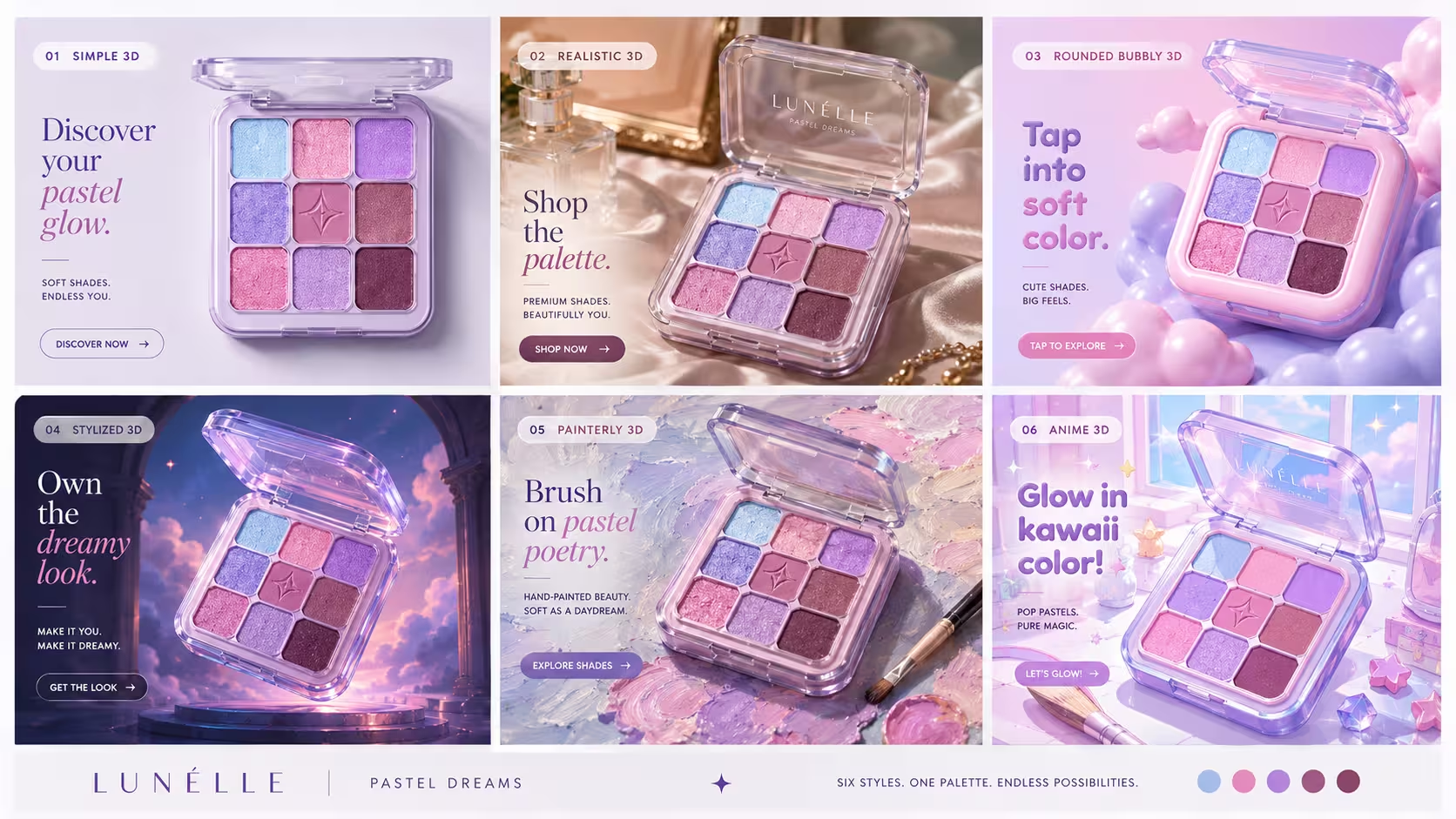
This shift is happening alongside a larger change in advertising. U.S. digital video ad spend is projected to pass USD 80 billion in 2026 (IAB), so brands need more video assets for paid campaigns, organic social, product pages, and landing pages. AI transforms advertising because it makes variation less expensive. A team can test several video scripts, animate multiple product visuals, and create different campaign drafts before spending budget on final production.
Explainer videos and training content
Explainer videos are a natural fit for AI powered animation. They usually need clarity, structure, simple motion, narration, and captions. Since 68 percent of video marketers created explainer videos in 2026 (Wyzowl), this format is one of the clearest places where AI animation tools can support real content creation.
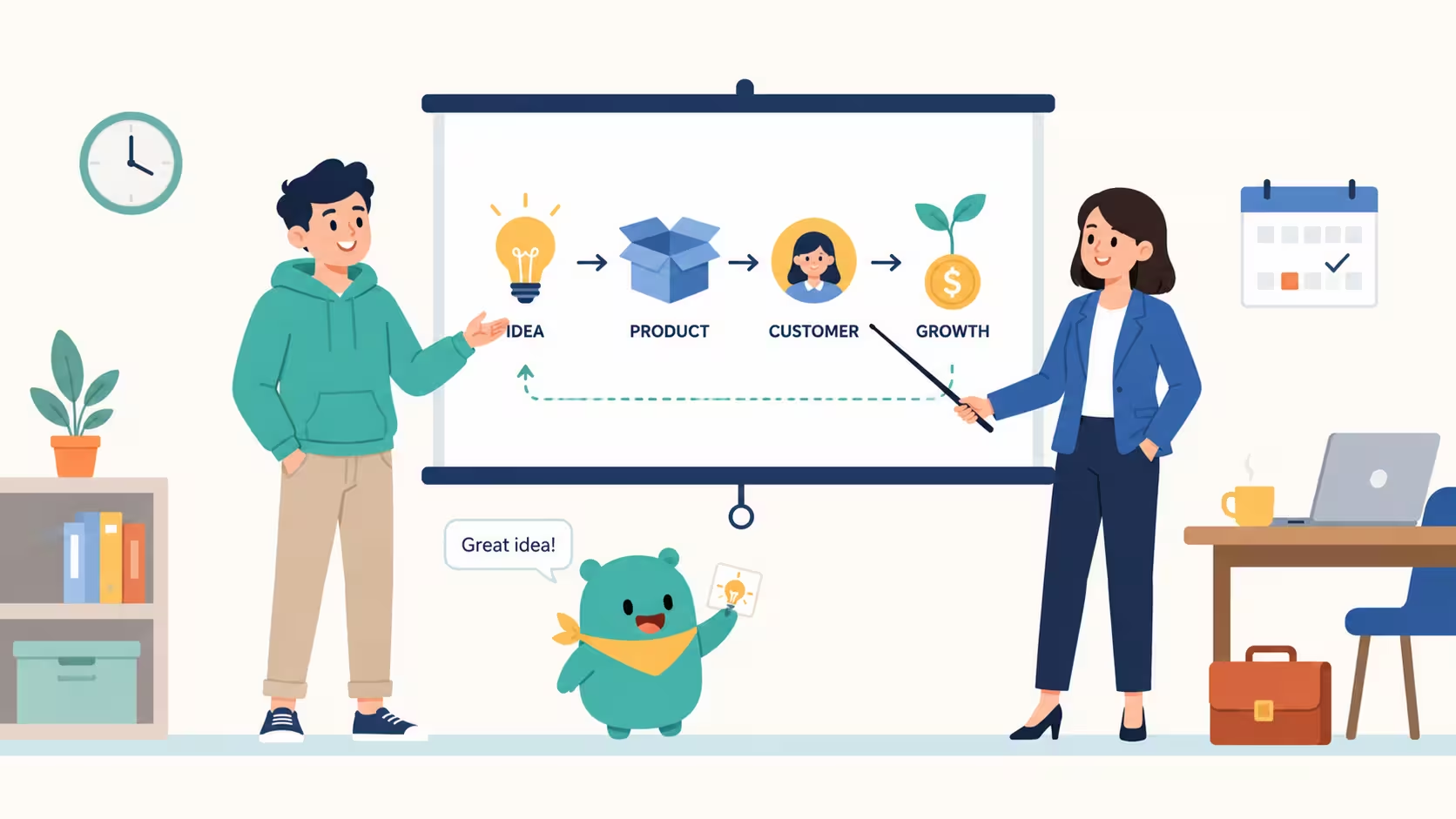
Training content can benefit in a similar way. Companies often need to update internal videos when policies, software, or product features change. AI tools make it easier to revise a script, regenerate a scene, or update a narrated segment without restarting the whole video production process.
Previsualization and pitch development
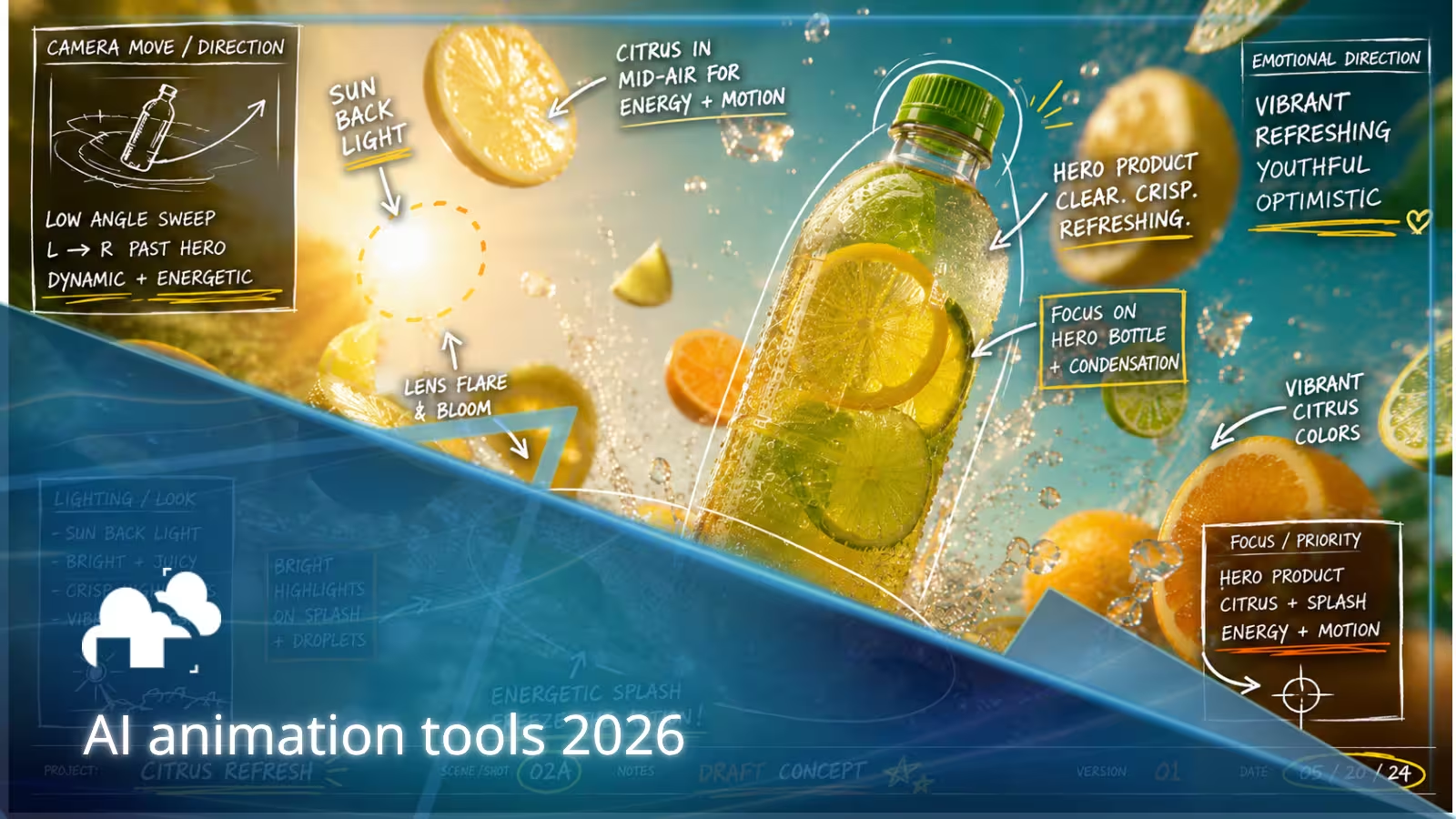
Previsualization is about seeing an idea before final production begins. Directors, animators, agencies, and designers can use AI video generation to draft a scene, test a camera move, explore lighting, or show a client the emotional direction of a campaign.
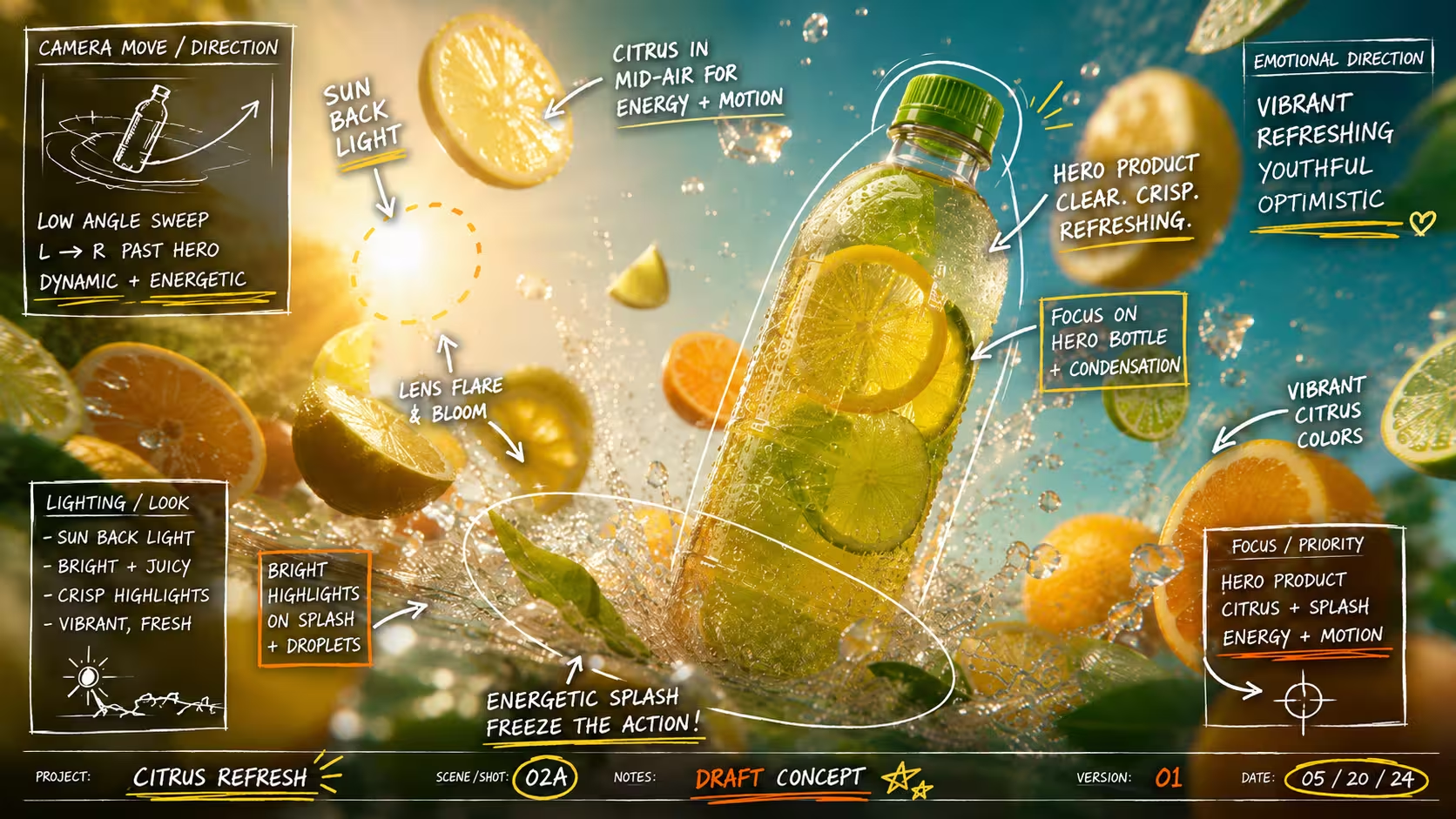
This is especially useful when the final production will involve 2D animation, 3D animation, live action, real time computer graphics, or computer animation. A rough AI generated draft can help align the team before artists invest time in final assets.
Which AI animation tools are worth discussing in 2026?
The AI video category changes quickly, so it is better to think in terms of use cases rather than one universal winner. The best tool depends on the kind of animation, the level of creative control, the required output quality, and the final workflow.
Runway for creative video generation
Runway remains one of the most recognizable companies in AI video generation, especially for creators exploring cinematic motion, visual concepts, and AI generated scene drafts. Its newer models have focused heavily on visual consistency across characters, locations, and objects, which matters because storytelling depends on continuity (Runway). A character needs to look like the same person, a room needs to stay recognizable, and a prop should not change shape from shot to shot.
Google Veo for audio native AI video
Google Veo has become important because it pushes AI video toward sound, dialogue, and synchronized audio (Deepmind.google). For creators, audio native models can help generate scenes that feel closer to complete drafts, since dialogue, ambient sound, and sound effects can support the rhythm, pace, and emotion of a scene. This makes it useful for pitch videos, draft ads, short narrative experiments, and multimedia content.
SkyReels for cinematic AI video experiments
SkyReels is worth including in 2026 because it focuses on cinematic AI video creation, image to video, text to video, reference based control, and story continuity. It is especially interesting for creators who want to explore longer story driven AI video workflows, although like other video models, it may still need editing, regeneration, and human review to reach reliable output quality.
HeyGen and avatar video tools
HeyGen and similar avatar tools are strongest for business communication, especially training content, product explainers, translation, onboarding, and internal updates (HeyGen). Instead of focusing on abstract visuals or character animation, these tools focus on presenters, AI narration, voice cloning, subtitles, and language localization, which is where the value is clearest for many companies.
Canva, Animaker, InVideo AI, and design led tools
Tools like Canva, Animaker, and InVideo AI serve creators who need accessible design tools and faster video creation. They may not replace professional animation software, but they help non specialists create animated videos from text, templates, stock assets, scripts, and brand materials, making them useful for content marketing, social media content, simple explainers, and internal communications.
How much can an AI animation tool save in production time?
AI tools can save time, but the savings depend on the task. The biggest gains usually come from drafting, versioning, localization, and repetitive production steps.
Faster drafts
A first draft is often where AI video tools help most. A team can turn a concept into a rough visual quickly, then decide whether the idea deserves more effort. This can reduce production time during early creative development.
Faster variations
AI can also help create variations. A marketing team might need different versions of a video for social media, paid ads, product pages, email campaigns, and landing pages. AI can help adapt captions, change visual style, adjust pacing, localize language, and create new hooks.
Lower costs in some use cases
Simple animated videos, explainer videos, avatar videos, and short form content may cost less when AI tools are used well. A small team can do more before hiring external support.
What are the real limitations of AI animation in 2026?
AI video tools have improved quickly, but they still have limitations that matter in professional animation production.
Visual consistency across shots
Visual consistency across scenes is still one of the biggest challenges. Faces can drift. Hands can change. Clothing can morph. Objects can appear or disappear. A camera move may look impressive but break spatial logic.
Creative control in motion and physics
Many AI video tools can generate impressive clips, but exact control is still uneven. AI generated motion can look smooth while still feeling wrong. The body may float. A walk may lack weight. Hair, fabric, water, and objects may behave in unnatural ways. A creator may want a specific camera path, pose, expression, edit point, or lighting setup. The model may produce something close, but not exact.
AI Animation vs Human Animator – The Dance Battle - by Hayk_Animation
Rights, privacy, and data
AI animation also raises questions about data, privacy, copyright, consent, voice cloning, likeness, and the ethics of artificial intelligence. A company needs to understand how an AI platform handles uploaded assets, whether training data is disclosed, how HTTP cookie tracking is used, and whether generated content can be used commercially.
How to choose the right AI animation tool
Choosing an AI animation tool starts with the output, not the hype. The right AI animation tool for a social media creator may be very different from the right tool for a health care training team, an advertising agency, or a 3D animation studio.
Start with the video you need
- For short social clips, look at tools that help generate fast visuals, edit video, add captions, and export in multiple formats.
- For avatar videos, look at tools that support voice cloning, language translation, AI narration, subtitles, and presenter templates.
- For cinematic drafts, look at AI video generators like Runway, Google Veo, SkyReels, Kling, or similar video models.
- For accessible animated explainers, look at tools like Animaker, Canva, and InVideo AI.
- For professional animation, treat AI as one part of the workflow. You may still need animation software, 3D modeling tools, editing tools, rendering support, real time computer graphics workflows, and integrations with platforms like Adobe.
Check the practical details
Before choosing an AI animation tool, review the output quality, export resolution, clip length, commercial usage terms, watermark policy, privacy policy, data handling, brand safety features, and pricing. Also check whether the tool supports the workflow you actually need. Some tools are strong at generating video from prompts. Others are better for subtitles, templates, translation, avatar videos, or editing existing videos.
Match the tool to the team
A solo content creator may prioritize speed and ease of use. A marketing team may prioritize brand control, content strategy, integrations, and approval workflows. A professional animation team may prioritize creative control, asset consistency, and compatibility with existing production software.
What comes next for AI animation production in 2026?
AI animation production in 2026 is moving toward more control, longer scenes, stronger multimodality, and smarter workflow automation.
Longer and more controllable video generation
Video generators are improving at longer clips, better camera movement, stronger character control, and more stable scenes. For storytelling, this matters because scenes need structure, characters need continuity, and cameras need intention. Better control will make AI video generation more useful for narrative content, advertising, and professional animation.
More AI agents in the workflow
AI agents may help plan shots, organize assets, suggest edits, generate captions, localize language, check brand rules, and prepare different versions of a video. As these systems improve, they could connect script planning, storyboard generation, editing, subtitles, translation, and publishing into a more guided workflow that makes creative teams faster and more organized.
More pressure around trust and transparency
As AI content becomes more common, audiences and clients will care more about provenance, consent, and disclosure. Brands will need clearer policies for AI generated content, creators will need to know how their data is used, and platforms will need stronger rules around synthetic people, voice cloning, and generated media.
Final thoughts
AI animation tools are transforming content creation in 2026 by making video creation faster, more flexible, and more accessible. The demand is already clear: most businesses use video as a marketing tool, social media videos and explainer videos remain widely used, and many video marketers are already using AI video tools to create or edit content.
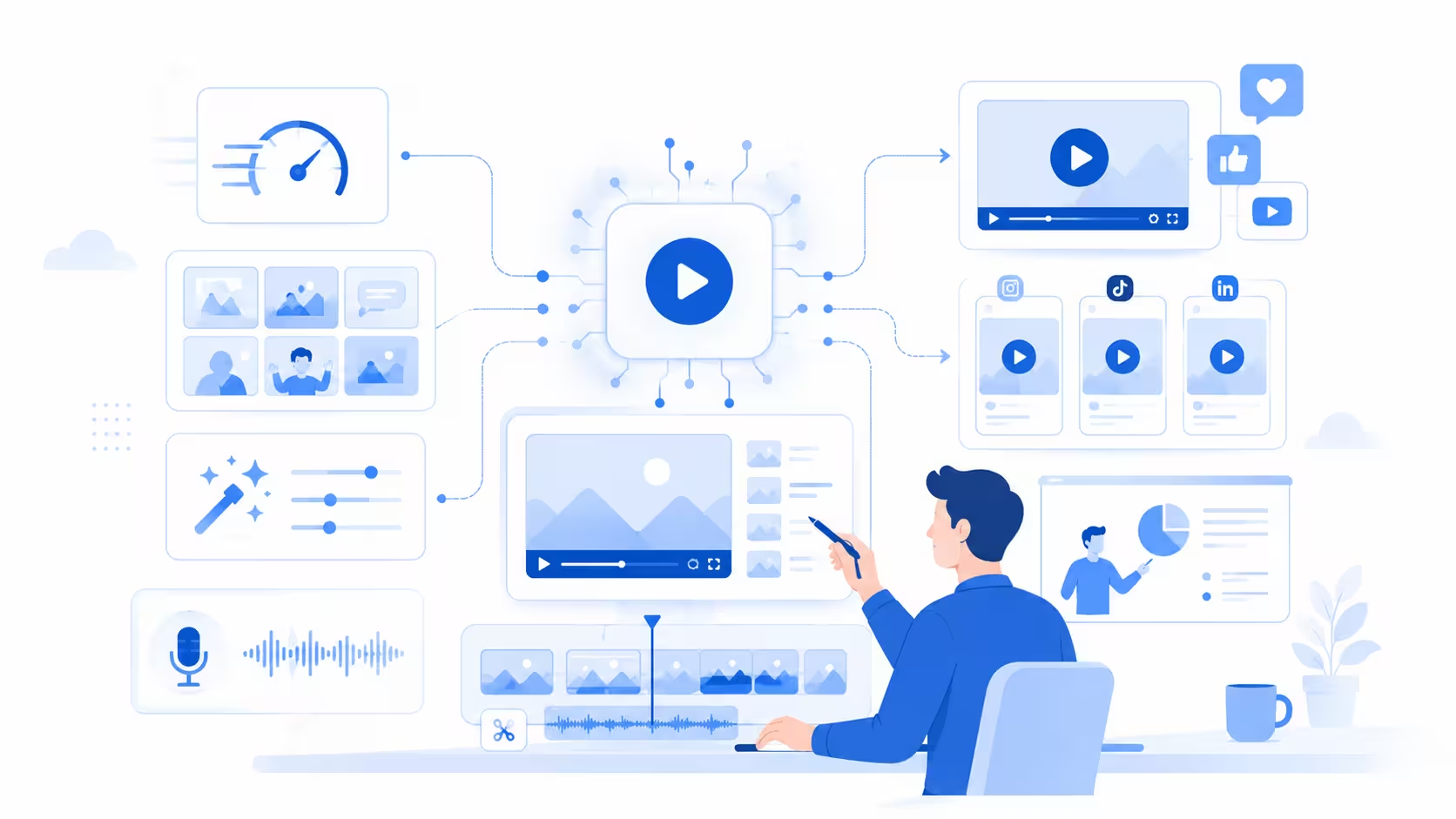
The best results still come from human direction. AI can generate a draft, but people shape the story, guide the performance, protect the brand, and decide when the final video has the right emotion, meaning, and quality.
Register Now and Get $50 FREE Credits!