

Key takeaways
- The global 3D rendering market was valued at $4.5 billion in 2025 and is estimated at $5.7 billion in 2026 (Grand View Research).
- Current Redshift requirements list 8 GB of VRAM as a minimum for supported Windows GPUs, with 12 GB recommended (Maxon).
- GPU render farms can be very fast when the renderer is optimized for GPU processing.
- CPU render farms remain useful for large scenes, broad compatibility, and established CPU workflows.
- Renderer support, memory, speed, and cost should guide the final choice.
TL;DR
Render farms using CPUs and GPUs provide the additional computing power needed for demanding 3D projects, although they process rendering workloads differently. A GPU render farm can be especially effective with render engines designed for highly parallel processing, while CPU farms remain useful for memory heavy scenes and workflows built around CPU rendering. The best option depends on the renderer, scene requirements, available memory, required features, render time, and cost.
What are CPU and GPU render farms?
A render farm uses multiple computers to process rendering work instead of leaving the entire job to one workstation. Frames can be distributed across many render nodes, allowing several images to be calculated at the same time.

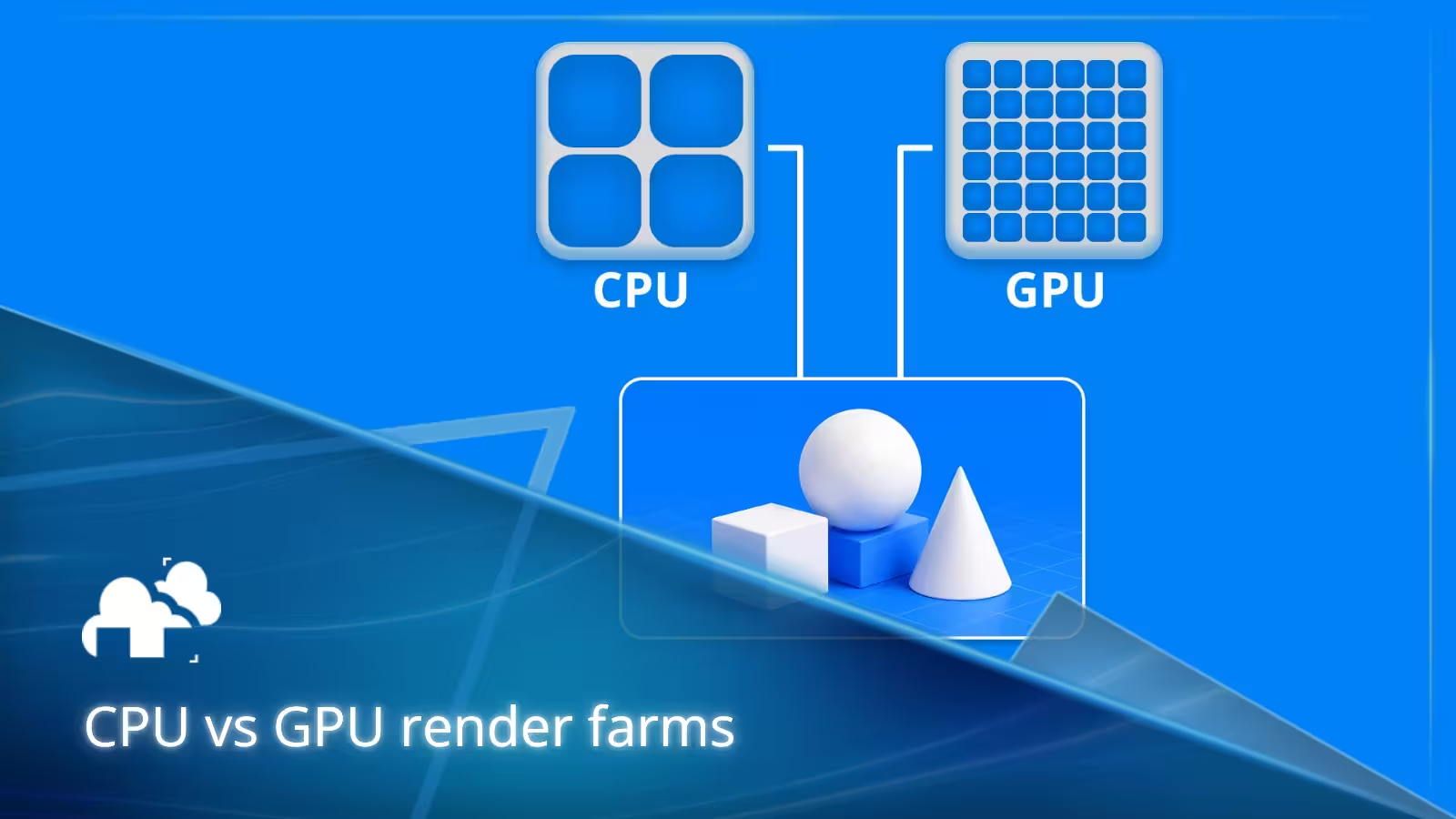
CPU farms rely mainly on processors, while GPU farms use graphics processors. The global 3D rendering market was valued at $4.5 billion in 2025 and is estimated at $5.7 billion in 2026 (Grand View Research), showing how widely rendering technology is being adopted across visualization, entertainment, design, and other industries.
How CPU rendering works
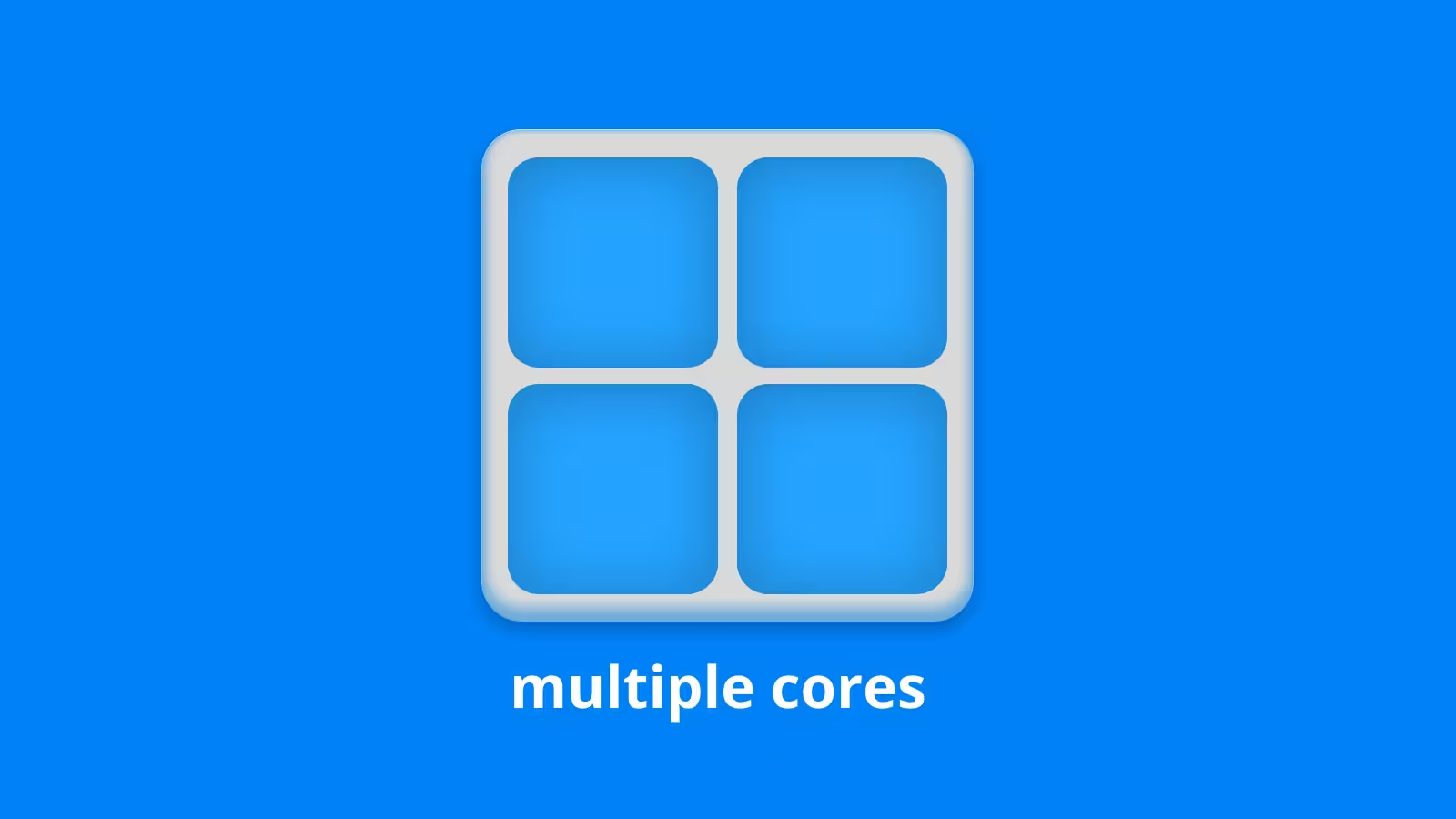
CPUs contain a smaller number of powerful and flexible processing cores designed to handle many different kinds of calculations. In a render farm, multiple CPU nodes can work on separate frames simultaneously, giving a project access to far more processing power than a single workstation. CPU rendering is commonly useful for workflows that require large amounts of system memory or depend on renderer features that are better supported on the CPU.
How GPU rendering works
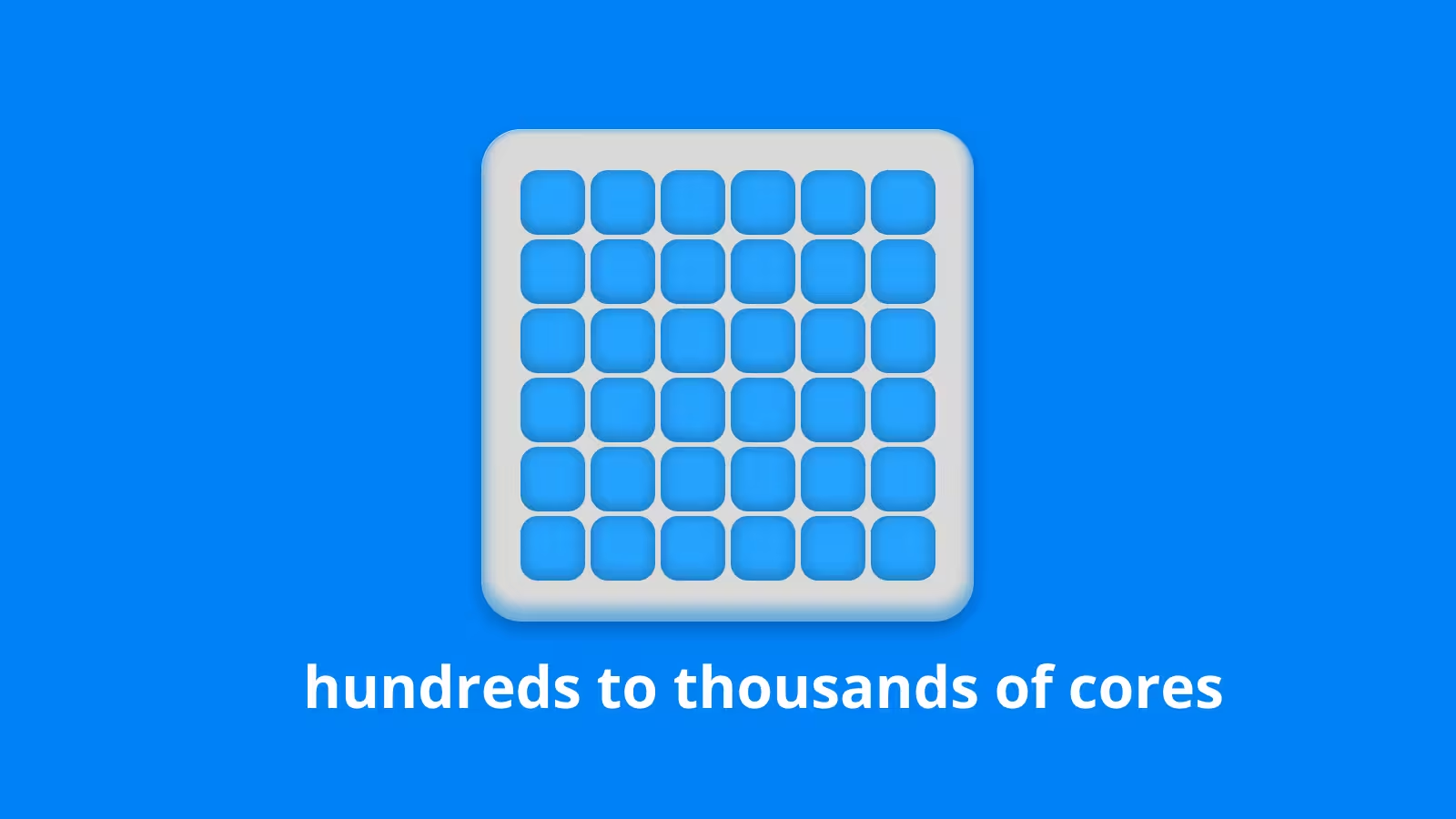
GPUs contain many processing units designed to perform large numbers of calculations in parallel. Rendering can benefit strongly from this architecture because many calculations involved in creating an image can be processed at the same time.
When the renderer is optimized for GPUs, a GPU render farm can process frames very quickly. This makes GPU farms attractive for animation, motion graphics, product visualization, and other workloads with many frames to complete.
CPU vs GPU rendering speed
GPU rendering can be considerably faster for workloads designed around GPU processing, but there is no single performance advantage that applies to every project. Renderer design, scene complexity, shaders, effects, sampling, resolution, and hardware all affect the result.
The most useful comparison is usually a representative test frame. Rendering the same scene with comparable settings on CPU and GPU nodes shows how the hardware actually performs with the project instead of relying only on specifications.
Memory can change the decision
Memory requirements can determine which type of render farm is practical before render speed even enters the comparison.
System memory on CPU nodes
CPU rendering generally works with system RAM, which can be configured in large capacities. This can help with scenes containing dense geometry, large textures, simulations, caches, or substantial environment data.
VRAM on GPU nodes
GPU rendering depends heavily on graphics memory. Current Redshift requirements list 8 GB of VRAM as the minimum for supported Windows GPUs, with 12 GB recommended (Maxon). Those figures apply specifically to Redshift and should not be treated as universal requirements. Different render engines manage GPU memory in different ways.
Renderer compatibility matters
The renderer itself can quickly narrow the choice between CPU and GPU hardware. Some engines support both, while others are designed more heavily around one type of processing.
Blender Cycles supports CPU and compatible GPU rendering. Arnold also offers CPU and GPU modes, although some features and behavior differ between them. Redshift supports CPU, GPU, and hybrid rendering.
Check scene features too
Basic renderer support is only the beginning. Shaders, plugins, volumes, procedural effects, denoisers, and other scene features should also be checked before switching rendering modes. A short test render can reveal compatibility problems before hundreds or thousands of frames are submitted.
When a CPU render farm makes sense
Your workflow is built around CPU rendering
If a project already relies on a CPU based renderer or features that work best in CPU mode, staying with CPU rendering can avoid unnecessary changes to the pipeline. Established plugins, shaders, scripts, and scene setups can also make CPU rendering the simpler and more predictable option.
Your scene needs a lot of memory
Large environments, complex simulations, dense geometry, and high resolution textures can consume substantial memory. CPU nodes with large system RAM capacities can provide more room for demanding scenes. This does not automatically make CPUs better for every large project, but memory capacity should be considered alongside raw rendering speed.
When a GPU render farm makes sense
Your renderer is optimized for GPUs
Modern GPU focused render engines can make strong use of parallel processing. Distributing an animation across many GPU nodes can greatly increase the amount of rendering work completed at once. This is particularly valuable when a project contains hundreds or thousands of frames and needs to meet a tight delivery schedule.
Faster rendering matters
Faster rendering can shorten the time needed for final frame production and make it easier to deal with revisions late in a project. A GPU render farm can provide a large temporary increase in processing power without requiring a studio to purchase enough local GPUs for its busiest periods.
What about hybrid rendering?
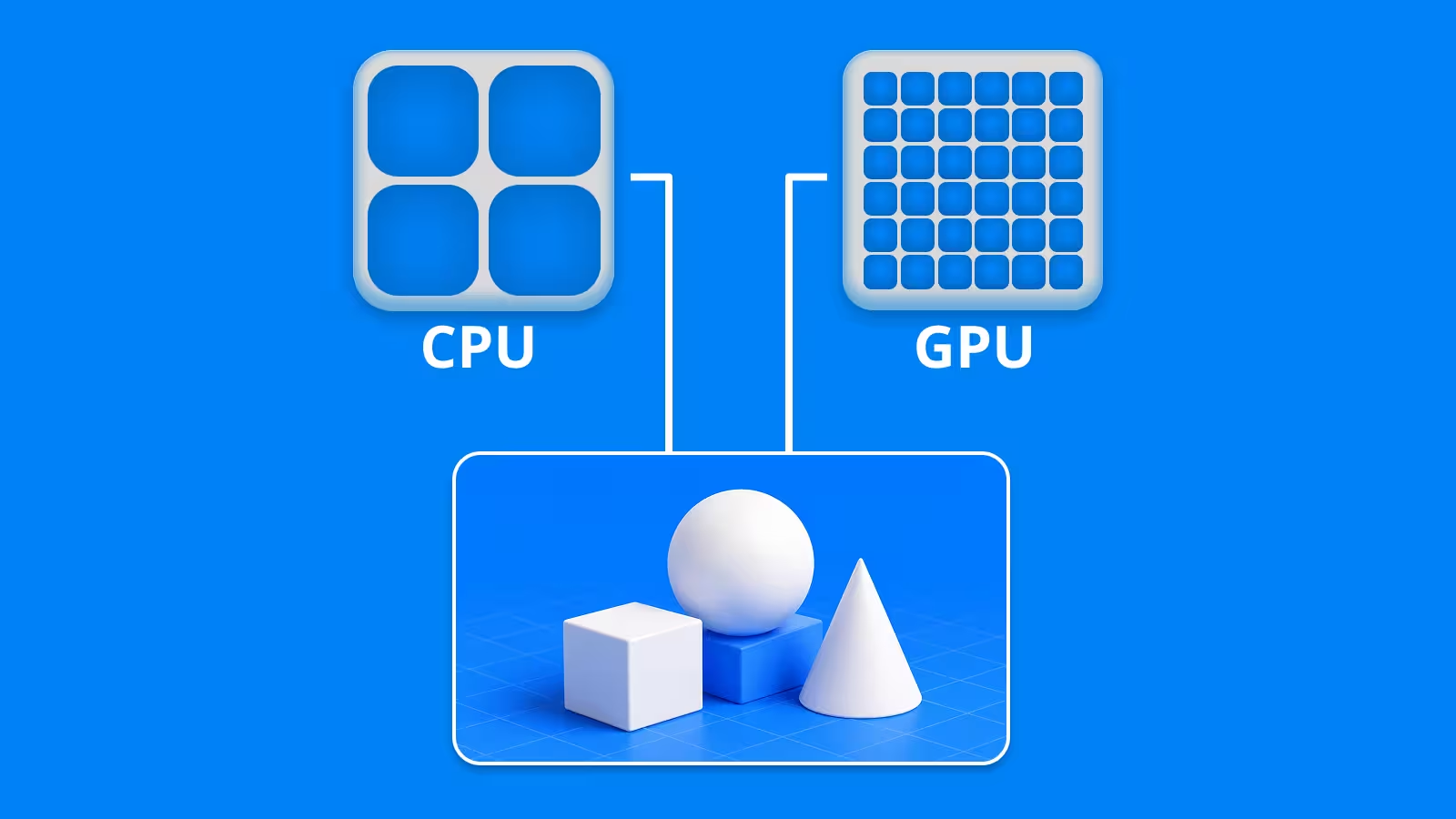
Some renderers can use CPUs and GPUs together. Redshift, for example, provides hybrid rendering that allows both types of hardware to participate in the render. Using both does not automatically guarantee better performance. The actual benefit depends on how efficiently the renderer distributes work between the available devices, so testing remains important.
CPU vs GPU render farm costs
Hourly pricing alone does not show which option is cheaper. A more expensive GPU node can sometimes finish a frame quickly enough to cost less overall, while a cheaper CPU node may require more rendering time. The better comparison is the cost of completing the same representative frame at the required quality.
How to choose between a CPU and GPU render farm
Start by checking whether your renderer and required scene features support CPU rendering, GPU rendering, or both. Then consider system memory, VRAM, scene complexity, and the hardware available on the farm.
Finally, test several representative frames using the settings planned for production. Comparing render time, image output, memory usage, and cost makes it much easier to choose the hardware that actually fits the project.
Final thoughts
CPU and GPU render farms can both reduce the time required to finish demanding 3D projects. GPU farms can provide excellent performance for compatible parallel workloads, while CPU farms remain valuable for memory heavy scenes, established workflows, and projects where CPU compatibility matters.
The best choice can change from one project to another. Matching the farm hardware to the renderer and scene is more reliable than treating either CPU or GPU rendering as the universal winner.
Register Now and Get $50 FREE Credits!