

Key takeaways
• The 3D modeling market is growing at roughly 15.3% a year, is projected to reach $8.44B by 2030 (Stratviewresearch)
• Free and beginner-friendly tools like Blender and SketchUp make starting affordable
• Creative and technical skills are equally important for success
• AI is reducing production time by up to 50%, making modeling faster and easier(Pwc)
• Entry-level roles earn between $58,000–$100,000 annually (7cgi)
• The best way to learn 3D is by doing small, consistent projects and build mastery
TL;DR
3D modeling for beginners is no longer a distant dream limited to tech-savvy professionals or big studios. Thanks to intuitive tools like Blender and AI-assisted software, anyone can dive into digital creation with little more than a computer and curiosity. The field spans entertainment, architecture, healthcare, and manufacturing, and offers one of the most future-proof creative careers available today. With patience, practice, and imagination, you can turn simple shapes into detailed virtual worlds and eventually, a full-fledged career.
Why 3D modeling matters in 2025
The creative and industrial revolution
From gaming to engineering, 3D models now serve as the foundation for nearly every visual product. Tesla, for instance, uses 3D worlds to train self-driving cars (Teslamagz) and Nike uses 3D software to visualize and even print 3D shoe designs (Nike). Even hospitals use 3D medical animations and 3D printing based on digital models to create prosthetics tailored to patients.
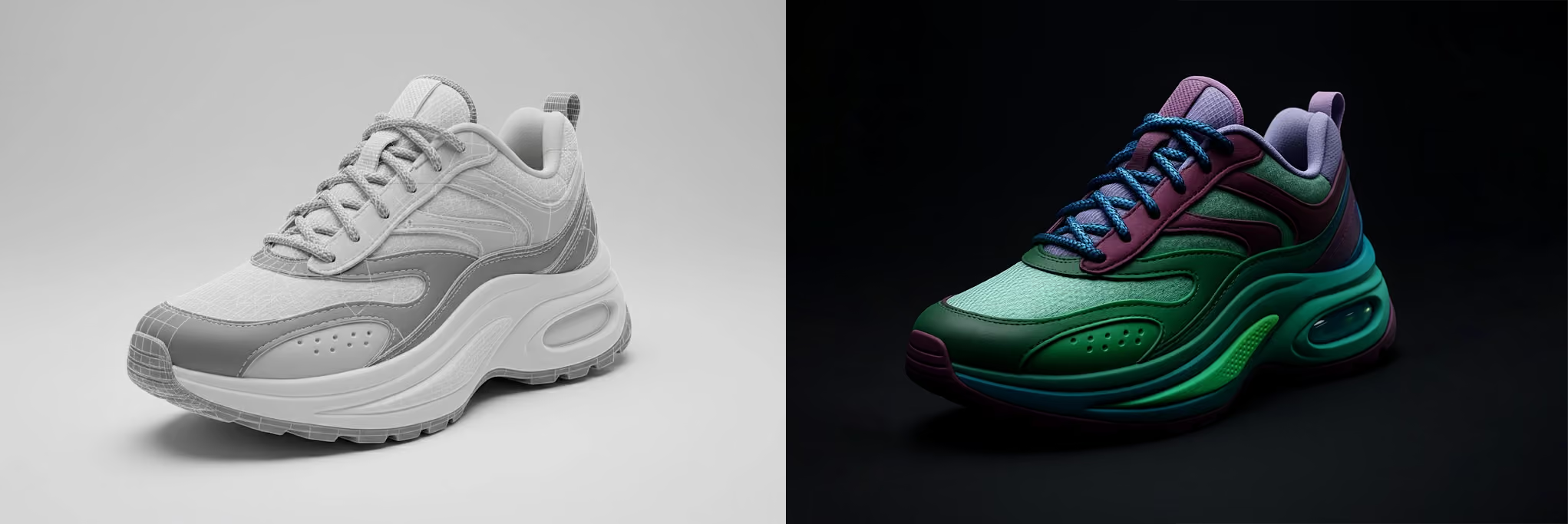
The 3D modeling market is projected to expand at a compound annual growth rate of 15.33% from 2024 to 2030, reaching approximately USD 8.44 billion by 2030 (Stratviewresearch). This cross-industry adoption has transformed 3D modeling into a core technology, one that sits at the intersection of art, design, and science. Furthermore, the global market’s expected 15.33% annual growth reflects not only expanding demand but also accessibility.
The learning curve: how hard is it really?
There’s a moment every beginner faces: staring at an empty viewport, unsure where to start. That hesitation is normal. Learning 3D is like learning to draw again but with an extra dimension. But as Blender Guru has said:
“Do something that scares you. [...] I'm talking about starting a project that you know is beyond your capabilities. [...] By challenging yourself with new topics, you'll force yourself to learn.”
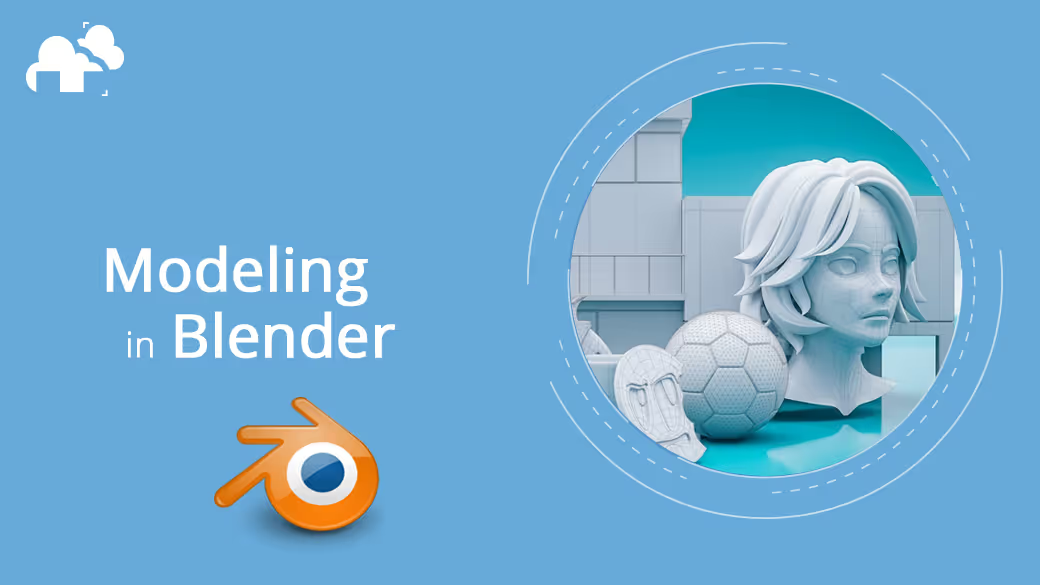
Blender, for instance, offers a blank workspace where you can summon basic shapes like spheres, cubes, and cones. From there, you begin to sculpt, smooth, and combine forms into more complex geometry. Each step builds understanding of how digital materials behave.
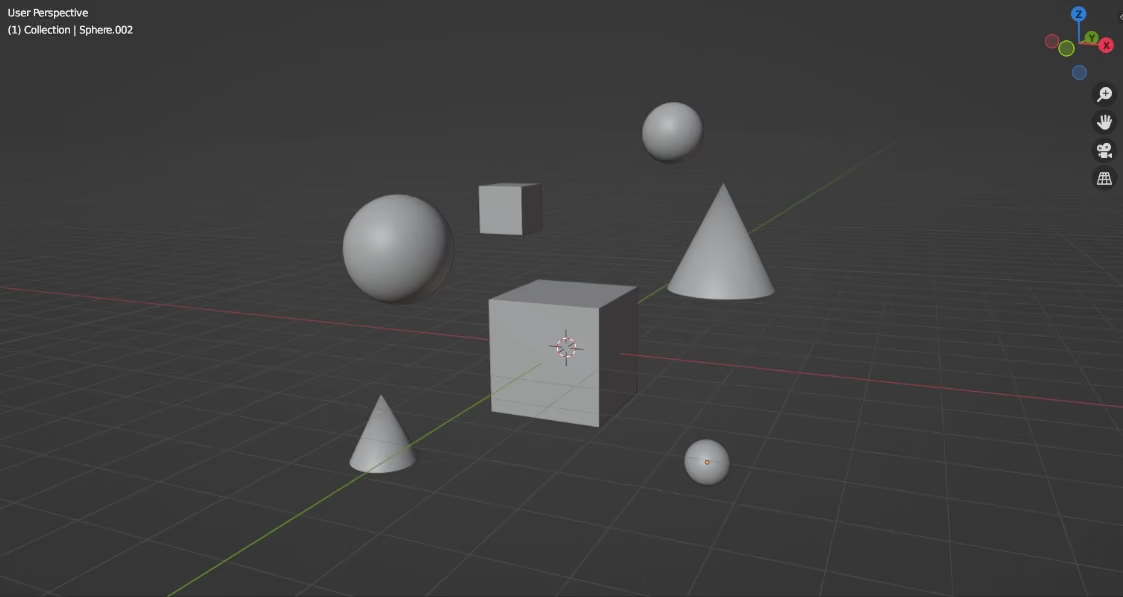
The key is persistence. Instead of trying to master everything, focus on achievable projects such as a coffee mug, a plain chair, or even a simple character. Every completed model reinforces intuition about scale, texture, and form.
Choosing your first 3D tools
Start with what feels intuitive
For most newcomers, Blender is the clear starting point. It’s free, open-source, and powerful enough for professional work. Its integrated suite covers modeling, sculpting, texture mapping, and rendering all within one application. There are countless tutorials on how to get started with a software, such as Kevin Stratvert ‘s beginner Blender tutorial:
Autodesk’s Fusion 360 offers precision tools ideal for mechanical design, while SketchUp is beloved for its ease of use in architectural projects. Maya and 3ds Max dominate film and game production, though their subscription-based pricing can be steep for hobbyists.
Will Gibbons put it best: “Choosing a software that isn’t wildly above your skill level will increase your chances of sticking with it and becoming proficient. “
The hardware myth
Contrary to popular belief, you don’t need a supercomputer. Although a trusty Blender render farm will make your Blender rendering life easier, A decent Mac or PC with 16 GB of RAM and a mid-tier GPU can handle most beginner projects. Modern rendering (computer graphics) engines are increasingly optimized for real-time feedback, so even modest setups deliver impressive results.
Getting started with 3D modeling: building your foundation
Every 3D artist begins with a blank grid. The secret to moving forward isn’t mastering every tool but understanding how digital forms behave and how to think like a modeler. Learning these fundamentals early gives you confidence and control no matter what software you use.
Learn to observe like a modeler
Observation is the foundation of all 3D work. Study how real objects curve, connect, and react to light. Break down a mug, pencil, or chair into simpler forms. Once you start analyzing everyday shapes, you’ll naturally begin to visualize how to build them digitally.

Study topology and edge flow
Topology determines how polygons flow across a surface. Clean edge loops help models deform smoothly in animation and make texturing predictable. Avoid overlapping faces, stray vertices, and uneven polygon density.

Understand the fundamentals and building blocks of form
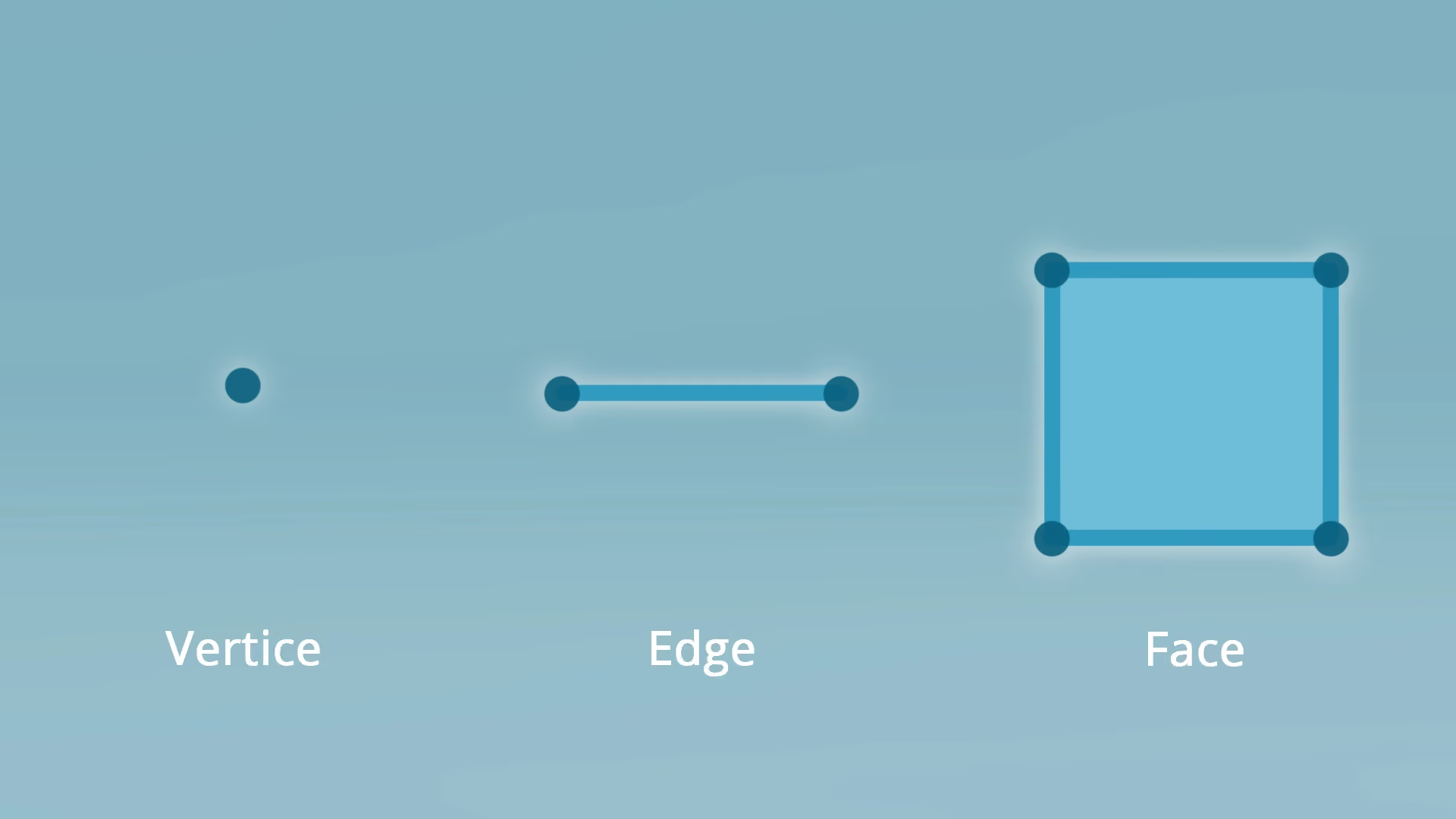
3D geometry is made up of vertices, edges, and faces that form a mesh, the surface of your object. Learning to control this structure is key. Begin with primitives like cubes, spheres, and cones, then reshape them with extrusions, bevels, and subdivisions.
Apply surface detail and shading fundamentals
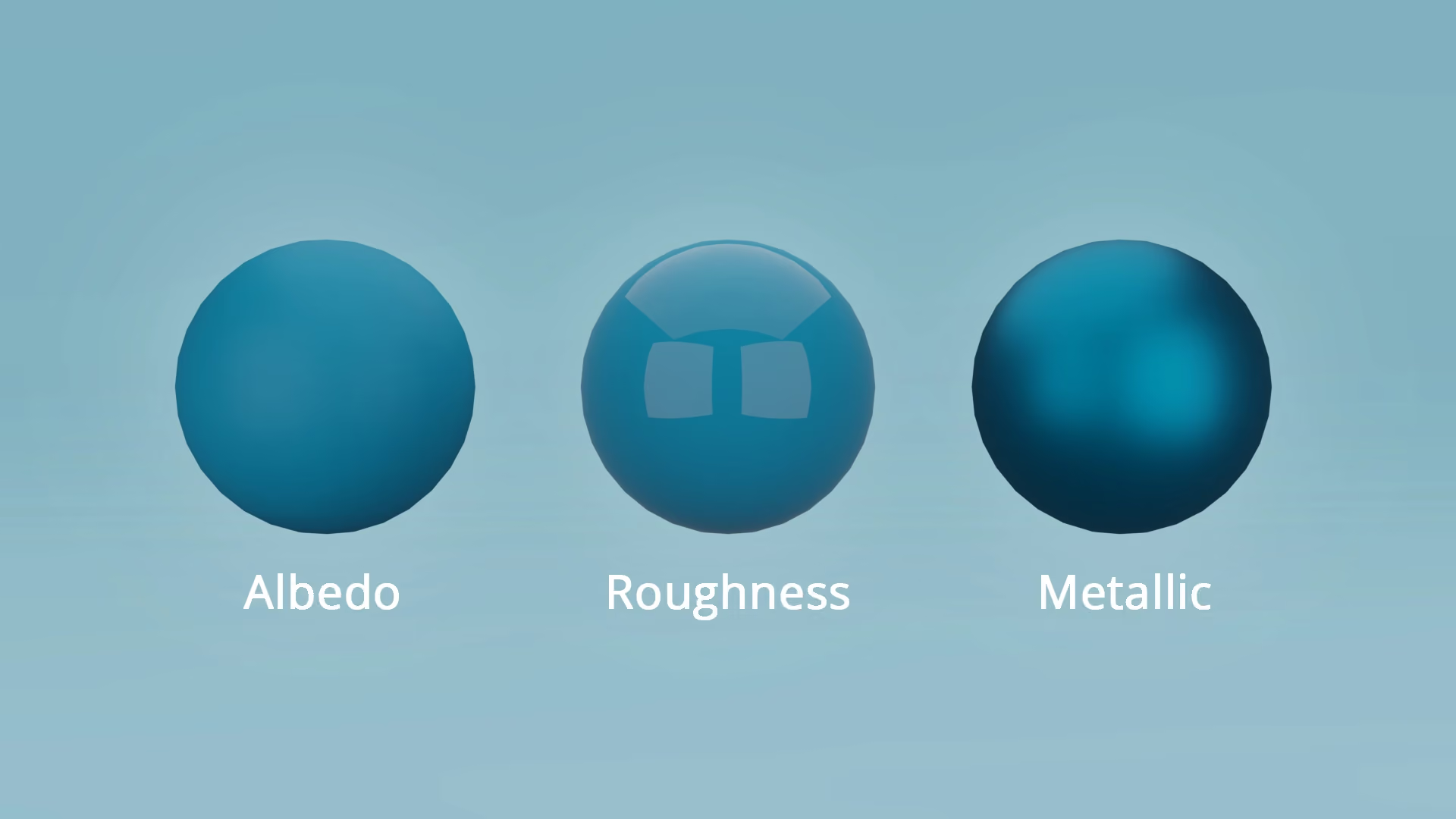
Once geometry is in place, shading defines how it interacts with light. Learn the main material parameters: albedo (color), roughness (surface texture), metallic (reflectivity), and specular (light response). Even basic test renders reveal if your model reads believably.
Think in terms of the pipeline
Professional modeling doesn’t happen in isolation. Your mesh should be clean, organized, and ready for the next stage, which is texturing, animation, or rendering. There are also different pipelines per industry, one of which is the the video-game industry and how they do characters, as seen in this video by Jared Chavez
Practice through small, complete projects
Start with compact goals: model a dice, a mug, or a chess piece. Take it from modeling through shading to a final render. Completing small, full-cycle projects teaches you how to plan, execute, and troubleshoot, a miniature version of real production.
As product designer and artist Tiantian Xu has said on Medium in regards to ‘100 Days of 3D’:
"Done is better than perfect".
Reflect and refine
Review every project critically. Compare it to references, note proportion issues, and keep early work as benchmarks of progress. 3D modeling rewards iteration, the willingness to rebuild, refine, and improve.
Community and Engagement
Learning in public helps, too. Online communities like BlenderNation or ArtStation let you share projects and receive constructive feedback. Engagement accelerates growth far more than working in isolation.
Important Skills for 3D Modeling
When it comes to 3D modeling, there are different skills that are needed especially when trying to get into the industry. Two of the most important categories for this are technical skills and creative skills.
AI and the new age of digital creation

Artificial intelligence is rapidly changing how beginners learn and create. New AI-driven features in modeling software can generate base meshes, suggest materials, or even simulate physics with minimal setup. What once took hours now takes minutes, as AI is reducing production time by up to 50%, making modeling faster and easier (Pwc). But this convenience brings a philosophical question: does automation dilute creativity?
“It was clear from their research that machine learning was becoming a tool for artists – but will not replace artists.” - Anne Ploin, Oxford Internet Institute researcher
Turning passion into profession
For those aiming to turn 3D modeling into a career, the opportunities are vast. Studios, game developers, and manufacturers constantly seek skilled modelers for visualization and prototyping.
Entry-level salaries average around $58,000 annually in the U.S, with experienced modelers earning six figures in specialized fields (7cgi). Freelance artists also thrive, creating assets for 3D printing, virtual environments, and commercial advertising.
The portfolio: your digital passport
A strong portfolio showcases not just skill, but progression. Employers and clients want to see growth, how you move from simple meshes to refined, well-lit renders. This video by Abe Leal shows what and what not to put in a 3D portfolio:
Include wireframes, textures, and final renders to demonstrate your process. More importantly, present your best work cleanly and confidently. A well-documented workflow speaks volumes about your professionalism and attention to detail.
The future of 3D modeling
Looking ahead, the boundaries between software and creativity will continue to blur. Real-time rendering, virtual reality, and generative AI are becoming part of daily workflows. What was once limited to big-budget studios is now available to solo creators.
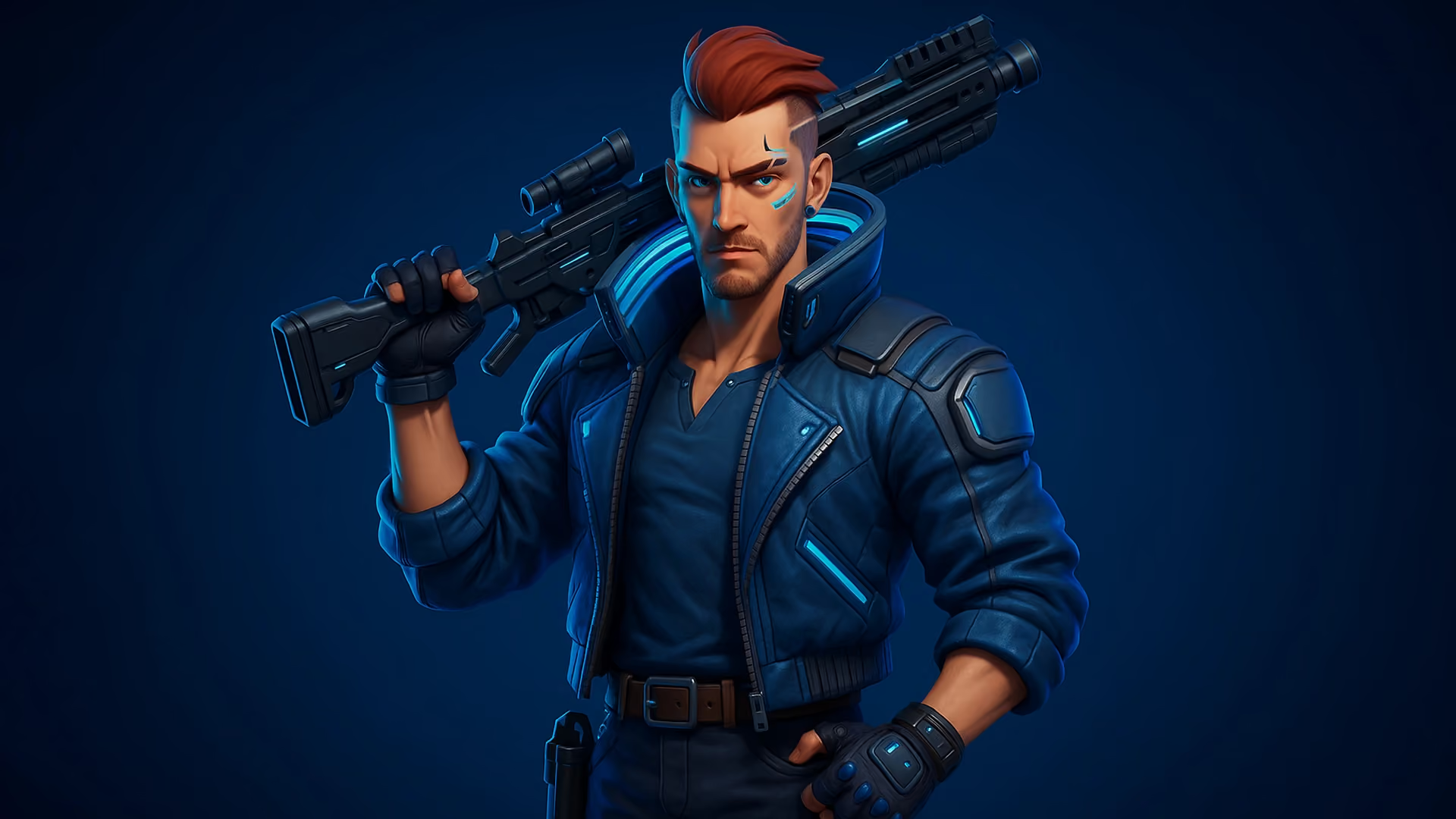
Ultimately, 3D modeling is not just a skill but is also a mindset. It teaches observation, patience, and the translation of ideas into form. Whether you’re visualizing architectural concepts, crafting game assets, or exploring digital art, you’re contributing to the future of how humans imagine and build.
Final thoughts
Learning 3D modeling as a beginner can feel overwhelming, but every polygon you shape is a step toward mastery. The tools are ready, the tutorials are free, and the global creative community is more open than ever.
Start small. Stay curious. Experiment
3D modeling isn’t about making things that exist. It’s about making things that could.
Register Now and Get $50 FREE Credits!