Key takeaways
- The global AI image generator market is estimated at $484.29 million in 2026, up from $412.51 million in 2025 (FortuneBusinessInsights).
- In a 2026 Adobe survey, 75 percent of creators described creative AI as integrated or essential to their workflow (Adobe).
- AI art generators are increasingly used for concept development, image editing, visual experimentation, asset creation, and production support.
- Creative control, consistency, copyright, training data, and transparency remain important concerns for professional use.
- AI is increasingly being combined with 3D software, compositing tools, real time engines, and cloud rendering rather than replacing entire creative pipelines.
TL;DR
AI art generators have moved beyond simple text to image experiments. In 2026, creators are using them throughout production for brainstorming, concept development, editing, asset creation, visual experimentation, and increasingly video and 3D related work. They can speed up certain creative tasks, but consistent art direction, technical accuracy, storytelling, and final decision making still depend heavily on human input. For many professional artists and studios, AI works best when it supports an existing workflow rather than trying to replace it.
What AI art generation looks like in 2026
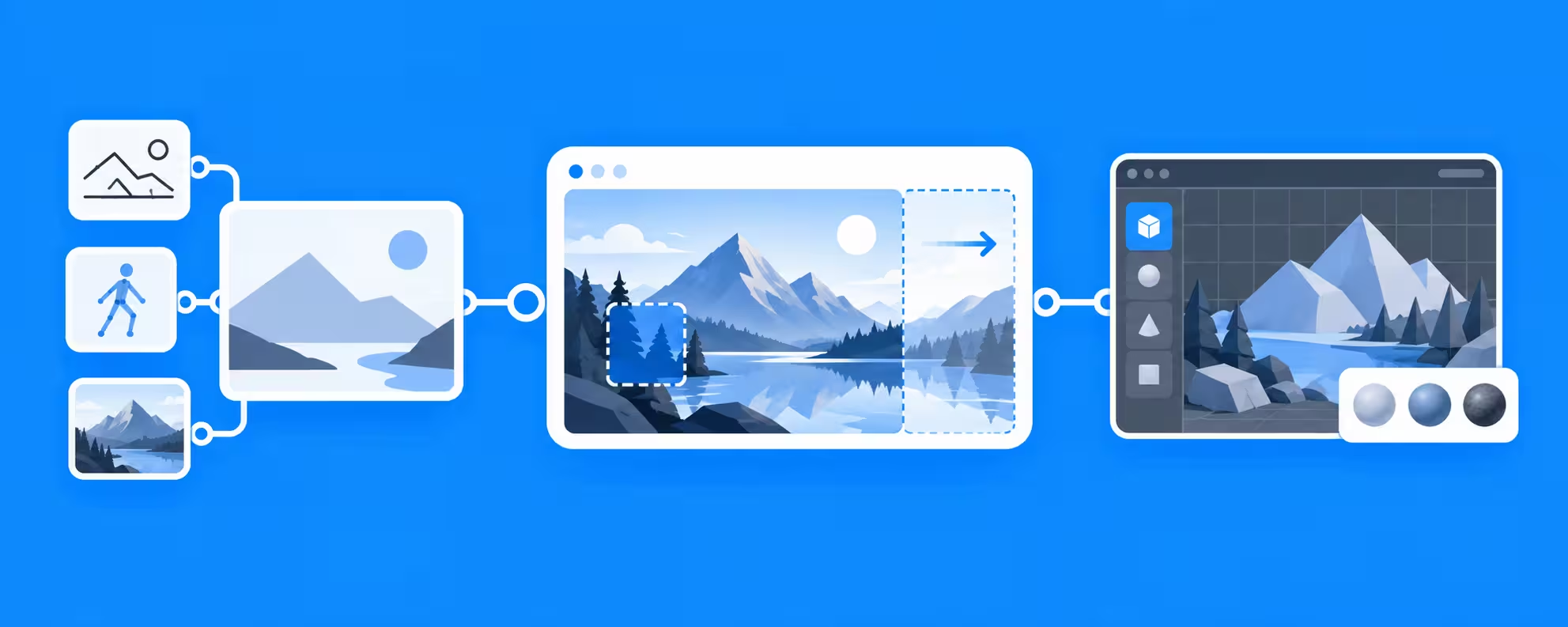
AI art generators use trained machine learning models to create or modify visual content from instructions and reference material. Text prompts are the most common, but creators can now guide results using existing images, sketches, masks, poses, depth information, compositions, and other visual inputs. This gives artists far more control than the early approach of repeatedly entering prompts and hoping for the right result.
The technology has also become much more integrated into everyday creative software. An artist might use AI to test an environment before modeling it, extend the background of an existing image, remove unwanted objects, create different material ideas, or develop references that are later rebuilt more deliberately in 3D or another medium. In many cases, the generated image is only one step in a much larger production process.
AI art is becoming part of everyday creative workflows
The commercial market around these tools continues to grow. The global AI image generator market was valued at $412.51 million in 2025 and is estimated at $484.29 million in 2026 (FortuneBusinessInsights). Adoption among creators is also becoming more established, as in Adobe's 2026 Creators' Toolkit Report, 75 percent of surveyed creators described creative AI as either integrated or essential to their workflow (Adobe).
That does not mean creative production is becoming completely automated. AI is often being adopted for particular tasks where speed and experimentation are useful, while established tools remain responsible for work that requires accuracy, repeatability, or detailed control.
Some of the most common roles include:
- Generating early visual ideas and references
- Testing compositions, colors, materials, and environments
- Editing or extending existing images
- Producing visual variations from an established direction
- Creating temporary assets during development
- Supporting storyboards, mood boards, and look development
How creative industries are using AI art
AI art generation affects different industries in different ways. The value usually comes from accelerating selected parts of production rather than producing every finished asset automatically.
Advertising and design
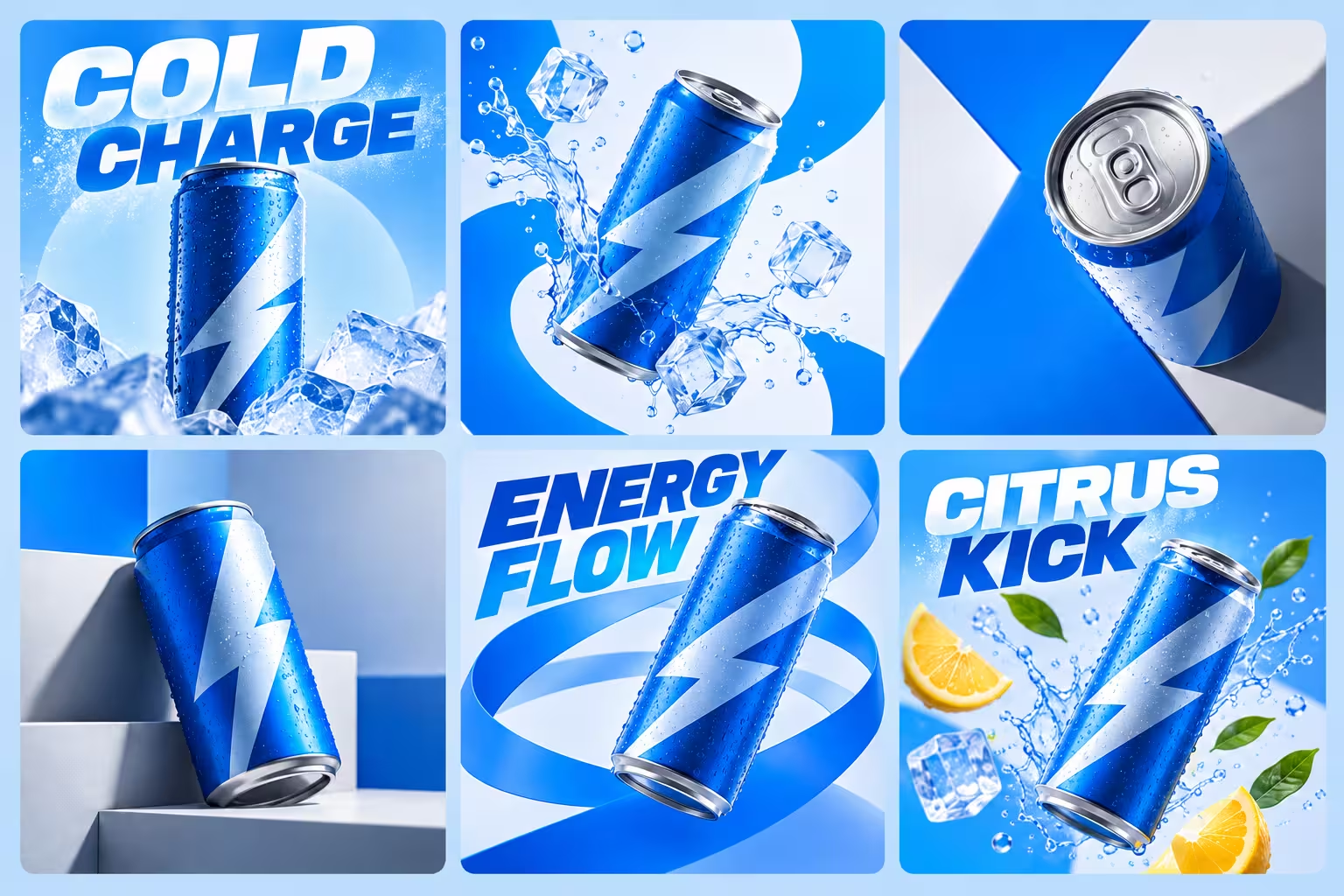
Advertising teams often need to explore many ideas quickly before committing to a final campaign. AI can help generate visual directions, backgrounds, compositions, and variations without requiring each idea to be produced from scratch. Designers can then select the strongest direction and continue refining it with their normal tools.
The same applies to illustration. AI can provide references or starting points, but producing a coherent body of work still requires decisions about composition, visual hierarchy, color, storytelling, and style. Generating many images is easy. Selecting and developing the right one remains a creative task.
Film, animation, and 3D production
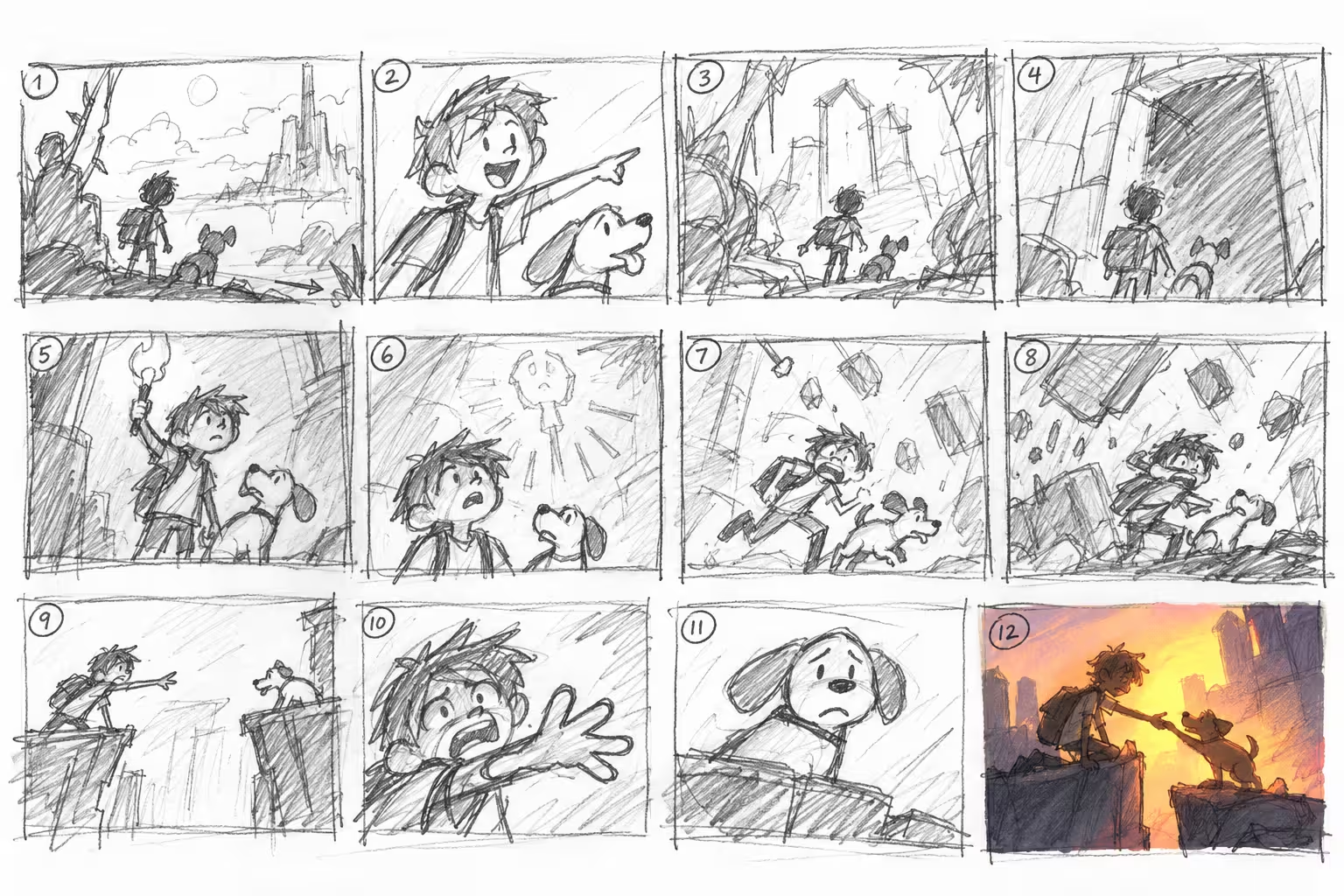
Film and animation workflows can use AI during story development, concept work, look development, environment exploration, temporary asset creation, and selected post production tasks. These uses can sit alongside modeling, animation, simulation, lighting, rendering, and compositing without replacing them.
For 3D artists, this creates a more flexible workflow. A project might begin with AI assisted concept development, move into Blender, Maya, Cinema 4D, or another 3D package for controlled production, then use AI again for selected visual tasks before final frames are rendered locally or through a render farm.
AI works best when artists can control the result
One of the biggest limitations of early AI image generation was unpredictability. A prompt could produce an impressive picture while still getting the camera angle, character, product, proportions, or composition wrong. Professional work usually needs much more control than that.
Modern workflows increasingly use references and structured inputs to guide generation. Artists can provide existing imagery, masks, poses, depth information, normal information, or other visual data that tells the model more precisely what needs to remain consistent. So this is useful in situations like:
- A character needs to maintain a recognizable appearance
- A product must keep the correct proportions
- A camera position or composition has already been approved
- Several images need to share the same visual direction
- AI needs to follow an existing animation or 3D scene
The closer AI becomes to the rest of the production pipeline, the more useful this control becomes.
Which AI art generator should you actually use in 2026?
The right AI art generator depends on what you are trying to make and how much control you need. There is no single option that fits every creative workflow, so it makes more sense to choose based on the type of work you already do. Some tools include:
Midjourney is a strong option for visual exploration, stylized imagery, concept development, and artists who want detailed control over aesthetics through references and reusable styles.
Higgsfield is useful for creators who want image generation, editing, character consistency, and AI video tools in the same platform. It supports multiple image models alongside its own Soul tools and can move generated images into video workflows, making it particularly relevant for advertising, social content, storyboarding, fashion, and cinematic visual development.
ChatGPT is useful when you want to create and refine images conversationally, especially when repeatedly changing specific elements, compositions, text, backgrounds, or existing images.
ComfyUI is better suited to more advanced users who want to build customized node based workflows. It can connect different models, conditioning methods, control inputs, upscalers, and image processing steps, making it useful when you need more precise control over how an image is generated rather than relying on a single preset interface.
Meshy and Tripo Studio is a strong option for creators who want to move from AI generated ideas into 3D. It can generate textured 3D models from text prompts or reference images, while also offering AI texturing, rigging, animation, and topology tools. The models can be exported into formats for further work in applications like Blender, Unity, or Unreal Engine.
Real world examples of how businesses are using AI art generators
AI generation is already finding its way into established creative businesses, but its role can vary considerably. Some studios are exploring it across the entire production process, while others use it for very specific tasks that would otherwise take considerable time.
DIVO Production
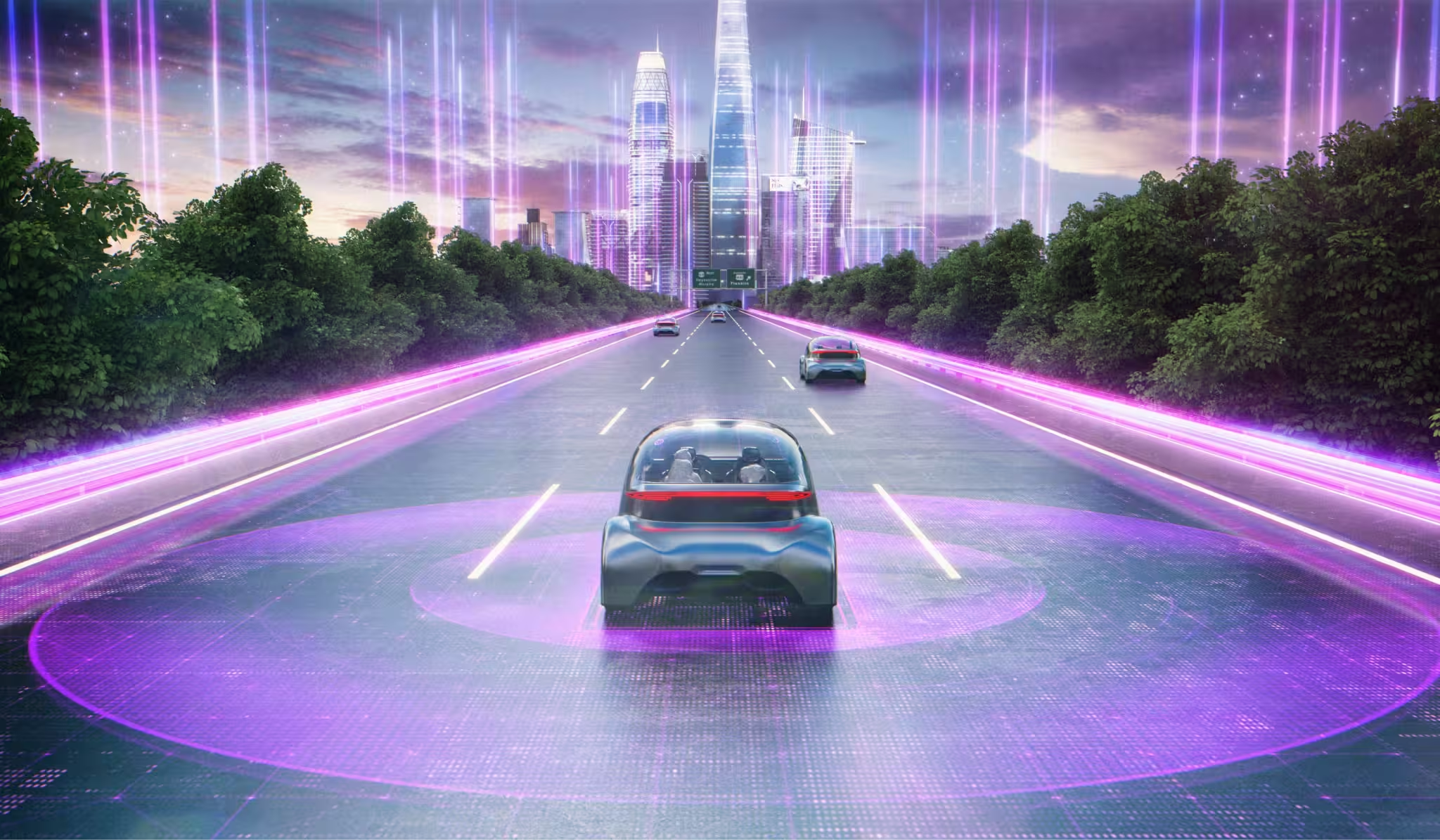
One example is how DIVO Production works across CG, VFX, commercial production, real time technology, and AI. The studio has explored AI for areas such as planning, concept development, animation, and post production while continuing to use tools such as Maya, V Ray, Unreal Engine, and cloud rendering for demanding production work.
“The changes brought about by generative AI are formidable. While limitations in terms of detail and consistency may be visible at present, it seems inevitable that AI will eventually replace even precise 3D fields such as product, nature, and interior design. However, the moment this technology becomes fully established among the general public, AI will transcend being a mere substitute and be classified as 'another massive genre.' Just as painting established its own genre following the advent of photography.” - Mr. Yoon
DIVO's approach shows how a studio can experiment with AI without abandoning the production tools it already relies on. AI becomes another option within a broader workflow that also includes traditional CG, VFX, real time production, rendering, and post production.
Reatic Industry
Reatic Industry offers a more specific example. Founder Joon Sang Yoo has been experimenting with Adobe Firefly to generate design elements and assets that would otherwise be time consuming to create. For a motion graphics studio, that makes AI useful as a production shortcut for selected tasks rather than something that has to generate an entire finished project.
“While AI can save time, human skill still makes the difference when it comes to detail and emotional depth in the final product.” - Joon Sang Yoo
His workflow reflects a practical way businesses can approach AI art generators in 2026. Instead of forcing AI into every part of production, studios can identify individual tasks where generation saves time, then continue refining and assembling the final work with the tools and creative skills they already use.
Why human direction still matters
AI can produce a large number of visual possibilities quickly, but more options do not automatically create stronger work. Artists still decide which ideas fit the brief, which elements should be changed, how a shot supports the story, and whether a result matches the wider visual direction of a project.
Consistency also becomes harder as projects grow. A single generated image may look convincing, while maintaining the same character, environment, product, lighting style, materials, and proportions across dozens of shots can require much more control. This is why professional workflows often combine AI with manual editing, 3D assets, compositing, and established production techniques.
Overall, creative judgment remains especially important. AI can help produce a composition, but an experienced artist can still recognize weak hierarchy, incorrect anatomy, awkward lighting, poor storytelling, or visual choices that do not fit the project. The ability to choose what should move forward remains an important part of the creative process.
Copyright, transparency, and commercial use
Copyright, training data, ownership, licensing, and transparency continue to affect professional AI adoption. These questions become especially important when generated material is being used for client work rather than personal experimentation.
Studios may need to consider what content can be uploaded to an AI service, whether client assets can be processed externally, what rights apply to generated material, and whether the origin of an image needs to be documented. The terms of the platform matter just as much as the visual result when AI is being used commercially.
Creators working with AI should therefore understand the requirements of both the tool and the project. Client agreements, privacy, intellectual property, licensing, and brand guidelines can all determine whether a generated asset is appropriate for final production.
What comes next for AI art
AI tools are likely to become more closely integrated with the applications creators already use. Instead of opening a separate generator for every task, artists are increasingly encountering generative features within image editing software, 3D applications, video tools, and other parts of the production pipeline.
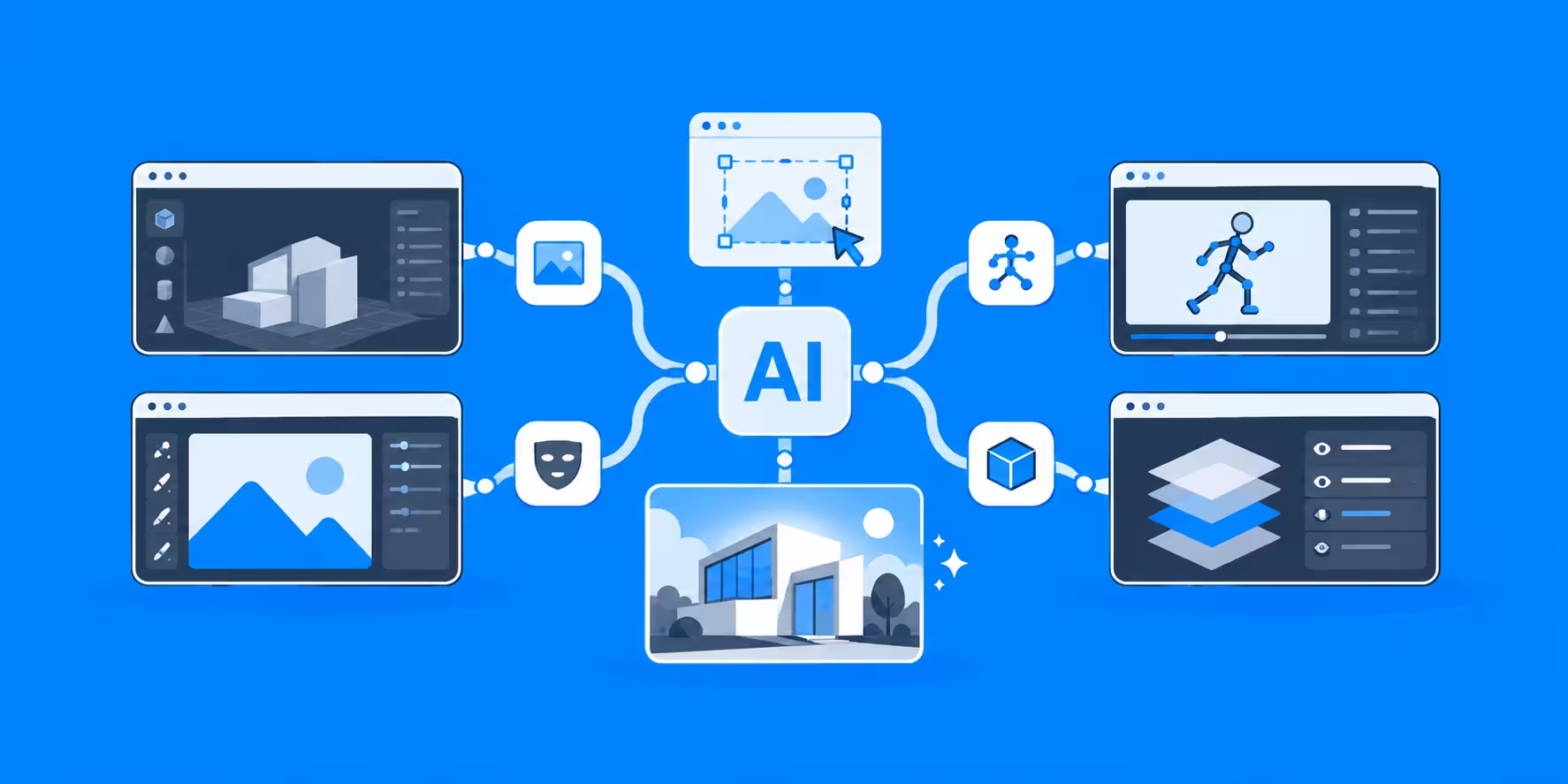
Control will also remain a major area of development. Reference images, masks, depth data, poses, animation, and other structured inputs give artists more ways to determine what the output should look like before generation begins. This makes AI more useful for professional work, where an approved character, product, camera, or visual identity needs to remain recognizable throughout a project.
Creative workflows are therefore becoming more mixed. Photography, 3D, illustration, AI generation, compositing, real time rendering, and cloud computing can all appear in the same production. Knowing when to use each tool may become more valuable than trying to make one technology handle everything.
Common questions about AI art generators
- Are AI art generators replacing artists? - AI can automate parts of image creation, but professional creative work still depends heavily on direction, judgment, consistency, and technical decisions. In many workflows, AI is being used to support artists rather than replace the entire creative process.
- Can AI art be used professionally? - Technically yes, but professional use requires more than generating a good image. Artists and studios may need to consider licensing, client agreements, privacy, copyright, brand guidelines, and the terms of the AI platform being used.
- What are AI art generators best used for? - They are particularly useful for tasks that benefit from fast experimentation, such as concept development, visual references, image variations, background generation, editing, and early look development.
- Can AI art generators maintain consistent characters or products? - They can, but consistency is still one of the more difficult parts of generative workflows. Reference images, structured inputs, manual editing, 3D assets, and other forms of control can help keep characters, products, and environments more consistent across multiple images.
- Do 3D artists still need traditional rendering tools? - Yes. AI can support concept development, style exploration, editing, and selected production tasks, but traditional 3D tools are still important when a project requires exact geometry, animation, lighting, simulations, camera control, and repeatable final renders.
- How can AI fit into an existing creative workflow? - AI does not need to replace an existing pipeline. It can be added where it saves time or makes experimentation easier such as denoising, upscaling, concept art, and more. Tools such as Blender, Maya, Cinema 4D, compositing software, real time engines, and render farms continue to handle the parts of production that require more control.
Final thoughts
AI art generation in 2026 has moved far beyond the idea of typing a prompt and receiving a finished picture. It is increasingly being used throughout creative workflows to develop ideas, edit imagery, explore visual directions, support 3D production, and accelerate selected production tasks.
Artists still provide the direction, technical knowledge, judgment, and consistency that turn those possibilities into finished work. AI can make experimentation faster and expand the range of options available, while established tools such as 3D software, compositing applications, real time engines, and render farms continue to handle the areas where control and computing power matter most.
For many creators, the most useful approach is therefore a mixed workflow. AI handles the tasks where rapid exploration is valuable, while the artist chooses where traditional tools provide the precision the project needs.
Register Now and Get $50 FREE Credits!