Choosing the best Blender render farm
Key takeaways
- The global 3D rendering market was valued at $4.5 billion in 2025 and is estimated at $5.7 billion in 2026 (Grand View Research).
- Blender compatibility should come before comparing hardware or price.
- GPU performance matters, but available VRAM can be just as important for complex scenes.
- Real test frames give a better picture of cost and performance than advertised specifications alone.
- Technical support and project security can matter significantly for professional work.
TL;DR
Choosing the best Blender render farm comes down to finding a service that works well with your Blender version, render engine, scene requirements, budget, and deadline. Hardware is important, but compatibility, pricing, support, and security can have just as much influence on the experience. Before committing a large project, testing several representative frames can show you how a farm performs with your actual scene.
What is a Blender render farm?
A Blender render farm gives artists access to additional computing resources for rendering Blender projects. Instead of relying entirely on one workstation, rendering jobs can be processed using remote machines with CPUs, GPUs, or both.
This is particularly useful for animation, where a project may contain hundreds or thousands of frames. More rendering resources can process multiple frames at the same time, reducing the amount of time needed to complete the sequence.
Why choosing the right Blender render farm matters
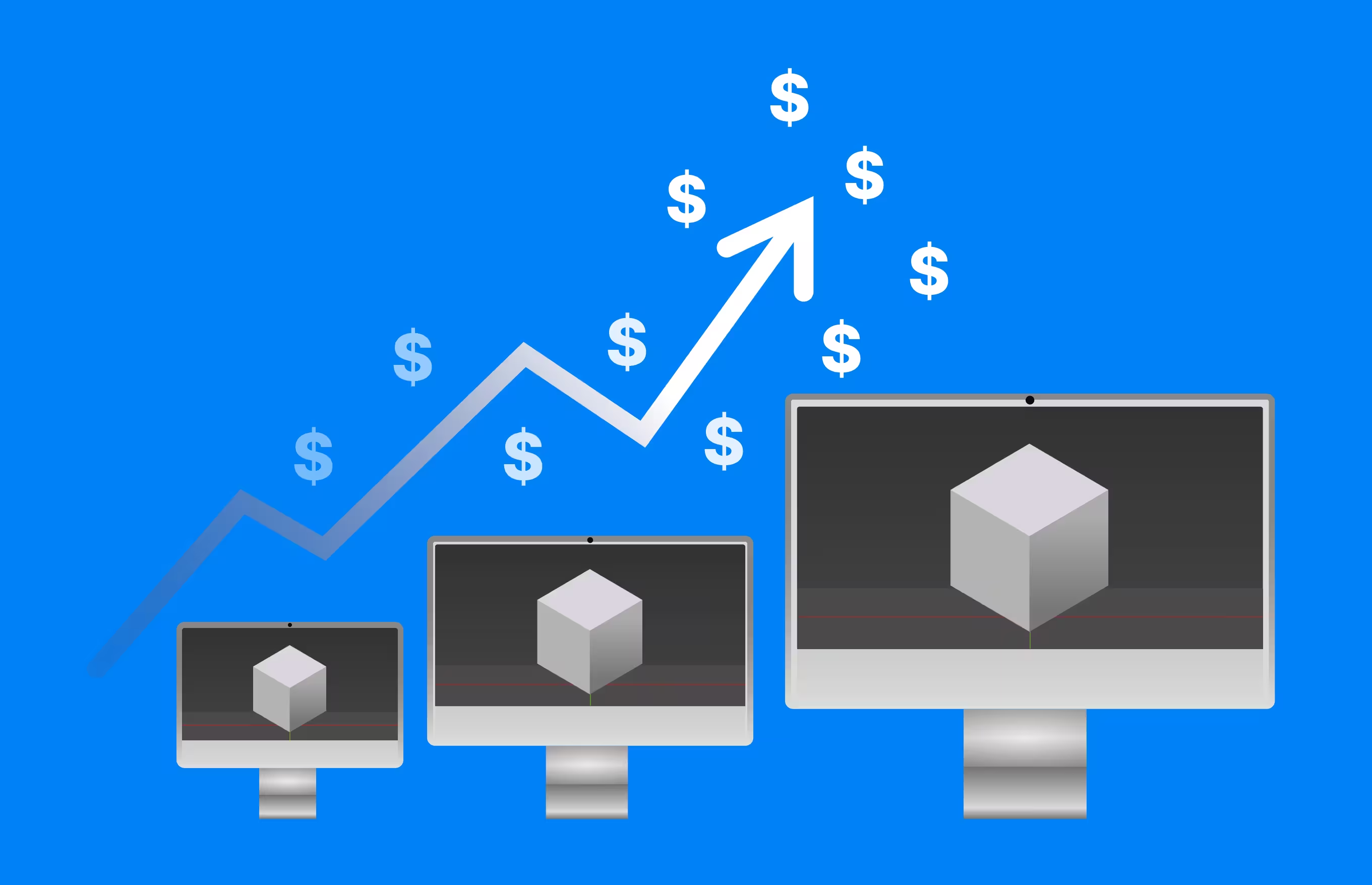
Rendering is becoming a larger part of professional visualization, animation, design, and digital production. The global 3D rendering market was valued at $4.5 billion in 2025 and is estimated at $5.7 billion in 2026 (Grand View Research), reflecting continued demand for rendering software and infrastructure.
For Blender artists, however, more computing power does not automatically make a service suitable. A farm also has to understand the project correctly and Blender version compatibility, rendering engine support, memory, cost, and scene requirements all influence whether a render finishes successfully and within budget.
Start with Blender compatibility
Before looking at processor models or pricing, check whether the render farm properly supports the Blender setup used for the project.
Check the supported Blender version
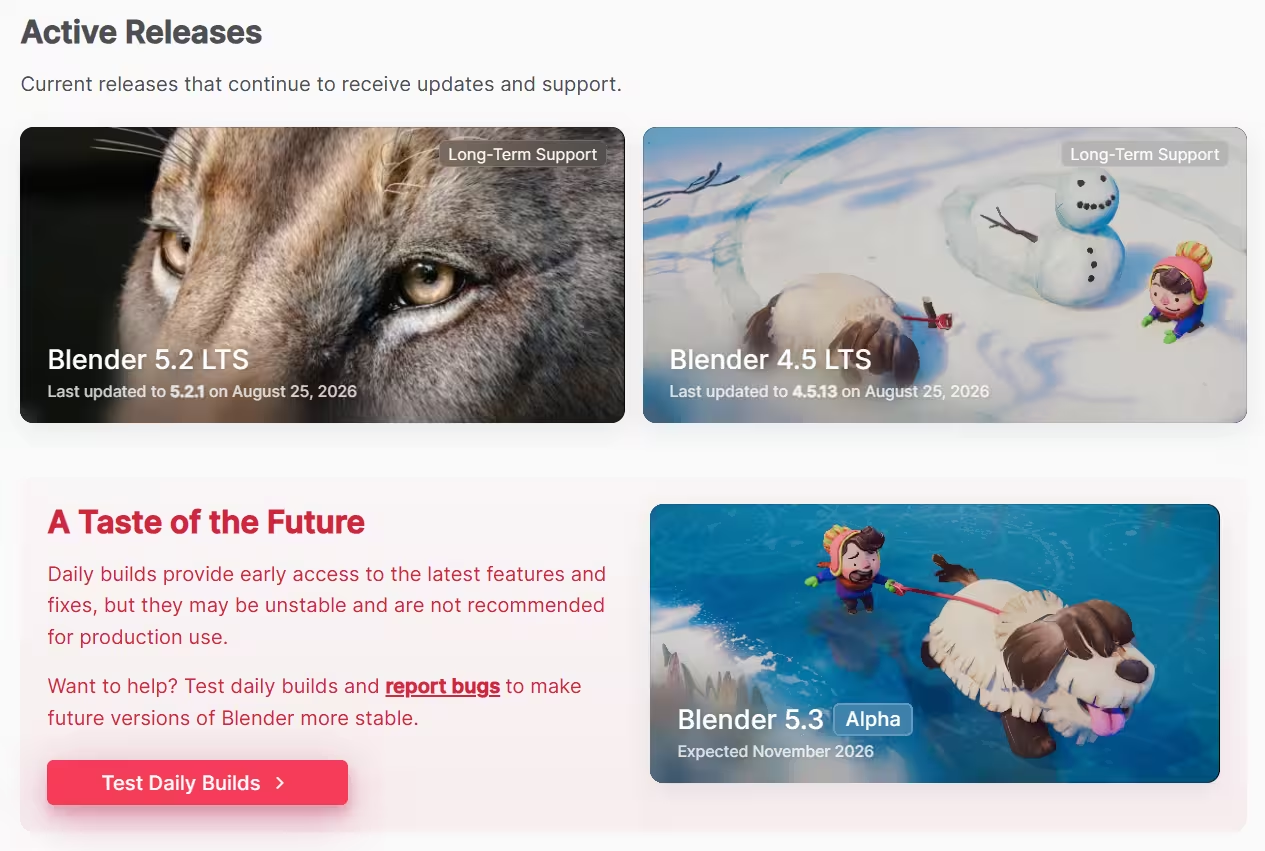
The farm should support the exact Blender version in which the scene was created. Differences between versions can affect rendering features, materials, Geometry Nodes, simulations, and other parts of a project. Support for current Blender releases is particularly useful for artists who update frequently, while support for LTS versions can be valuable for longer productions that remain on the same software version.
Check render engine support
Cycles is a common choice for Blender render farms because it is designed for physically based rendering and can use both CPUs and GPUs. If you use EEVEE or another renderer, check support before submitting a project. Third party rendering engines require particular attention. A farm may support Blender while not supporting the renderer, version, or license required by your scene.
Check add ons and scripts
Many Blender projects depend on add ons, plugins, procedural systems, or custom scripts. If an important part of the scene relies on one of these tools, make sure it can run correctly on the farm. Support for an add on can also vary by version, so testing the actual project is safer than assuming compatibility based on the add on name alone.
For example, our Blender submission guide explains that “Auto Run Python Scripts” is not enabled by default. If your scene requires it, contact our support team before submitting the job. This is a useful question to ask any provider: can it run the specific scripts and dependencies your scene needs? A supported Blender version alone does not answer that question.
Decide between CPU and GPU rendering
Blender Cycles can render using CPUs or GPUs, giving artists more flexibility when selecting a render farm. The better choice depends on the scene and the hardware offered by the provider.
GPU rendering and VRAM
GPUs can provide strong Cycles rendering performance because they are designed to process large amounts of parallel work. Blender supports several GPU computing technologies, including CUDA, OptiX, HIP, oneAPI, and Metal, although the specific hardware available will depend on the farm.
For large scenes, VRAM deserves close attention. Complex geometry, textures, and other scene data consume memory, so a powerful GPU with insufficient memory may not be the best fit for a demanding project. Check the available VRAM alongside the GPU model rather than comparing processing performance alone.
When CPU rendering makes sense
CPU rendering can still be practical when a scene has high memory requirements or when a particular workflow is better suited to CPU hardware. Some farms may also provide large CPU nodes with substantial system memory for scenes that are difficult to fit comfortably into GPU memory.
The best approach depends on the scene itself. Running a small test on both options, when available, can reveal which one gives the better combination of speed, compatibility, and cost.
Compare render farm pricing carefully
Render farm prices can be difficult to compare because providers may charge according to different hardware, performance units, priority levels, or usage models. A lower advertised rate does not automatically mean the final render will cost less.
The useful number is the cost of completing your actual project. A faster machine with a higher hourly price could potentially finish a job quickly enough to cost less overall, while a cheaper machine could require more processing time.
- Use cost calculators as estimates - Many services provide calculators or estimation tools that help artists predict rendering costs. These can be useful when setting a budget, but the final amount can vary with scene complexity and rendering time. Treat the calculator as a starting point rather than an exact quote. Real scene tests provide much stronger evidence.
- Test representative frames - Choose several frames from different parts of the animation. Include a relatively simple frame, a typical frame, and one of the most demanding frames in the project. Their rendering times and costs can provide a more realistic estimate of the complete sequence. This also helps identify problems before a much larger job is submitted.
- Watch for additional costs - Check whether storage, higher priority queues, file transfer, or other services introduce extra charges. These costs may be small individually but can affect the total budget on larger projects.
Check for great technical support

Rendering problems are not always easy to diagnose. A failed frame could come from a missing dependency, unsupported add on, simulation issue, Blender version difference, memory limit, or scene configuration.
Support staff who understand Blender can make these problems easier to resolve. This becomes especially valuable when a deadline is approaching and there is little time to troubleshoot unfamiliar farm infrastructure.
Consider security and project privacy

Commercial Blender projects can contain unreleased products, confidential designs, client assets, film material, or other sensitive content. How a render farm handles project files should therefore be part of the selection process.
Check how files are transferred and stored, who can access them, how long uploaded data remains on the service, and whether users can remove project data after rendering. Professional teams may also need to consider confidentiality requirements before sending production files to an external provider.
How to test a Blender render farm before committing
Testing is one of the simplest ways to compare render farms because it replaces general specifications with results from your own project. Start with several representative frames and use the same Blender version, renderer, resolution, samples, and important scene settings planned for the final render.
Compare the farm output with your local render. Look for differences in lighting, materials, textures, simulations, color, render passes, and overall image quality. Then compare the time and cost required to produce those frames.
The testing process also gives you a chance to experience the service before a deadline. You can see how easy it is to submit a job, monitor progress, retrieve results, and solve any problems that appear.
Include one small scene revision in your trial, then upload the project again. This reveals how the service handles repeated submissions. In our documented Blender workflow, renderBeamer collects linked assets separately by default and can avoid uploading assets already submitted for the project. Enabling “Upload project with packed assets” preserves the packed structure, but requires uploading the entire project data again for each revision. If you expect several rounds of changes, test that upload cycle as well as the render itself.
When does using a Blender render farm make sense?
Small projects and preview renders may be perfectly practical on a local workstation. A render farm becomes more useful when the amount of work starts exceeding the time or computing capacity available locally.
- Long animations and frame sequences - A single frame that takes several minutes may seem manageable, but those minutes quickly accumulate across an animation. Distributing frames across many rendering machines allows different parts of the sequence to be processed simultaneously.
- Heavy Cycles renders - Complex lighting, high resolution textures, large amounts of geometry, volumes, simulations, and demanding shaders can increase rendering time considerably. Scenes like these can benefit from access to more powerful hardware without requiring the artist to purchase additional machines.
- Tight production deadlines - Rendering often happens near the end of production, when there may be limited time left for revisions. Additional rendering capacity can help complete the required frames while the artist continues working locally.
Common mistakes when choosing a Blender render farm
- Choosing based only on price - Low advertised prices can be appealing, but the final cost depends on how efficiently the hardware handles your scene. Compare the cost of completed test renders rather than relying entirely on the listed compute rate.
- Ignoring Blender version compatibility - Even if a service supports Blender, it may not support every version immediately. Check the exact version your scene requires before submitting a large job.
- Forgetting project dependencies - Textures, caches, linked libraries, simulations, add ons, and other dependencies can affect the final render. A scene that works perfectly on your workstation may behave differently if something it relies on is unavailable remotely.
- Testing only an easy frame - Animation complexity often changes throughout a sequence. Testing an unusually simple frame can create an overly optimistic estimate of rendering time and cost. Choose frames that represent different levels of complexity so the estimate reflects the full project more accurately.
- Waiting until the final deadline - A render farm is much easier to use when you already know how your project behaves on it. Testing earlier in production gives you time to fix compatibility problems and understand expected costs before the final sequence needs to be delivered.
Final thoughts
Choosing the best Blender render farm is less about finding the service with the biggest hardware specifications and more about finding one that fits your actual production needs. Blender version support, renderer compatibility, cost, security, and technical support all contribute to the decision.
A small test render can answer many of these questions before you commit significant time or budget. Once you know that your scene renders correctly and the expected cost fits the project, a render farm can become a practical extension of your Blender workflow whenever local hardware is no longer enough.
Check out 3d Artist Dan Dedekind's kind words about our farm below:
Register Now and Get $50 FREE Credits!